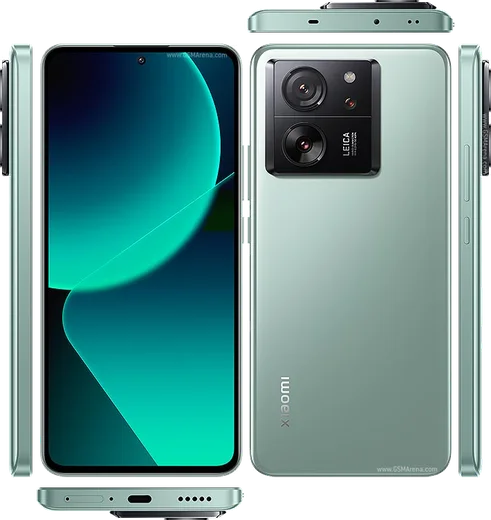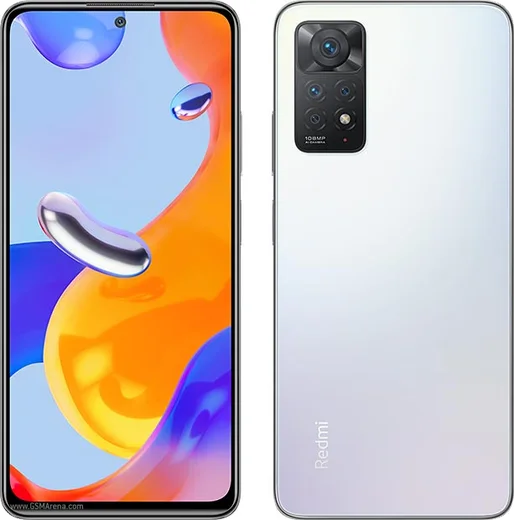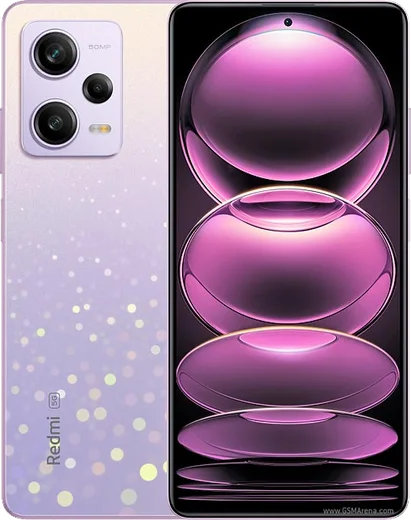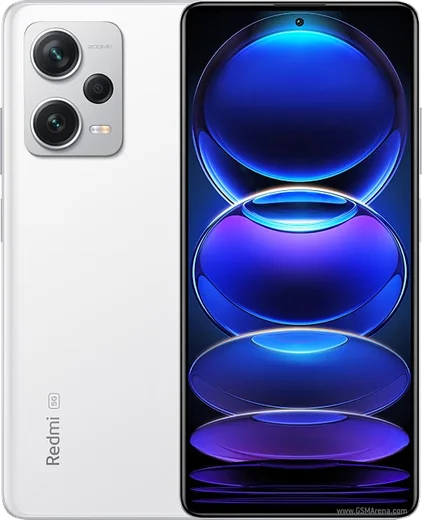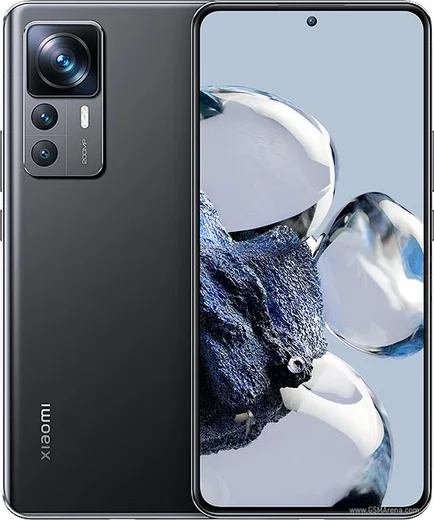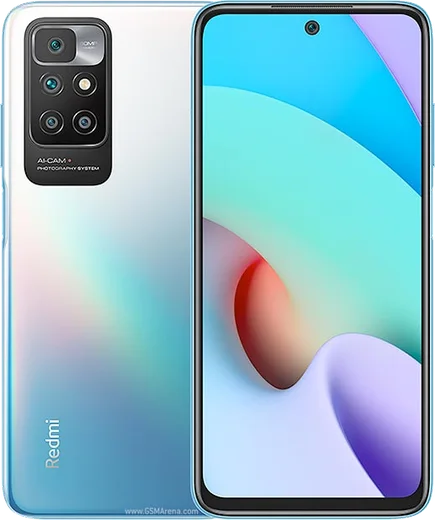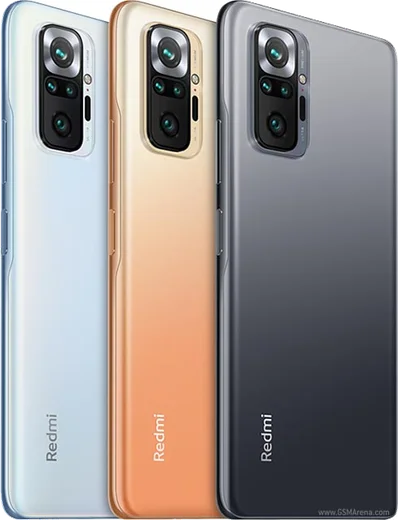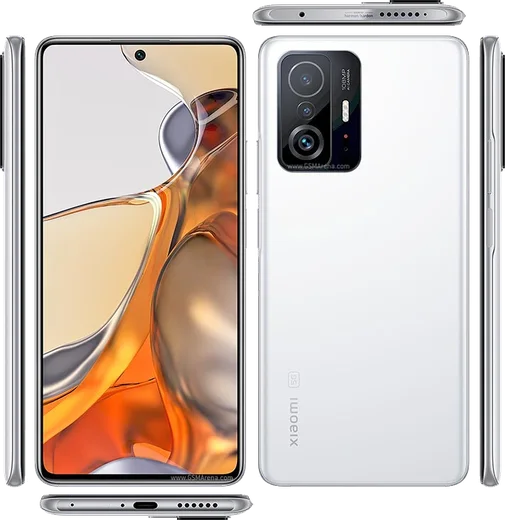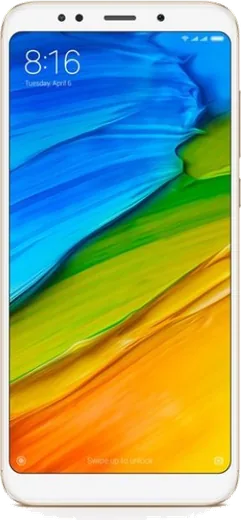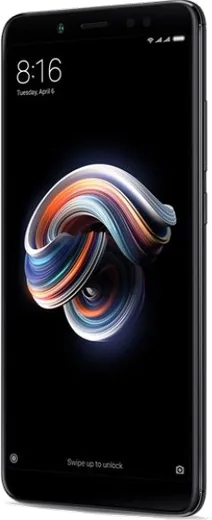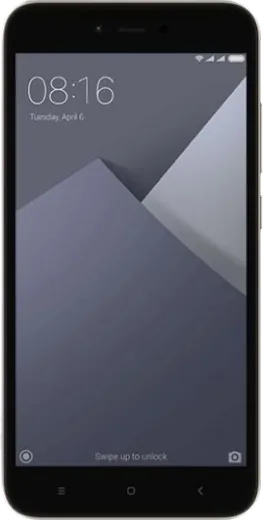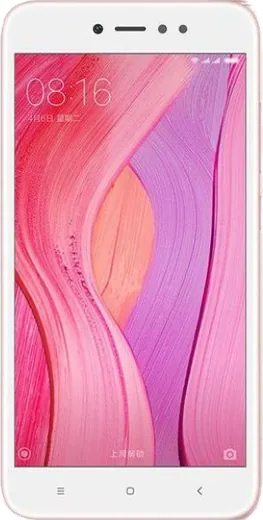
WhatsApp for Xiaomi
Set up WhatsApp on Xiaomi, Mi and Redmi phones running MIUI / HyperOS with our clear, illustrated installation steps.
Ask a question / report a problem
You can ask any question about WhatsApp on Xiaomi phones — leave it below and we'll help.
All Xiaomi phones
85 install guides

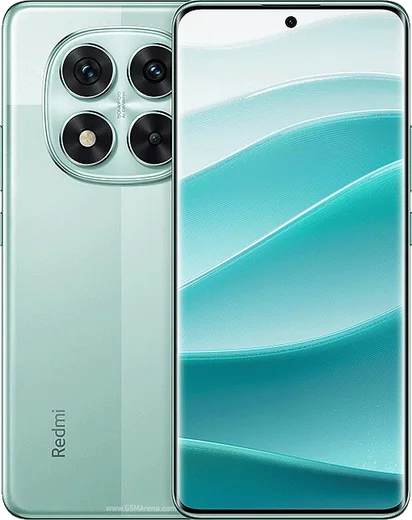
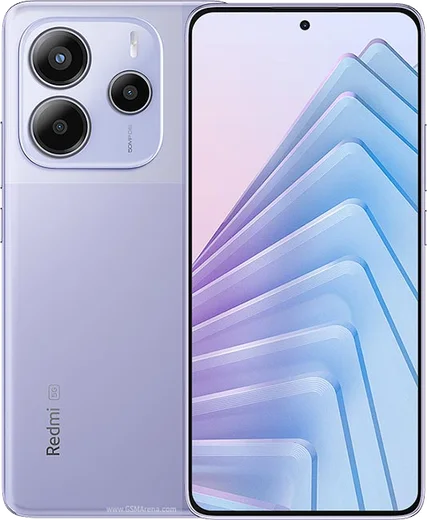
Redmi Note 14 Pro
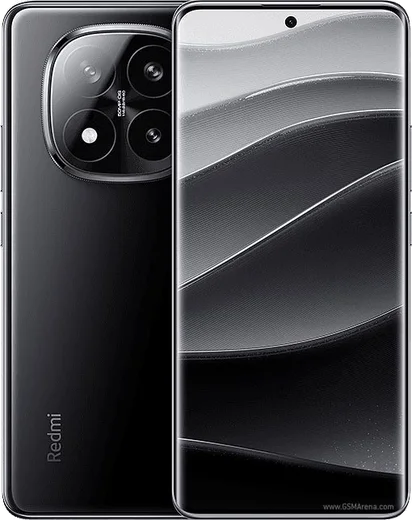
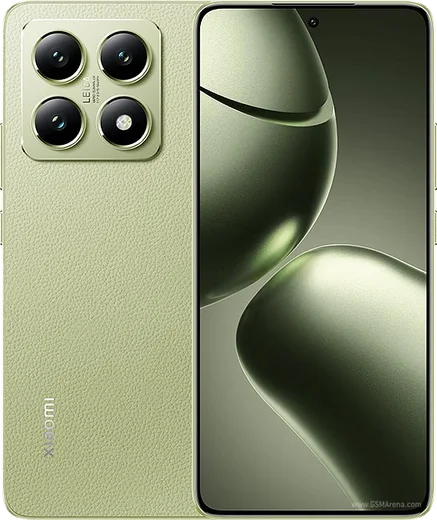
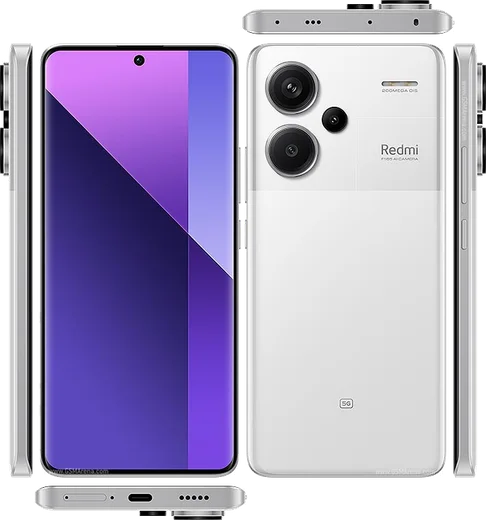
Redmi Note 14 Pro Plus
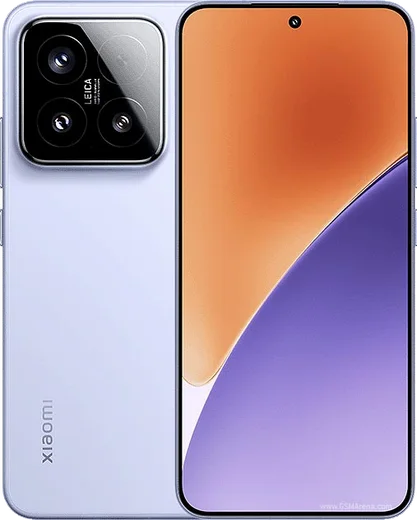
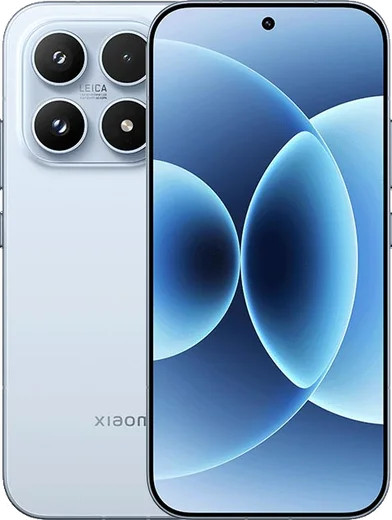
Xiaomi 15
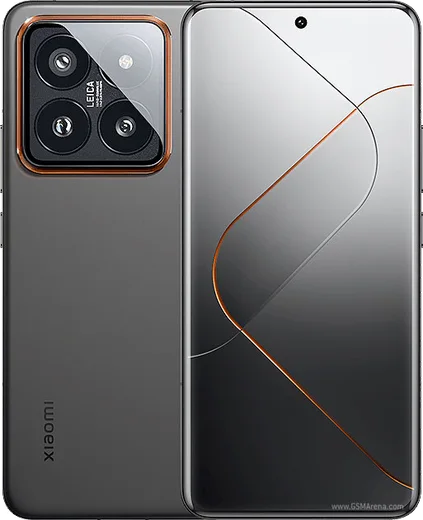
Xiaomi 15 Pro
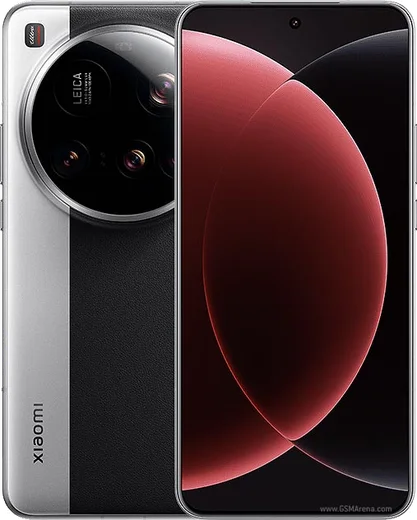
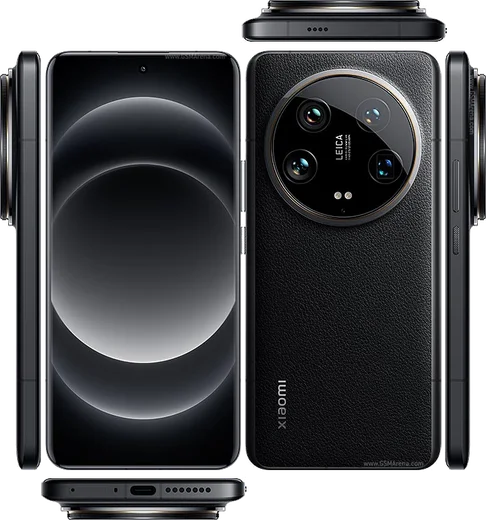
Xiaomi 15 Ultra
Xiaomi 17
Xiaomi 17 Pro
Xiaomi 17 Pro Max
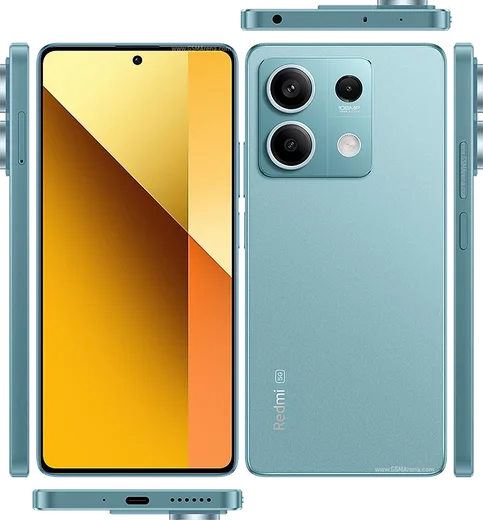
Redmi Note 13
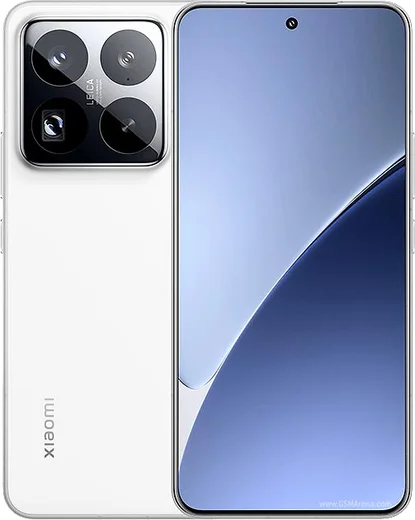
Xiaomi 14
Xiaomi 14 Pro
Xiaomi 14 Ultra
Xiaomi 14T
Xiaomi 14T Pro
Redmi 12
Redmi 13C
Redmi Note 12
Redmi Note 13 Pro
Redmi Note 13 Pro+
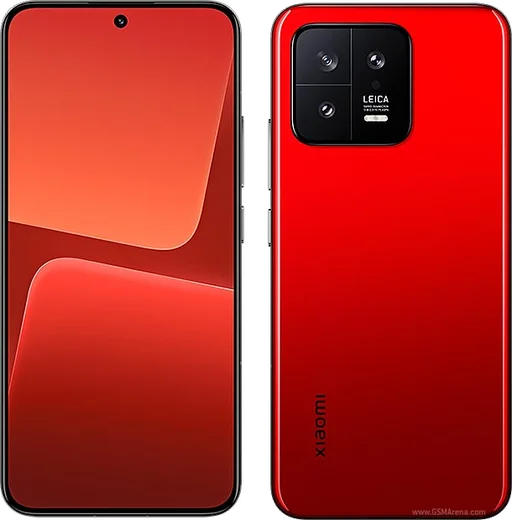
Xiaomi 13
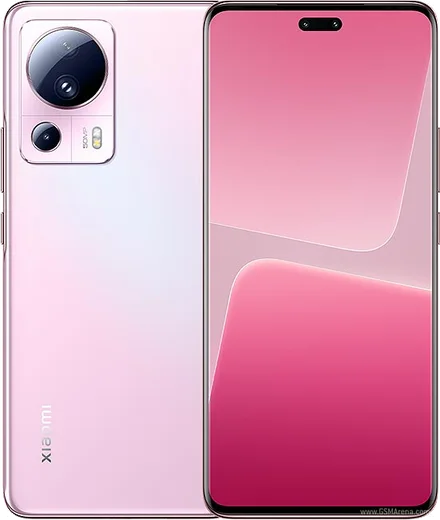
Xiaomi 13 Lite
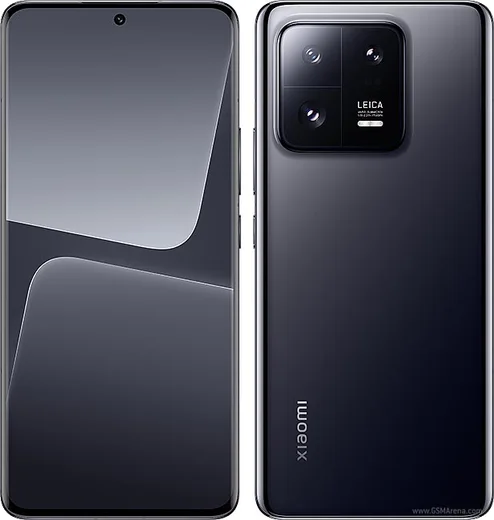
Xiaomi 13 Pro
Xiaomi 13 Ultra
Xiaomi 13T
Xiaomi 13T Pro
Redmi Note 11
Redmi Note 11 Pro
Redmi Note 12 Pro
Redmi Note 12 Pro+
Xiaomi 12
Xiaomi 12 Lite
Xiaomi 12 Pro
Xiaomi 12T
Xiaomi 12T Pro
Mi 11
Redmi 10
Redmi Note 10
Redmi Note 10 Pro
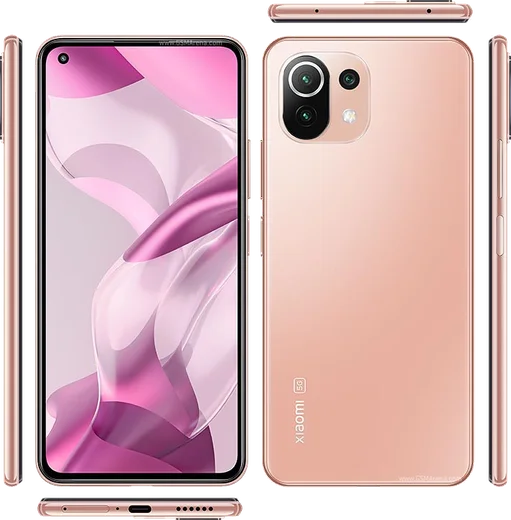
Xiaomi 11 Lite 5G
Xiaomi 11 Pro
Xiaomi 11 Ultra
Xiaomi 11T
Xiaomi 11T Pro
Mi 10
Mi 10 Pro
Mi 10T Pro
Redmi 9
Redmi Note 9
Redmi Note 9 Pro
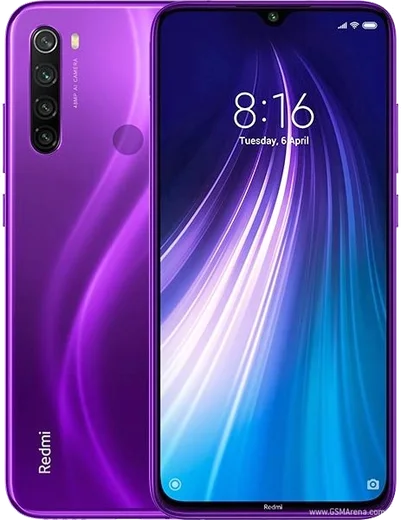
Redmi Note 8
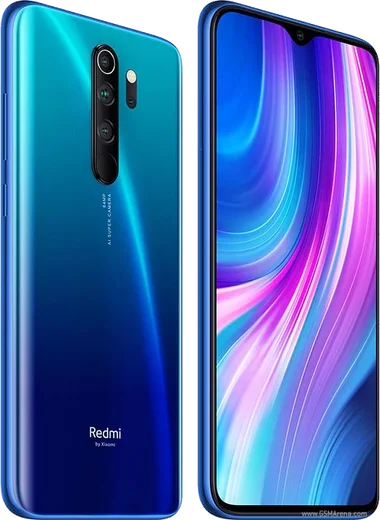
Redmi Note 8 Pro
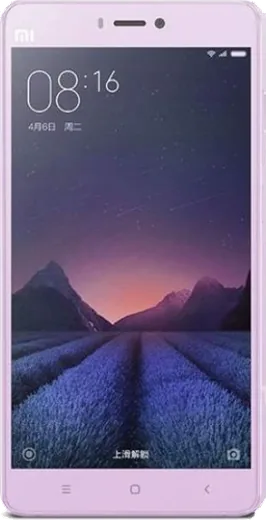
Xiaomi Mi 4s
Xiaomi Mi 5
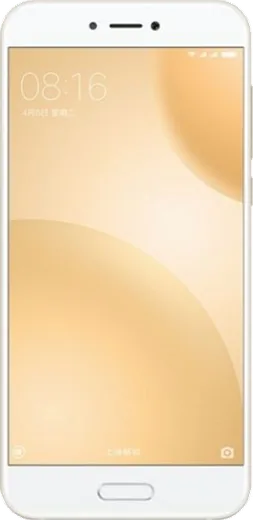
Xiaomi Mi 5c
Xiaomi Mi 5s Plus
Xiaomi Mi 6
Xiaomi Mi A1
Xiaomi Mi A1 (5X)
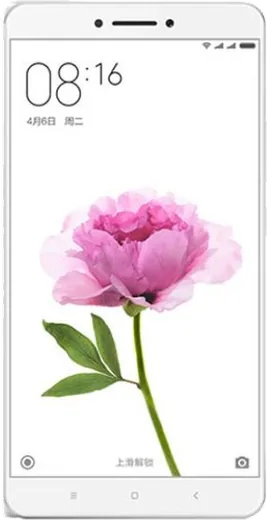
Xiaomi Mi Max
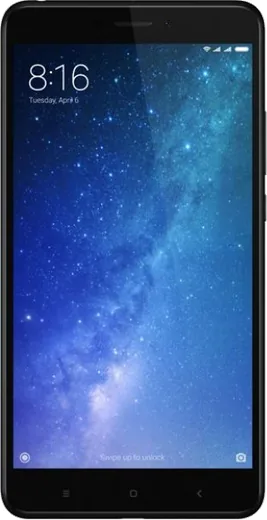
Xiaomi Mi Max 2
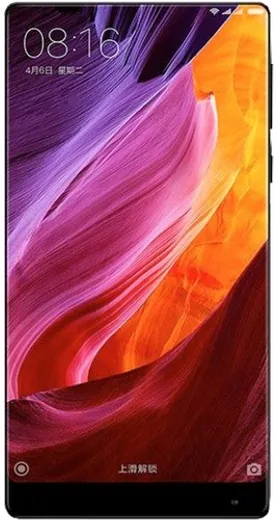
Xiaomi Mi Mix
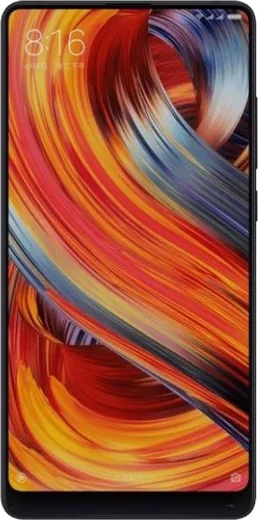
Xiaomi Mi Mix 2
Xiaomi Mi Mix 2s
Xiaomi Mi Note 3
Xiaomi Redmi 3
Xiaomi Redmi 3 Pro
Xiaomi Redmi 3s
Xiaomi Redmi 3s Prime
Xiaomi Redmi 3x
Xiaomi Redmi 4
Xiaomi Redmi 4 (4X)
Xiaomi Redmi 4 Prime
Xiaomi Redmi 4X
Xiaomi Redmi 4a
Xiaomi Redmi 5
Xiaomi Redmi 5 Plus
Xiaomi Redmi 5a
Xiaomi Redmi Note 4
Xiaomi Redmi Note 4X
Xiaomi Redmi Note 5 (Redmi 5 Plus)
Xiaomi Redmi Note 5 Pro
Xiaomi Redmi Note 5A (Redmi Y1 Lite)
Xiaomi Redmi Note 5A Prime (Redmi Y1)
Xiaomi Redmi Pro
Latest known WhatsApp problems on Xiaomi phones
WhatsApp keeps crashing or showing a bug on my Redmi Note 14 Pro

Redmi Note 14 Pro
Why does WhatsApp keep crashing on my Redmi Note 13 Pro 5G?
Redmi Note 13 Pro
Why don't I get WhatsApp call notifications on my Redmi Note 14 Pro Plus until I open the app?
Redmi Note 14 Pro Plus
WhatsApp contacts on my Xiaomi 17 Pro show wrong names or are replaced with random numbers
Xiaomi 17 Pro
Why are my WhatsApp notifications delayed or missing on the Redmi Note 12 Pro+?
Redmi Note 12 Pro+
WhatsApp notifications are delayed or don't arrive on my Xiaomi 15 Pro unless I open the app
Xiaomi 15 Pro
WhatsApp photos and videos not showing in gallery on my Xiaomi 13 Pro after a HyperOS update
Xiaomi 13 Pro
WhatsApp photos and videos are not showing up in the gallery on my Xiaomi 13T Pro
Xiaomi 13T Pro
Why are my WhatsApp contacts showing wrong names or numbers on my Xiaomi 17 Pro Max?
Xiaomi 17 Pro Max
WhatsApp call notifications don't show up but the phone still rings on my Redmi Note 14 Pro
Redmi Note 14 ProAsk a question / report a problem
You can ask any question about WhatsApp on Xiaomi phones — leave it below and we'll help.
How to install WhatsApp on Xiaomi
Installing WhatsApp on a Xiaomi phone takes just a minute. Follow the steps below to get the official app the safe way.
Choose how to download
On your Xiaomi phone you can get the official app two ways: from the Google Play Store — the easiest option, since it keeps WhatsApp updated automatically — or directly from the official website. You can download an APK file, by clicking a link “Download WhatsApp directly”.
Open WhatsApp
Launch WhatsApp from your home screen or app drawer and accept the Terms of Service to start setup.
Verify your phone number
Enter your phone number. If your Xiaomi phone uses dual SIM, pick the line you want WhatsApp tied to, then enter the 6-digit code it sends by SMS — it usually fills in automatically.
Restore chats and finish setup
Restore your chat history from Google Drive (use the same Google account), add your name and photo, and tap Allow for notifications so messages and calls arrive reliably.
Stay safe: only ever install WhatsApp from the official Android source. The Download button above already points there.
Watch: setting up WhatsApp
Prefer to watch? This short walkthrough shows the whole installation and number-verification flow.
Comments (14)
Funcionó perfecto, gracias
Wow didnt work at first but second time was fine 🔥
So whatsapp is working on my Xiaomi phones now 🎉
Worked perfect on my xiaomi phones 🔥
Great to hear it worked out!
so downloaded and installed on my phones
اشتغل تمام شكراً
Omg two thumbs up
Im so confused someone help meeee
Hey, no need to stress! Tap the green Download button at the top, follow the steps, and you will have WhatsApp in a minute.
semplicissimo, tutto pronto
So couldnt be easier
quick q it says my number cant be verified
Happy to help, make sure the number and country code are correct, then ask for a new code. A quick restart of the phone often helps too. Reach out anytime.
wow running whatsapp on my phones like new
So couldnt be easier
wow couldnt install whatsapp on my phones until i found this