Free install guides · updated June 2026

Download WhatsApp for your phone

Pick your smartphone and follow our simple, step-by-step guide to install the official WhatsApp on any brand, any model.

WhatsApp Messenger 4.7 · 64.2M reviews Free · Android & iOS · ~40 MB · by WhatsApp LLC
Download WhatsApp

Ask a question / report a problem

You can ask any question about WhatsApp on any phone — leave it below and we'll help.

Ask a question
870+phones covered
18brands
277.9kusers
8.1kcomments

Browse all phones

Popular models across all brands. Pick a brand below to see every phone, or search below.
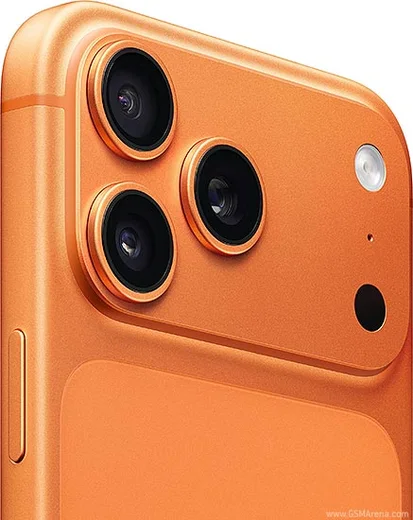
iPhone 17 Pro Max

iPhone 17 Pro Max

87.7k18
Download
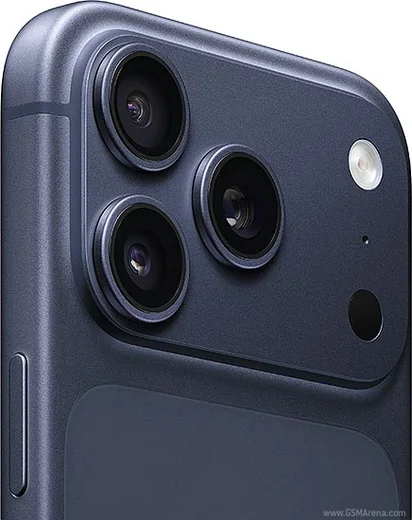
iPhone 17 Pro

iPhone 17 Pro

89.4k19
Download
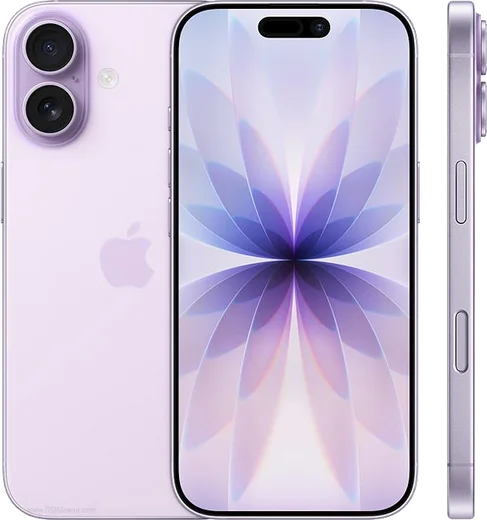
iPhone 17

iPhone 17

70.1k15
Download
iPhone 17 Air

iPhone 17 Air

85.5k17
Download
Samsung Galaxy S25 Ultra

Samsung Galaxy S25 Ultra

75.3k15
Download
Oppo Find X8 Ultra

Oppo Find X8 Ultra

65.2k15
Download
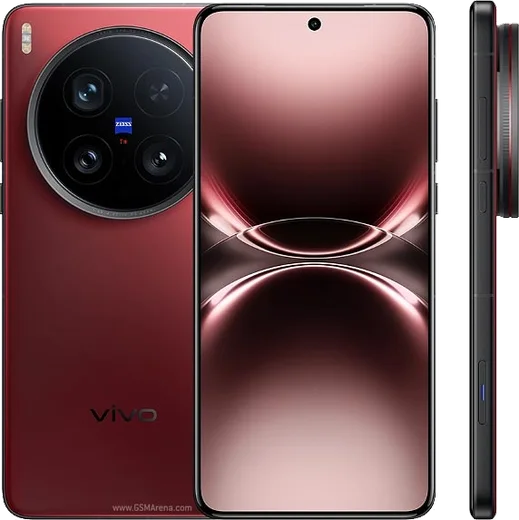
Vivo X200 Ultra

Vivo X200 Ultra

67.4k15
Download
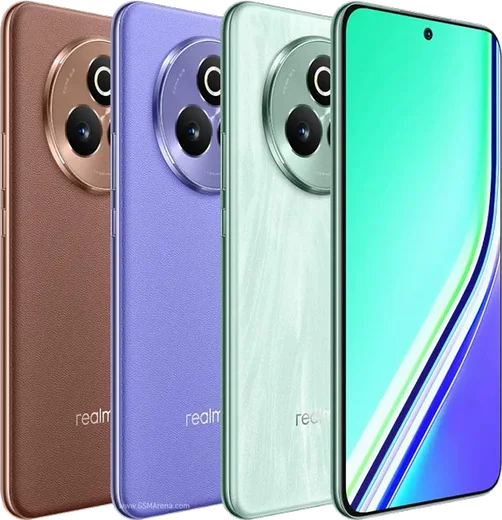
Realme P3 Pro

Realme P3 Pro

62k15
Download
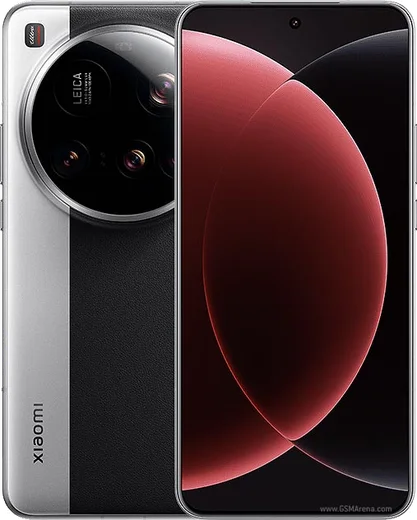
Xiaomi 15 Ultra

Xiaomi 15 Ultra

57.6k14
Download
Huawei Nova 12 Ultra

Huawei Nova 12 Ultra

52k14
Download
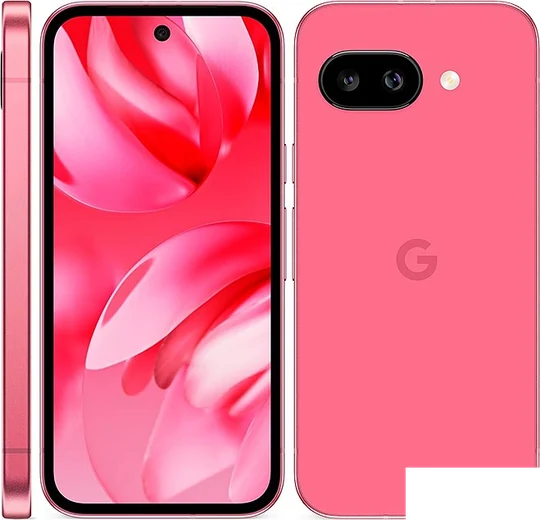
Pixel 9a

Pixel 9a

54k13
Download
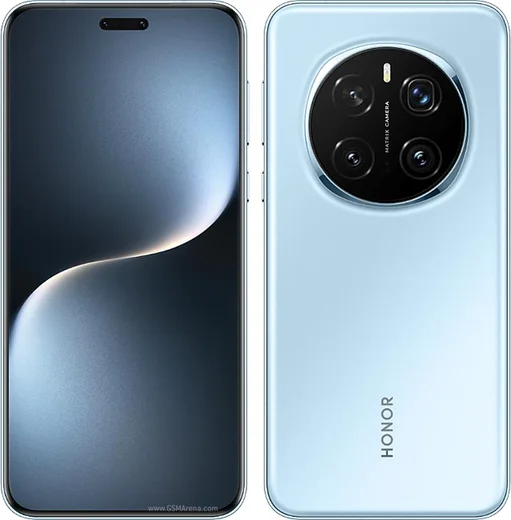
Honor Magic 7 Pro

Honor Magic 7 Pro

55.7k13
Download
Motorola Razr Ultra 2025

Motorola Razr Ultra 2025

43.4k13
Download
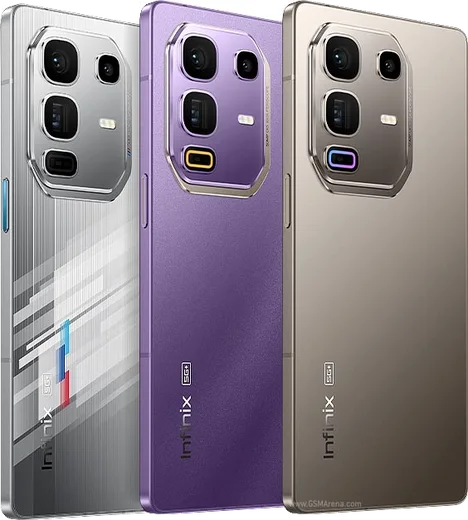
Infinix Note 50 Pro

Infinix Note 50 Pro

42.7k13
Download
OnePlus 13

OnePlus 13

44.5k11
Download
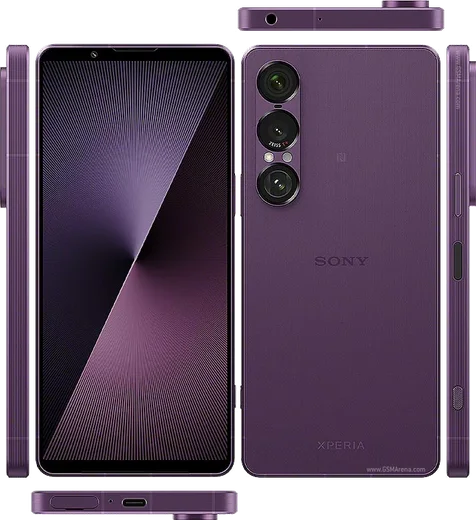
Xperia 1 VII

Xperia 1 VII

36.9k11
Download
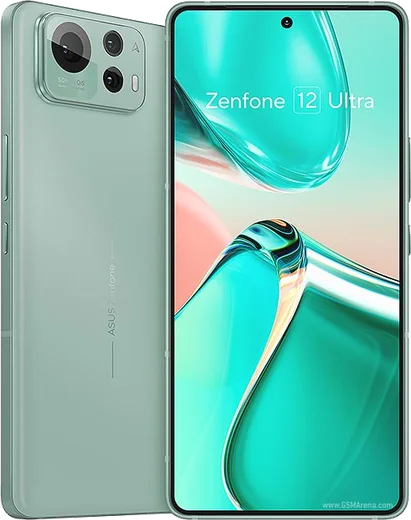
Asus Zenfone 12 Ultra

Asus Zenfone 12 Ultra

46.2k11
Download

Poco F7 Ultra

37.4k11
Download
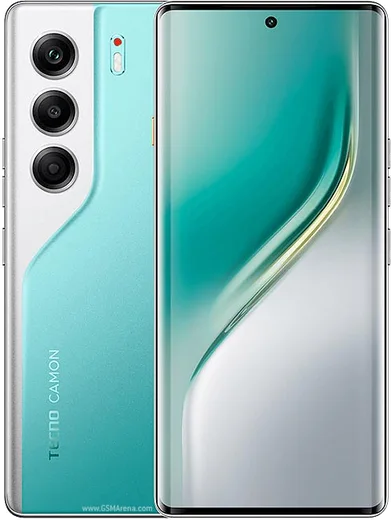
Tecno Camon 40 Pro 5G

Tecno Camon 40 Pro 5G

34.9k11
Download

Nokia G310 5G

26k8
Download
LG K20 plus

LG K20 plus

11.6k5
Download
iPhone 16 Pro Max

iPhone 16 Pro Max

60.4k15
Download
Samsung Galaxy S25 Plus

Samsung Galaxy S25 Plus

59.3k15
Download

Can't find your phone? Search for it

Type your model name to jump straight to its WhatsApp install guide.
Latest known WhatsApp problems on Android phones

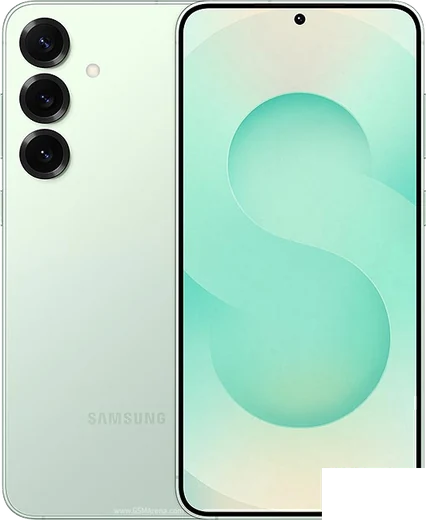
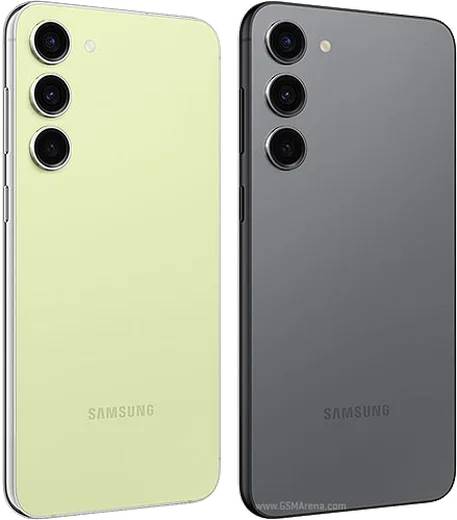
Samsung Galaxy S23 Plus

Why are my WhatsApp notifications delayed or not showing on my Galaxy S23 Plus?

Samsung Galaxy S23 Plus
One UI's aggressive battery optimization is the usual culprit, so go to Settings > Apps > WhatsApp > Battery and set it to Unrestricted. Then open Settings > Battery > Background usage limits and make sure WhatsApp is removed from both the Sleeping and Deep sleeping app lists, and confirm notifications are fully enabled in WhatsApp's own Settings > Notifications. See how others solved this on Reddit
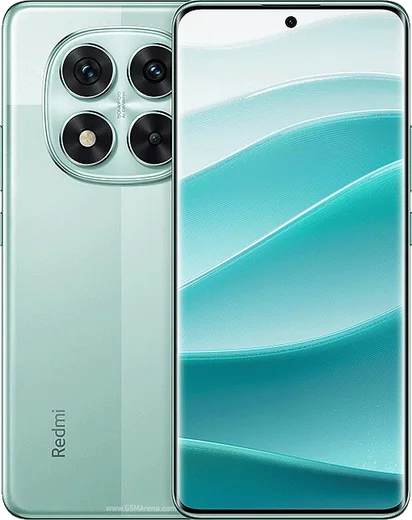
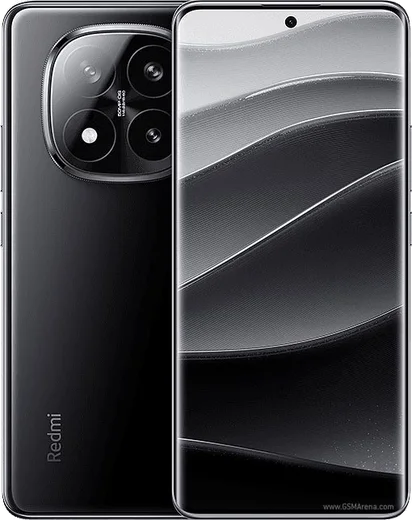
Redmi Note 14 Pro

WhatsApp keeps crashing or showing a bug on my Redmi Note 14 Pro

Redmi Note 14 Pro
First update WhatsApp through the Play Store, since older builds can crash on HyperOS. If it still fails, back up your chats first via WhatsApp > Settings > Chats > Chat backup, then go to Settings > Apps > Manage apps > WhatsApp > Clear data and reinstall the latest version. A corrupted cache after a HyperOS update is the usual cause. See how others solved this on Reddit
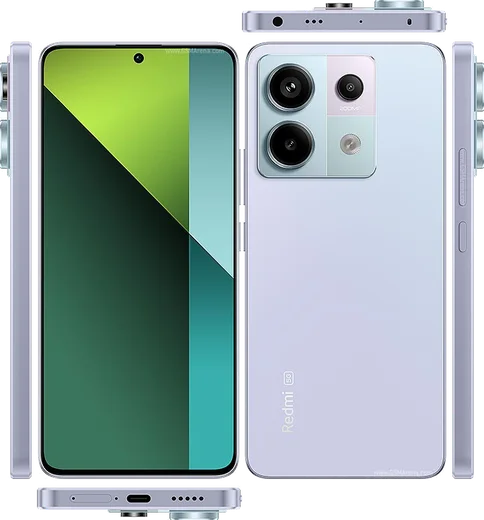
Redmi Note 13 Pro

Why does WhatsApp keep crashing on my Redmi Note 13 Pro 5G?

Redmi Note 13 Pro
Crashes are usually caused by an outdated app build or a corrupted cache. First update WhatsApp from the Play Store, then go to Settings > Apps > Manage apps > WhatsApp > Clear data and tap only 'Clear cache' (avoid 'Clear data', which logs you out and can remove local chats). If it still crashes, back up your chats via WhatsApp Settings > Chats > Chat backup, then uninstall and reinstall WhatsApp from the Play Store. See how others solved this on Reddit
Redmi Note 14 Pro Plus

Why don't I get WhatsApp call notifications on my Redmi Note 14 Pro Plus until I open the app?

Redmi Note 14 Pro Plus
HyperOS aggressively kills background apps to save battery, which blocks WhatsApp's call signaling so calls only appear once you open the app. Go to Settings > Apps > Manage apps > WhatsApp and set Battery saver to "No restrictions," then enable Autostart on the same screen. Next open Settings > Apps > Manage apps > WhatsApp > Other permissions and turn on "Display pop-up windows while running in the background." After this, incoming calls ring even when the app is closed. See how others solved this on Reddit
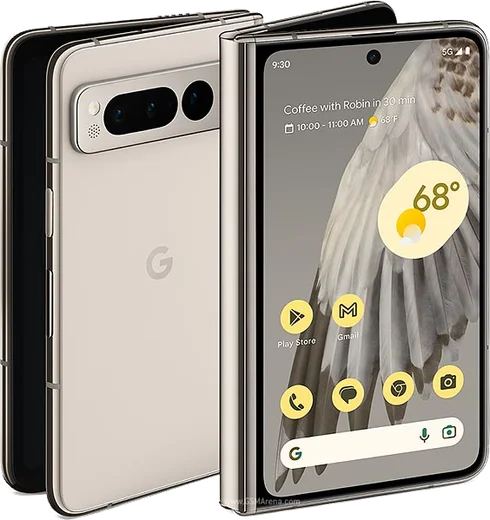
Pixel Fold

How do I transfer my WhatsApp chats from iPhone to my Pixel Fold?

Pixel Fold
Google and WhatsApp support an official iOS-to-Android move, but it has to be done during the Pixel Fold's initial setup using a USB-C cable. In the setup wizard choose to copy data from an iPhone and connect the cable, then when you open WhatsApp on the Fold and sign in with the same phone number, follow the prompt to scan the QR code: WhatsApp shows the code on the Fold and you scan it with the iPhone to start the import. If you've already finished setup, you can't add the chats later without factory resetting and running the cable transfer again, since the chat-history import only happens through that initial Switch flow. See how others solved this on Reddit

Ask a question / report a problem

You can ask any question about WhatsApp on any phone — leave it below and we'll help.
Ask a question

Latest known WhatsApp problems on iPhone

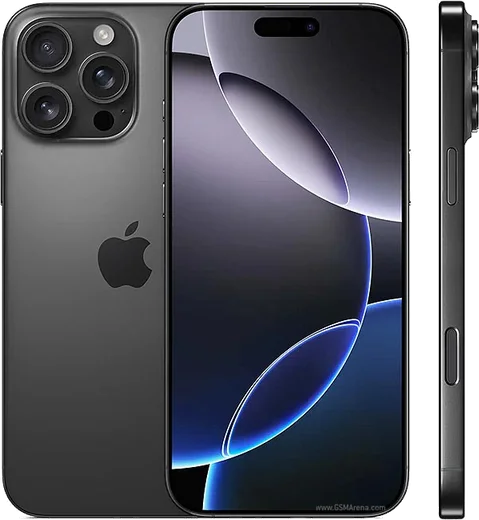
iPhone 17 Pro

Why does WhatsApp lag and feel sluggish on my iPhone 17 Pro with iOS 26?

iPhone 17 Pro
Several users report choppy scrolling and slow chat-opening on the 17 Pro running iOS 26, which points to a WhatsApp build not yet optimized for the new OS. First update WhatsApp: open the App Store, tap your account photo in the top-right, scroll to the list of pending updates and update WhatsApp (or use the search tab to find it and tap Update). Then swipe WhatsApp closed from the App Switcher and reopen it. If it still lags, delete the app and reinstall it from the App Store, then restore your chats from your iCloud backup when prompted during setup. See how others solved this on Reddit
iPhone 16 Plus

WhatsApp stopped working after I updated my iPhone 16 Plus to a new iOS version, how do I fix it?

iPhone 16 Plus
After an iOS update, force-close WhatsApp by swiping it away in the App Switcher, then reopen it, and check the App Store for a pending WhatsApp update since post-iOS releases often need the matching app build. If it still misbehaves, restart the iPhone 16 Plus (hold the Side button + either Volume button, then slide to power off) and confirm WhatsApp has Background App Refresh and Notifications enabled under Settings > Apps > WhatsApp. See how others solved this on Reddit
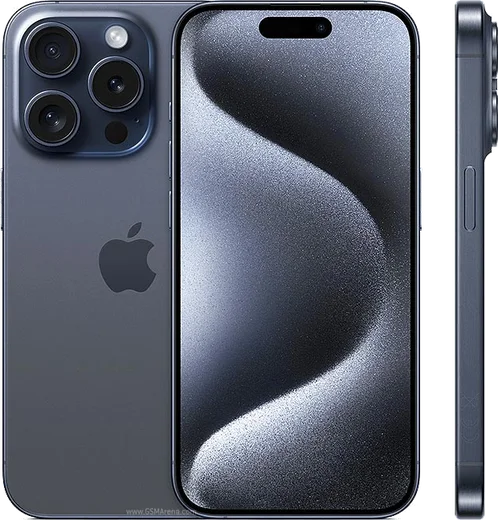
iPhone 15 Pro

WhatsApp is laggy and slow to scroll on my iPhone 15 Pro - how do I fix it?

iPhone 15 Pro
Lag is usually a bloated local database, so open WhatsApp Settings > Storage and Data > Manage Storage and clear large forwarded videos and media-heavy chats. Then force-close the app (swipe up from the bottom and flick WhatsApp away), make sure both iOS and WhatsApp are fully updated in the App Store, and reboot the phone. If a single chat scrolls slowly, clearing that chat's media or archiving it typically restores smooth performance. See how others solved this on Reddit
iPhone 17 Pro Max

Why is WhatsApp so laggy and slow on my iPhone 17 Pro Max?

iPhone 17 Pro Max
This is usually a WhatsApp build that isn't yet optimized for iOS 26 and the A19 Pro chip, so make sure you're on the latest version from the App Store and that iOS itself is current under Settings > General > Software Update. If it still stutters or freezes, force-close WhatsApp from the App Switcher and clear oversized media via WhatsApp > Settings > Storage and Data > Manage Storage, since bloated caches are the most common cause of the lag on this model. A restart of the phone after updating also clears the problem for most people. See how others solved this on Reddit
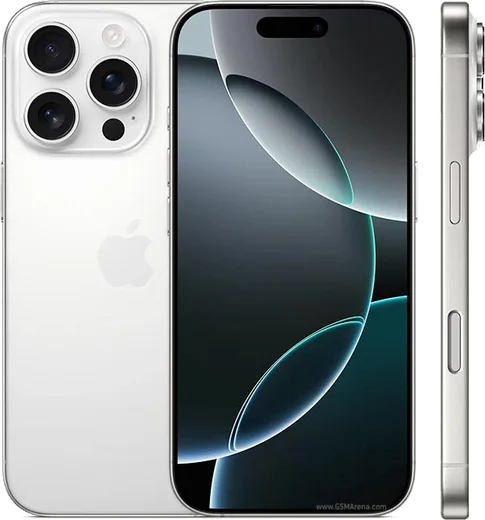
iPhone 16 Pro

Why is WhatsApp so buggy and laggy on my iPhone 16 Pro?

iPhone 16 Pro
Most stutter and freezing on the 16 Pro traces back to an outdated app build or a stale cache after an iOS update. Update WhatsApp in the App Store, then force-quit it (swipe up from the bottom and flick the card away) and restart the phone; if it persists, offload it via Settings > General > iPhone Storage > WhatsApp > Offload App and reinstall, which clears the app's cache without deleting your chats. See how others solved this on Reddit

Comments (11)

No registration needed. No email required.
L
luca_xXMar 27, 2026

Ngl verified my number on the any phone with no trouble 🔥

M
maxx_xXDec 23, 2025

omg whyyy is this so hard pls help me get whatsapp 😩

AppWhatsOfficialDec 24, 2025

Don't worry, you can do this! Use the Download button, install the app, and enter your number to verify. Reply here if you get stuck.

M
ms_robDec 10, 2025

tbh clear steps for the any phone, cheers lol

H
helpmeJun 28, 2025

well two thumbs up 😍

N
newbieMay 12, 2025

hi the app opens to a black screen

AppWhatsOfficialMay 13, 2025

Happy to help, try restarting your phone first. If it still wont open, clear the cache or reinstall the latest version from the official source.

O
oldschoolMar 9, 2025

pasos clarísimos para el anyphone

O
oldschoolFeb 20, 2025

i tried 3 other guides before this one :)

M
mike.mJan 19, 2025

Ok so two thumbs up lol

M
mike_proNov 7, 2024

this is the only one that worked for me

N
newbieOct 23, 2024

finally whatsapp running great on my any phone

L
lina7Jul 27, 2024

wow installé sur le anyphone de ma mère sans probleme