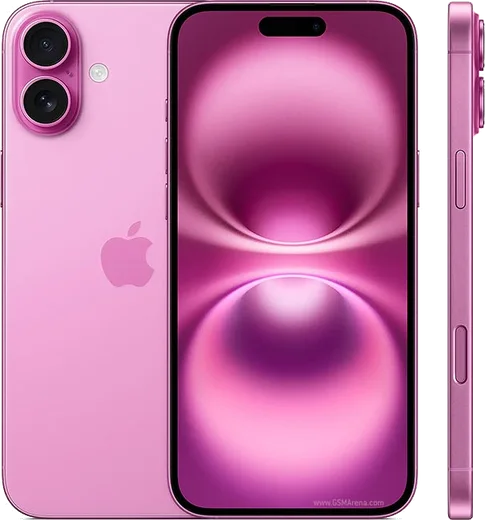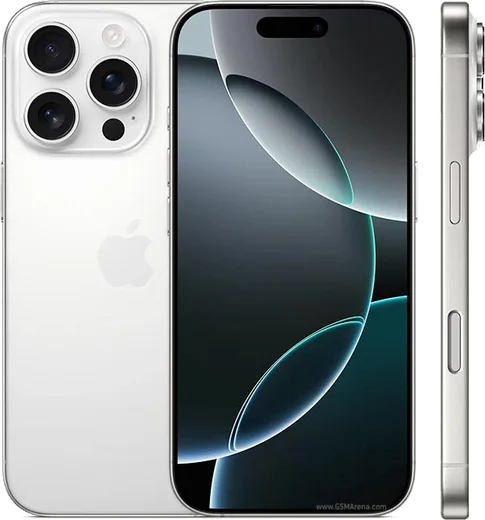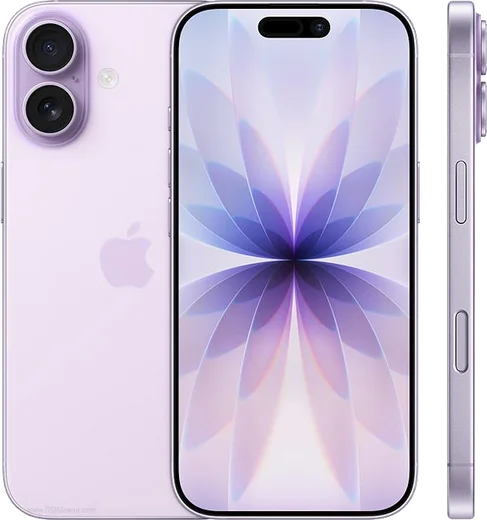
WhatsApp on iPhone 17 Pro
Apple iOS

WhatsApp for iPhone 17 Pro

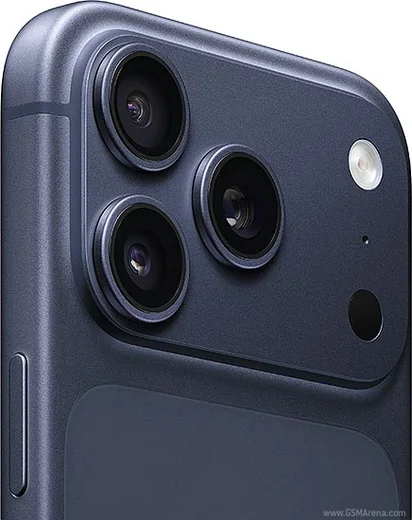
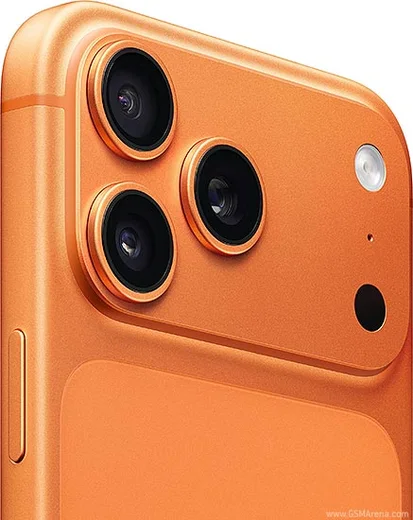
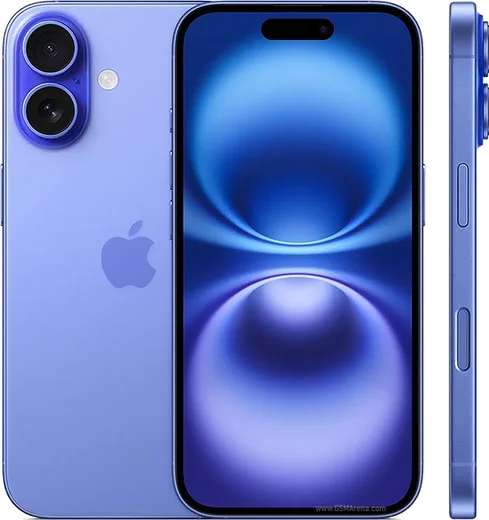
Apple A19 Pro, 6.3-inch ProMotion OLED

WhatsApp Messenger 4.7 · 64.2M reviews Free · iOS · ~40 MB · by WhatsApp LLC
Download WhatsApp

Ask a question / report a problem

You can ask any question about WhatsApp support on the iPhone 17 Pro — leave it below and we'll help.

Ask a question

Can the iPhone 17 Pro run WhatsApp?

Fully supported
  • Operating systemiOS
  • ProcessorApple A19 Pro
  • WhatsApp versionLatest supported

Latest known WhatsApp problems on iPhone 17 Pro

1

Why does WhatsApp lag and feel sluggish on my iPhone 17 Pro with iOS 26?

Several users report choppy scrolling and slow chat-opening on the 17 Pro running iOS 26, which points to a WhatsApp build not yet optimized for the new OS. First update WhatsApp: open the App Store, tap your account photo in the top-right, scroll to the list of pending updates and update WhatsApp (or use the search tab to find it and tap Update). Then swipe WhatsApp closed from the App Switcher and reopen it. If it still lags, delete the app and reinstall it from the App Store, then restore your chats from your iCloud backup when prompted during setup. See how others solved this on Reddit
2

WhatsApp won't start or open on my iPhone 17 Pro, what do I do?

A failed launch is usually caused by a half-finished update or an incompatible cached build after migrating to a new device. First update WhatsApp from the App Store (App Store > your account photo > update WhatsApp), then restart your iPhone (hold the Side button + Volume Up, slide to power off, then power back on). If it still won't open, delete WhatsApp, reinstall it from the App Store, and restore your chats from the iCloud backup when prompted during setup. See how others solved this on Reddit
3

How do I transfer my WhatsApp chats to my new iPhone 17 Pro?

WhatsApp uses iCloud for iPhone-to-iPhone transfers, so on your old phone open WhatsApp > Settings > Chats > Chat Backup and tap Back Up Now (make sure both phones use the same iCloud account and phone number). On the iPhone 17 Pro, install WhatsApp, verify the same phone number, and when prompted tap Restore to pull in your chat history from the iCloud backup. For an Android-to-iPhone move, use the official Move to iOS app, since iCloud backups can't read Android WhatsApp data. See how others solved this on Reddit
4

Can I use two WhatsApp accounts at once on my iPhone 17 Pro?

No. WhatsApp's built-in multiple/dual-account feature is currently Android-only, so there is no Add Account option inside the iPhone app no matter how up to date it is. On the iPhone 17 Pro you can only run a second number by using WhatsApp Business as a separate app alongside regular WhatsApp, which lets you keep two numbers signed in on one device. There is no official setting to add a second standard account to a single WhatsApp install on iOS. See how others solved this on Reddit
5

Why do WhatsApp video and voice calls lag or freeze on my iPhone 17 Pro Max?

Call stutter on the 17 Pro line is commonly reported on iOS 26 and is often worse on weak Wi-Fi or a marginal cellular signal. Update WhatsApp from the App Store, then test the call on a different network. Also confirm Local Network, Microphone, and Camera are enabled under Settings > WhatsApp. As a workaround, open WhatsApp > Settings > Storage and Data and turn on 'Use less data for calls' to reduce strain, then restart the call. See how others solved this on Reddit
6

Why does a WhatsApp video message freeze my iPhone 17 Pro?

Some users see a hard freeze when recording or playing the short round video messages, pointing to a WhatsApp bug on iOS 26 rather than a hardware fault. Update to the newest WhatsApp build first, since Meta has been patching call and media issues in recent releases. If a freeze still happens, force-quit WhatsApp from the App Switcher to recover, and avoid recording video notes until you've installed the latest update. See how others solved this on Reddit

Ask a question / report a problem

You can ask any question about WhatsApp support on the iPhone 17 Pro — leave it below and we'll help.

Ask a question

Watch: setting up WhatsApp

Prefer to watch? This short walkthrough shows the whole installation and number-verification flow.

How to install WhatsApp on iPhone 17 Pro — video walkthrough

How to install WhatsApp on iPhone 17 Pro

1

Open the App Store

Unlock your iPhone 17 Pro and tap the blue App Store icon on the Home Screen. WhatsApp is not preinstalled on any iPhone, so you install it from here.

2

Search for WhatsApp Messenger

Tap the Search tab at the bottom right, type WhatsApp Messenger, and confirm the publisher shows as WhatsApp Inc. so you don't download a copycat app.

3

Download and install

Tap Get, then authenticate with Face ID or Touch ID (or your Apple Account password). The app downloads to your Home Screen in a few seconds.

4

Verify your phone number

Open WhatsApp, accept the terms, and enter your phone number. If your iPhone 17 Pro uses dual SIM, pick the line you want WhatsApp tied to, then enter the 6-digit code it sends by SMS — it usually fills in automatically.

5

Restore chats and finish setup

Sign in to iCloud with the same Apple Account to restore an existing chat backup, add your name and photo, and tap Allow for notifications so messages and calls arrive reliably.

Stay safe: only ever install WhatsApp from the official iOS source. The Download button above already points there — modified copies (GB/Plus/Aero WhatsApp) can get your number banned.

Comments (19)

No registration needed. No email required.
N
nick81May 20, 2026

Ngl super easy to follow

N
not_lucyMay 18, 2026

Ok so my iphone 17 pro has whatsapp now thanks to this

A
apploverMar 23, 2026

Update set up whatsapp on my dads 17 pro no problem thx

T
theuserMar 8, 2026

Quick q why cant i see my contacts in the app anyone

AppWhatsOfficialMar 9, 2026

Happy to help, contacts come from your phone address book. Save them with the country code and refresh the app to see them. Hope that helps!

N
nina.rJan 28, 2026

finally smooth and simple, no issues 🔥

M
ms_tomDec 15, 2025

running whatsapp on my iphone 17 Pro like new

J
joe.cDec 13, 2025

installed in 2 min

A
alex97Sep 8, 2025

couldnt be easier thx

H
helpmeAug 24, 2025

whyyy is this so hard pls help me get whatsapp

AppWhatsOfficialAug 25, 2025

Breathe! Follow the steps above one by one, tap Download first, and you will be chatting in no time. You will be set up on your phone in no time.

M
mia_officialJul 18, 2025

por fin el mejor sitio, funcionó a la primera

M
mobilegeekMar 30, 2025

Couldnt install whatsapp on my 17pro until i found this lol

J
jay15Mar 7, 2025

installed whatsapp on my 17 pro with no issues

Y
yasin21Feb 23, 2025

تم التثبيت بدون مشاكل 👍

A
andy16Jan 26, 2025

wow muy fácil, lo hice en 2 minutos

R
rosa8Dec 18, 2024

finalmente whatsapp installato 🙏

N
nina_rayDec 12, 2024

it worked first try

R
ray.hDec 7, 2024

Hi verification keeps failing for me

AppWhatsOfficialDec 10, 2024

Happy to help, if the SMS will not arrive, you can choose the call option to hear the code, just make sure your number is entered correctly.

P
phonefanAug 15, 2024

Did it without any help, very simple

T
the_real_theoJul 29, 2024

update didnt work at first but second time was fine