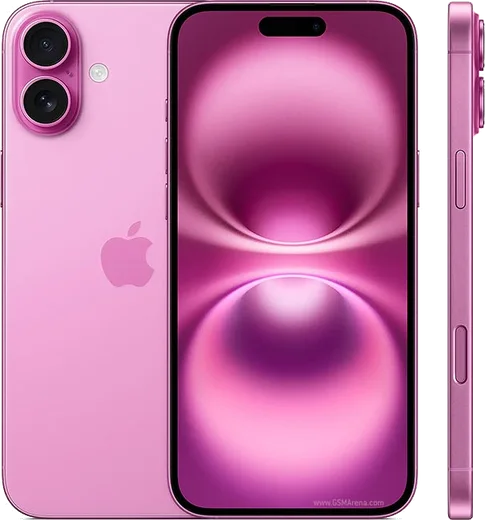
WhatsApp on iPhone 17
Apple iOS

WhatsApp for iPhone 17

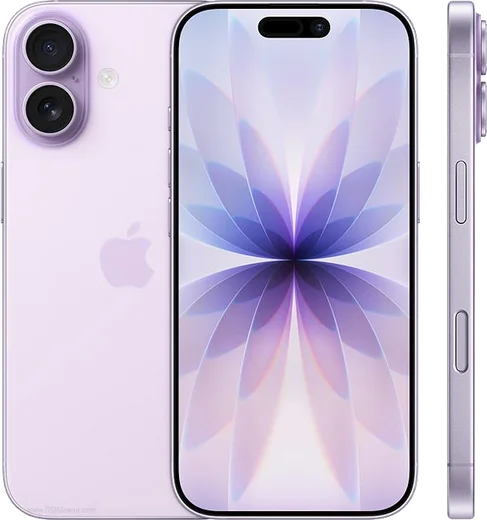
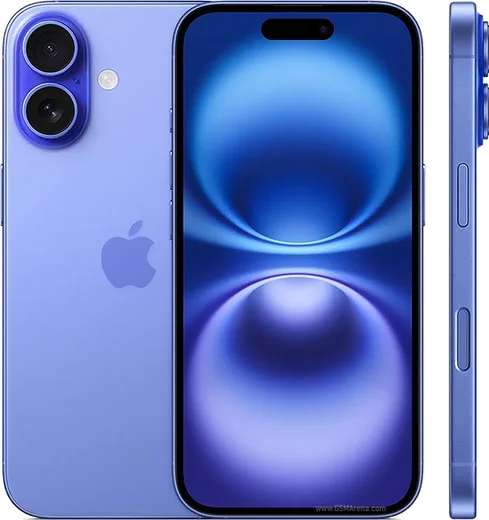
Apple A19, 6.3-inch 120Hz OLED

WhatsApp Messenger 4.7 · 64.2M reviews Free · iOS · ~40 MB · by WhatsApp LLC
Download WhatsApp

Ask a question / report a problem

You can ask any question about WhatsApp support on the iPhone 17 — leave it below and we'll help.

Ask a question

Can the iPhone 17 run WhatsApp?

Fully supported
  • Operating systemiOS
  • ProcessorApple A19
  • WhatsApp versionLatest supported

Latest known WhatsApp problems on iPhone 17

1

Why do my WhatsApp calls keep disconnecting automatically on my iPhone 17?

This is usually caused by iOS 26's background and battery management cutting WhatsApp's network access. Go to Settings > WhatsApp and make sure Background App Refresh, Local Network, and Cellular Data are all turned on, then turn off Low Power Mode in Settings > Battery, since it throttles background activity during calls. If it still drops, update WhatsApp from the App Store, as several disconnect bugs were patched in builds released after the iPhone 17 launch. See how others solved this on Reddit
2

How do I turn off the Center Stage / face-tracking zoom in WhatsApp video calls on iPhone 17?

On iPhone 17 this is a system-level camera feature, not a WhatsApp setting. During the video call, open Control Center (swipe down from the top-right corner), tap Video Effects, and toggle Center Stage off. The change applies to the current camera session, and you may need to set it again on a later call since WhatsApp has no in-app switch for it. See how others solved this on Reddit
3

WhatsApp video messages freeze my iPhone 17 Pro - how do I fix it?

This freeze is a playback/decoding conflict between WhatsApp's video-note feature and iOS 26 on the A19 chip. Force-quit WhatsApp (swipe up from the bottom and flick the app away), reopen it, and update to the latest version from the App Store, which addresses the hang. As a temporary workaround, avoid playing video notes inline until you have updated both WhatsApp and iOS under Settings > General > Software Update. See how others solved this on Reddit
4

Why is WhatsApp so laggy and slow on my iPhone 17 Pro Max?

Extreme lag is usually a stale build or a bloated local cache. First update WhatsApp in the App Store, then offload it via Settings > General > iPhone Storage > WhatsApp > Offload App and reinstall it (offloading clears app data without deleting your chats, which restore from backup). Also free up storage and restart the phone, since a near-full device slows WhatsApp's media handling. See how others solved this on Reddit
5

WhatsApp won't open or crashes on launch on my iPhone 17 Pro - what can I do?

A WhatsApp that won't start on iPhone 17 is almost always an older build clashing with iOS 26. First update iOS under Settings > General > Software Update, then update WhatsApp in the App Store. If it still won't launch, delete and reinstall it, then restore your chat history from your iCloud backup when prompted during setup. See how others solved this on Reddit
6

My WhatsApp video calls are black or broken on iPhone 17 with iOS 26 - is there a fix?

This is typically a camera-access glitch where WhatsApp loses the feed mid-call and shows a black screen. Go to Settings > WhatsApp, toggle Camera off and back on, then force-quit and reopen the app. If it persists, reinstall WhatsApp from the App Store and grant camera and microphone access freshly when prompted on the next call. Make sure both iOS and WhatsApp are fully updated, since this was addressed in newer builds. See how others solved this on Reddit

Ask a question / report a problem

You can ask any question about WhatsApp support on the iPhone 17 — leave it below and we'll help.

Ask a question

Watch: setting up WhatsApp

Prefer to watch? This short walkthrough shows the whole installation and number-verification flow.

How to install WhatsApp on iPhone 17 — video walkthrough

How to install WhatsApp on iPhone 17

1

Open the App Store

Unlock your iPhone 17 and tap the blue App Store icon on the Home Screen. WhatsApp is not preinstalled on any iPhone, so you install it from here.

2

Search for WhatsApp Messenger

Tap the Search tab at the bottom right, type WhatsApp Messenger, and confirm the publisher shows as WhatsApp Inc. so you don't download a copycat app.

3

Download and install

Tap Get, then authenticate with Face ID or Touch ID (or your Apple Account password). The app downloads to your Home Screen in a few seconds.

4

Verify your phone number

Open WhatsApp, accept the terms, and enter your phone number. If your iPhone 17 uses dual SIM, pick the line you want WhatsApp tied to, then enter the 6-digit code it sends by SMS — it usually fills in automatically.

5

Restore chats and finish setup

Sign in to iCloud with the same Apple Account to restore an existing chat backup, add your name and photo, and tap Allow for notifications so messages and calls arrive reliably.

Stay safe: only ever install WhatsApp from the official iOS source. The Download button above already points there — modified copies (GB/Plus/Aero WhatsApp) can get your number banned.

Comments (15)

No registration needed. No email required.
K
kate_xApr 13, 2026

Does whatsapp support the iPhone 17

AppWhatsOfficialApr 18, 2026

Yes, WhatsApp supports the your phone. Just make sure your phone is on an up to date version of its operating system for the best experience.

M
ms_gabeSep 19, 2025

endlich installiert und läuft auf meinem 17 💯

K
khaledJul 3, 2025

والله شكراً، صار عندي واتساب

A
apploverJun 30, 2025

Guys no registration needed, love that

N
not_deniJun 20, 2025

So great stuff, much appreciated 💯

N
nooooJun 19, 2025

Ngl my new iPhone 17 is all set up now

I
its_priyaJun 12, 2025

well the download was a bit slow but it worked lol

D
deni84May 16, 2025

Sorry but is whatsapp free or do i have to pay thanks

AppWhatsOfficialMay 18, 2025

Thanks for asking, no payment needed at all. WhatsApp is free, you just need an internet connection. Glad to help.

N
nina.wMar 1, 2025

Is this gb whatsapp

AppWhatsOfficialMar 3, 2025

Hi! It is the official WhatsApp from the real app store. We do not recommend modded versions like GB or Plus, they can get your number banned. Happy chatting!

T
techguyDec 31, 2024

quick q my phone is a few years old will it work

AppWhatsOfficialJan 1, 2025

Happy to help, it depends. WhatsApp drops support for very old systems over time. If the store still offers you the app, your phone is supported.

A
apploverDec 31, 2024

wow ohne probleme auf meinem iphone 17 installiert

T
theo2000Dec 28, 2024

Ugh SOS i cant figure out how to install whatsapp heeelp 😩

AppWhatsOfficialDec 30, 2024

Relax, it is simpler than it looks. Press Download, install, then verify with the SMS code. You got this! You got this!

W
whatsappfanSep 26, 2024

Hi how do i hide my last seen

AppWhatsOfficialSep 27, 2024

Thanks for asking, in Privacy settings you can set Last Seen and Online to Nobody, so no one sees when you are active. Hope that helps!

D
deni_kSep 13, 2024

Well good job whoever made this thanks again

Y
yuki37Jul 13, 2024

Ngl set up whatsapp on my dads 17 no problem