WhatsApp for LG

Keep chatting on your LG phone — G, V, K, X, Stylo and Q series — with our easy WhatsApp install and setup guides.

WhatsApp Messenger 4.7 · 64.2M reviews Free · Android · ~40 MB · by WhatsApp LLC
Download WhatsApp
37LG models
ANDROIDplatform

Ask a question / report a problem

You can ask any question about WhatsApp on LG phones — leave it below and we'll help.

Ask a question

All LG phones

37 install guides
LG Aristo 2

LG Aristo 2

6.1k4
Download
LG G5

LG G5

8.5k5
Download
LG G5 SE

LG G5 SE

11.2k5
Download
LG G6

LG G6

8.6k5
Download
LG Harmony

LG Harmony

7.7k4
Download
LG K10

LG K10

9.4k5
Download
LG K10 (2017)

LG K10 (2017)

7.3k4
Download
LG K20 plus

LG K20 plus

11.6k5
Download
LG K3 (2017)

LG K3 (2017)

2.3k3
Download
LG K4 (2017)

LG K4 (2017)

2.3k3
Download
LG K5

LG K5

10.5k5
Download
LG K7

LG K7

11.7k6
Download
LG K8

LG K8

12.6k6
Download
LG K8 (2017)

LG K8 (2017)

11.6k5
Download
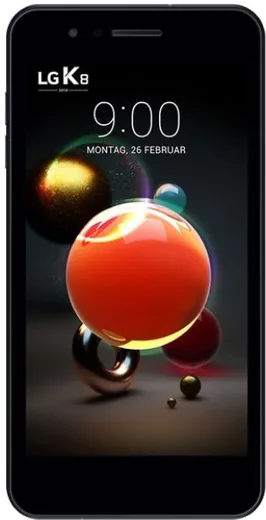
LG K8 (2018)

LG K8 (2018)

13k6
Download
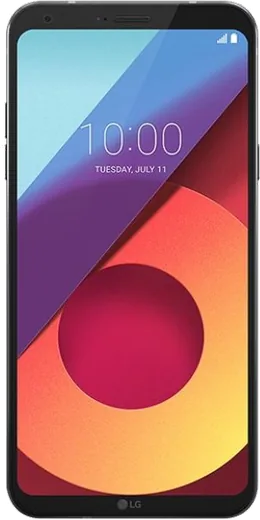
LG Q6

LG Q6

5.6k4
Download
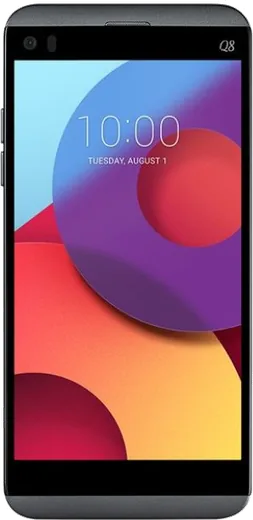
LG Q8

LG Q8

7.4k4
Download
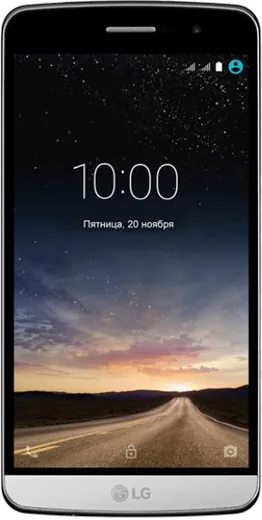
LG Ray

LG Ray

2.2k3
Download
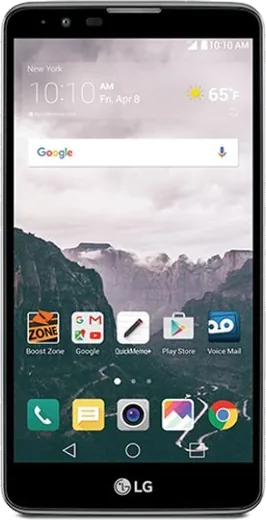
LG Stylo 2

LG Stylo 2

7.6k4
Download
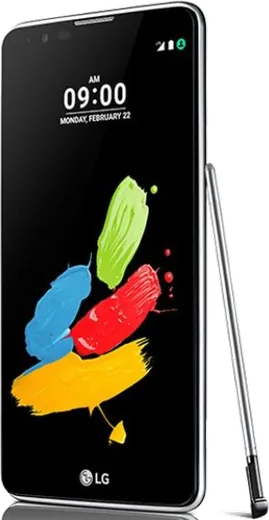
LG Stylus 2

LG Stylus 2

15.9k6
Download
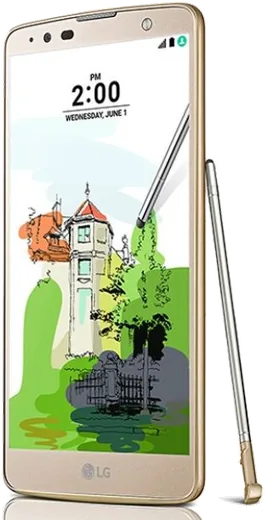
LG Stylus 2 Plus

LG Stylus 2 Plus

8k5
Download
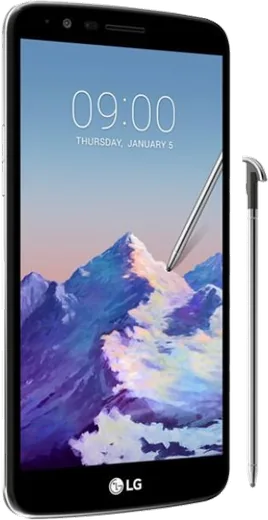
LG Stylus 3

LG Stylus 3

1.9k3
Download
LG U

LG U

2.3k3
Download
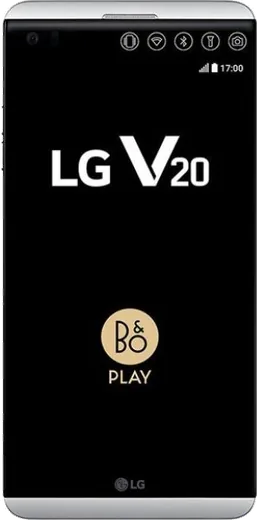
LG V20

LG V20

11.7k6
Download
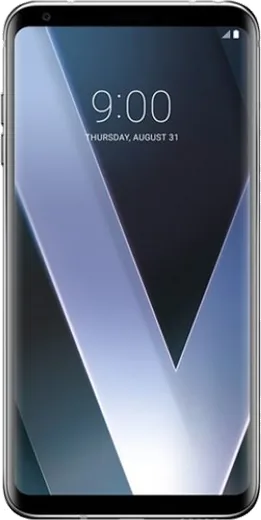
LG V30

LG V30

12.2k6
Download
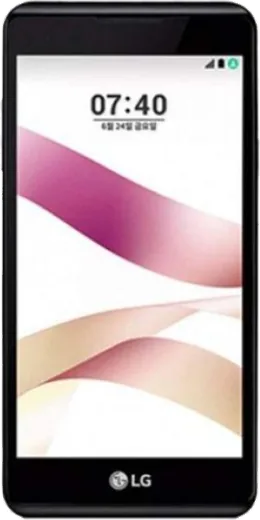
LG X Skin

LG X Skin

12.4k6
Download
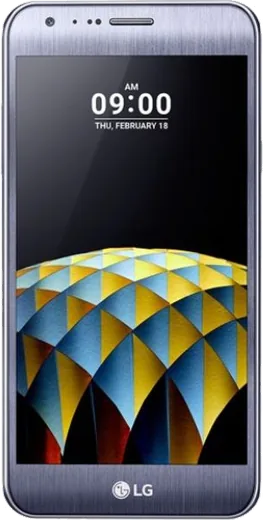
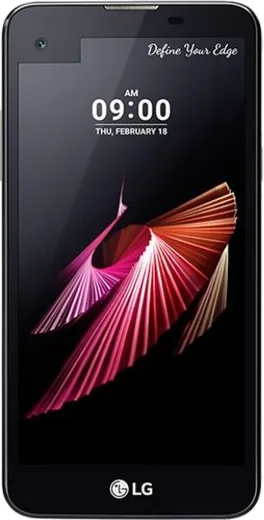
LG X cam

LG X cam

10k5
Download
LG X mach

LG X mach

3.4k3
Download
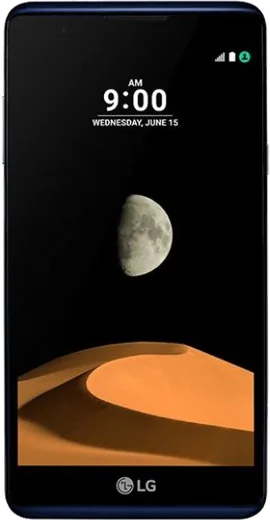
LG X max

LG X max

17.1k6
Download
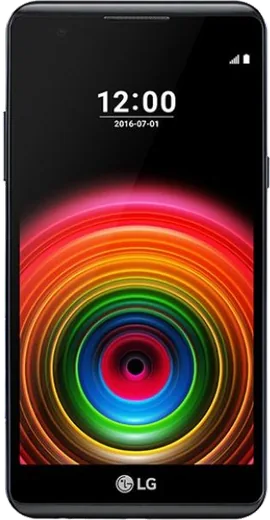
LG X power

LG X power

2.7k3
Download
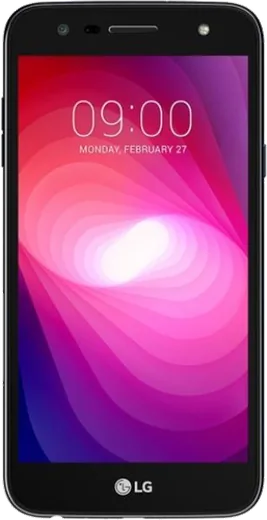
LG X power2

LG X power2

12.9k6
Download
LG X screen

LG X screen

2.9k3
Download
LG X style

LG X style

16.8k6
Download
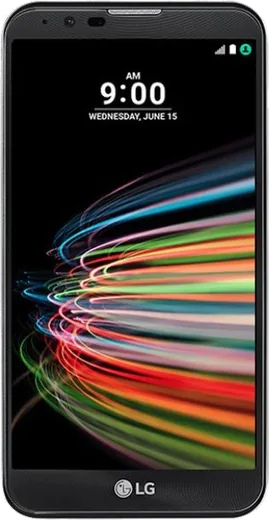
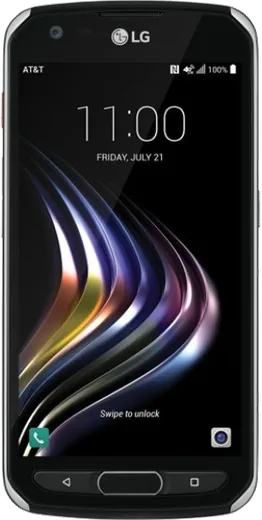
LG X venture

LG X venture

12.2k6
Download
LG X4+

LG X4+

5.3k4
Download
LG X5

LG X5

17.7k6
Download
LG Zone 4

LG Zone 4

8.5k5
Download

Latest known WhatsApp problems on LG phones

LG K7

How do I install WhatsApp on the LG K7 before I travel?

LG K7
Connect to Wi-Fi, open the Google Play Store, search for WhatsApp Messenger and tap Install, then open it and verify your number by SMS. The K7 ships with an older Android version, so if the Play Store says the app is incompatible, download the APK from WhatsApp's official site (whatsapp.com/android) and allow installs from unknown sources under Settings > Lock screen and security (or Settings > Security on some builds). Finish setup while you still have signal, since verification needs a working SIM with SMS plus data or Wi-Fi. See how others solved this on Reddit
LG K8

My LG K8 shows "Your device is corrupt" and won't boot — how do I fix it?

LG K8
This message usually appears after a failed update, a bad root attempt, or a corrupted system partition, and the phone may loop on it or refuse to start. If you can still reach it, back up your data first. Power off, then hold Volume Down + Power to reach recovery and choose "Wipe data/factory reset." If it still won't boot, you'll likely need to reflash the original LG KDZ firmware using the LGUP tool on a Windows PC, since LG no longer pushes official rescue updates for the K8. See how others solved this on Reddit
LG K8 (2018)

Does the LG K8 (2018) support Wi-Fi calling, and how do I turn it on?

LG K8 (2018)
Wi-Fi calling on the K8 (2018) only appears if your carrier and the carrier-branded firmware enable it. Check Settings > Networks > Call (or Settings > Networks > Mobile networks) for a Wi-Fi Calling toggle. If that toggle isn't there, your unlocked or unsupported variant won't get it, and the practical workaround is to place voice calls over WhatsApp, Signal, or your carrier's own calling app instead. See how others solved this on Reddit
LG Stylus 2

Why is my LG Stylus 2 so slow and laggy, and can I fix it without buying a new phone?

LG Stylus 2
The Stylus 2 has only about 1.5 GB of RAM, so it bogs down once too many apps run in the background. Go to Settings > Apps, open the apps you don't need and tap Force stop, and disable any bloatware you can't uninstall. Then clear cached data under Settings > Storage. If it's still sluggish, back up your data and do a factory reset via Settings > Backup & reset > Factory data reset to clear years of accumulated junk. Keeping fewer apps installed and freeing up internal storage also helps the most on a phone with this little RAM. See how others solved this on Reddit
LG V20

Why does WhatsApp keep crashing when I open it on my LG V20?

LG V20
Crashes on the V20 are usually caused by a corrupted cache or an out-of-date app version, so first go to Settings > Apps > WhatsApp > Storage and tap Clear Cache (not Clear Data, which deletes chats). Then open the Play Store, update WhatsApp to the latest build, and reboot the phone; if it still crashes, back up your chats in WhatsApp Settings > Chats > Chat backup, uninstall, and reinstall fresh. See how others solved this on Reddit
LG V30

Why is WhatsApp draining so much battery on my LG V30?

LG V30
WhatsApp's background syncing is usually the culprit. Open Settings > Apps & notifications > WhatsApp > Battery and set it to optimized (on Pie this is 'Battery optimization'), or enable 'Background restriction' so the system can sleep the app while keeping notifications on. Also go to WhatsApp > Settings > Chats > Chat backup and set backup to a fixed schedule over Wi-Fi only, since constant backup over cellular keeps the radio awake and burns battery. See how others solved this on Reddit
LG X Skin

WhatsApp keeps stopping or won't stay connected in the background on my LG X Skin

LG X Skin
LG's battery saver and Smart cleaning aggressively close apps, which kills background message delivery. The reliable fix is per-app: long-press the WhatsApp icon, open App info > Battery, and set it to 'No restrictions' (older LG builds call this 'Don't optimize' or 'Battery optimization > All apps > WhatsApp > Don't optimize'). Then open Settings > Battery & power saving and turn off any Power saving mode while you need notifications. This stops the system from suspending WhatsApp so messages and calls arrive on time. See how others solved this on Reddit
LG X max

WhatsApp says "Login not available right now, for security reasons" on my LG X max

LG X max
This usually appears when WhatsApp's servers flag too many login or verification attempts from your number in a short window, so wait at least a few hours (often up to 24) before trying again. In the meantime, confirm your LG X max has a stable connection, update WhatsApp from the Play Store, and make sure the SIM tied to the number can receive SMS or calls for the next code request. See how others solved this on Reddit
LG X power2

Why doesn't my LG X power2 last all day even with its big battery?

LG X power2
The X power2's 4500mAh cell is large, but a worn-out battery after years of charge cycles plus background apps will drain it fast. Go to Settings > Battery to see which apps consume the most, enable Battery saver, and lower Settings > Display > Brightness and screen timeout. If standby drain is still severe, the battery has likely degraded, which is the main reason an old high-capacity phone stops lasting all day. See how others solved this on Reddit
LG X style

Is the LG X style (Smart Folder X100) good enough as a minimalist phone, or will it feel too limited?

LG X style
It runs a stripped-down Android, so it handles calls, texts, and a few essential apps well while keeping you off the full app ecosystem. To lean into the minimalist experience, open Settings > Apps, then disable the apps you don't need, and arrange a clean home screen so only your core tools show. If you want some flexibility you can still sideload an APK or two, but keep the list short to preserve the distraction-free feel. See how others solved this on Reddit

Ask a question / report a problem

You can ask any question about WhatsApp on LG phones — leave it below and we'll help.

Ask a question

How to install WhatsApp on LG

Installing WhatsApp on a LG phone takes just a minute. Follow the steps below to get the official app the safe way.

Choose how to download

On your LG phone you can get the official app two ways: from the Google Play Store — the easiest option, since it keeps WhatsApp updated automatically — or directly from the official website. You can download an APK file, by clicking a link “Download WhatsApp directly”.

Open WhatsApp

Launch WhatsApp from your home screen or app drawer and accept the Terms of Service to start setup.

Verify your phone number

Enter your phone number. If your LG phone uses dual SIM, pick the line you want WhatsApp tied to, then enter the 6-digit code it sends by SMS — it usually fills in automatically.

Restore chats and finish setup

Restore your chat history from Google Drive (use the same Google account), add your name and photo, and tap Allow for notifications so messages and calls arrive reliably.

Stay safe: only ever install WhatsApp from the official Android source. The Download button above already points there.

Watch: setting up WhatsApp

Prefer to watch? This short walkthrough shows the whole installation and number-verification flow.

How to install WhatsApp on LG — video

Comments (8)

No registration needed. No email required.
S
sara35Apr 12, 2026

yo had whatsapp on my phones in no time lol

J
just_nickJan 1, 2026

Omg the download was a bit slow but it worked cheers

P
priya2000Nov 1, 2025

Franchement trop facile, mon phones est prêt merci

X
xX_kaiSep 14, 2025

Very clear steps :)

S
stuckkkSep 3, 2025

help meee i pressed everything and nothing 😭 😩

AppWhatsOfficialSep 7, 2025

No panic needed. The Download button takes you to the official app, then just install and verify your number.

D
deni_mikJul 16, 2025

honestly set up whatsapp on my dads phones no problem

H
halppNov 4, 2024

ngl whatsapp is working on my LG phones now

N
nick_petJul 13, 2024

so best guide for the lg phones by far 💯