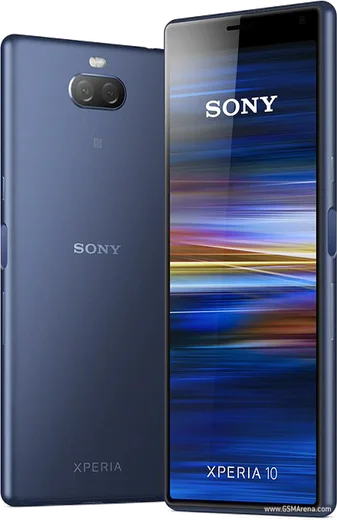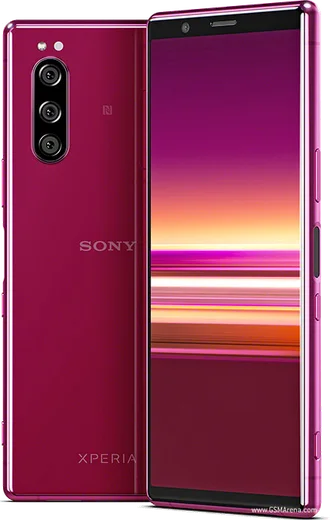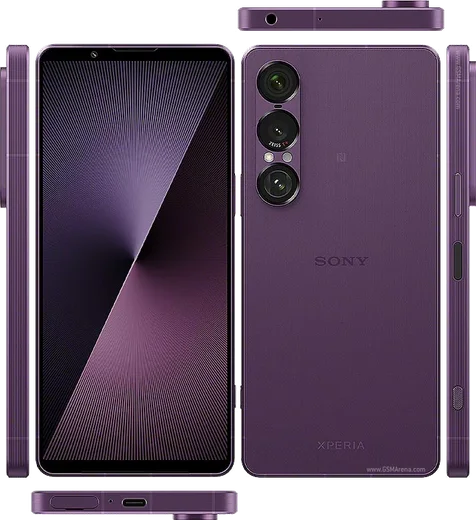
WhatsApp for Sony Xperia

Xperia 1, 5 and 10 series — install WhatsApp on your Sony flagship or mid-ranger with our concise steps.

WhatsApp Messenger 4.7 · 64.2M reviews Free · Android · ~40 MB · by WhatsApp LLC
Download WhatsApp
20Sony Xperia models
ANDROIDplatform

Ask a question / report a problem

You can ask any question about WhatsApp on Sony Xperia phones — leave it below and we'll help.

Ask a question

All Sony Xperia phones

20 install guides

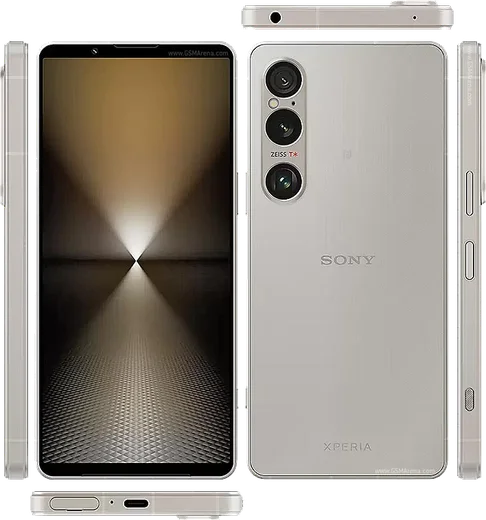
Xperia 1 VII

Xperia 1 VII

36.9k11
Download
Xperia 1 VI

Xperia 1 VI

28.1k8
Download
Xperia 10 VI

Xperia 10 VI

24k8
Download
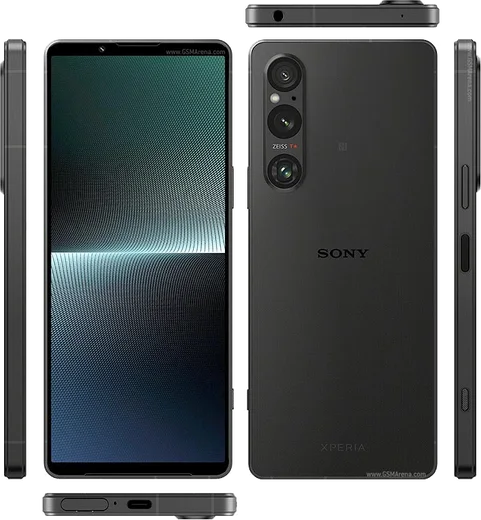
Xperia 1 V

Xperia 1 V

36.1k11
Download
Xperia 10 V

Xperia 10 V

41.9k11
Download

Xperia 5 V

21.7k8
Download
Xperia 1 IV

Xperia 1 IV

13.4k6
Download

Xperia 10 IV

16.2k7
Download
Xperia 5 IV

Xperia 5 IV

19.6k7
Download
Xperia 1 III

Xperia 1 III

21k7
Download

Xperia 10 III

23.9k7
Download

Xperia 5 III

14.8k6
Download
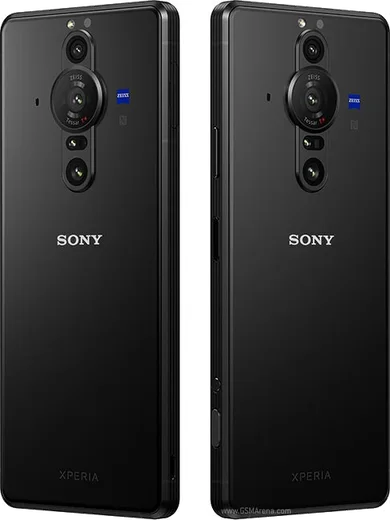
Xperia Pro

Xperia Pro

40.7k11
Download
Xperia Pro-I

Xperia Pro-I

46.1k11
Download
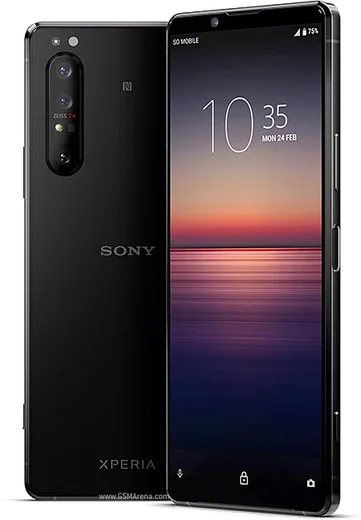
Xperia 1 II

Xperia 1 II

17.3k7
Download
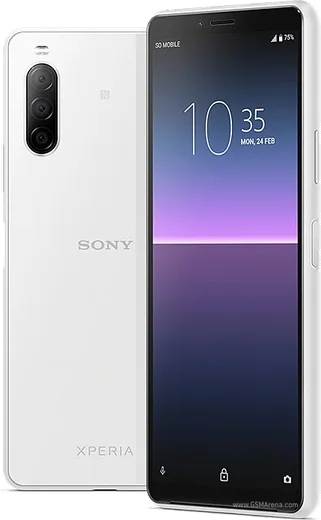
Xperia 10 II

Xperia 10 II

11.7k5
Download

Xperia 5 II

8k5
Download
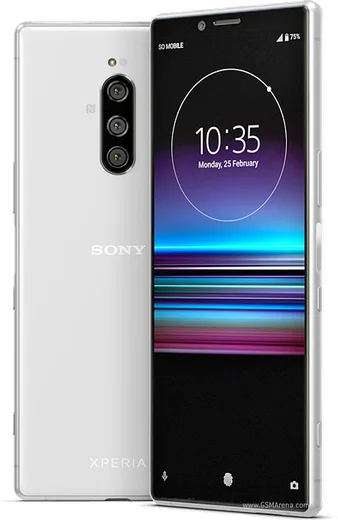
Xperia 1 (2019)

Xperia 1 (2019)

9.5k5
Download
Xperia 10 (2019)

Xperia 10 (2019)

21k7
Download
Xperia 5 (2019)

Xperia 5 (2019)

11.5k5
Download

Latest known WhatsApp problems on Sony Xperia phones

Xperia 1 VII

Why do photos taken inside WhatsApp look so bad on my Xperia 1 VII?

Xperia 1 VII
WhatsApp uses its own basic in-app camera, which bypasses Sony's image processing and heavily compresses the result, so it never matches the dedicated Camera app on the Xperia 1 VII. Instead of shooting from inside the chat, open the Sony Camera app, take the shot, then attach it in WhatsApp via the gallery/photo icon. For the sharpest result also set Settings > Storage and data > Media upload quality > HD in WhatsApp. See how others solved this on Reddit
Xperia 1 V

Why does WhatsApp take such low-quality photos on my Xperia 1 V?

Xperia 1 V
WhatsApp uses its own basic in-app camera instead of Sony's Photo Pro app, so it never accesses the full sensor quality your Xperia is capable of, and it also compresses anything you send. For sharp results, take the photo first with the stock Sony camera app, then in WhatsApp tap the attach (paperclip or +) icon, choose Document instead of Gallery, and send the image file that way to skip WhatsApp's heavy compression. See how others solved this on Reddit
Xperia 10 V

Why does WhatsApp keep crashing or closing on my Xperia 10 V?

Xperia 10 V
First update WhatsApp from the Google Play Store, since outdated builds can crash on Sony's stock Android. If it still closes, go to Settings > Apps > WhatsApp > Storage & cache and tap Clear cache (not Clear storage, which deletes local chats), then reboot the phone. Also set Settings > Apps > WhatsApp > App battery usage to Unrestricted so the system isn't killing it in the background. See how others solved this on Reddit
Xperia Pro

Why are photos taken inside WhatsApp on my Xperia Pro so low quality and grainy?

Xperia Pro
WhatsApp uses its own basic in-app camera that bypasses Sony's camera processing, so shots look soft and noisy compared to the stock app. For good results, shoot with Sony's Camera (Photo Pro) app first, then in WhatsApp tap the attach (paperclip) icon, choose Gallery, and send the photo from there. Also reduce compression by going to WhatsApp Settings > Storage and data > Media upload quality and selecting HD. See how others solved this on Reddit
Xperia Pro-I

Why are my WhatsApp photos so low quality on the Xperia Pro-I?

Xperia Pro-I
WhatsApp captures through its own basic in-app camera, which doesn't use the Pro-I's 1-inch Exmor RT sensor or Sony's image processing, so shots look soft and over-compressed. For photos you care about, shoot with the stock Photography Pro app, then in WhatsApp tap the paperclip and choose Document (not Gallery) to send the image at full resolution without re-compression. You can also reduce compression on normal sends via WhatsApp > Settings > Storage and data > Media upload quality > HD. See how others solved this on Reddit
Xperia 1 VI

Why isn't my microphone working during WhatsApp calls on the Xperia 1 VI?

Xperia 1 VI
This is usually a permissions or audio-routing issue rather than a hardware fault. Go to Settings > Apps > WhatsApp > Permissions and make sure Microphone is set to Allow, then place a normal phone call to confirm the mic works system-wide. If it still fails, clear WhatsApp's cache under Settings > Apps > WhatsApp > Storage > Clear cache and reboot. If the mic works in regular calls but not in third-party apps, make sure both Android and WhatsApp are fully updated, since the fix usually arrives in an app or system update. See how others solved this on Reddit
Xperia 10 VI

Why can't I answer WhatsApp calls through my Bluetooth headset or car on the Xperia 10 VI?

Xperia 10 VI
This is a known WhatsApp + Bluetooth issue on Xperia rather than a hardware fault: tapping answer inside the app often works even when the headset's physical button doesn't register the call. Make sure WhatsApp has the Phone and Microphone permissions under Settings > Apps > WhatsApp > Permissions, then re-pair the device under Settings > Device connection > Connection preferences > Bluetooth. Update WhatsApp from the Play Store, since several call-routing bugs have been fixed in newer builds. If a specific car or earbud still fails, toggle Bluetooth off and on right before answering to force the audio to re-route. See how others solved this on Reddit

Why is my Xperia 5 V microphone so quiet or muffled on WhatsApp calls?

Xperia 5 V
First confirm it isn't hardware: record a clip in the Sony Recorder app and play it back. If that sounds fine, the problem is app-side. Revoke and re-grant the mic permission under Settings > Apps > WhatsApp > Permissions > Microphone, then force-stop and reopen WhatsApp. Set WhatsApp to Unrestricted under Settings > Apps > WhatsApp > App battery usage so Sony's power management doesn't throttle background audio, and make sure no case or screen protector covers the bottom microphone. Updating WhatsApp from the Play Store also clears known mic-processing bugs. See how others solved this on Reddit

How do I transfer my WhatsApp chats to my new Xperia 10 IV from an old Android phone?

Xperia 10 IV
On your old Android phone, open WhatsApp and go to Settings > Chats > Chat backup, then tap Back up to Google Drive using the same Google account you'll sign into on the Xperia 10 IV. Install WhatsApp on the Xperia, verify the same phone number, and when prompted choose Restore to pull the backup down from Google Drive. Make sure both phones use the same Google account and that the Xperia is connected to Wi-Fi before restoring. See how others solved this on Reddit
Xperia 5 IV

Why is my microphone quality so bad on WhatsApp calls on the Xperia 5 IV?

Xperia 5 IV
Callers often report you sound muffled or distant on WhatsApp even though regular phone calls are fine. First confirm the hardware is OK by recording a clip in the Recorder app and listening back. Then make sure WhatsApp has clean mic access in Settings > Apps > WhatsApp > Permissions > Microphone (set to Allow), and gently clean the small bottom mic hole next to the USB-C port, since lint there muffles the sound. If it persists, try toggling Bluetooth off (a connected accessory can route the mic away) and reinstall WhatsApp to rule out a corrupt install. See how others solved this on Reddit

Ask a question / report a problem

You can ask any question about WhatsApp on Sony Xperia phones — leave it below and we'll help.

Ask a question

How to install WhatsApp on Sony Xperia

Installing WhatsApp on a Sony Xperia phone takes just a minute. Follow the steps below to get the official app the safe way.

Choose how to download

On your Sony Xperia phone you can get the official app two ways: from the Google Play Store — the easiest option, since it keeps WhatsApp updated automatically — or directly from the official website. You can download an APK file, by clicking a link “Download WhatsApp directly”.

Open WhatsApp

Launch WhatsApp from your home screen or app drawer and accept the Terms of Service to start setup.

Verify your phone number

Enter your phone number. If your Sony Xperia phone uses dual SIM, pick the line you want WhatsApp tied to, then enter the 6-digit code it sends by SMS — it usually fills in automatically.

Restore chats and finish setup

Restore your chat history from Google Drive (use the same Google account), add your name and photo, and tap Allow for notifications so messages and calls arrive reliably.

Stay safe: only ever install WhatsApp from the official Android source. The Download button above already points there.

Watch: setting up WhatsApp

Prefer to watch? This short walkthrough shows the whole installation and number-verification flow.

How to install WhatsApp on Sony Xperia — video

Comments (13)

No registration needed. No email required.
S
sam_jayApr 24, 2026

Tbh couldnt install whatsapp on my phones until i found this 😍

P
pete92Apr 21, 2026

hi is the Sony Xperia phones compatible with whatsapp anyone

AppWhatsOfficialApr 27, 2026

Hi! Yes, WhatsApp supports the your phone. Just make sure your phone is on an up to date version of its operating system for the best experience. Let us know if you need anything else.

A
alex_noaJan 1, 2026

whatsapp running great on my sony xperia phones

L
lucy_leoSep 30, 2025

someone anyone pls i cant download it heeeelp me pls

AppWhatsOfficialOct 3, 2025

You are almost there! Tap Download, allow the install, open WhatsApp and confirm your number. You got this!

B
bea81Apr 11, 2025

saved me so much time 🔥

N
needwhatsappJan 18, 2025

Easy install on my phones 🙏

A
ahmedJan 17, 2025

والله أفضل موقع، اشتغل من أول مرة

N
nina2000Dec 27, 2024

anyone? im not getting the sms code pls

AppWhatsOfficialDec 31, 2024

Happy to help, if the SMS will not arrive, you can choose the call option to hear the code, just make sure your number is entered correctly. Reach out anytime.

W
whatsappfanDec 26, 2024

trop facile, tout est prêt

N
nick_lucDec 18, 2024

franchement installé et opérationnel sur mon Sony Xperia phones

M
mr_pabloNov 4, 2024

bookmarking this site for sure

R
ray.wOct 25, 2024

Man finally a guide that makes sense

M
mia.tOct 24, 2024

guys my contacts are not showing up in whatsapp

AppWhatsOfficialOct 29, 2024

Good question, contacts come from your phone address book. Save them with the country code and refresh the app to see them. Hope that helps!