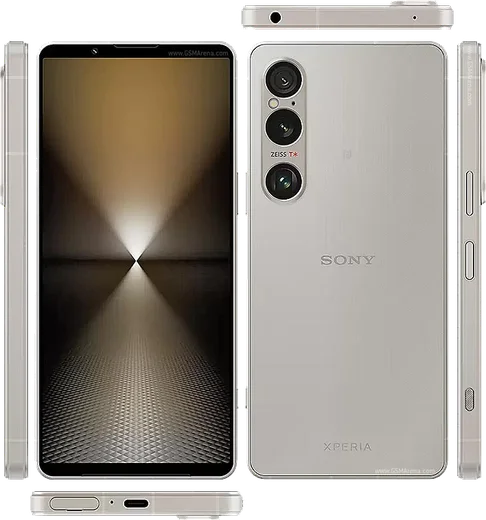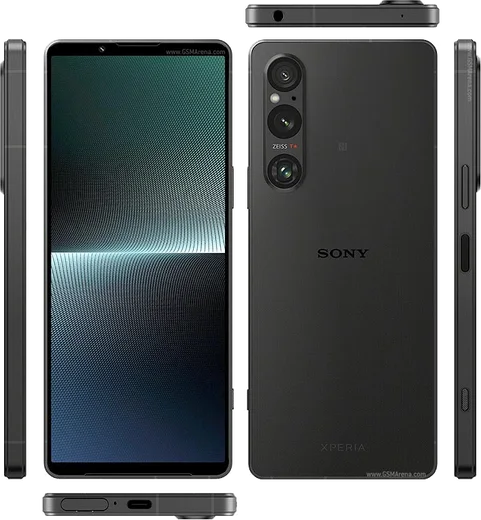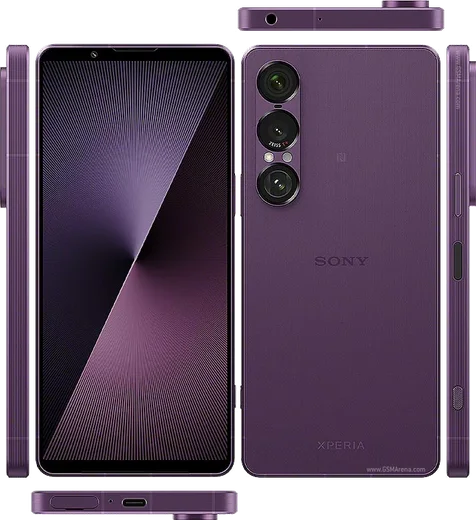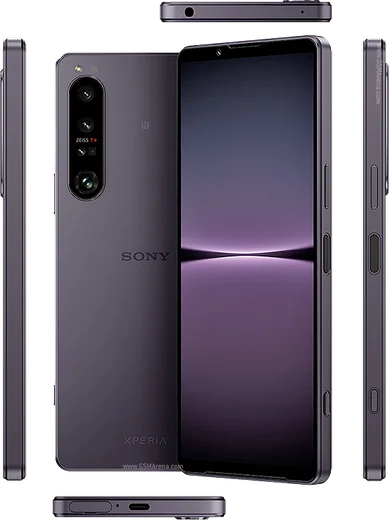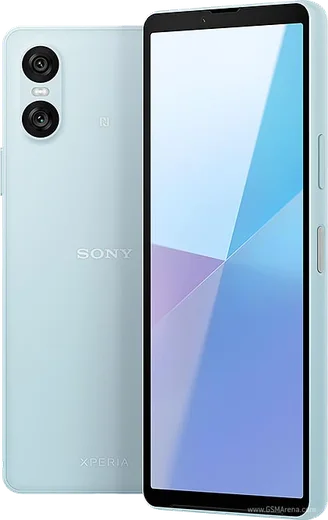
WhatsApp on Xperia 1 VI
Sony Xperia Android

WhatsApp for Xperia 1 VI

Snapdragon 8 Gen 3, 6.5-inch 120Hz LTPO OLED

WhatsApp Messenger 4.7 · 64.2M reviews Free · Android · ~40 MB · by WhatsApp LLC
Download WhatsApp

Ask a question / report a problem

You can ask any question about WhatsApp support on the Xperia 1 VI — leave it below and we'll help.

Ask a question

Can the Xperia 1 VI run WhatsApp?

Fully supported
  • Operating systemAndroid
  • ProcessorSnapdragon 8 Gen 3
  • WhatsApp versionLatest supported

Latest known WhatsApp problems on Xperia 1 VI

1

Why isn't my microphone working during WhatsApp calls on the Xperia 1 VI?

This is usually a permissions or audio-routing issue rather than a hardware fault. Go to Settings > Apps > WhatsApp > Permissions and make sure Microphone is set to Allow, then place a normal phone call to confirm the mic works system-wide. If it still fails, clear WhatsApp's cache under Settings > Apps > WhatsApp > Storage > Clear cache and reboot. If the mic works in regular calls but not in third-party apps, make sure both Android and WhatsApp are fully updated, since the fix usually arrives in an app or system update. See how others solved this on Reddit
2

Why can't I answer WhatsApp calls through my Bluetooth headphones or car on the Xperia 1 VI?

Android's call handling and battery optimization can stop WhatsApp from grabbing the Bluetooth audio channel, especially when the screen is off. Go to Settings > Apps > WhatsApp > App battery usage and set it to Unrestricted, and confirm the Nearby devices and Phone permissions are granted under Settings > Apps > WhatsApp > Permissions. Then re-pair the headset under Settings > Device connection > Bluetooth and make sure both Call audio and Media audio are enabled for that device, since a half-connected profile is a common cause of calls you can't answer. See how others solved this on Reddit
3

Why does WhatsApp use its own camera instead of the Sony camera app on my Xperia 1 VI?

WhatsApp uses its own built-in camera for in-chat photos and does not call the dedicated Sony Camera or Photography Pro app, so shots taken inside a chat look softer than native ones. To get full Xperia camera quality, take the photo first with the Sony camera app, then share it into WhatsApp via the attachment (paperclip) > Gallery picker. There is no setting to make WhatsApp's shutter use the system camera. See how others solved this on Reddit
4

Why is WhatsApp draining so much battery on my Xperia 1 VI?

Heavy drain usually comes from WhatsApp staying active in the background plus frequent media auto-download. First confirm the culprit under Settings > Battery > Battery usage. Then turn off auto-download in WhatsApp > Settings > Storage and data, and update WhatsApp from the Play Store in case a buggy version is to blame. Avoid setting WhatsApp to Restricted under Settings > Apps > WhatsApp > App battery usage if you rely on timely message and call notifications, as Restricted can delay them; use Optimized instead. See how others solved this on Reddit
5

Why does WhatsApp audio sound wrong or play through the wrong speaker on my Xperia?

The Xperia 1 VI's dual front speakers plus its audio enhancements can affect how WhatsApp voice notes and call audio sound. Try turning off Dolby Atmos under Settings > Sound & vibration > Audio settings and test again, then clear WhatsApp's cache via Settings > Apps > WhatsApp > Storage. For voice notes, remember WhatsApp plays them through the earpiece when the phone is near your face and switches to the loudspeaker when you hold it away, which the proximity sensor controls, so a dirty or covered sensor can make playback seem to come from the wrong speaker. See how others solved this on Reddit
6

How do I stop Android from killing WhatsApp and other social apps in the background on the Xperia 1 VI?

Sony's battery management can delay WhatsApp notifications and freeze background activity for social apps. For each app, go to Settings > Apps > [app] > App battery usage and set it to Unrestricted, and turn off STAMINA mode under Settings > Battery if you need instant message delivery. If notifications still arrive late, the app may be getting limited by Adaptive Battery, which you can disable under Settings > Battery > Adaptive Battery. See how others solved this on Reddit

Ask a question / report a problem

You can ask any question about WhatsApp support on the Xperia 1 VI — leave it below and we'll help.

Ask a question

Watch: setting up WhatsApp

Prefer to watch? This short walkthrough shows the whole installation and number-verification flow.

How to install WhatsApp on Xperia 1 VI — video walkthrough

How to install WhatsApp on Xperia 1 VI

1

Choose how to download

On your Xperia 1 VI you can get the official app two ways: from the Google Play Store — the easiest option, since it keeps WhatsApp updated automatically — or directly from the official website. You can download an APK file, by clicking a link “Download WhatsApp directly”.

2

Open WhatsApp

Launch WhatsApp from your home screen or app drawer and accept the Terms of Service to start setup.

3

Verify your phone number

Enter your phone number. If your Xperia 1 VI uses dual SIM, pick the line you want WhatsApp tied to, then enter the 6-digit code it sends by SMS — it usually fills in automatically.

4

Restore chats and finish setup

Restore your chat history from Google Drive (use the same Google account), add your name and photo, and tap Allow for notifications so messages and calls arrive reliably.

Stay safe: only ever install WhatsApp from the official Android source. The Download button above already points there — modified copies (GB/Plus/Aero WhatsApp) can get your number banned.

Comments (8)

No registration needed. No email required.
I
ivan2000Jan 15, 2026

Pls help how do i hide my last seen

AppWhatsOfficialJan 21, 2026

Good question, yes, go to Settings then Privacy and set Last Seen and Online to Nobody or My Contacts. Your activity stays private.

T
tom15Dec 29, 2025

man installed whatsapp on my xperia 1vi with no issues ❤️

D
deni.ySep 26, 2025

davvero installato sul 1vi di mia madre senza problemi 💯

T
theo81Jul 6, 2025

Even my grandma could do this 🙏

AppWhatsOfficialJul 9, 2025

Perfect, enjoy chatting!

N
noah3Apr 8, 2025

guys im so confused someone help meeee

AppWhatsOfficialApr 11, 2025

Hey, no need to stress! Tap the green Download button at the top, follow the steps, and you will have WhatsApp in a minute. Reply here if you get stuck.

E
ella29Feb 25, 2025

pls help im not getting the sms code anyone

AppWhatsOfficialMar 2, 2025

Hi! If the SMS will not arrive, you can choose the call option to hear the code, just make sure your number is entered correctly. Let us know if you need anything else.

M
mr_zoeAug 18, 2024

Omg took me 5 min total

V
val21Aug 11, 2024

update this fixed whatsapp on my xperia 1 vi :)