WhatsApp for Nokia

HMD's Nokia Android phones — dependable and clean. Our guides get WhatsApp on your G, X or C-series Nokia fast.

WhatsApp Messenger 4.7 · 64.2M reviews Free · Android · ~40 MB · by WhatsApp LLC
Download WhatsApp
24Nokia models
ANDROIDplatform

Ask a question / report a problem

You can ask any question about WhatsApp on Nokia phones — leave it below and we'll help.

Ask a question

All Nokia phones

24 install guides

Nokia G310 5G

26k8
Download
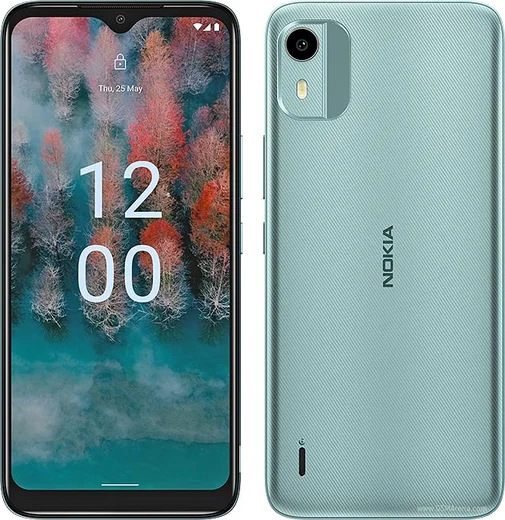
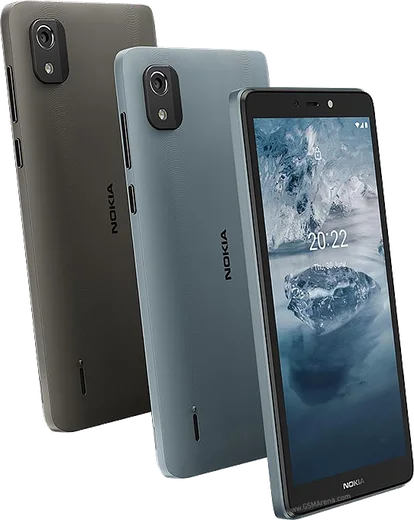
Nokia C12

Nokia C12

28.8k8
Download
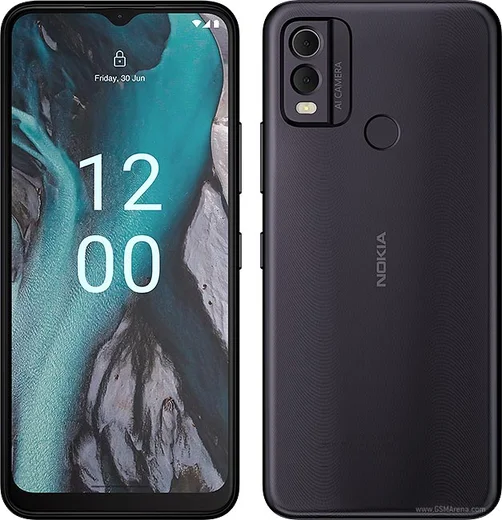
Nokia C22

Nokia C22

24k8
Download
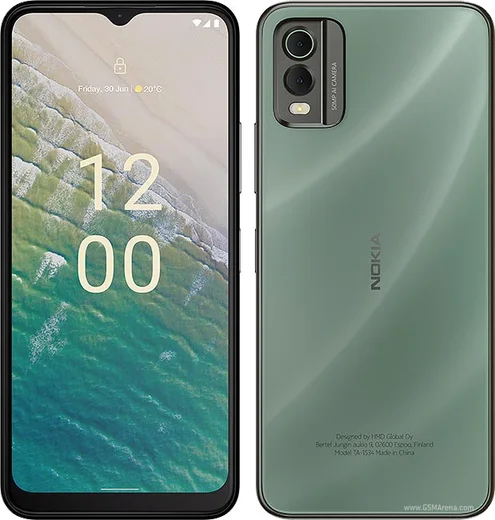
Nokia C32

Nokia C32

30.8k8
Download
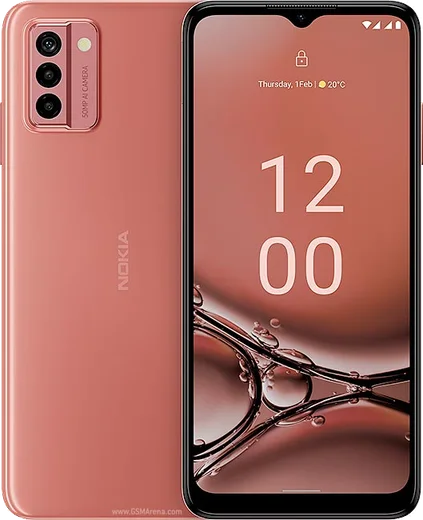
Nokia G22

Nokia G22

47.8k13
Download

Nokia G42 5G

29.2k8
Download

Nokia X20 Pro

51.7k13
Download
Nokia C2 2nd Edition

Nokia C2 2nd Edition

19.8k7
Download
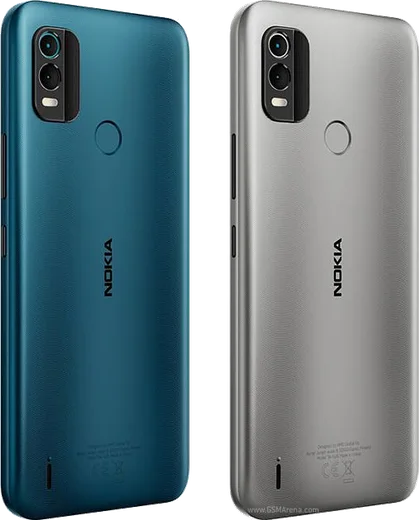
Nokia C21 Plus

Nokia C21 Plus

36.1k11
Download

Nokia C31

25k8
Download
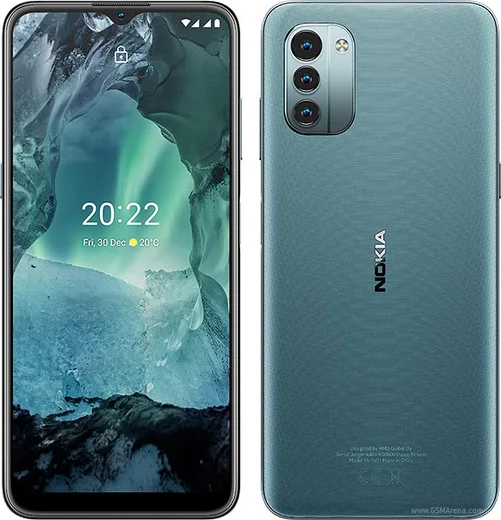
Nokia G11

Nokia G11

21.5k7
Download
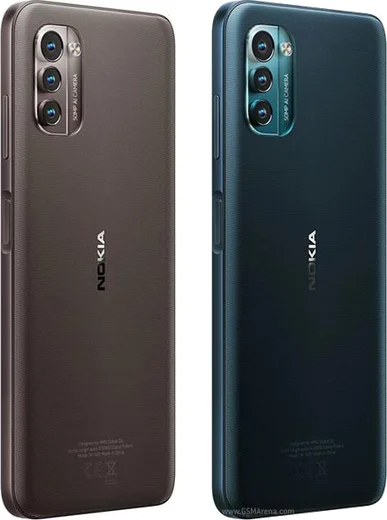
Nokia G21

Nokia G21

20.7k7
Download

Nokia G60 5G

11.5k6
Download

Nokia X30 5G

13.6k6
Download

Nokia 5.4

13.8k6
Download
Nokia G10

Nokia G10

15.6k7
Download
Nokia G20

Nokia G20

12.7k6
Download

Nokia G50 5G

20.3k7
Download

Nokia X10 5G

15.7k7
Download

Nokia X20 5G

23.1k7
Download

Nokia XR20 5G

31k10
Download
Nokia 2.4

Nokia 2.4

21.5k7
Download
Nokia 3.4

Nokia 3.4

17.9k6
Download
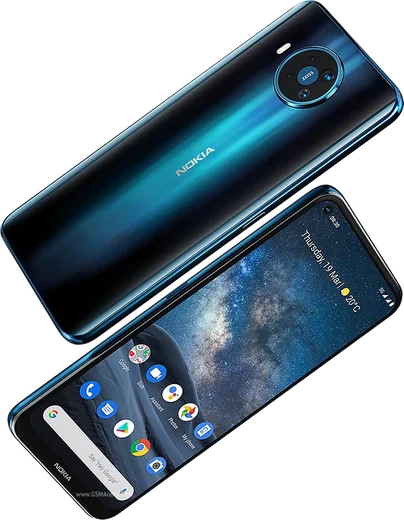
Nokia 8.3 5G

Nokia 8.3 5G

23.9k7
Download

Latest known WhatsApp problems on Nokia phones

Nokia G22

Why am I not getting WhatsApp notifications at all on my Nokia G22?

Nokia G22
On the Nokia G22 this is almost always battery optimization shutting WhatsApp down in the background. Go to Settings > Apps > WhatsApp > Battery (App battery usage) and set it to Unrestricted, then open Settings > Apps > WhatsApp > Notifications and confirm 'All WhatsApp notifications' is toggled on. Because the G22 runs near-stock Android, also check Settings > Apps > See all apps > WhatsApp isn't being put to sleep by Adaptive Battery under Settings > Battery. See how others solved this on Reddit

My Nokia X20 Pro keeps restarting on its own after an Android update — how do I fix the random reboots?

Nokia X20 Pro
Random reboot loops after an OS update are usually caused by a corrupt update cache or a misbehaving app that the new Android build no longer tolerates. Start by booting into Safe Mode: press and hold the Power button, then touch and hold the 'Power off' option until 'Reboot to safe mode' appears and confirm. If the reboots stop in Safe Mode, a third-party app is the trigger — uninstall the most recently added or updated apps one at a time. If reboots continue, back up via Settings > System > Backup (Backup to Google One/Drive), then do a factory reset under Settings > System > Reset options > Erase all data, since a clean reinstall of the update almost always stops the cycle. See how others solved this on Reddit
Nokia C21 Plus

WhatsApp notifications don't show up on my Nokia C21 Plus until I open the app

Nokia C21 Plus
Battery optimization is almost always the cause on stock Android phones like the C21 Plus. Open Settings > Apps > WhatsApp > App battery usage and set it to Unrestricted, then go to Settings > Apps > WhatsApp > Notifications and confirm all categories are enabled. Also turn off Battery Saver under Settings > Battery, since it freezes background apps and delays messages. See how others solved this on Reddit

My Nokia XR20 5G keeps restarting and WhatsApp closes after the Android 12 update — how do I fix it?

Nokia XR20 5G
After the Android 12 update some XR20 units reboot under load, which kills WhatsApp mid-use. Go to Settings > System > System update and install the latest patch, then clear WhatsApp's cache in Settings > Apps > WhatsApp > Storage & cache > Clear cache (use Clear cache, not Clear storage, which deletes app data). If it still restarts, back up your chats to Google Drive first (WhatsApp > Settings > Chats > Chat backup), then do Settings > System > Reset options > Erase all data (factory reset) to rule out a corrupt update. See how others solved this on Reddit

My Nokia G310 5G isn't getting software or security updates — how do I force the update?

Nokia G310 5G
Go to Settings > System > System update and tap Check for updates; make sure you're on Wi-Fi with the battery above 30%. If a download stalls, reboot and try again, and clear the cache of the updater under Settings > Apps > See all apps > Google Play Store > Storage & cache > Clear cache (and do the same for Google Play services), then retry. The G310 5G is an HMD/Nokia device that receives Android version and security patches over the air, so keep it plugged in and let a large update finish in one sitting rather than interrupting it. See how others solved this on Reddit
Nokia C12

How do I move WhatsApp to my Nokia C12 when I no longer have my old phone?

Nokia C12
Without the old device you can only restore from a backup, so it must have been backed up beforehand to the same Google account you sign in with on the C12. Install WhatsApp from the Play Store, verify the same phone number, and when prompted tap Restore to pull the chat history from Google Drive. If no Drive backup exists those older chats are gone, but as long as the SIM and number are the same you can still register fresh and receive new messages. See how others solved this on Reddit
Nokia C22

WhatsApp is slow and laggy on my Nokia C22 — how do I fix it?

Nokia C22
The C22 is an entry-level Android (Go edition) phone with limited RAM, so close background apps before opening WhatsApp and clear its cache under Settings > Apps > WhatsApp > Storage > Clear cache (this clears temporary files only and won't delete chats). Also turn off media auto-download in WhatsApp > Settings > Storage and data > Media auto-download (uncheck photos/videos for mobile data, Wi-Fi, and roaming), since constant downloads fill the storage and slow scrolling. See how others solved this on Reddit
Nokia C32

Why are my WhatsApp voice and video calls failing or dropping on the Nokia C32?

Nokia C32
The C32 runs Android 13 Go edition with limited RAM, so background restrictions can cut WhatsApp's connection before a call connects. Go to Settings > Apps > WhatsApp > Battery (or App battery usage) and set it to Unrestricted, then open Settings > Apps > WhatsApp > Mobile data & Wi-Fi and enable Background data and Unrestricted data usage. A weak signal also breaks VoIP, so test on stable Wi-Fi to confirm whether it's the network or the app. See how others solved this on Reddit

WhatsApp audio and calls won't play through my car when I connect the Nokia G42 5G to Android Auto

Nokia G42 5G
First update Android Auto from the Play Store, then toggle it off and on under Settings > Connected devices > Connection preferences > Android Auto. Unplug and reconnect using a known-good data USB-C cable, since many charge-only cables won't carry an Android Auto connection. If WhatsApp messages still won't read aloud, open the Android Auto settings, tap Notifications, and make sure WhatsApp is enabled, then grant WhatsApp microphone and notification access under Settings > Apps > WhatsApp > Permissions. See how others solved this on Reddit

WhatsApp is running slow and lagging on my Nokia C31 — how do I fix it?

Nokia C31
The C31 is a budget phone (3GB RAM on the base variant, 4GB on the higher one) running Android 12, so WhatsApp lag usually comes from low free memory and a bloated cache. Go to Settings > Apps > WhatsApp > Storage and tap Clear cache (not Clear data), then restart the phone and swipe away background apps from the recent-apps view. Turning off auto-download under WhatsApp's Settings > Storage and data and keeping fewer photos/videos in chats will keep it more responsive on this low-RAM hardware. See how others solved this on Reddit

Ask a question / report a problem

You can ask any question about WhatsApp on Nokia phones — leave it below and we'll help.

Ask a question

How to install WhatsApp on Nokia

Installing WhatsApp on a Nokia phone takes just a minute. Follow the steps below to get the official app the safe way.

Choose how to download

On your Nokia phone you can get the official app two ways: from the Google Play Store — the easiest option, since it keeps WhatsApp updated automatically — or directly from the official website. You can download an APK file, by clicking a link “Download WhatsApp directly”.

Open WhatsApp

Launch WhatsApp from your home screen or app drawer and accept the Terms of Service to start setup.

Verify your phone number

Enter your phone number. If your Nokia phone uses dual SIM, pick the line you want WhatsApp tied to, then enter the 6-digit code it sends by SMS — it usually fills in automatically.

Restore chats and finish setup

Restore your chat history from Google Drive (use the same Google account), add your name and photo, and tap Allow for notifications so messages and calls arrive reliably.

Stay safe: only ever install WhatsApp from the official Android source. The Download button above already points there.

Watch: setting up WhatsApp

Prefer to watch? This short walkthrough shows the whole installation and number-verification flow.

How to install WhatsApp on Nokia — video

Comments (11)

No registration needed. No email required.
E
ella89Feb 16, 2026

Hey same account on two devices possible

AppWhatsOfficialFeb 18, 2026

Hi! Yes, use Linked Devices in Settings to add a second phone with the same account. Enjoy WhatsApp on your your phone!

O
oldschoolFeb 12, 2026

ok so installed in 2 min 🎉

AppWhatsOfficialFeb 16, 2026

Happy it helped you!

I
ivan34Feb 5, 2026

Update whatsapp is working on my phones now ✌️

N
newphoneJan 7, 2026

Quick q i dont want people to see im online anyone

AppWhatsOfficialJan 8, 2026

Sure, in Privacy settings you can set Last Seen and Online to Nobody, so no one sees when you are active. Glad to help.

T
techguyNov 16, 2025

Echt tolle anleitung, hat auf meinem nokia phones geklappt

O
oldschoolJul 20, 2025

Franchement a marché parfaitement sur mon Nokia phones

C
chris_ivaApr 26, 2025

Guys should i remove the old version before this

AppWhatsOfficialMay 1, 2025

Sure, no need. Installing the latest version updates the existing app and keeps your chats. Just follow the steps above.

N
noah22Apr 23, 2025

tbh couldnt be easier

I
im_benApr 18, 2025

do i need to uninstall my old whatsapp first

AppWhatsOfficialApr 20, 2025

Thanks for asking, you can keep the old one. Installing the newest build simply updates it and your chats stay put. Reach out anytime.

S
sara82Mar 17, 2025

hey can i install without google play thanks

AppWhatsOfficialMar 20, 2025

Hi! Yes you can. Enable 'Install unknown apps' for your browser in Settings, then open the official APK. The steps above cover it. Enjoy WhatsApp on your your phone!

B
budgetkingSep 2, 2024

Plz heeeelp me how to download on my nokia phones 🙏

AppWhatsOfficialSep 5, 2024

You are almost there! Tap Download, allow the install, open WhatsApp and confirm your number.