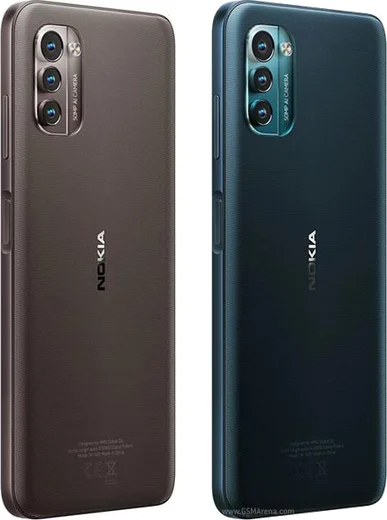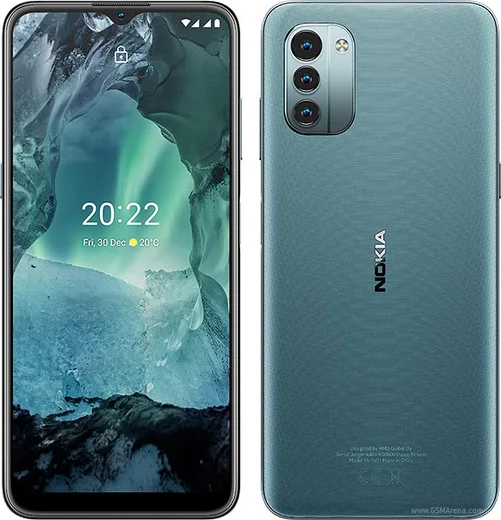
WhatsApp on Nokia G21
Nokia Android

WhatsApp for Nokia G21

Unisoc T606, 6.5-inch 90Hz, 3-day battery

WhatsApp Messenger 4.7 · 64.2M reviews Free · Android · ~40 MB · by WhatsApp LLC
Download WhatsApp

Ask a question / report a problem

You can ask any question about WhatsApp support on the Nokia G21 — leave it below and we'll help.

Ask a question

Can the Nokia G21 run WhatsApp?

Fully supported
  • Operating systemAndroid
  • ProcessorUnisoc T606
  • WhatsApp versionLatest supported

Latest known WhatsApp problems on Nokia G21

1

WhatsApp says my GB WhatsApp is out of date and won't open on my Nokia G21 - how do I fix it?

GB WhatsApp and similar mods are unofficial clones that Meta regularly blocks, and the recurring "out of date" message means that build has been cut off, often with no working update available. On your Nokia G21, uninstall it from Settings > Apps > GB WhatsApp, then install the official WhatsApp from the Google Play Store; before deleting the mod, use its in-app chat backup so you can restore your conversations after signing in. Sticking with the official app also avoids the account bans Meta now issues for mod use. See how others solved this on Reddit
2

People can't hear me on WhatsApp calls from my Nokia G21 - the microphone isn't working

This is almost always a permissions or hardware-blocking issue rather than a fault with WhatsApp itself. On the Nokia G21 go to Settings > Apps > WhatsApp > Permissions and make sure Microphone is set to Allow, then restart the phone; also check that no case or screen protector covers the bottom microphone hole and that Google Assistant or another app isn't holding the mic during the call. If voice notes record fine but live calls fail, clear WhatsApp's cache under Settings > Apps > WhatsApp > Storage and retest. See how others solved this on Reddit
3

WhatsApp call audio won't play through my car Bluetooth on the Nokia G21 (Android 13) - it connects but there's no sound

On Android 13 the Nokia G21 can pair for phone audio but route media or call sound to the wrong output. Go to Settings > Connected devices, tap the gear icon next to your car, and confirm both "Phone audio" and "Media audio" are enabled; then during a WhatsApp call tap the speaker/Bluetooth icon on the call screen and select the car. If it still stays silent, forget the device, clear the Bluetooth cache via Settings > Apps > (three-dot menu) Show system apps > Bluetooth > Storage > Clear cache, and re-pair. See how others solved this on Reddit
4

I just got a Nokia G21 - what WhatsApp and general settings should I change first?

Right after setup, open the Play Store and update WhatsApp so you're on the latest secure build, then in WhatsApp go to Settings > Storage and data > Media auto-download and disable mobile-data auto-download to protect the G21's storage and your data plan. It's also worth turning on two-step verification under WhatsApp Settings > Account, and in phone Settings > Apps > WhatsApp > Battery, set it to Unrestricted so messages and calls aren't delayed by the G21's aggressive power saving. See how others solved this on Reddit
5

I can't delete a WhatsApp status I posted from my Nokia G21 - how do I remove it?

To delete a status update, open WhatsApp and tap the Updates tab, then tap your own status thumbnail to view it. While it's playing, tap the three-dot menu in the corner and choose Delete (you can also long-press the specific update in your status list). If the option won't respond, force-stop WhatsApp via Settings > Apps > WhatsApp > Force stop, reopen it, and try again, since a stale session on the G21 sometimes freezes the status controls. See how others solved this on Reddit

Ask a question / report a problem

You can ask any question about WhatsApp support on the Nokia G21 — leave it below and we'll help.

Ask a question

Watch: setting up WhatsApp

Prefer to watch? This short walkthrough shows the whole installation and number-verification flow.

How to install WhatsApp on Nokia G21 — video walkthrough

How to install WhatsApp on Nokia G21

1

Choose how to download

On your Nokia G21 you can get the official app two ways: from the Google Play Store — the easiest option, since it keeps WhatsApp updated automatically — or directly from the official website. You can download an APK file, by clicking a link “Download WhatsApp directly”.

2

Open WhatsApp

Launch WhatsApp from your home screen or app drawer and accept the Terms of Service to start setup.

3

Verify your phone number

Enter your phone number. If your Nokia G21 uses dual SIM, pick the line you want WhatsApp tied to, then enter the 6-digit code it sends by SMS — it usually fills in automatically.

4

Restore chats and finish setup

Restore your chat history from Google Drive (use the same Google account), add your name and photo, and tap Allow for notifications so messages and calls arrive reliably.

Stay safe: only ever install WhatsApp from the official Android source. The Download button above already points there — modified copies (GB/Plus/Aero WhatsApp) can get your number banned.

Comments (7)

No registration needed. No email required.
H
helpmeMar 30, 2026

Yo super easy to follow ❤️

B
big_yukiDec 2, 2025

plz heeeelp me how to download on my nokia g21 😭

AppWhatsOfficialDec 3, 2025

Take a breath, we got you. Press Download above, then Install, then verify your number. That is all it takes. It is easier than it looks, promise.

E
ella88Jul 26, 2025

guys smooth install on the G21 cheers

K
kai.nJun 4, 2025

Uff todo bien en mi G21, mil gracias gracias

M
ms_miaOct 18, 2024

so my whatsapp had stopped working but this fixed it 🙏

Z
zoe_leoSep 7, 2024

ngl this worked great on my Nokia G21

T
theo_ivaAug 23, 2024

honestly couldnt install whatsapp on my nokia g21 until i found this