WhatsApp for Honor

Magic, X and number-series Honor phones — install and verify WhatsApp with our straightforward walkthroughs.

WhatsApp Messenger 4.7 · 64.2M reviews Free · Android · ~40 MB · by WhatsApp LLC
Download WhatsApp
28Honor models
ANDROIDplatform

Ask a question / report a problem

You can ask any question about WhatsApp on Honor phones — leave it below and we'll help.

Ask a question

All Honor phones

28 install guides
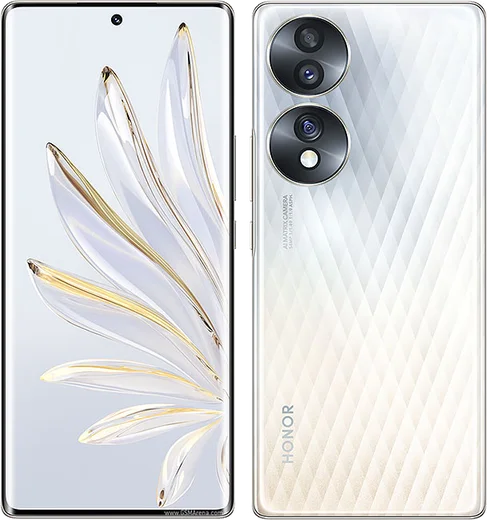
Honor Magic 7 Pro

Honor Magic 7 Pro

55.7k13
Download
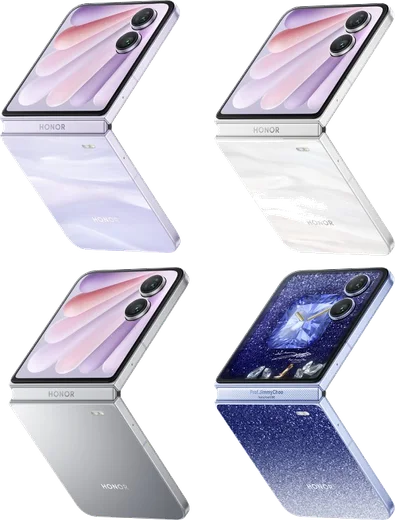
Honor Magic V Flip 2

Honor Magic V Flip 2

52.9k13
Download
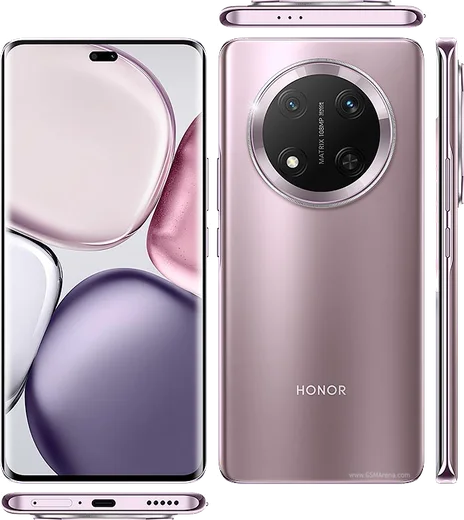
Honor X9c

Honor X9c

45.5k13
Download
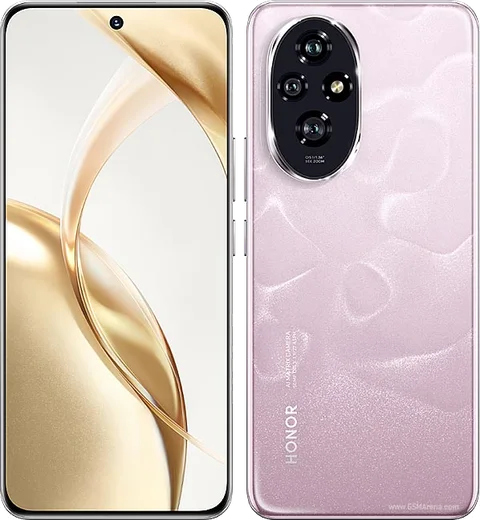
Honor 200

Honor 200

43.4k13
Download
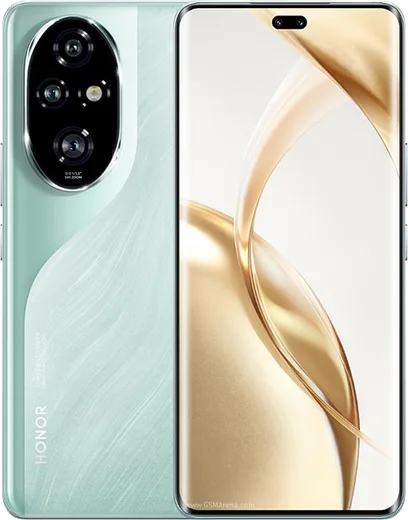
Honor 200 Pro

Honor 200 Pro

39.3k11
Download
Honor Magic 6

Honor Magic 6

28.5k8
Download
Honor Magic 6 Pro

Honor Magic 6 Pro

76k15
Download
Honor Magic 7 Lite

Honor Magic 7 Lite

22.8k8
Download
Honor Magic V Flip

Honor Magic V Flip

42.5k11
Download
Honor Magic V3

Honor Magic V3

27.1k8
Download

Honor X6a

48.8k13
Download
Honor X7b

Honor X7b

37.1k10
Download
Honor 100

Honor 100

28.8k8
Download
Honor 100 Pro

Honor 100 Pro

51.2k14
Download
Honor 90

Honor 90

43.8k13
Download
Honor 90 Lite

Honor 90 Lite

25.5k8
Download
Honor 90 Pro

Honor 90 Pro

39.6k11
Download
Honor Magic 5

Honor Magic 5

29.7k8
Download

Honor Magic 5 Lite

28.7k8
Download
Honor Magic 5 Pro

Honor Magic 5 Pro

55.2k14
Download
Honor Magic 6 Lite

Honor Magic 6 Lite

23.8k8
Download
Honor Magic V2

Honor Magic V2

24.9k8
Download

Honor X8b

36k10
Download
Honor X9a

Honor X9a

38.1k10
Download
Honor X9b

Honor X9b

44.5k11
Download
Honor 70

Honor 70

27k10
Download
Honor Magic 4 Pro

Honor Magic 4 Pro

23.5k8
Download
Honor Magic Vs

Honor Magic Vs

27.7k8
Download

Latest known WhatsApp problems on Honor phones

Honor Magic 6 Pro

Why won't the camera start in WhatsApp on my Honor Magic 6 Pro?

Honor Magic 6 Pro
This is usually a permissions or cache issue with MagicOS. Go to Settings > Apps > Apps > WhatsApp > Permissions and make sure Camera is set to Allow. Then go back to the WhatsApp app info screen, tap Storage, and clear the cache. If the in-app camera still freezes or shows a black screen, update WhatsApp from AppGallery or the Play Store and reboot the phone, then try again. See how others solved this on Reddit
Honor 100 Pro

Why is the WhatsApp camera choppy or laggy on my Honor 100 Pro?

Honor 100 Pro
WhatsApp's in-app camera runs at a lower frame rate than the stock Camera app, and MagicOS power management can throttle WhatsApp in the background, making it worse. Open Settings > Apps > Apps > WhatsApp > Battery and set it to "No restrictions" (and under App launch make sure WhatsApp is managed manually with Auto-launch and Run in background enabled). For the smoothest results, shoot with your stock Camera app and attach the photo from the gallery instead of using WhatsApp's built-in camera. See how others solved this on Reddit
Honor Magic 5 Pro

WhatsApp calls don't ring or drop on my Honor Magic 5 Pro — how do I fix it?

Honor Magic 5 Pro
MagicOS aggressively kills background apps, which stops WhatsApp from waking for calls. Go to Settings > Apps > WhatsApp > Battery and set it to 'No restrictions' (instead of automatic management), then enable 'Auto-launch', 'Secondary launch' and 'Run in background'. Also lock WhatsApp in the Recents view by swiping down on its card and tapping the padlock so MagicOS stops clearing it from memory. See how others solved this on Reddit
Honor Magic 7 Pro

Why does the camera look choppy and laggy in WhatsApp on my Honor Magic 7 Pro?

Honor Magic 7 Pro
MagicOS aggressively manages background apps, which can starve WhatsApp's in-app camera and make the live preview stutter. Go to Settings > Apps > Apps > WhatsApp > App launch (or Launch), switch it from Auto to Manage manually, and enable Auto-launch, Secondary launch and Run in background. Then open Settings > Battery > App launch / battery usage and set WhatsApp so it is not restricted. If the in-app camera still stutters, shoot the photo or video in your phone's main Camera app first and attach it in the chat instead of using WhatsApp's built-in camera. See how others solved this on Reddit
Honor Magic V Flip 2

Is the Honor Magic V Flip 2 folding hinge durable, or will the crease and hinge wear out over time?

Honor Magic V Flip 2
Honor rates the hinge for hundreds of thousands of fold cycles (owners report it holding up well past 350,000 opens), which is far more than typical daily use will ever reach, so normal folding will not wear it out. To keep it healthy, avoid forcing the phone open in very cold weather (let it warm up first) and never close it on grit or sand in your pocket, since debris is the main cause of hinge and inner-screen damage. See how others solved this on Reddit
Honor X9c

WhatsApp incoming call notifications don't show on my Honor X9c screen

Honor X9c
This is almost always MagicOS battery management suspending WhatsApp in the background. Open Settings > Apps > App launch, find WhatsApp, turn off "Manage automatically" and in the pop-up enable all three options (Auto-launch, Secondary launch, Run in background). Then go to Settings > Apps > Apps > WhatsApp > Notifications and make sure the Calls notification channel is enabled, and inside WhatsApp open Settings > Notifications and turn on "Use high priority notifications" / pop-on-screen. Finally, in Settings > Battery, turn off any aggressive power-saving mode for WhatsApp so call screens can appear when the phone is locked. See how others solved this on Reddit
Honor 200

Why are my WhatsApp notifications delayed or not showing on the Honor 200?

Honor 200
MagicOS aggressively closes background apps to save battery, which is the main cause of missing or late WhatsApp alerts. Go to Settings > Apps > App launch (App launch management), find WhatsApp, turn off automatic management, then enable Auto-launch, Secondary launch and Run in background. Also open Settings > Battery, and make sure WhatsApp is not restricted by any power-saving optimization. See how others solved this on Reddit

Why don't I get WhatsApp notifications on my Honor X6a unless I open the app?

Honor X6a
This is almost always Honor's aggressive battery management (MagicOS) closing WhatsApp in the background. Go to Settings > Apps > Apps > WhatsApp > Battery and set it to "No restrictions". Then open Settings > Battery > Launch, find WhatsApp, switch it from "Manage automatically" to "Manage manually", and turn on all three toggles: Auto-launch, Secondary launch and Run in background. Finally, open Recents (swipe up and hold), find WhatsApp and tap the padlock icon to lock it so MagicOS stops killing it. After this, notifications arrive in real time. See how others solved this on Reddit
Honor 90

Why am I not getting WhatsApp notifications on my Honor 90?

Honor 90
MagicOS aggressively kills background apps, so go to Settings > Apps > WhatsApp > Battery (or App battery usage) and set it to "No restrictions" / "Unrestricted". Then open Settings > Battery > App launch, find WhatsApp, switch it from "Manage automatically" to "Manage manually", and enable Auto-launch, Secondary launch, and Run in background. Finally confirm notifications are allowed under Settings > Notifications > WhatsApp. See how others solved this on Reddit
Honor 200 Pro

Why doesn't my Honor 200 Pro show WhatsApp notifications until I open the app?

Honor 200 Pro
MagicOS aggressively sleeps background apps, which delays or kills WhatsApp pushes. Go to Settings > Apps > App launch, find WhatsApp, switch it from Auto to Manage manually, then enable Auto-launch, Secondary launch, and Run in background. Also exclude WhatsApp from battery optimization: Settings > Battery > More battery settings > App launch, or Settings > Apps > WhatsApp > Battery usage > set to Don't optimize. This lets the app wake and post notifications instantly. See how others solved this on Reddit

Ask a question / report a problem

You can ask any question about WhatsApp on Honor phones — leave it below and we'll help.

Ask a question

How to install WhatsApp on Honor

Installing WhatsApp on a Honor phone takes just a minute. Follow the steps below to get the official app the safe way.

Choose how to download

On your Honor phone you can get the official app two ways: from the Google Play Store — the easiest option, since it keeps WhatsApp updated automatically — or directly from the official website. You can download an APK file, by clicking a link “Download WhatsApp directly”.

Open WhatsApp

Launch WhatsApp from your home screen or app drawer and accept the Terms of Service to start setup.

Verify your phone number

Enter your phone number. If your Honor phone uses dual SIM, pick the line you want WhatsApp tied to, then enter the 6-digit code it sends by SMS — it usually fills in automatically.

Restore chats and finish setup

Restore your chat history from Google Drive (use the same Google account), add your name and photo, and tap Allow for notifications so messages and calls arrive reliably.

Stay safe: only ever install WhatsApp from the official Android source. The Download button above already points there.

Watch: setting up WhatsApp

Prefer to watch? This short walkthrough shows the whole installation and number-verification flow.

How to install WhatsApp on Honor — video

Comments (13)

No registration needed. No email required.
M
mia85Dec 13, 2025

ahora mi honor phones tiene whatsapp, genial 💯

S
sam_officialDec 8, 2025

enfin enfin whatsapp installé sur mon Honor phones 🎉

H
helpmeSep 20, 2025

Wow whatsapp running great on my Honor phones thanks again

G
gamerxJul 1, 2025

ok so this worked great on my Honor phones lol

S
sara_kJun 24, 2025

أخيراً أفضل موقع، اشتغل من أول مرة 😍

E
eeeeeemmmmmaaaaaJun 1, 2025

Guys how do i hide my last seen pls

AppWhatsOfficialJun 2, 2025

Hi! Yes, go to Settings then Privacy and set Last Seen and Online to Nobody or My Contacts. Your activity stays private. Let us know if you need anything else.

O
omar_ashMay 29, 2025

Well even my grandma could do this

R
rosa.hMay 20, 2025

Quick q should i remove the old version before this ?

AppWhatsOfficialMay 24, 2025

Thanks for asking, you can keep the old one. Installing the newest build simply updates it and your chats stay put. Hope that helps!

I
ivan_xMay 11, 2025

well even my grandma could do this

M
ms_lucyFeb 22, 2025

Finally very clear steps

J
jess_linJan 16, 2025

Hey whyyy is this so hard pls help me get whatsapp

AppWhatsOfficialJan 20, 2025

We are here to help. Hit Download, follow the steps on this page, and if the code is slow just request it again. You will be set up on your phone in no time.

J
joe_finOct 29, 2024

Well i was scared it was a virus but its the real app

T
tina58Aug 26, 2024

Clear steps for the phones, cheers lol