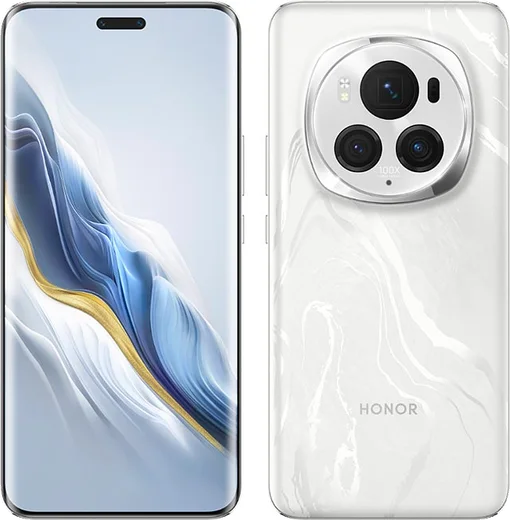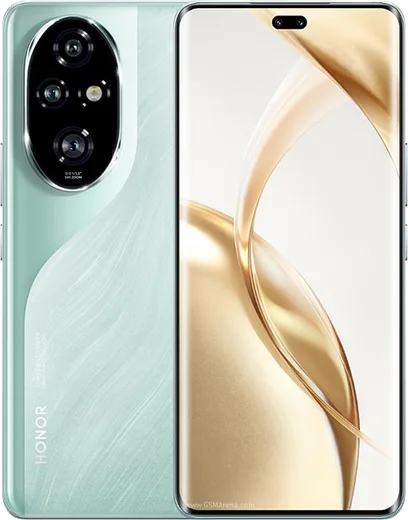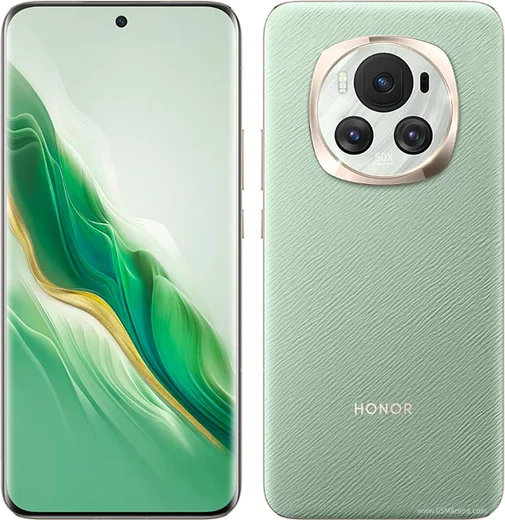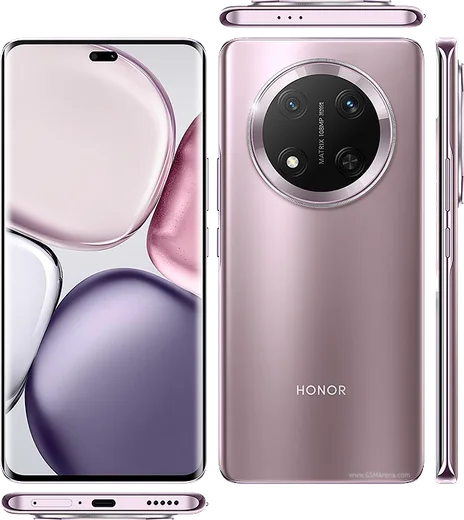
WhatsApp on Honor Magic 6 Pro
Honor Android

WhatsApp for Honor Magic 6 Pro

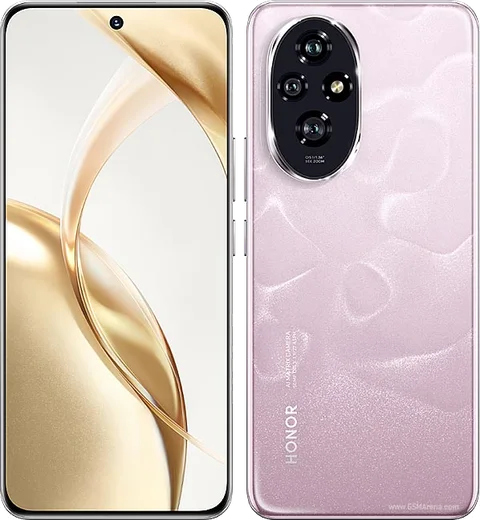
Snapdragon 8 Gen 3, 6.8-inch LTPO OLED, 180MP telephoto

WhatsApp Messenger 4.7 · 64.2M reviews Free · Android · ~40 MB · by WhatsApp LLC
Download WhatsApp

Ask a question / report a problem

You can ask any question about WhatsApp support on the Honor Magic 6 Pro — leave it below and we'll help.

Ask a question

Can the Honor Magic 6 Pro run WhatsApp?

Fully supported
  • Operating systemAndroid
  • ProcessorSnapdragon 8 Gen 3
  • WhatsApp versionLatest supported

Latest known WhatsApp problems on Honor Magic 6 Pro

1

Why won't the camera start in WhatsApp on my Honor Magic 6 Pro?

This is usually a permissions or cache issue with MagicOS. Go to Settings > Apps > Apps > WhatsApp > Permissions and make sure Camera is set to Allow. Then go back to the WhatsApp app info screen, tap Storage, and clear the cache. If the in-app camera still freezes or shows a black screen, update WhatsApp from AppGallery or the Play Store and reboot the phone, then try again. See how others solved this on Reddit
2

Why do people say I sound unclear or muffled on WhatsApp calls with my Magic 6 Pro?

MagicOS noise suppression plus a partly blocked microphone is the usual cause. First go to Settings > Apps > Apps > WhatsApp > Permissions and confirm Microphone is allowed. Remove any thick case that covers the bottom microphone, clean out the mic port, and test a call on Wi-Fi instead of mobile data. Recording a quick voice note and playing it back is a fast way to check whether the mic itself sounds clear before blaming WhatsApp. See how others solved this on Reddit
3

How do I stop WhatsApp calls from being killed in the background on my Honor Magic 6 Pro?

MagicOS battery management suspends WhatsApp, so calls drop or never connect. Go to Settings > Battery > Launch (also called App launch), find WhatsApp, switch it from Auto to Manage manually, and enable Auto-launch, Secondary launch, and Run in background. Keeping WhatsApp set to manage manually is what stops the OS from suspending it in the background. See how others solved this on Reddit
4

Why is my WhatsApp video call quality so choppy or low-resolution on the Magic 6 Pro?

Choppy WhatsApp video on Honor is largely a WhatsApp-side limitation with the camera pipeline, but a few things help. Clear WhatsApp's cache via Settings > Apps > Apps > WhatsApp > Storage, then update to the newest WhatsApp build from AppGallery or the Play Store. Use a stable Wi-Fi connection and turn off any battery saver during the call to reduce stutter. Some lag remains a known issue that Honor and Meta are still working on. See how others solved this on Reddit
5

Why don't incoming WhatsApp call notifications show on my Honor screen?

MagicOS often blocks WhatsApp's full-screen call alerts through battery and notification limits. Go to Settings > Notifications & status bar > Notifications > WhatsApp and enable notifications plus banners. Then set WhatsApp to manage manually under Settings > Battery > Launch (Auto-launch, Secondary launch, Run in background) so it can wake to ring. This combination is what lets the incoming-call screen appear even when the phone is locked. See how others solved this on Reddit
6

Why does a WhatsApp pop-up keep appearing on my Magic 6 Pro?

WhatsApp's own pop-up and bubble notifications are what trigger the small floating chat window. Open WhatsApp > Settings > Notifications and turn off Conversation bubbles. Then go to Settings > Notifications & status bar > WhatsApp and disable Floating notifications or Bubbles for the app. After that, messages open normally instead of in a pop-up window. See how others solved this on Reddit

Ask a question / report a problem

You can ask any question about WhatsApp support on the Honor Magic 6 Pro — leave it below and we'll help.

Ask a question

Watch: setting up WhatsApp

Prefer to watch? This short walkthrough shows the whole installation and number-verification flow.

How to install WhatsApp on Honor Magic 6 Pro — video walkthrough

How to install WhatsApp on Honor Magic 6 Pro

1

Choose how to download

On your Honor Magic 6 Pro you can get the official app two ways: from the Google Play Store — the easiest option, since it keeps WhatsApp updated automatically — or directly from the official website. You can download an APK file, by clicking a link “Download WhatsApp directly”.

2

Open WhatsApp

Launch WhatsApp from your home screen or app drawer and accept the Terms of Service to start setup.

3

Verify your phone number

Enter your phone number. If your Honor Magic 6 Pro uses dual SIM, pick the line you want WhatsApp tied to, then enter the 6-digit code it sends by SMS — it usually fills in automatically.

4

Restore chats and finish setup

Restore your chat history from Google Drive (use the same Google account), add your name and photo, and tap Allow for notifications so messages and calls arrive reliably.

Stay safe: only ever install WhatsApp from the official Android source. The Download button above already points there — modified copies (GB/Plus/Aero WhatsApp) can get your number banned.

Comments (15)

No registration needed. No email required.
P
priya_yukApr 11, 2026

Wow le meilleur site, marché du premier coup

N
nina.iFeb 23, 2026

ugh whyyy is this so hard pls help me get whatsapp

AppWhatsOfficialFeb 26, 2026

You are almost there! Tap Download, allow the install, open WhatsApp and confirm your number.

K
kai.zSep 20, 2025

ok so the magic 6 Pro steps actually work unlike other sites 🙏

N
nina2000Aug 26, 2025

Tbh the download was a bit slow but it worked

K
khaledMay 3, 2025

والله شكراً، صار عندي واتساب 👍

M
marc_sarMar 26, 2025

had whatsapp on my 6 pro in no time thanks again

P
priya_leoMar 22, 2025

man great stuff, much appreciated lol

S
sooo_confusedFeb 8, 2025

Restarted the phone and then it installed

J
joe_linJan 21, 2025

set up whatsapp on my dads honor magic 6 pro no problem cheers

N
not_kaiNov 18, 2024

update bookmarking this site for sure

P
pete88Oct 18, 2024

well did it on my 6pro in like 2 minutes thx

R
rosa54Oct 11, 2024

Man simple and fast 🙏

G
greg_xXAug 27, 2024

tolle anleitung danke

L
lucy07Aug 13, 2024

quick q should i remove the old version before this anyone

AppWhatsOfficialAug 19, 2024

No worries, you can keep the old one. Installing the newest build simply updates it and your chats stay put. Hope that helps!

S
saaaaamAug 10, 2024

set up whatsapp on my dads Honor Magic 6 Pro no problem thanks again