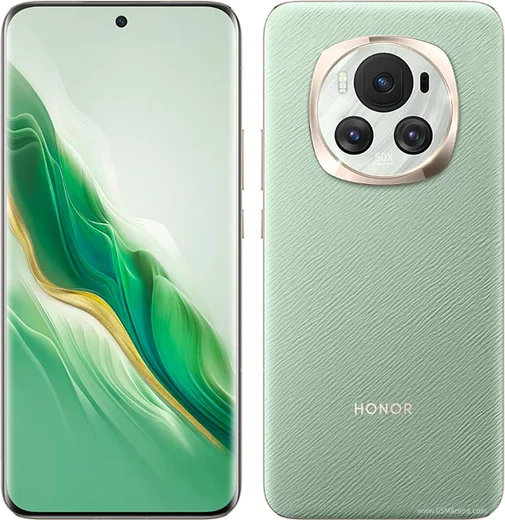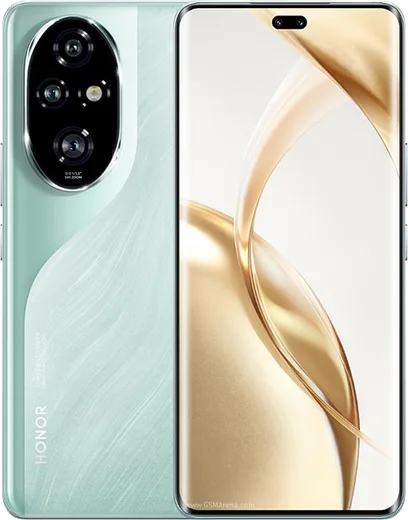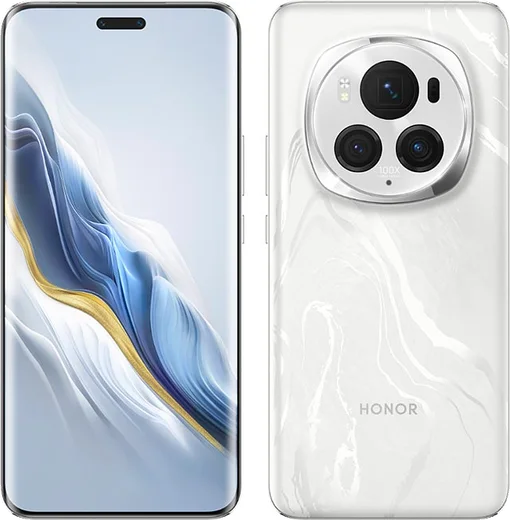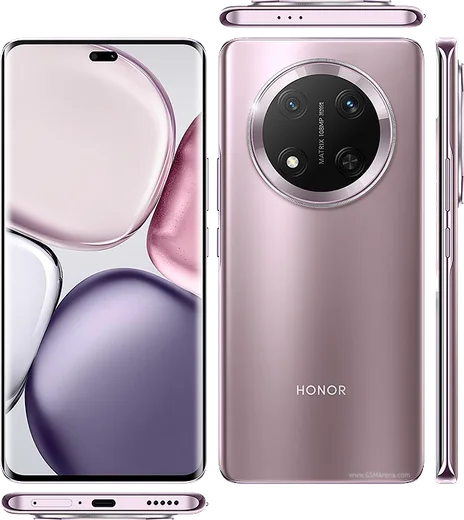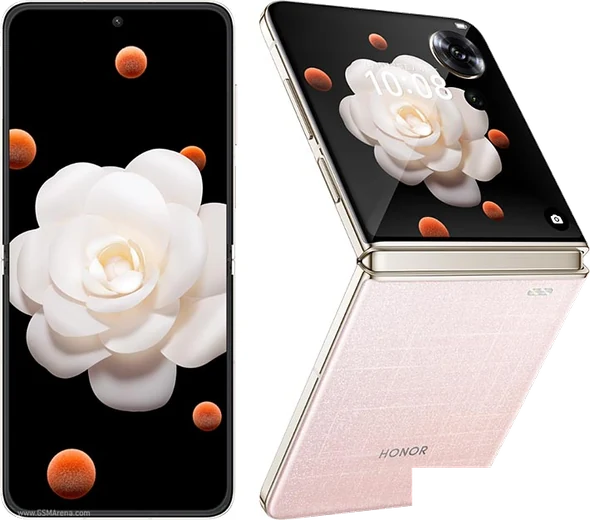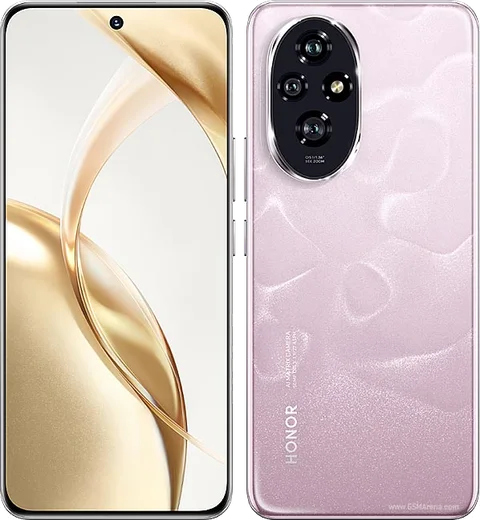
WhatsApp on Honor Magic 6
Honor Android

WhatsApp for Honor Magic 6

Snapdragon 8 Gen 3, 6.78-inch OLED, 5300mAh battery

WhatsApp Messenger 4.7 · 64.2M reviews Free · Android · ~40 MB · by WhatsApp LLC
Download WhatsApp

Ask a question / report a problem

You can ask any question about WhatsApp support on the Honor Magic 6 — leave it below and we'll help.

Ask a question

Can the Honor Magic 6 run WhatsApp?

Fully supported
  • Operating systemAndroid
  • ProcessorSnapdragon 8 Gen 3
  • WhatsApp versionLatest supported

Latest known WhatsApp problems on Honor Magic 6

1

Why won't my camera start in WhatsApp on the Honor Magic 6?

This is usually a permission or background-restriction issue tied to MagicOS power management. Open Settings > Apps > WhatsApp > Permissions and set Camera to Allow, then go to Settings > Battery > App launch, find WhatsApp, turn off automatic management and manually enable Auto-launch, Secondary launch and Run in background. If the camera still hangs, clear WhatsApp's cache via Settings > Apps > WhatsApp > Storage and reboot the phone. See how others solved this on Reddit
2

People say they can't hear me clearly during WhatsApp calls on my Magic 6 Pro, how do I fix it?

Go to Settings > Apps > WhatsApp > Permissions and confirm Microphone is set to Allow, and remove any screen protector or case covering the bottom microphone. Then exclude WhatsApp from battery optimization in Settings > Battery > App launch (set it to Manage manually with Run in background on) so the mic isn't throttled during background calls. If it persists, clear WhatsApp's cache under Settings > Apps > WhatsApp > Storage and test on speaker to isolate whether it's the mic or the earpiece. See how others solved this on Reddit
3

My Honor Magic 6 doesn't show WhatsApp incoming call notifications on screen, how do I get the full-screen call alert back?

MagicOS can strip notification privileges from apps it puts to sleep. Go to Settings > Notifications > WhatsApp and enable Allow notifications plus Lock screen and Banner display, then make sure the Calls category has Banners/pop-up turned on. Critically, open Settings > Battery > App launch, set WhatsApp to Manage manually and turn on Auto-launch and Run in background so it stays alive to ring. See how others solved this on Reddit
4

Why is my WhatsApp video call quality so poor on the Honor Magic 6 Pro?

WhatsApp caps third-party video at a low bitrate, and MagicOS may throttle the camera during background calls. Keep Camera permission set to Allow under Settings > Apps > WhatsApp > Permissions and exclude WhatsApp from battery optimization in Settings > Battery > App launch (Manage manually, Run in background on). Update WhatsApp to the latest version from AppGallery or Play Store, and in WhatsApp > Settings > Storage and data make sure 'Use less data for calls' is turned off. See how others solved this on Reddit
5

The camera preview in WhatsApp is choppy and laggy on my Magic 6, what's going on?

The stutter often comes from MagicOS limiting WhatsApp when it treats the app as restricted. Open Settings > Battery > App launch, set WhatsApp to Manage manually and enable Run in background, then turn off any Power saving mode (Settings > Battery) while on calls. If the lag persists, clear WhatsApp's cache under Settings > Apps > WhatsApp > Storage, or reinstall from the Play Store/AppGallery. See how others solved this on Reddit
6

WhatsApp keeps closing or losing connection in the background on my Honor Magic 6, how do I stop it?

MagicOS aggressively closes background apps, especially on screen lock, which drops WhatsApp's connection and delays messages. Go to Settings > Battery > App launch, switch WhatsApp from automatic to Manage manually, and enable all three toggles (Auto-launch, Secondary launch, Run in background). Then open the Recents view and lock WhatsApp's card (swipe down on it or tap the padlock) so the cleaner doesn't kill it. See how others solved this on Reddit

Ask a question / report a problem

You can ask any question about WhatsApp support on the Honor Magic 6 — leave it below and we'll help.

Ask a question

Watch: setting up WhatsApp

Prefer to watch? This short walkthrough shows the whole installation and number-verification flow.

How to install WhatsApp on Honor Magic 6 — video walkthrough

How to install WhatsApp on Honor Magic 6

1

Choose how to download

On your Honor Magic 6 you can get the official app two ways: from the Google Play Store — the easiest option, since it keeps WhatsApp updated automatically — or directly from the official website. You can download an APK file, by clicking a link “Download WhatsApp directly”.

2

Open WhatsApp

Launch WhatsApp from your home screen or app drawer and accept the Terms of Service to start setup.

3

Verify your phone number

Enter your phone number. If your Honor Magic 6 uses dual SIM, pick the line you want WhatsApp tied to, then enter the 6-digit code it sends by SMS — it usually fills in automatically.

4

Restore chats and finish setup

Restore your chat history from Google Drive (use the same Google account), add your name and photo, and tap Allow for notifications so messages and calls arrive reliably.

Stay safe: only ever install WhatsApp from the official Android source. The Download button above already points there — modified copies (GB/Plus/Aero WhatsApp) can get your number banned.

Comments (8)

No registration needed. No email required.
A
ash.kApr 28, 2026

whatsapp finally on my Honor Magic 6 lol

T
tom99Oct 15, 2025

anyone? why does it crash on opening

AppWhatsOfficialOct 21, 2025

Try clearing the cache and updating your phone software, then install the latest version again. That usually stops the crashing.

K
kate_marSep 27, 2025

Well everything working now 😍

X
xX_omarAug 29, 2025

ngl installed on my 6, super simple

R
raj25Jun 28, 2025

ugh help meee i pressed everything and nothing 😭 pls

AppWhatsOfficialJun 29, 2025

You are almost there! Tap Download, allow the install, open WhatsApp and confirm your number. You will be set up on your phone in no time.

R
raj81May 19, 2025

man good job whoever made this 🙏

J
jay40Mar 3, 2025

installé sur le Honor Magic 6 de ma mère sans probleme

M
maxx_beaNov 23, 2024

man best site for this honestly cheers