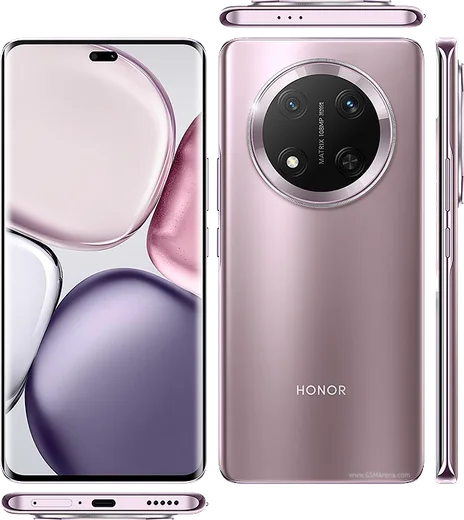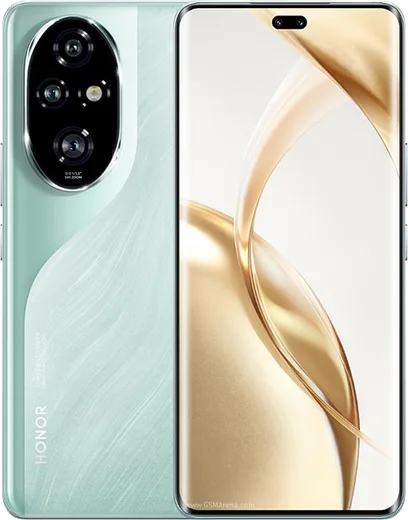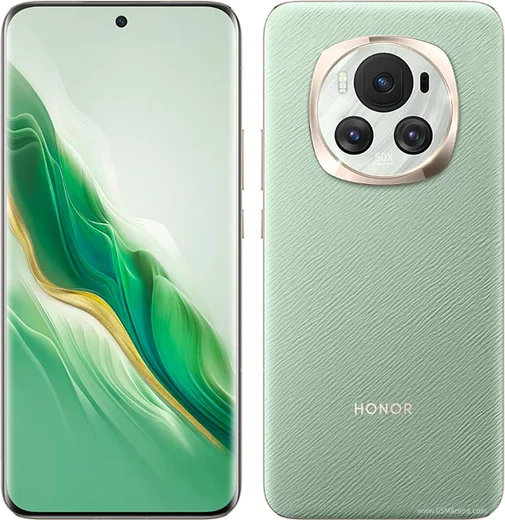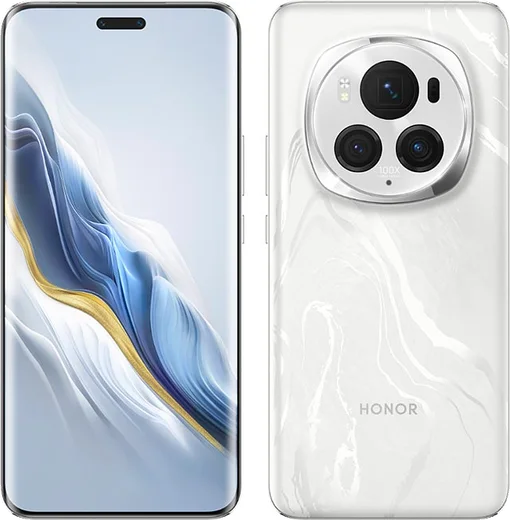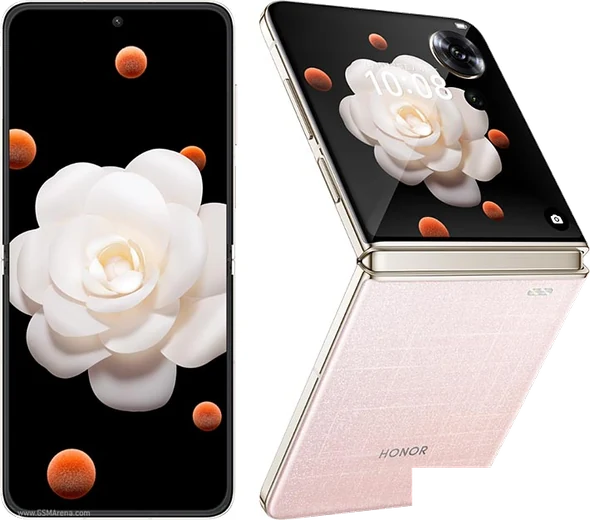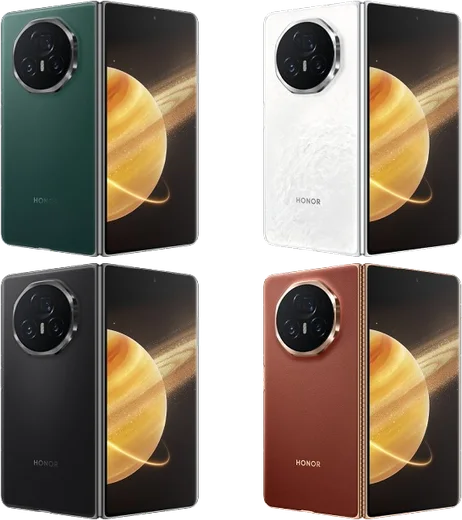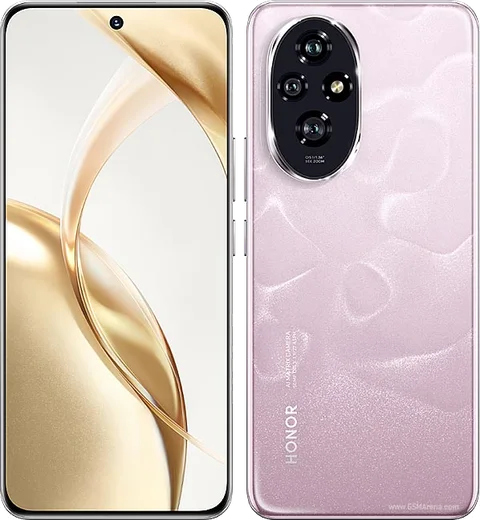
WhatsApp on Honor Magic 7 Lite
Honor Android

WhatsApp for Honor Magic 7 Lite

Snapdragon 6 Gen 1, 6.78-inch AMOLED, 6600mAh battery

WhatsApp Messenger 4.7 · 64.2M reviews Free · Android · ~40 MB · by WhatsApp LLC
Download WhatsApp

Ask a question / report a problem

You can ask any question about WhatsApp support on the Honor Magic 7 Lite — leave it below and we'll help.

Ask a question

Can the Honor Magic 7 Lite run WhatsApp?

Fully supported
  • Operating systemAndroid
  • ProcessorSnapdragon 6 Gen 1
  • WhatsApp versionLatest supported

Latest known WhatsApp problems on Honor Magic 7 Lite

1

Why don't WhatsApp notifications show up on my Honor Magic 7 Lite until I open the app?

MagicOS aggressively kills background apps to save battery, which is the usual cause. Go to Settings > Apps > Apps > WhatsApp > Battery usage and set it to Unrestricted, then in Settings > Battery > App launch find WhatsApp, switch it from Automatic to Manage manually and enable Auto-launch, Secondary launch and Run in background. Finally confirm Settings > Notifications > WhatsApp has notifications and all channels enabled. See how others solved this on Reddit
2

WhatsApp voice messages sound bad or muffled on my Honor Magic 7 Lite, how do I fix it?

This is usually a partially blocked mic or MagicOS audio handling, not WhatsApp itself. Clean the bottom microphone hole, then record again holding the phone normally rather than up to your ear, since covering the proximity sensor switches recording to the earpiece path. If it persists, clear WhatsApp's cache in Settings > Apps > Apps > WhatsApp > Storage and record a clip in a plain voice-recorder app to rule out a hardware fault. See how others solved this on Reddit
3

WhatsApp incoming call notifications don't show on screen on my Honor Magic 7 Lite, only after the call ends. How do I fix it?

WhatsApp needs permission to display over other apps and to bypass battery limits for calls to pop up. Go to Settings > Apps > Apps > WhatsApp > Permissions and enable 'Display over other apps' (Pop-up windows), then set its Battery usage to Unrestricted. In WhatsApp, open Settings > Notifications and make sure 'Use high priority notifications' and the Calls notification channel are both on. See how others solved this on Reddit
4

WhatsApp calls keep dropping over Wi-Fi on my Honor Magic 7 Lite. What can I do?

MagicOS Wi-Fi power saving can throttle the connection during calls. Go to Settings > Wi-Fi, tap the gear/more options and turn off Wi-Fi power saving, and disable any smart Wi-Fi/mobile data switching so it doesn't hop networks mid-call. Also set WhatsApp to Unrestricted under Settings > Apps > Apps > WhatsApp > Battery usage so the call isn't suspended in the background. See how others solved this on Reddit
5

WhatsApp freezes or feels slow to open on my Honor Magic 7 Lite. How do I speed it up?

Random freezes in messaging apps on MagicOS usually come from a bloated cache or the app being repeatedly frozen and reloaded. Clear the cache in Settings > Apps > Apps > WhatsApp > Storage > Clear cache (this keeps your chats), and lock WhatsApp in Recents so the system doesn't kill it. Keeping the app updated from the Play Store and freeing up internal storage also reduces the stutter. See how others solved this on Reddit
6

WhatsApp messages don't come through Android Auto on my Honor Magic 7 Lite. How do I enable them?

Android Auto needs notification access for WhatsApp, and the app must stay running in the background. In the Android Auto settings (Settings > Connected devices > Android Auto, or the Android Auto app) allow WhatsApp under notifications, then confirm WhatsApp isn't battery-restricted in Settings > Apps > Apps > WhatsApp > Battery usage (set Unrestricted). In the car, tap the WhatsApp icon once to grant the messaging permission so it can read and reply to messages aloud. See how others solved this on Reddit

Ask a question / report a problem

You can ask any question about WhatsApp support on the Honor Magic 7 Lite — leave it below and we'll help.

Ask a question

Watch: setting up WhatsApp

Prefer to watch? This short walkthrough shows the whole installation and number-verification flow.

How to install WhatsApp on Honor Magic 7 Lite — video walkthrough

How to install WhatsApp on Honor Magic 7 Lite

1

Choose how to download

On your Honor Magic 7 Lite you can get the official app two ways: from the Google Play Store — the easiest option, since it keeps WhatsApp updated automatically — or directly from the official website. You can download an APK file, by clicking a link “Download WhatsApp directly”.

2

Open WhatsApp

Launch WhatsApp from your home screen or app drawer and accept the Terms of Service to start setup.

3

Verify your phone number

Enter your phone number. If your Honor Magic 7 Lite uses dual SIM, pick the line you want WhatsApp tied to, then enter the 6-digit code it sends by SMS — it usually fills in automatically.

4

Restore chats and finish setup

Restore your chat history from Google Drive (use the same Google account), add your name and photo, and tap Allow for notifications so messages and calls arrive reliably.

Stay safe: only ever install WhatsApp from the official Android source. The Download button above already points there — modified copies (GB/Plus/Aero WhatsApp) can get your number banned.

Comments (8)

No registration needed. No email required.
M
mia_ashMay 29, 2026

Guys all good on my magic 7 lite now

S
sam.iMay 15, 2026

i tried everything pls help meee install whatsapp on Honor Magic 7 Lite :(

AppWhatsOfficialMay 18, 2026

We are here to help. Hit Download, follow the steps on this page, and if the code is slow just request it again. You got this!

W
whyyyyyApr 15, 2026

honestly very clear steps 🔥

L
lucy_andJan 8, 2026

Mein 7lite hat endlich whatsapp, klasse 👍

L
leo_ytSep 21, 2025

should i remove the old version before this pls

AppWhatsOfficialSep 27, 2025

No worries, no need. Installing the latest version updates the existing app and keeps your chats. Just follow the steps above. Hope that helps!

P
pete.iAug 14, 2025

Good job whoever made this 👌

L
lucy_nicFeb 1, 2025

downloaded and installed on my honor magic 7 lite

AppWhatsOfficialFeb 2, 2025

Happy it helped you!

N
not_danJan 9, 2025

guys did it without any help, very simple