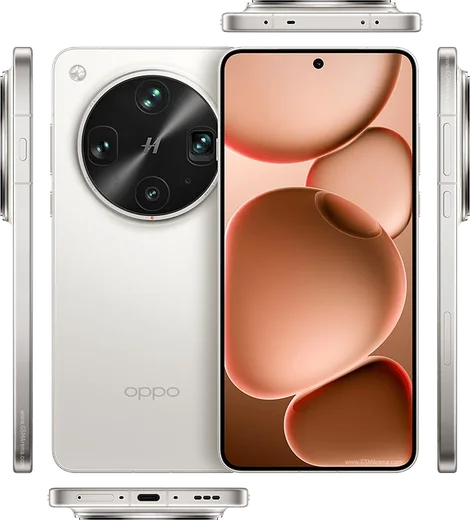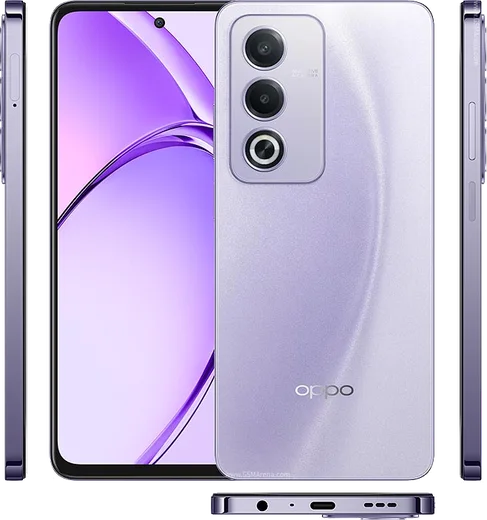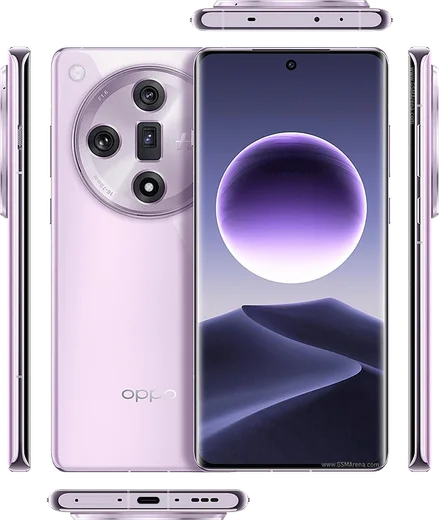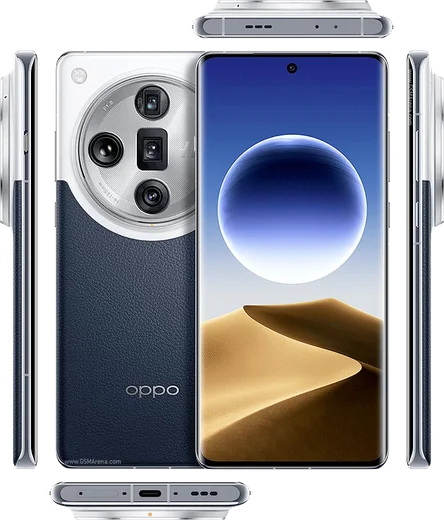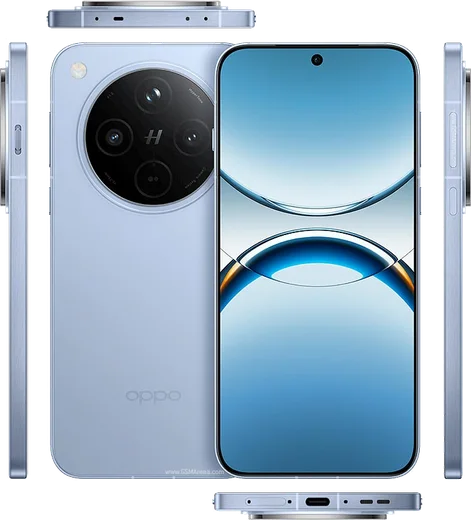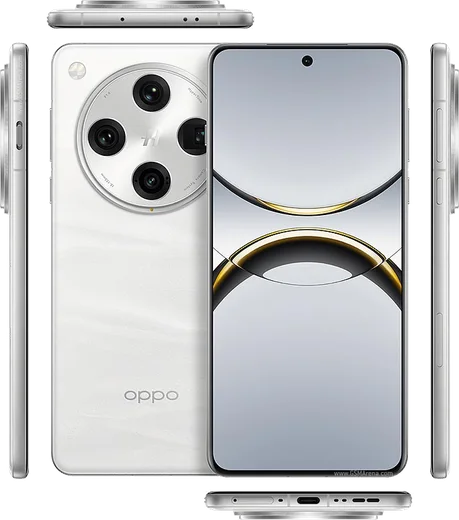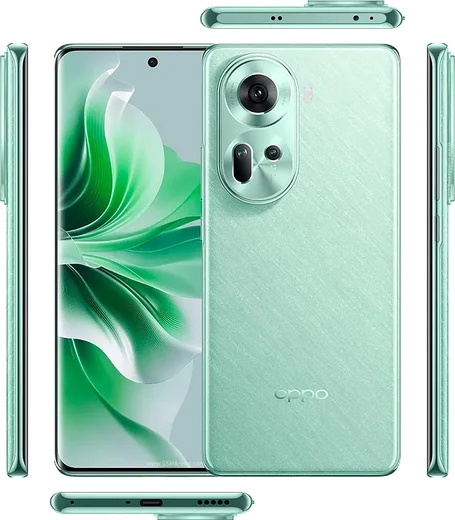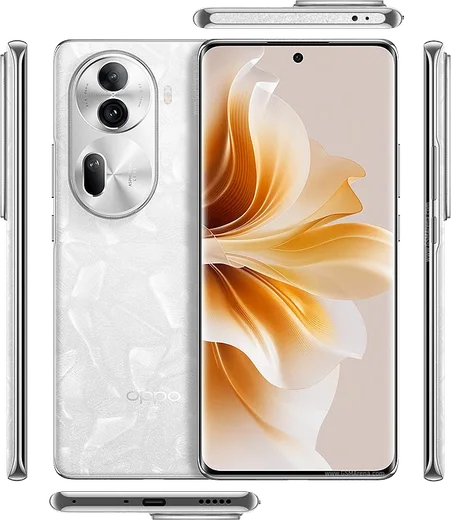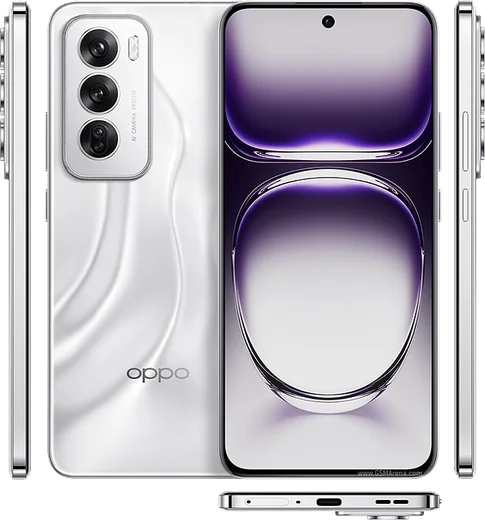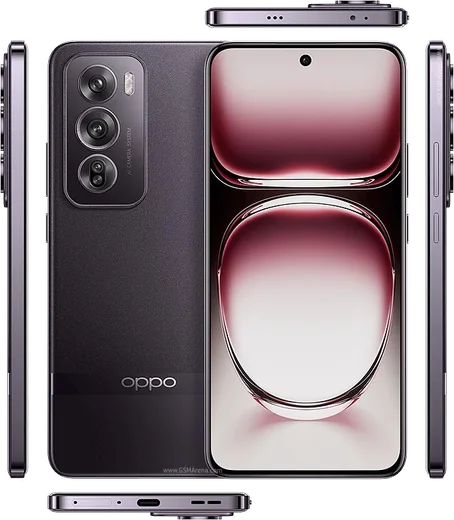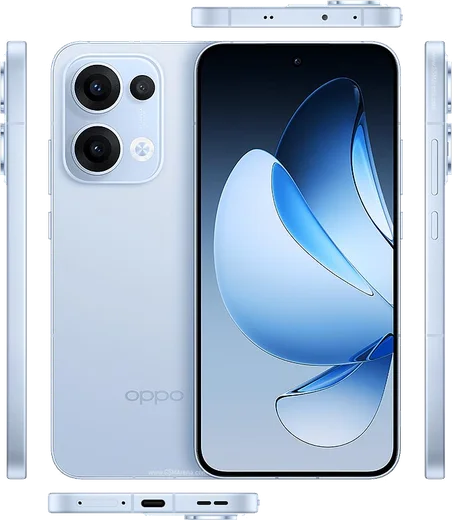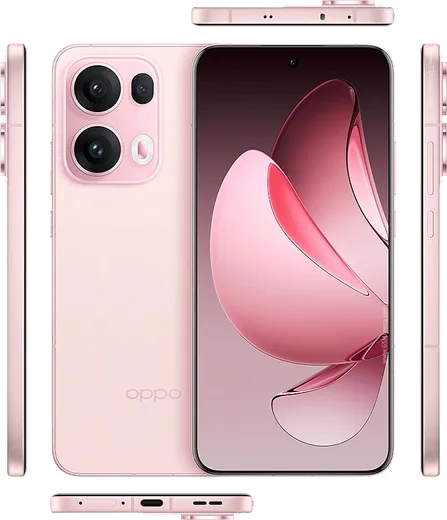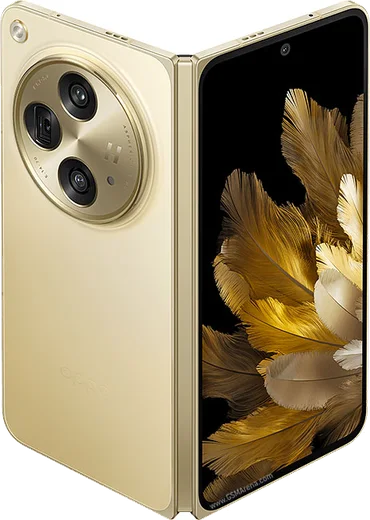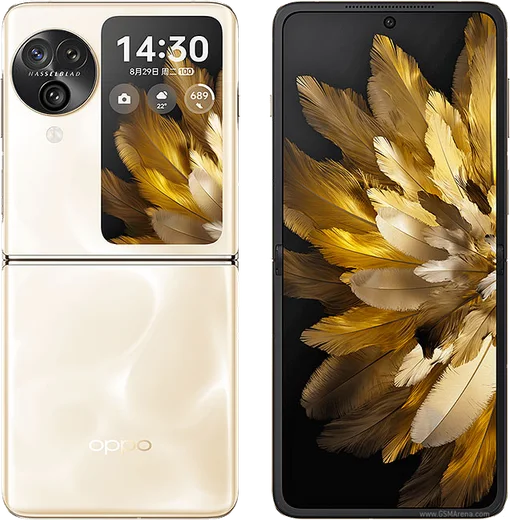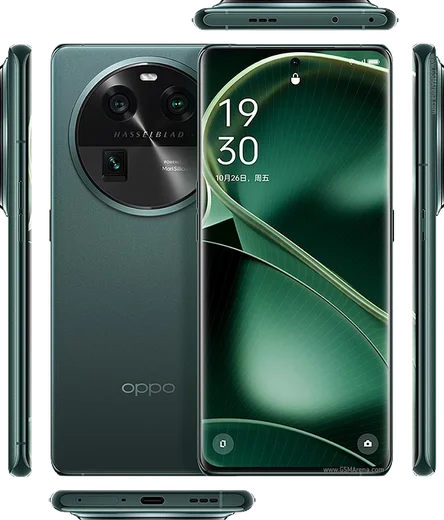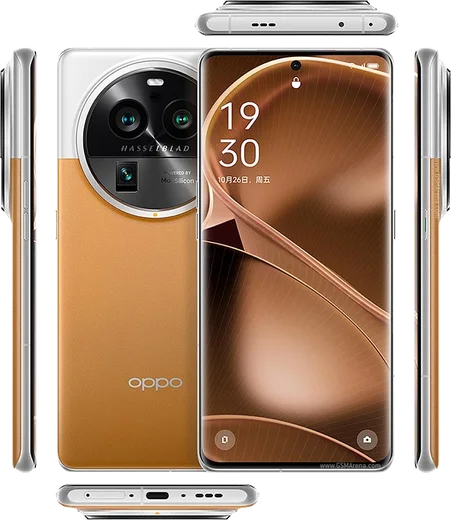
WhatsApp for Oppo

Find X, Reno and A-series Oppo phones running ColorOS — get WhatsApp installed and ready to chat in minutes.

WhatsApp Messenger 4.7 · 64.2M reviews Free · Android · ~40 MB · by WhatsApp LLC
Download WhatsApp
33Oppo models
ANDROIDplatform

Ask a question / report a problem

You can ask any question about WhatsApp on Oppo phones — leave it below and we'll help.

Ask a question

All Oppo phones

33 install guides
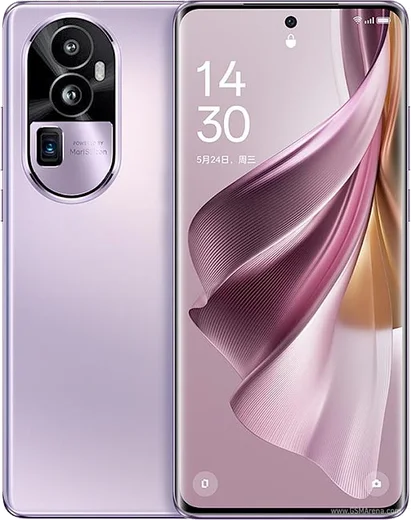
Oppo Find N5

Oppo Find N5

38.2k10
Download
Oppo Find X8 Ultra

Oppo Find X8 Ultra

65.2k15
Download
Oppo A3 Pro

Oppo A3 Pro

41.6k11
Download

Oppo A60

21.9k8
Download
Oppo Find X7

Oppo Find X7

35.9k11
Download
Oppo Find X7 Ultra

Oppo Find X7 Ultra

33.5k11
Download
Oppo Find X8

Oppo Find X8

32.8k10
Download
Oppo Find X8 Pro

Oppo Find X8 Pro

64.6k14
Download
Oppo Reno 11

Oppo Reno 11

28.5k10
Download
Oppo Reno 11 Pro

Oppo Reno 11 Pro

58.4k14
Download
Oppo Reno 12

Oppo Reno 12

46.6k11
Download
Oppo Reno 12 Pro

Oppo Reno 12 Pro

39.2k11
Download
Oppo Reno 13

Oppo Reno 13

36.9k10
Download
Oppo Reno 13 Pro

Oppo Reno 13 Pro

53.2k13
Download
Oppo A58

Oppo A58

26.6k8
Download
Oppo A78

Oppo A78

43.4k11
Download
Oppo A79

Oppo A79

45.2k11
Download
Oppo A98

Oppo A98

36.1k10
Download
Oppo Find N2 Flip

Oppo Find N2 Flip

40.9k11
Download
Oppo Find N3

Oppo Find N3

39k11
Download
Oppo Find N3 Flip

Oppo Find N3 Flip

64.9k14
Download
Oppo Find X6

Oppo Find X6

48.8k13
Download
Oppo Find X6 Pro

Oppo Find X6 Pro

58.5k14
Download

Oppo Reno 10

27.5k10
Download

Oppo Reno 10 Pro

42.1k13
Download
Oppo Reno 10 Pro+

Oppo Reno 10 Pro+

54.3k13
Download

Oppo Find X5

33.4k10
Download

Oppo Find X5 Pro

33.2k10
Download

Oppo Reno 7

16.2k7
Download

Oppo Reno 8

18.5k7
Download

Oppo Reno 8 Pro

40k11
Download

Oppo Find X3 Pro

44.2k11
Download
Oppo Reno 6

Oppo Reno 6

27.7k10
Download

Latest known WhatsApp problems on Oppo phones

Oppo Find X8 Ultra

Why don't I get WhatsApp notifications on my Oppo Find X8 Ultra until I open the app?

Oppo Find X8 Ultra
ColorOS 15 aggressively freezes background apps to save battery, which delays WhatsApp messages until you manually open it. Go to Settings > Battery > tap the three-dot menu (top right) > App battery management, find WhatsApp and set it to 'Allow background activity' / 'Don't optimize'. Then open the recent apps (multitasking) view, swipe down on the WhatsApp card and tap the lock icon so ColorOS stops killing it in the background. See how others solved this on Reddit
Oppo Find X8 Pro

Why does WhatsApp keep crashing or freezing on my Oppo Find X8 Pro?

Oppo Find X8 Pro
ColorOS aggressively manages background apps, which can break WhatsApp on the Find X8 Pro. Go to Settings > Battery > (tap the three-dot menu or App battery management) and find WhatsApp, then set it to Allow background activity and turn off Allow app to sleep. Also open Settings > Apps > App management > WhatsApp and confirm it is up to date via the Play Store, since several stability issues were addressed in WhatsApp updates. If it still crashes, clear the cache under Settings > Apps > App management > WhatsApp > Storage usage > Clear cache (this does not delete chats). See how others solved this on Reddit
Oppo Reno 11 Pro

WhatsApp notifications are delayed or not showing on my Oppo Reno 11 Pro until I open the app

Oppo Reno 11 Pro
ColorOS aggressively kills background apps to save battery, which silences WhatsApp pushes. Go to Settings > Battery > tap WhatsApp and turn off the background restrictions, then in Settings > Apps > Manage apps > WhatsApp > Battery usage set it to "Allow background activity" and turn off "Allow battery optimisation." Finally lock WhatsApp in the Recent apps screen (swipe up to Recents, pull down on the WhatsApp card and tap the lock icon) so the system stops clearing it. See how others solved this on Reddit
Oppo Find N3 Flip

Why aren't WhatsApp call and video call notifications showing on my Oppo Find N3 Flip?

Oppo Find N3 Flip
ColorOS aggressively closes background apps, which can silence WhatsApp call alerts. Go to Settings > Battery > tap WhatsApp and turn on "Allow background activity" and disable any battery optimization or "Sleep standby optimization" for it. Then open Settings > Apps > Manage apps > WhatsApp > Notifications and make sure the Calls channel is enabled with sound and the option to show on the lock screen. Finally, open the Recent Apps view (swipe up and hold), press the WhatsApp card, and tap the lock icon so the system stops clearing it from memory. See how others solved this on Reddit
Oppo Find X6 Pro

Why are my WhatsApp notifications delayed or missing on the Oppo Find X6 Pro?

Oppo Find X6 Pro
ColorOS aggressively freezes background apps to save battery, which is the most common cause of delayed WhatsApp alerts on the Find X6 Pro. Go to Settings > Battery, tap the gear/three-dot menu, open App battery management, find WhatsApp and set it to "Allow background activity" while turning off "Allow auto-optimization". Also long-press the WhatsApp card in Recent apps and tap the lock icon so it isn't cleared from memory. See how others solved this on Reddit

Why don't WhatsApp calls show up on my Oppo Reno 10 Pro lock screen?

Oppo Reno 10 Pro
ColorOS aggressively manages background apps, which stops WhatsApp from drawing the full-screen call screen over your lock screen. Go to Settings > Apps > App management > WhatsApp > Notifications and enable Allow notifications, Lock screen notifications, and Banners. Then go to Settings > Battery > Power saving (or Settings > Apps > App management > WhatsApp > Battery usage) and set WhatsApp to Allow background activity / Don't optimize. Finally, open Recents, swipe down on the WhatsApp card and tap the lock icon so the system stops closing it in the background. See how others solved this on Reddit
Oppo Reno 10 Pro+

Why don't WhatsApp call notifications show on the lock screen of my Oppo Reno 10 Pro+?

Oppo Reno 10 Pro+
ColorOS battery optimization is the usual culprit, so go to Settings > Battery (or Settings > Apps > App management > WhatsApp > Battery usage) and set WhatsApp to Allow background activity, then enable Allow auto-launch under App management. Also open Settings > Notifications & status bar > WhatsApp, turn on Lock screen notifications and the Calls channel, and disable any battery saver or sleep schedule that might silence apps overnight. See how others solved this on Reddit
Oppo A3 Pro

Why don't WhatsApp calls ring or show on my Oppo A3 Pro lock screen?

Oppo A3 Pro
ColorOS aggressively restricts WhatsApp in the background, which can stop incoming-call notifications from ringing or appearing. Go to Settings > Apps > App management > WhatsApp > Allow auto-launch (turn it on), then under the same screen set Battery usage to "Allow background activity" / "Don't optimize". Next open Settings > Notifications & status bar > WhatsApp, enable Call notifications, and turn on lock screen notifications and banners so calls appear over the lock screen. It also helps to lock WhatsApp in the Recents view (open multitasking, pull down on the WhatsApp card and tap the lock icon) so the system can't clear it. See how others solved this on Reddit
Oppo Find X7

Why am I not getting WhatsApp call notifications on my Oppo Find X7?

Oppo Find X7
ColorOS aggressively freezes background apps, so open Settings > Battery > tap WhatsApp and set it to "Allow background activity" and disable "Sleep standby optimization" for it. Then open Settings > Apps > WhatsApp > Notifications, make sure the "Calls" notification channel is enabled and set to play a sound, and inside WhatsApp confirm Settings > Notifications has notifications turned on. See how others solved this on Reddit
Oppo Reno 12

How do I transfer my WhatsApp chats from my old iPhone to the Oppo Reno 12?

Oppo Reno 12
WhatsApp's official iOS-to-Android move only works while the Oppo is factory-fresh, so do it during first-time setup: when ColorOS shows the Android setup wizard, open WhatsApp on the iPhone (Settings > Chats > Move Chats to Android), then scan the QR code shown on the Oppo and connect the two phones with a USB-C cable (use a Lightning-to-USB-C adapter if your iPhone has a Lightning port). If your Reno 12 is already set up, the only reliable way is to back up first, then factory reset it (Settings > System settings > Back up and reset > Erase all data) and run the move during the initial setup wizard, since the official transfer can't be triggered afterward. See how others solved this on Reddit

Ask a question / report a problem

You can ask any question about WhatsApp on Oppo phones — leave it below and we'll help.

Ask a question

How to install WhatsApp on Oppo

Installing WhatsApp on a Oppo phone takes just a minute. Follow the steps below to get the official app the safe way.

Choose how to download

On your Oppo phone you can get the official app two ways: from the Google Play Store — the easiest option, since it keeps WhatsApp updated automatically — or directly from the official website. You can download an APK file, by clicking a link “Download WhatsApp directly”.

Open WhatsApp

Launch WhatsApp from your home screen or app drawer and accept the Terms of Service to start setup.

Verify your phone number

Enter your phone number. If your Oppo phone uses dual SIM, pick the line you want WhatsApp tied to, then enter the 6-digit code it sends by SMS — it usually fills in automatically.

Restore chats and finish setup

Restore your chat history from Google Drive (use the same Google account), add your name and photo, and tap Allow for notifications so messages and calls arrive reliably.

Stay safe: only ever install WhatsApp from the official Android source. The Download button above already points there.

Watch: setting up WhatsApp

Prefer to watch? This short walkthrough shows the whole installation and number-verification flow.

How to install WhatsApp on Oppo — video

Comments (10)

No registration needed. No email required.
T
the_real_gabeDec 8, 2025

guys 10 out of 10

I
its_amyOct 29, 2025

you guys are life savers ✌️

Q
quickfixMay 9, 2025

tbh worked like a charm 👍

R
raj28Feb 10, 2025

My whatsapp had stopped working but this fixed it lol

B
ben44Jan 27, 2025

my new oppo phones is all set up now

J
jess2Nov 27, 2024

Cant do this alone HELP how do i download 🙏

AppWhatsOfficialNov 30, 2024

Take a breath, we got you. Press Download above, then Install, then verify your number. That is all it takes.

R
rob.dOct 25, 2024

So all good on my oppo phones now

J
jess_mikOct 23, 2024

omg clear steps for the Oppo phones, cheers

M
ms_louOct 2, 2024

wow gracias, mi oppo phones ya tiene whatsapp

J
jay_priSep 27, 2024

hey sehr einfach, in 2 minuten auf meinem oppo phones erledigt