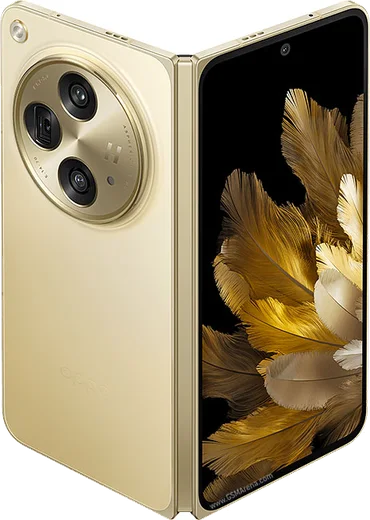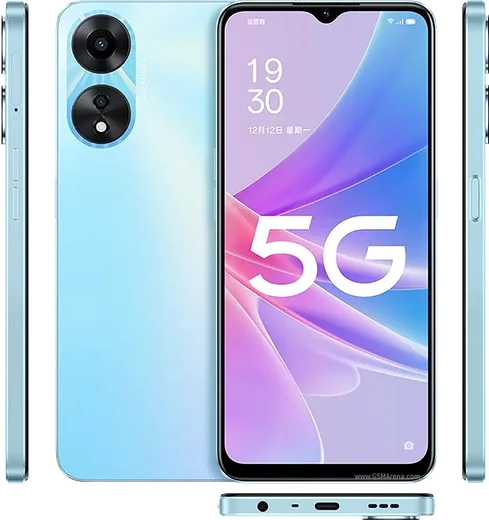
Oppo Android

WhatsApp for Oppo Reno 10 Pro

Snapdragon 778G, 6.7-inch curved AMOLED, 80W charging

WhatsApp Messenger 4.7 · 64.2M reviews Free · Android · ~40 MB · by WhatsApp LLC
Download WhatsApp

Ask a question / report a problem

You can ask any question about WhatsApp support on the Oppo Reno 10 Pro — leave it below and we'll help.

Ask a question

Can the Oppo Reno 10 Pro run WhatsApp?

Fully supported
  • Operating systemAndroid
  • ProcessorSnapdragon 778G
  • WhatsApp versionLatest supported

Latest known WhatsApp problems on Oppo Reno 10 Pro

1

Why don't WhatsApp calls show up on my Oppo Reno 10 Pro lock screen?

ColorOS aggressively manages background apps, which stops WhatsApp from drawing the full-screen call screen over your lock screen. Go to Settings > Apps > App management > WhatsApp > Notifications and enable Allow notifications, Lock screen notifications, and Banners. Then go to Settings > Battery > Power saving (or Settings > Apps > App management > WhatsApp > Battery usage) and set WhatsApp to Allow background activity / Don't optimize. Finally, open Recents, swipe down on the WhatsApp card and tap the lock icon so the system stops closing it in the background. See how others solved this on Reddit
2

My Oppo Reno 10 Pro doesn't wake up or ring for WhatsApp calls until I open the app, how do I fix it?

This is ColorOS deep-sleep / battery management cutting off WhatsApp's background connection. Go to Settings > Apps > App management > WhatsApp > Battery usage and set it to Allow background activity (turn off battery optimization), and enable Allow auto-launch. In Settings > Battery, turn off Sleep standby optimization. Confirm notifications are allowed under Settings > Apps > App management > WhatsApp > Notifications so an incoming call can wake the screen. See how others solved this on Reddit
3

WhatsApp call notifications are missing on my Oppo Reno 10 Pro when the screen is locked, what setting controls this?

ColorOS needs WhatsApp whitelisted from power saving and given lock-screen and floating-window permissions. Go to Settings > Apps > App management > WhatsApp and turn on Allow auto-launch, then open Notifications and enable Banners (floating notifications) and Lock screen notifications. Finally, in Settings > Battery (or WhatsApp > Battery usage) set WhatsApp to Allow background activity. After this, locked-screen calls should ring with the full call banner. See how others solved this on Reddit
4

WhatsApp notifications arrive late on my Oppo Reno 10 Pro, only showing when I open the app — how do I get them instantly?

Delayed notifications are almost always the battery optimizer holding WhatsApp's background connection until you wake the phone. Go to Settings > Apps > App management > WhatsApp > Battery usage and set it to Allow background activity, turn off Sleep standby optimization in Settings > Battery, and turn off any data saver restriction for WhatsApp. Also enabling auto-launch (Settings > Apps > App management > WhatsApp > Allow auto-launch) stops the system from delaying notifications. See how others solved this on Reddit
5

My WhatsApp chat list on the Oppo Reno 10 Pro isn't updating with the latest sent message, it shows old previews — how do I fix it?

This is usually a cache glitch in the WhatsApp build, so first update WhatsApp from the Play Store (or App Market) to the newest version, since recent releases fixed this. If it persists, clear the app cache via Settings > Apps > App management > WhatsApp > Storage usage > Clear cache (this keeps your chats), then force-stop and reopen WhatsApp to rebuild the chat list ordering. See how others solved this on Reddit
6

I get 'You need the official WhatsApp to log in' on my Oppo Reno 10 Pro even though I installed it from the Play Store — what should I do?

This error usually means data from an unofficial mod (like GBWhatsApp) or an outdated APK is still present, and the official app refuses it. Uninstall WhatsApp completely, then reinstall the official version from the Google Play Store, and when prompted restore your chats from the Google Drive backup tied to your Google account. Make sure your phone date and time are set to automatic, as a wrong clock can also trigger this login block. See how others solved this on Reddit

Ask a question / report a problem

You can ask any question about WhatsApp support on the Oppo Reno 10 Pro — leave it below and we'll help.

Ask a question

Watch: setting up WhatsApp

Prefer to watch? This short walkthrough shows the whole installation and number-verification flow.

How to install WhatsApp on Oppo Reno 10 Pro — video walkthrough

How to install WhatsApp on Oppo Reno 10 Pro

1

Choose how to download

On your Oppo Reno 10 Pro you can get the official app two ways: from the Google Play Store — the easiest option, since it keeps WhatsApp updated automatically — or directly from the official website. You can download an APK file, by clicking a link “Download WhatsApp directly”.

2

Open WhatsApp

Launch WhatsApp from your home screen or app drawer and accept the Terms of Service to start setup.

3

Verify your phone number

Enter your phone number. If your Oppo Reno 10 Pro uses dual SIM, pick the line you want WhatsApp tied to, then enter the 6-digit code it sends by SMS — it usually fills in automatically.

4

Restore chats and finish setup

Restore your chat history from Google Drive (use the same Google account), add your name and photo, and tap Allow for notifications so messages and calls arrive reliably.

Stay safe: only ever install WhatsApp from the official Android source. The Download button above already points there — modified copies (GB/Plus/Aero WhatsApp) can get your number banned.

Comments (13)

No registration needed. No email required.
Y
yuki.eJun 16, 2026

wow a marché parfaitement, merci merci

N
noah.lApr 26, 2026

Ugh im so confused someone help meeee

AppWhatsOfficialApr 28, 2026

Take a breath, we got you. Press Download above, then Install, then verify your number. That is all it takes.

Y
yuki.vMar 26, 2026

Update whatsapp is working on my 10 pro now lol

R
randomuserMar 13, 2026

Update set up whatsapp on my dads reno 10pro no problem 🔥

P
pablo.kJan 9, 2026

i tried 3 other guides before this one 👍

H
helpmeeeNov 25, 2025

ok so thank u, whatsapp installed on my reno 10 pro

J
just_samNov 2, 2025

Wow installed in 2 min 🎉

V
val_louOct 9, 2025

Guys restarted the phone and then it installed

T
the_real_jessJul 18, 2025

Por fin súper sencillo, ya está listo

S
sara_kFeb 21, 2025

أخيراً أفضل موقع، اشتغل من أول مرة

H
helpmeSep 27, 2024

wow installed on my reno 10pro, super simple

S
sol20Aug 11, 2024

ngl the download was a bit slow but it worked

AppWhatsOfficialAug 14, 2024

Perfect, enjoy chatting!

I
ivan_rosJul 10, 2024

tbh running whatsapp on my Reno 10 Pro like new