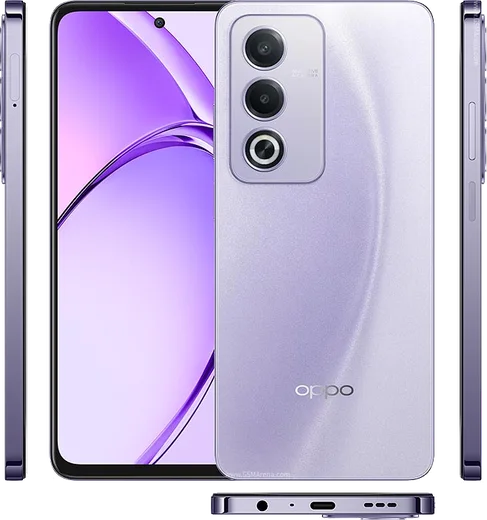
WhatsApp on Oppo Find X7
Oppo Android

WhatsApp for Oppo Find X7

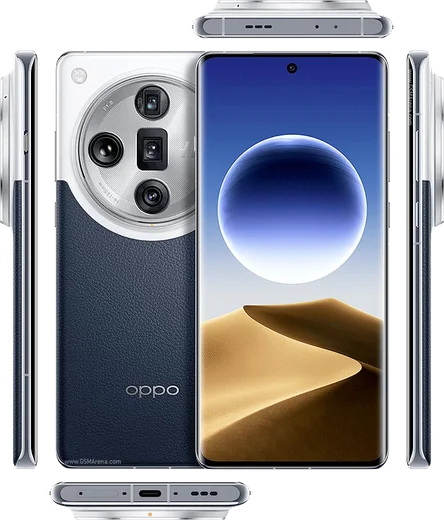
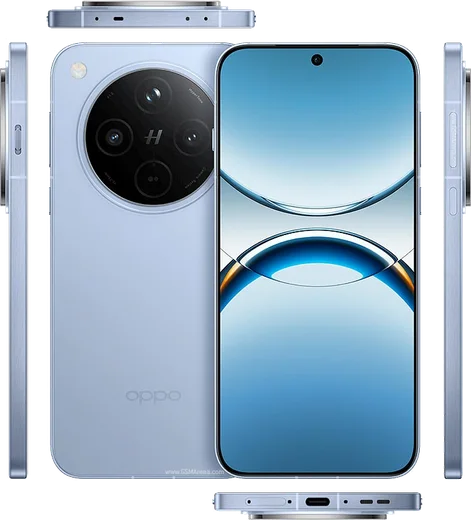
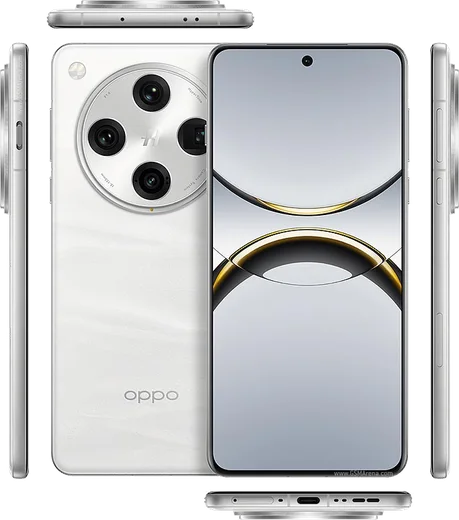
Dimensity 9300, 6.78-inch AMOLED, Hasselblad cameras

WhatsApp Messenger 4.7 · 64.2M reviews Free · Android · ~40 MB · by WhatsApp LLC
Download WhatsApp

Ask a question / report a problem

You can ask any question about WhatsApp support on the Oppo Find X7 — leave it below and we'll help.

Ask a question

Can the Oppo Find X7 run WhatsApp?

Fully supported
  • Operating systemAndroid
  • ProcessorDimensity 9300
  • WhatsApp versionLatest supported

Latest known WhatsApp problems on Oppo Find X7

1

Why am I not getting WhatsApp call notifications on my Oppo Find X7?

ColorOS aggressively freezes background apps, so open Settings > Battery > tap WhatsApp and set it to "Allow background activity" and disable "Sleep standby optimization" for it. Then open Settings > Apps > WhatsApp > Notifications, make sure the "Calls" notification channel is enabled and set to play a sound, and inside WhatsApp confirm Settings > Notifications has notifications turned on. See how others solved this on Reddit
2

WhatsApp and Viber notifications aren't showing at all on my Oppo Find X7 - how do I fix it?

This is almost always ColorOS power management killing the apps in the background. Open Settings > Battery, select WhatsApp and Viber individually and set each to "Allow background activity" / "Don't optimize," then in Settings > Apps > Startup manager (Auto launch) enable both apps so they can wake to deliver pushes. Also confirm notifications are enabled for each app under Settings > Apps > [app] > Notifications. See how others solved this on Reddit
3

Why don't WhatsApp notifications appear on my Oppo Find X7 lock screen?

Open Settings > Notification & status bar > Manage notifications > WhatsApp and turn on "Lock screen notifications," choosing "Show content" if you want the message preview to be visible. Also check Settings > Notification & status bar > Lock screen notifications to confirm the lock screen is allowed to display notification content rather than hiding it. See how others solved this on Reddit
4

Quick reply from the WhatsApp notification doesn't work on my Oppo Find X7 - any fix?

First make sure the WhatsApp notification isn't set to silent: go to Settings > Notification & status bar > Manage notifications > WhatsApp and enable banner/heads-up alerts with sound. If the reply box still won't appear, clear WhatsApp's cache via Settings > Apps > WhatsApp > Storage > Clear cache, then update WhatsApp from the Play Store, as an outdated build can break the inline reply action. See how others solved this on Reddit
5

Should I buy the China (CN) version of the Oppo Find X7 for use abroad - does WhatsApp work?

The CN ColorOS firmware ships without Google Mobile Services, so the Play Store, Google push (FCM), and WhatsApp background notifications won't work reliably without manually sideloading GMS, which is unstable. For dependable WhatsApp use overseas, buy the global/export version of the Find X7 that ships with Google services pre-installed rather than patching the CN model. See how others solved this on Reddit

Ask a question / report a problem

You can ask any question about WhatsApp support on the Oppo Find X7 — leave it below and we'll help.

Ask a question

Watch: setting up WhatsApp

Prefer to watch? This short walkthrough shows the whole installation and number-verification flow.

How to install WhatsApp on Oppo Find X7 — video walkthrough

How to install WhatsApp on Oppo Find X7

1

Choose how to download

On your Oppo Find X7 you can get the official app two ways: from the Google Play Store — the easiest option, since it keeps WhatsApp updated automatically — or directly from the official website. You can download an APK file, by clicking a link “Download WhatsApp directly”.

2

Open WhatsApp

Launch WhatsApp from your home screen or app drawer and accept the Terms of Service to start setup.

3

Verify your phone number

Enter your phone number. If your Oppo Find X7 uses dual SIM, pick the line you want WhatsApp tied to, then enter the 6-digit code it sends by SMS — it usually fills in automatically.

4

Restore chats and finish setup

Restore your chat history from Google Drive (use the same Google account), add your name and photo, and tap Allow for notifications so messages and calls arrive reliably.

Stay safe: only ever install WhatsApp from the official Android source. The Download button above already points there — modified copies (GB/Plus/Aero WhatsApp) can get your number banned.

Comments (11)

No registration needed. No email required.
N
needwhatsappMar 28, 2026

quick q does whatsapp support the find x7 thanks

AppWhatsOfficialMar 29, 2026

Thanks for asking, yes, WhatsApp supports the your phone. Just make sure your phone is on an up to date version of its operating system for the best experience. Reach out anytime.

J
just_theoFeb 25, 2026

so whatsapp finally on my Find X7 🔥

N
newbieNov 11, 2025

finally got whatsapp running on my Oppo Find X7 lol

M
mike20Aug 24, 2025

anyone? should i remove the old version before this pls

AppWhatsOfficialAug 30, 2025

Hi! No need. Installing the latest version updates the existing app and keeps your chats. Just follow the steps above. Happy chatting!

S
sol31Jul 27, 2025

Semplicissimo, tutto pronto

I
im_robMay 29, 2025

clear and to the point 🙏

N
nightowlMay 12, 2025

can i use the same number on two phones

AppWhatsOfficialMay 13, 2025

Happy to help, you can link extra devices from Settings, that lets the same number work on another phone.

R
rob.lMar 7, 2025

Ugh omggg i cant install it someone heeelp pls

AppWhatsOfficialMar 9, 2025

Breathe! Follow the steps above one by one, tap Download first, and you will be chatting in no time. Reply here if you get stuck.

P
pablo20Feb 1, 2025

franchement installé sans souci sur mon Find X7 💯

A
amy92Sep 23, 2024

guys worked perfect on my find x7

AppWhatsOfficialSep 26, 2024

Glad we could help!

I
im_kevAug 20, 2024

Smooth and simple, no issues