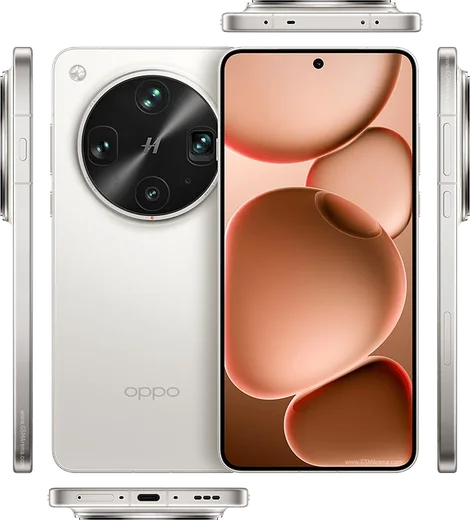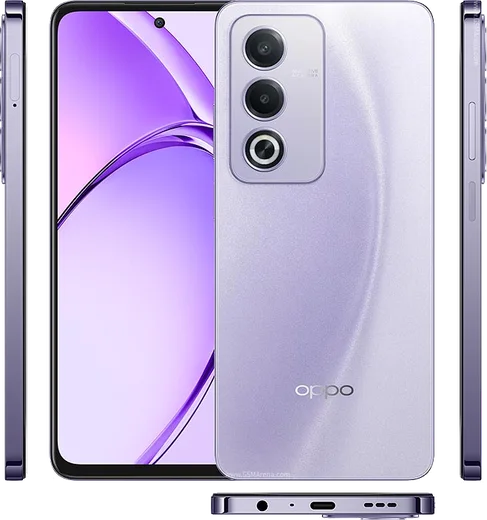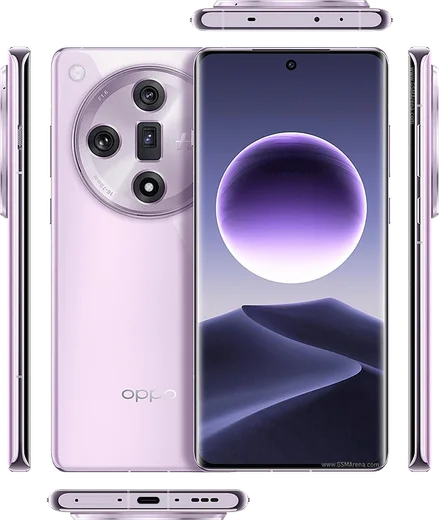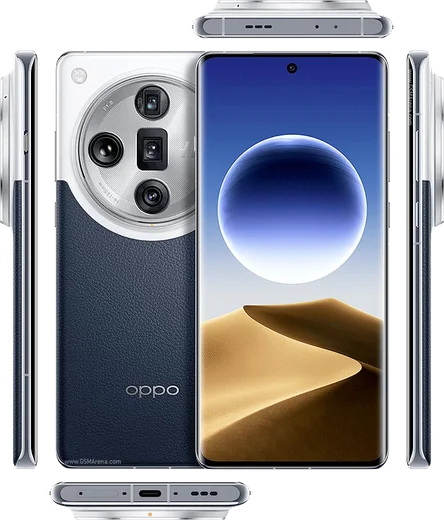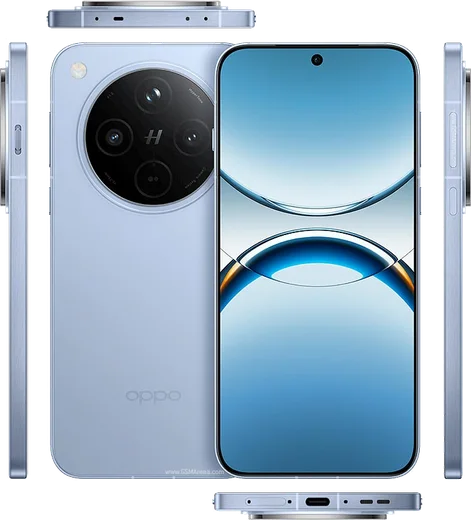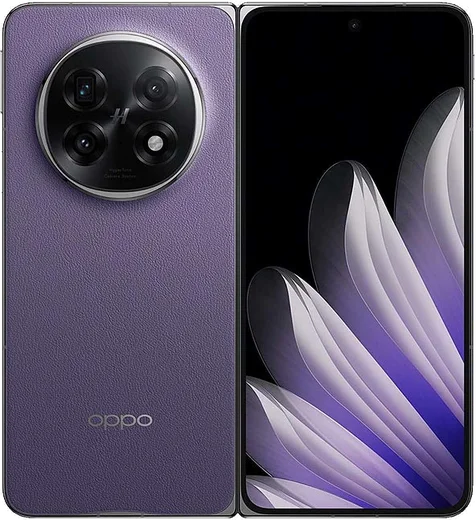
WhatsApp on Oppo Find X8 Ultra
Oppo Android

WhatsApp for Oppo Find X8 Ultra

Snapdragon 8 Elite, 6.82-inch quad 50MP camera, 6100mAh

WhatsApp Messenger 4.7 · 64.2M reviews Free · Android · ~40 MB · by WhatsApp LLC
Download WhatsApp

Ask a question / report a problem

You can ask any question about WhatsApp support on the Oppo Find X8 Ultra — leave it below and we'll help.

Ask a question

Can the Oppo Find X8 Ultra run WhatsApp?

Fully supported
  • Operating systemAndroid
  • ProcessorSnapdragon 8 Elite
  • WhatsApp versionLatest supported

Latest known WhatsApp problems on Oppo Find X8 Ultra

1

Why don't I get WhatsApp notifications on my Oppo Find X8 Ultra until I open the app?

ColorOS 15 aggressively freezes background apps to save battery, which delays WhatsApp messages until you manually open it. Go to Settings > Battery > tap the three-dot menu (top right) > App battery management, find WhatsApp and set it to 'Allow background activity' / 'Don't optimize'. Then open the recent apps (multitasking) view, swipe down on the WhatsApp card and tap the lock icon so ColorOS stops killing it in the background. See how others solved this on Reddit
2

My Oppo Find X8 Ultra shows no WhatsApp notification sound or banner even after I enabled permissions

Granting the OS notification permission isn't enough on ColorOS; you must also allow auto-launch and background running. Open Settings > Apps > Auto-launch (also called 'Startup manager') and enable WhatsApp, then go to Settings > Apps > WhatsApp > Notifications and turn on 'Allow notifications', 'Banners', 'Lock screen' and 'Sound'. Finally check WhatsApp's own in-app Settings > Notifications to confirm the message tone isn't set to None. See how others solved this on Reddit
3

How do I stop ColorOS power saving from silently killing notifications on the Find X8 Ultra?

The usual culprits are 'Sleep standby optimization' and deep background freezing under the ColorOS power engine. Go to Settings > Battery > tap the three-dot menu (top right) and turn off 'Sleep standby optimization', then under App battery management set your chat and email apps to 'Allow background activity'. You can also adjust per-app battery optimization at Settings > Apps > Special access > Battery optimization (or Optimize battery use), switching WhatsApp from 'Optimize' to 'Don't optimize'. See how others solved this on Reddit
4

Is the Oppo Find X8 Ultra worth buying given all the notification complaints?

The hardware is excellent, and the notification problems are a ColorOS battery-management behavior rather than a hardware defect, so they're fixable once you whitelist your messaging apps. Spend a few minutes after setup turning off background restrictions for WhatsApp, email and any critical apps: enable Auto-launch, set 'Allow background activity', disable 'Sleep standby optimization', and lock the apps in the recent-apps view. After that the phone generally behaves normally for everyday use. See how others solved this on Reddit
5

Can I buy and properly use the Oppo Find X8 Ultra in Canada or other regions where it isn't officially sold?

The Find X8 Ultra is primarily a China-market model, so imported units typically ship with the Chinese ColorOS ROM, which has no Google services preinstalled out of the box. If you import one, you'll usually need to install Google Play services manually (and on the Chinese ROM, push notifications can be less reliable, which compounds the battery-related notification issues). Also be aware that some carrier bands and VoLTE may not be fully supported in regions where the phone isn't officially sold, so check your carrier's compatibility before buying. See how others solved this on Reddit

Ask a question / report a problem

You can ask any question about WhatsApp support on the Oppo Find X8 Ultra — leave it below and we'll help.

Ask a question

Watch: setting up WhatsApp

Prefer to watch? This short walkthrough shows the whole installation and number-verification flow.

How to install WhatsApp on Oppo Find X8 Ultra — video walkthrough

How to install WhatsApp on Oppo Find X8 Ultra

1

Choose how to download

On your Oppo Find X8 Ultra you can get the official app two ways: from the Google Play Store — the easiest option, since it keeps WhatsApp updated automatically — or directly from the official website. You can download an APK file, by clicking a link “Download WhatsApp directly”.

2

Open WhatsApp

Launch WhatsApp from your home screen or app drawer and accept the Terms of Service to start setup.

3

Verify your phone number

Enter your phone number. If your Oppo Find X8 Ultra uses dual SIM, pick the line you want WhatsApp tied to, then enter the 6-digit code it sends by SMS — it usually fills in automatically.

4

Restore chats and finish setup

Restore your chat history from Google Drive (use the same Google account), add your name and photo, and tap Allow for notifications so messages and calls arrive reliably.

Stay safe: only ever install WhatsApp from the official Android source. The Download button above already points there — modified copies (GB/Plus/Aero WhatsApp) can get your number banned.

Comments (15)

No registration needed. No email required.
J
jay_xJun 14, 2026

Ey todo bien, mil gracias 🎉

G
gabe.jDec 9, 2025

Honestly im not techy and i still managed 🔥

A
apploverNov 30, 2025

so installed whatsapp on my x8ultra with no issues thanks again

M
mobilegeekNov 10, 2025

funcionó perfecto en mi Oppo Find X8 Ultra gracias

C
confuuusedOct 26, 2025

Guys thank u so much 💯

W
whyyyyyOct 1, 2025

So saved me so much time

S
saif_22Aug 31, 2025

أخيراً شكراً، صار عندي واتساب

T
theo41Jul 11, 2025

Guys where do i change my profile photo ?

AppWhatsOfficialJul 15, 2025

No worries, head to Settings, tap your name, then the camera icon to choose your profile photo. Hope that helps!

M
maxx_gabApr 10, 2025

Installed it but it wont open just a black screen anyone

AppWhatsOfficialApr 16, 2025

No worries, restart the phone, and if the black screen stays, clear the app data and install the latest build again. Reach out anytime.

M
maxx_zoeFeb 15, 2025

guys cant do this alone HELP how do i download :(

AppWhatsOfficialFeb 17, 2025

Take a breath, we got you. Press Download above, then Install, then verify your number. That is all it takes. You will be set up on your phone in no time.

L
lina_tanJan 25, 2025

honestly my whatsapp had stopped working but this fixed it

U
ugh_helpSep 25, 2024

my new Oppo Find X8 Ultra is all set up now

X
xX_valSep 9, 2024

So running whatsapp on my find x8 ultra like new

J
joe.bAug 19, 2024

man quick and painless :)

H
helpmeJul 30, 2024

Omg whatsapp works fine on my Oppo Find X8 Ultra thx