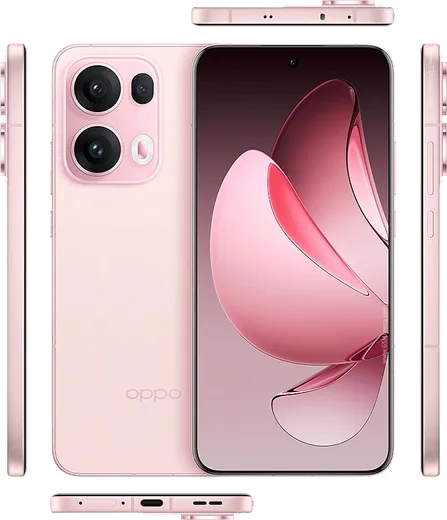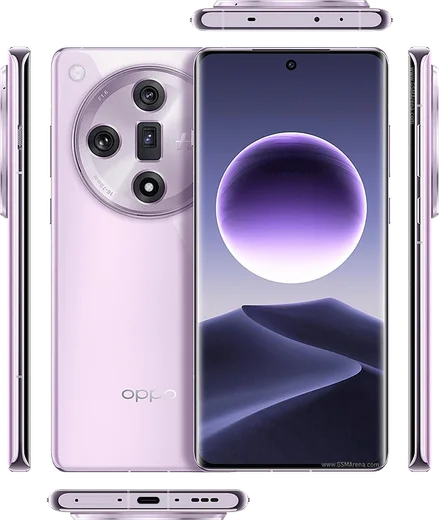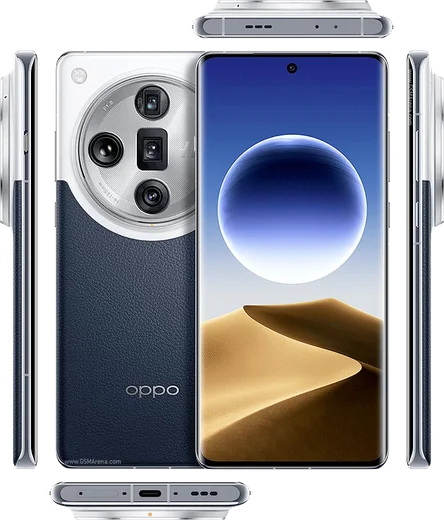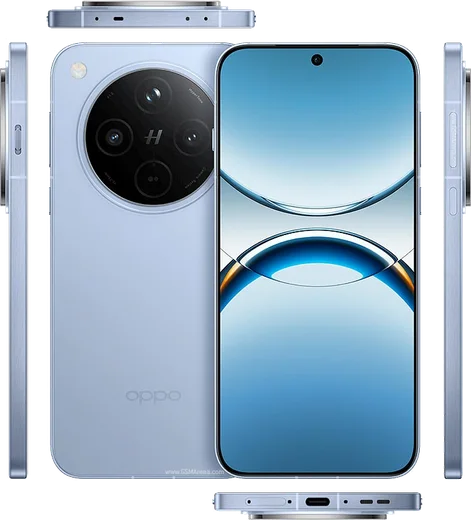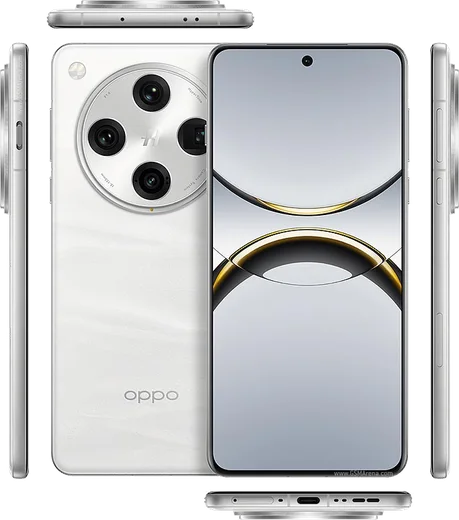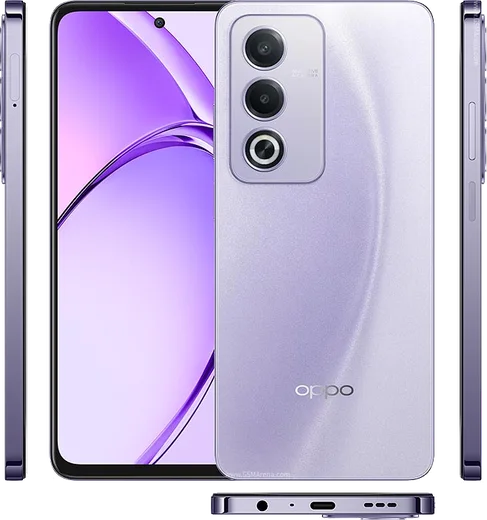
WhatsApp on Oppo Reno 13 Pro
Oppo Android

WhatsApp for Oppo Reno 13 Pro

Dimensity 8350, 6.83-inch 1.5K AMOLED, 100W charging

WhatsApp Messenger 4.7 · 64.2M reviews Free · Android · ~40 MB · by WhatsApp LLC
Download WhatsApp

Ask a question / report a problem

You can ask any question about WhatsApp support on the Oppo Reno 13 Pro — leave it below and we'll help.

Ask a question

Can the Oppo Reno 13 Pro run WhatsApp?

Fully supported
  • Operating systemAndroid
  • ProcessorDimensity 8350
  • WhatsApp versionLatest supported

Latest known WhatsApp problems on Oppo Reno 13 Pro

1

Why are my WhatsApp notifications delayed or not showing on my Oppo Reno 13 Pro?

ColorOS aggressively kills background apps to save battery, which silences WhatsApp alerts. Go to Settings > Apps > App management > WhatsApp > Battery usage and choose "Allow background activity" and enable "Allow auto-launch." Then open Settings > Battery, turn off any power-saving mode, and make sure WhatsApp isn't being optimized. Finally check Settings > Notifications & status bar > Manage notifications > WhatsApp and confirm notifications (and the message channel) are turned on. See how others solved this on Reddit
2

WhatsApp calls aren't showing on the lock screen of my Reno 13 Pro, how do I fix it?

Incoming-call banners need both the "Display over other apps" and lock-screen permissions, which ColorOS often restricts by default. Go to Settings > Apps > App management > WhatsApp > Permissions and enable "Display over other apps" and "Display on Lock screen," then inside WhatsApp open Settings > Notifications and confirm call notifications are on. Locking WhatsApp in the Recents screen (swipe up, hold the app card, tap the lock icon) also stops the system from killing the call UI. See how others solved this on Reddit
3

My WhatsApp chat list doesn't move the latest sent message to the top on my Oppo Reno 13 Pro, what's wrong?

This usually happens when WhatsApp can't sync in the background because ColorOS froze the process. Force close and reopen WhatsApp, then go to Settings > Apps > App management > WhatsApp > Battery usage and allow background activity so the chat list refreshes in real time. If it persists, clear the cache via Settings > Apps > App management > WhatsApp > Storage usage > Clear cache (this does not delete your chats). See how others solved this on Reddit
4

How do I move my WhatsApp chats from my old Huawei phone to the new Oppo Reno 13 Pro?

WhatsApp's own Google Drive backup is the most reliable route. On the Huawei, open WhatsApp > Settings > Chats > Chat backup, sign in to a Google account and run a backup (P30 Lite phones can still use a signed-in Google account for this even without preinstalled Google services). Then install WhatsApp from the Play Store on the Oppo, verify the same phone number, and restore from that Google Drive backup when prompted. Avoid relying on Oppo's Phone Clone for WhatsApp messages, as WhatsApp's database does not transfer reliably that way. See how others solved this on Reddit
5

My new Oppo Reno 13 Pro feels glitchy with random app issues out of the box, how do I sort it?

Most early-life quirks on the Reno 13 5G clear up with a pending firmware update, so go to Settings > Software update and install the latest ColorOS build. After updating, clear the cache of any misbehaving app under Settings > Apps > App management > [app] > Storage usage > Clear cache, then reboot once to let ColorOS rebuild its services. See how others solved this on Reddit
6

How do I get the best battery life and screen-on time from my Oppo Reno 13 Pro?

Owners report strong screen-on time once the display and background load are tuned. Set Settings > Display & brightness > Screen refresh rate to "Auto select" so it drops to lower rates when idle, keep brightness on auto, and turn on dark mode. Under Settings > Battery, enable "Optimized Night Charging" and the smart/high-performance battery options as needed, and restrict apps you don't need running in the background by setting them to "Allow background activity" off in each app's Battery usage page. See how others solved this on Reddit

Ask a question / report a problem

You can ask any question about WhatsApp support on the Oppo Reno 13 Pro — leave it below and we'll help.

Ask a question

Watch: setting up WhatsApp

Prefer to watch? This short walkthrough shows the whole installation and number-verification flow.

How to install WhatsApp on Oppo Reno 13 Pro — video walkthrough

How to install WhatsApp on Oppo Reno 13 Pro

1

Choose how to download

On your Oppo Reno 13 Pro you can get the official app two ways: from the Google Play Store — the easiest option, since it keeps WhatsApp updated automatically — or directly from the official website. You can download an APK file, by clicking a link “Download WhatsApp directly”.

2

Open WhatsApp

Launch WhatsApp from your home screen or app drawer and accept the Terms of Service to start setup.

3

Verify your phone number

Enter your phone number. If your Oppo Reno 13 Pro uses dual SIM, pick the line you want WhatsApp tied to, then enter the 6-digit code it sends by SMS — it usually fills in automatically.

4

Restore chats and finish setup

Restore your chat history from Google Drive (use the same Google account), add your name and photo, and tap Allow for notifications so messages and calls arrive reliably.

Stay safe: only ever install WhatsApp from the official Android source. The Download button above already points there — modified copies (GB/Plus/Aero WhatsApp) can get your number banned.

Comments (13)

No registration needed. No email required.
S
sara_lucMar 23, 2026

Honestly thank u, whatsapp installed on my reno 13pro 👌

D
droiduserJan 20, 2026

Very clear steps 👌

T
tom12Jan 15, 2026

Sehr einfach, in 2 minuten erledigt 😍

C
chris96Jan 13, 2026

Set up whatsapp on my dads oppo reno 13 pro no problem

N
not_kevDec 31, 2025

honestly saved me so much time thx

M
mia.ySep 19, 2025

yo clear and to the point

X
xX_ashJun 16, 2025

finally couldnt install whatsapp on my Oppo Reno 13 Pro until i found this

I
its_nickApr 20, 2025

so my oppo reno 13 pro was being difficult but this sorted it

X
xX_ellaNov 10, 2024

well whatsapp finally on my Reno 13 Pro :)

A
aliOct 24, 2024

أفضل موقع، اشتغل من أول مرة

N
newbieOct 10, 2024

Enfin installé sans souci

P
pete_samAug 25, 2024

Hey SOS i cant figure out how to install whatsapp heeelp

AppWhatsOfficialAug 26, 2024

No panic needed. The Download button takes you to the official app, then just install and verify your number. You will be set up on your phone in no time.

D
droiduserJul 24, 2024

hi where do i change my profile photo pls

AppWhatsOfficialJul 25, 2024

Hi! Head to Settings, tap your name, then the camera icon to choose your profile photo. Happy chatting!