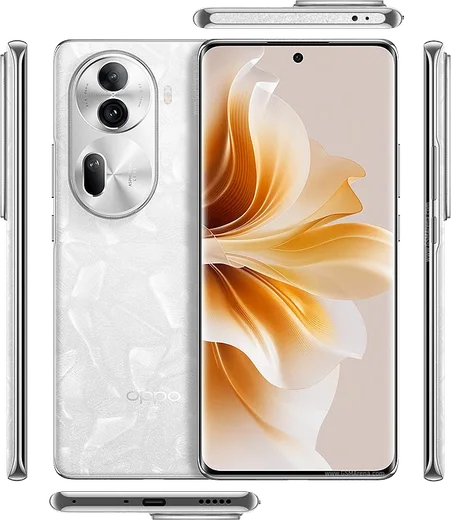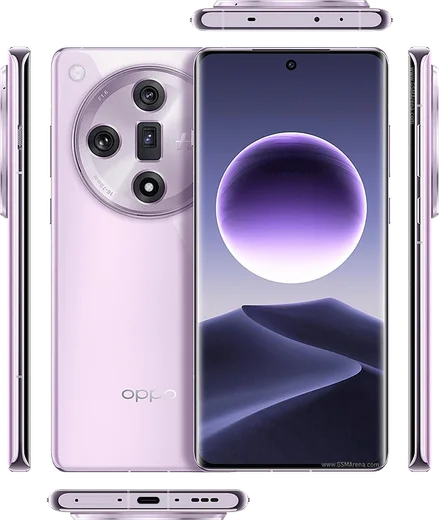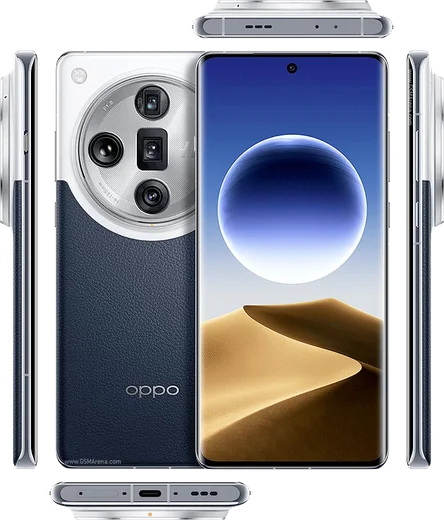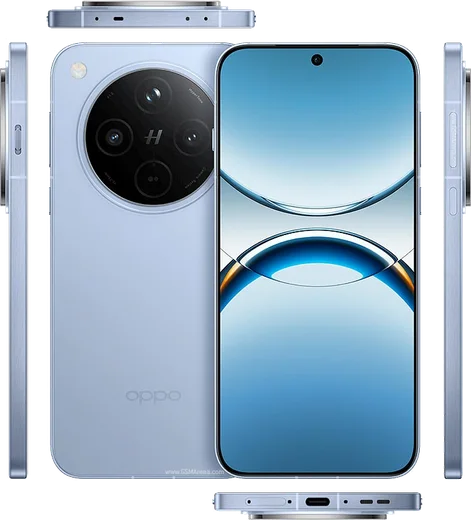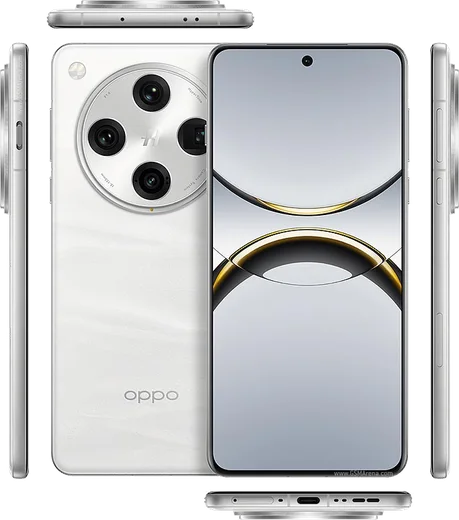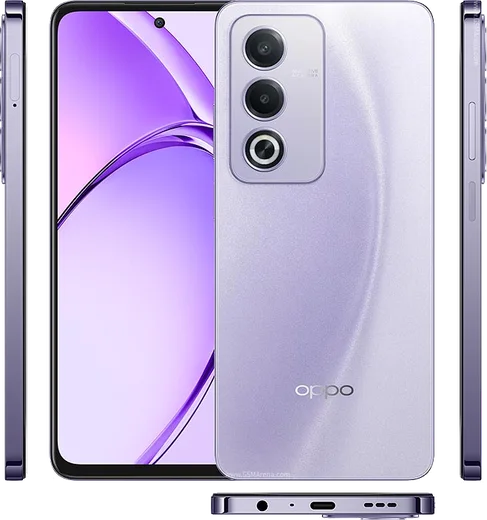
WhatsApp on Oppo Reno 11 Pro
Oppo Android

WhatsApp for Oppo Reno 11 Pro

Snapdragon 8+ Gen 1, 6.7-inch curved AMOLED, 80W

WhatsApp Messenger 4.7 · 64.2M reviews Free · Android · ~40 MB · by WhatsApp LLC
Download WhatsApp

Ask a question / report a problem

You can ask any question about WhatsApp support on the Oppo Reno 11 Pro — leave it below and we'll help.

Ask a question

Can the Oppo Reno 11 Pro run WhatsApp?

Fully supported
  • Operating systemAndroid
  • ProcessorSnapdragon 8+ Gen 1
  • WhatsApp versionLatest supported

Latest known WhatsApp problems on Oppo Reno 11 Pro

1

WhatsApp notifications are delayed or not showing on my Oppo Reno 11 Pro until I open the app

ColorOS aggressively kills background apps to save battery, which silences WhatsApp pushes. Go to Settings > Battery > tap WhatsApp and turn off the background restrictions, then in Settings > Apps > Manage apps > WhatsApp > Battery usage set it to "Allow background activity" and turn off "Allow battery optimisation." Finally lock WhatsApp in the Recent apps screen (swipe up to Recents, pull down on the WhatsApp card and tap the lock icon) so the system stops clearing it. See how others solved this on Reddit
2

WhatsApp calls and video calls don't show on the lock screen of my Oppo Reno 11 Pro

ColorOS blocks the full-screen call overlay unless WhatsApp has the right permissions. Go to Settings > Apps > Manage apps > WhatsApp > Notifications and make sure "Allow notifications" and lock-screen notifications are on, then open WhatsApp > Settings > Notifications and confirm Call notifications are enabled. Also grant "Display over other apps" (Settings > Apps > Special app access > Display over other apps) and turn off battery optimisation for WhatsApp, then reboot so the incoming-call screen appears even when locked. See how others solved this on Reddit
3

My WhatsApp chat list on the Oppo Reno 11 Pro isn't updating to show the latest sent message

This is usually a sync glitch after the app was frozen in the background, or a cache issue. Force-stop WhatsApp via Settings > Apps > Manage apps > WhatsApp > Force stop, then clear cache (not data) under Storage usage, and reopen the app. If it persists, update WhatsApp to the latest version from the Play Store, and make sure WhatsApp is allowed to run in the background so it can sync in real time. See how others solved this on Reddit
4

How do I move my WhatsApp chats from an old iPhone to my Oppo Reno 11 Pro?

WhatsApp's official iOS-to-Android transfer needs a cable and the "Move to Android" flow. On the Oppo, either during initial setup or by installing the "Move to Android" app, connect the iPhone with a USB-C to Lightning cable, then on the iPhone open WhatsApp > Settings > Chats > Move Chats to Android and scan the QR code shown on the Oppo. iCloud backups can't be restored directly into Android WhatsApp, so the cable method is the only supported way to keep your full history. See how others solved this on Reddit
5

WhatsApp keeps crashing or won't work properly after a ColorOS update on my Oppo Reno 11 Pro

Update issues usually leave WhatsApp with stale cache or revoked permissions. Go to Settings > Apps > Manage apps > WhatsApp > Storage usage > Clear cache, then update the app from the Play Store and re-grant Contacts, Storage, Microphone and Camera under Settings > Apps > Manage apps > WhatsApp > Permissions. If it still misbehaves, back up your chats first via WhatsApp > Settings > Chats > Chat backup, then uninstall and reinstall WhatsApp. See how others solved this on Reddit
6

WhatsApp lock screen notifications won't display message content on my Oppo Reno 11 Pro

Hidden content on the lock screen comes from the notification privacy setting in ColorOS. Go to Settings > Notification & status bar > Lock screen notifications and choose "Show content," then open Settings > Apps > Manage apps > WhatsApp > Notifications and make sure lock-screen notifications are on. Finally, in WhatsApp > Settings > Notifications enable "Show preview" so the sender and message text appear. See how others solved this on Reddit

Ask a question / report a problem

You can ask any question about WhatsApp support on the Oppo Reno 11 Pro — leave it below and we'll help.

Ask a question

Watch: setting up WhatsApp

Prefer to watch? This short walkthrough shows the whole installation and number-verification flow.

How to install WhatsApp on Oppo Reno 11 Pro — video walkthrough

How to install WhatsApp on Oppo Reno 11 Pro

1

Choose how to download

On your Oppo Reno 11 Pro you can get the official app two ways: from the Google Play Store — the easiest option, since it keeps WhatsApp updated automatically — or directly from the official website. You can download an APK file, by clicking a link “Download WhatsApp directly”.

2

Open WhatsApp

Launch WhatsApp from your home screen or app drawer and accept the Terms of Service to start setup.

3

Verify your phone number

Enter your phone number. If your Oppo Reno 11 Pro uses dual SIM, pick the line you want WhatsApp tied to, then enter the 6-digit code it sends by SMS — it usually fills in automatically.

4

Restore chats and finish setup

Restore your chat history from Google Drive (use the same Google account), add your name and photo, and tap Allow for notifications so messages and calls arrive reliably.

Stay safe: only ever install WhatsApp from the official Android source. The Download button above already points there — modified copies (GB/Plus/Aero WhatsApp) can get your number banned.

Comments (14)

No registration needed. No email required.
B
big_tomJun 3, 2026

so clear steps for the reno 11 pro, cheers 👍

L
luca.yFeb 23, 2026

verified my number on the Reno 11 Pro with no trouble 😍

M
marc.xFeb 15, 2026

tbh good job whoever made this lol

P
pablo_xFeb 8, 2026

pls help can i hide when i was last online anyone

AppWhatsOfficialFeb 11, 2026

Thanks for asking, in Privacy settings you can set Last Seen and Online to Nobody, so no one sees when you are active. Reach out anytime.

N
not_theoJan 25, 2026

Ehi il miglior sito, al primo colpo 🎉

A
ali28Jan 24, 2026

أخيراً أخيراً ثبّت واتساب

J
jess_andJan 16, 2026

perfect steps for the 11pro

U
ugh_helpJan 6, 2026

even my grandma could do this thx

I
im_leoSep 7, 2025

Yo did this on my 11pro and it just worked

S
sara9Aug 31, 2025

hey been at this for hours pls someone help me

AppWhatsOfficialSep 4, 2025

You are almost there! Tap Download, allow the install, open WhatsApp and confirm your number. It is easier than it looks, promise.

T
techguyJul 11, 2025

finalmente installato senza problemi

K
kate_xApr 30, 2025

Quick q im not getting the sms code anyone

AppWhatsOfficialMay 3, 2025

No worries, double check the country code and that you have signal, then request a fresh SMS code. If it still fails, wait a few minutes before trying again. Hope that helps!

M
ms_gabeMar 28, 2025

omg works like a charm on the Reno 11 Pro

AppWhatsOfficialMar 30, 2025

Happy it helped you!

M
ms_nickOct 14, 2024

Ngl no annoying ads which is nice