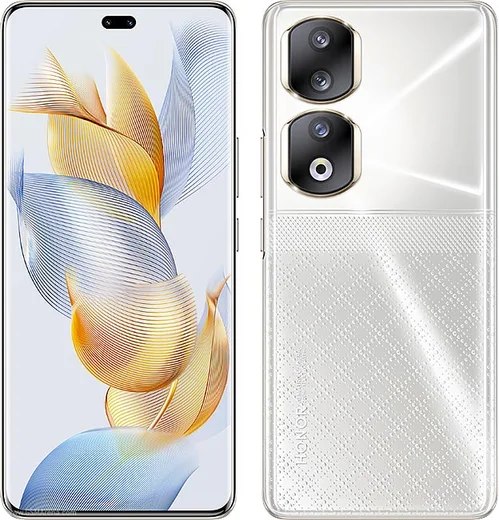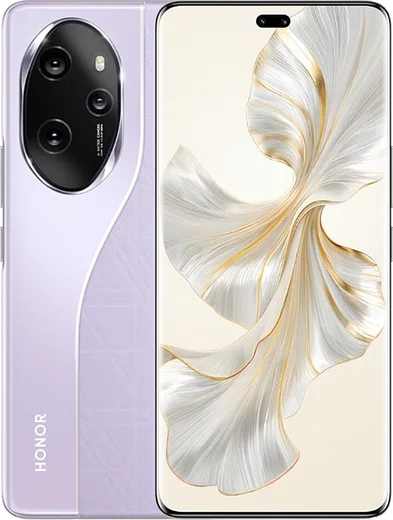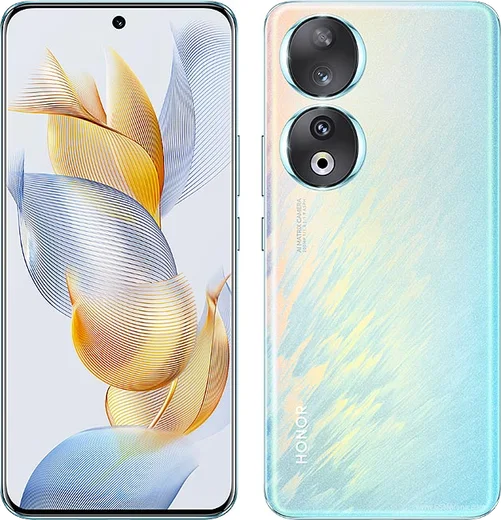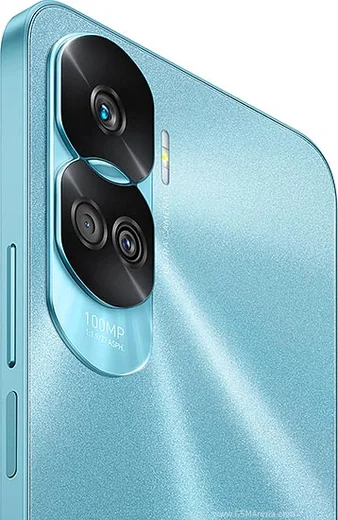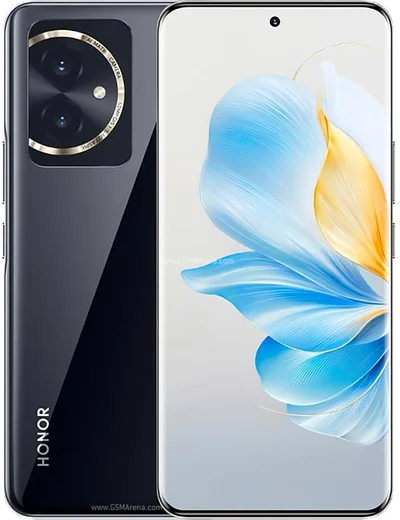
WhatsApp on Honor 90 Pro
Honor Android

WhatsApp for Honor 90 Pro

Snapdragon 8+ Gen 1, 6.78-inch OLED, 200MP main camera

WhatsApp Messenger 4.7 · 64.2M reviews Free · Android · ~40 MB · by WhatsApp LLC
Download WhatsApp

Ask a question / report a problem

You can ask any question about WhatsApp support on the Honor 90 Pro — leave it below and we'll help.

Ask a question

Can the Honor 90 Pro run WhatsApp?

Fully supported
  • Operating systemAndroid
  • ProcessorSnapdragon 8+ Gen 1
  • WhatsApp versionLatest supported

Latest known WhatsApp problems on Honor 90 Pro

1

Why are my WhatsApp notifications delayed or silent on the Honor 90 Pro until I open the app?

Magic OS aggressively closes background apps to save battery, which holds back WhatsApp's push notifications. Go to Settings > Apps > App launch (App launch management), find WhatsApp, switch it from Auto to Manage manually, then turn on Auto-launch, Secondary launch and Run in background. Next open Settings > Battery > App launch and set WhatsApp to no restrictions. Finally, confirm WhatsApp's notification channels are enabled under Settings > Apps > WhatsApp > Notifications. See how others solved this on Reddit
2

WhatsApp stopped getting notifications on my Honor 90 after setting up Huawei Health on Android 13 - what's wrong?

The Honor 90 runs full Google Mobile Services, so WhatsApp should use Google's push (FCM), not a Huawei push framework. Don't install WhatsApp from Huawei AppGallery or restore it through a Huawei Health/Phone Clone backup, as that can pull a build that expects Huawei push. Uninstall that copy and reinstall WhatsApp from the Google Play Store. Then open Settings > Apps and make sure Google Play services and Google Play Store are enabled so push registers correctly. See how others solved this on Reddit
3

I can't send videos on WhatsApp from my Honor 90 Pro - they fail or get stuck. How do I fix it?

This is usually a permissions or storage-access block from Magic OS. Go to Settings > Apps > WhatsApp > Permissions and grant Photos and videos (or Files) full access, then clear WhatsApp's cache under Settings > Apps > WhatsApp > Storage (Clear cache, not Clear data). If large clips still fail, check that Settings > Apps > WhatsApp > Mobile data / Data usage isn't restricting background data, and try sending over a stable Wi-Fi connection. See how others solved this on Reddit
4

WhatsApp calls won't ring or connect on my Honor 90 Pro - what should I check?

Magic OS needs WhatsApp exempted from battery optimization for calls to come through when the screen is off. Go to Settings > Apps > WhatsApp > Battery and set it to Don't restrict, then make sure the Calls notification channel is on under Settings > Apps > WhatsApp > Notifications. Also confirm Microphone permission is granted under Permissions, and that Do Not Disturb isn't silencing the call alert. See how others solved this on Reddit
5

WhatsApp keeps crashing on my Honor 90 Pro after the Magic OS 9.0 update - how do I stop it?

Post-update crashes are typically a stale cache clashing with the new system build. Go to Settings > Apps > WhatsApp > Storage and tap Clear cache (not Clear data, which deletes chats), then update WhatsApp to the latest version from the Play Store. If it still crashes, back up your chats (Settings > Chats > Chat backup), then uninstall and reinstall WhatsApp so it rebuilds cleanly against Magic OS 9.0. See how others solved this on Reddit
6

The in-app WhatsApp camera is laggy and choppy on my Honor 90 Pro - any fix?

WhatsApp's built-in camera can stutter on Magic OS, so the smoothest workaround is to shoot with the stock Camera app and attach the clip from the gallery using the paperclip icon instead of the in-app camera. It also helps to clear WhatsApp's cache under Settings > Apps > WhatsApp > Storage, confirm Camera permission is granted under Permissions, and keep both WhatsApp and Magic OS updated. See how others solved this on Reddit

Ask a question / report a problem

You can ask any question about WhatsApp support on the Honor 90 Pro — leave it below and we'll help.

Ask a question

Watch: setting up WhatsApp

Prefer to watch? This short walkthrough shows the whole installation and number-verification flow.

How to install WhatsApp on Honor 90 Pro — video walkthrough

How to install WhatsApp on Honor 90 Pro

1

Choose how to download

On your Honor 90 Pro you can get the official app two ways: from the Google Play Store — the easiest option, since it keeps WhatsApp updated automatically — or directly from the official website. You can download an APK file, by clicking a link “Download WhatsApp directly”.

2

Open WhatsApp

Launch WhatsApp from your home screen or app drawer and accept the Terms of Service to start setup.

3

Verify your phone number

Enter your phone number. If your Honor 90 Pro uses dual SIM, pick the line you want WhatsApp tied to, then enter the 6-digit code it sends by SMS — it usually fills in automatically.

4

Restore chats and finish setup

Restore your chat history from Google Drive (use the same Google account), add your name and photo, and tap Allow for notifications so messages and calls arrive reliably.

Stay safe: only ever install WhatsApp from the official Android source. The Download button above already points there — modified copies (GB/Plus/Aero WhatsApp) can get your number banned.

Comments (11)

No registration needed. No email required.
X
xX_yukiJun 18, 2026

Set up whatsapp on my dads 90 Pro no problem ✌️

L
lurkerMay 8, 2026

Wow this worked great on my 90 Pro thanks again

E
ella.vMar 24, 2026

por fin el mejor sitio, funcionó a la primera 👍

P
pete96Jan 3, 2026

Sorry but will this really work on my Honor 90 Pro

AppWhatsOfficialJan 8, 2026

Yes, WhatsApp supports the your phone. Just make sure your phone is on an up to date version of its operating system for the best experience. Happy chatting!

J
joe18Dec 29, 2025

someone anyone pls i cant download it heeeelp me 😭😭

AppWhatsOfficialDec 30, 2025

Breathe! Follow the steps above one by one, tap Download first, and you will be chatting in no time. You will be set up on your phone in no time.

L
lurkerOct 16, 2025

hey tolle anleitung danke

N
nick93Oct 11, 2025

Can i recover my chats ?

AppWhatsOfficialOct 14, 2025

Yes, as long as you had a backup. Use the same number and choose Restore during setup to bring your messages back. Feel free to ask if you get stuck.

E
eeeeeemmmmmaaaaaJun 3, 2025

guys great stuff, much appreciated

A
apploverMar 16, 2025

Honestly set up whatsapp on my dads Honor 90 Pro no problem :)

B
bea_aleOct 2, 2024

Omg you guys are life savers

B
bea92Aug 21, 2024

Well smooth install on the Honor 90 Pro