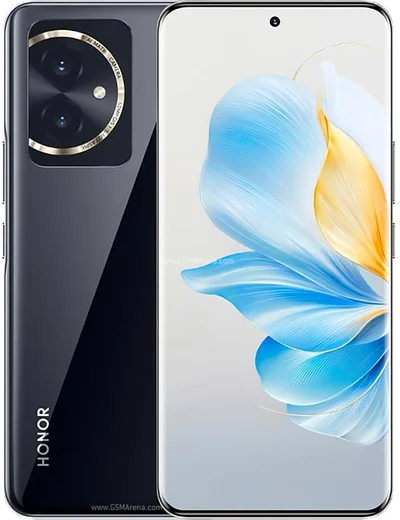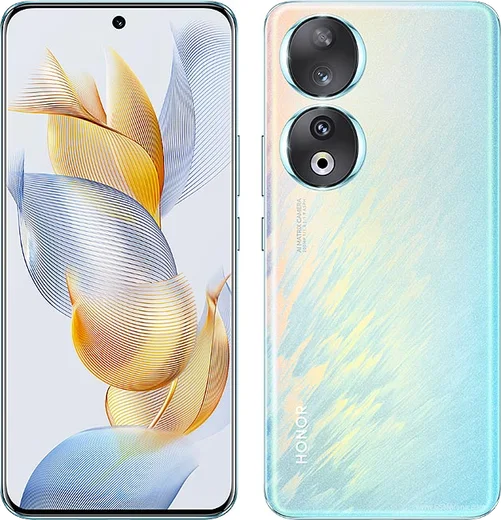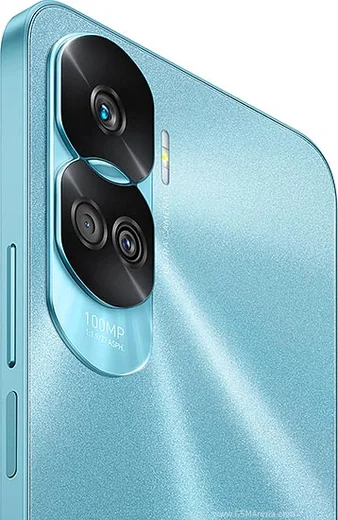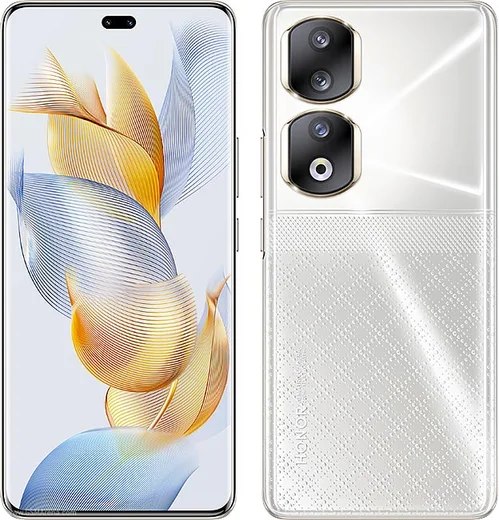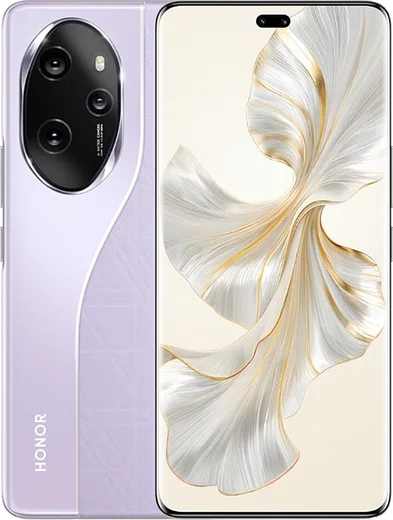
WhatsApp on Honor 100
Honor Android

WhatsApp for Honor 100

Snapdragon 7 Gen 3, 6.7-inch curved OLED, 5000mAh battery

WhatsApp Messenger 4.7 · 64.2M reviews Free · Android · ~40 MB · by WhatsApp LLC
Download WhatsApp

Ask a question / report a problem

You can ask any question about WhatsApp support on the Honor 100 — leave it below and we'll help.

Ask a question

Can the Honor 100 run WhatsApp?

Fully supported
  • Operating systemAndroid
  • ProcessorSnapdragon 7 Gen 3
  • WhatsApp versionLatest supported

Latest known WhatsApp problems on Honor 100

1

Why are my WhatsApp notifications delayed on the Honor 100?

This is the most common Honor complaint and it comes from aggressive battery management that suspends WhatsApp in the background. Go to Settings > Apps > App launch (called Manage apps launch on some MagicOS versions), find WhatsApp, turn off Manage automatically, then enable Auto-launch, Secondary launch, and Run in background. Also open Settings > Battery, turn off Power saving mode, and make sure WhatsApp is not in any sleep or optimization list so messages arrive in real time. See how others solved this on Reddit
2

The WhatsApp camera looks choppy or laggy when recording video on my Honor 100 - how do I fix it?

WhatsApp's in-app camera uses a lower-performance capture mode, so previews and recordings often stutter on Honor devices. The reliable workaround is to shoot with the stock Honor Camera app first, then attach the clip from your gallery in WhatsApp instead of filming inside the chat. You can also clear WhatsApp's cache via Settings > Apps > WhatsApp > Storage > Clear cache, and confirm camera permissions are granted under Settings > Apps > WhatsApp > Permissions. See how others solved this on Reddit
3

My WhatsApp voice and video calls keep dropping over Wi-Fi on the Honor 100 - what should I do?

Honor's power and connectivity management can throttle Wi-Fi during calls, causing instability. First make sure WhatsApp is set to Run in background and is excluded from battery optimization (Settings > Apps > App launch). Then, to stop the phone bouncing between networks mid-call, go to Settings > Wi-Fi > Wi-Fi+ (or Wi-Fi assistant) and turn off automatic switching to mobile data. If problems persist, forgetting and rejoining the Wi-Fi network or restarting the router often clears it. See how others solved this on Reddit
4

The other person can't hear me on WhatsApp calls when I use wired headphones on my Honor 100 - how do I fix it?

This usually means WhatsApp is capturing audio from the phone's built-in mic instead of the headset mic, or the microphone permission is restricted. Check Settings > Apps > WhatsApp > Permissions and make sure Microphone is allowed, then unplug and firmly reseat the headphones since a partial connection can disable the inline mic. If it persists, test the headset in a normal phone call to confirm the mic works, and restart WhatsApp so it re-detects the audio route. See how others solved this on Reddit
5

My Honor 100 gets warm and drains battery fast when using WhatsApp - is that normal?

Sustained warmth and battery drain during WhatsApp use usually trace back to constant media auto-downloading or a stuck background process. Open WhatsApp > Settings > Storage and data and set Media auto-download to No media on mobile data. Then go to Settings > Battery > Battery usage to confirm WhatsApp isn't abnormally high, and clear its cache via Settings > Apps > WhatsApp > Storage > Clear cache if the heat continues. Closing and reopening the app also clears a hung process that can keep the phone warm. See how others solved this on Reddit
6

Are the WhatsApp and software bugs on Honor phones like the Honor 100 actually real, and can I do anything about them?

Yes, many Honor owners report genuine MagicOS quirks - mostly delayed notifications, background app kills, and occasional app glitches rather than hardware faults. The fixes are almost always in software: keep MagicOS updated via Settings > System and updates > Software update, update WhatsApp through the Play Store or AppGallery, and disable aggressive battery optimization for WhatsApp under Settings > Apps > App launch. These settings resolve the large majority of the issues people complain about. See how others solved this on Reddit

Ask a question / report a problem

You can ask any question about WhatsApp support on the Honor 100 — leave it below and we'll help.

Ask a question

Watch: setting up WhatsApp

Prefer to watch? This short walkthrough shows the whole installation and number-verification flow.

How to install WhatsApp on Honor 100 — video walkthrough

How to install WhatsApp on Honor 100

1

Choose how to download

On your Honor 100 you can get the official app two ways: from the Google Play Store — the easiest option, since it keeps WhatsApp updated automatically — or directly from the official website. You can download an APK file, by clicking a link “Download WhatsApp directly”.

2

Open WhatsApp

Launch WhatsApp from your home screen or app drawer and accept the Terms of Service to start setup.

3

Verify your phone number

Enter your phone number. If your Honor 100 uses dual SIM, pick the line you want WhatsApp tied to, then enter the 6-digit code it sends by SMS — it usually fills in automatically.

4

Restore chats and finish setup

Restore your chat history from Google Drive (use the same Google account), add your name and photo, and tap Allow for notifications so messages and calls arrive reliably.

Stay safe: only ever install WhatsApp from the official Android source. The Download button above already points there — modified copies (GB/Plus/Aero WhatsApp) can get your number banned.

Comments (8)

No registration needed. No email required.
D
deni99Apr 8, 2026

Ugh stuck and so stressed how do i get whatsapp on Honor 100

AppWhatsOfficialApr 12, 2026

Don't worry, you can do this! Use the Download button, install the app, and enter your number to verify. Reply here if you get stuck.

A
alex_realJan 9, 2026

hey endlich whatsapp auf meinem honor 100 installiert 💯

P
pablo19Nov 15, 2025

Ngl wasnt expecting it to be this easy :)

N
newbieMay 25, 2025

tbh good job whoever made this 🎉

K
kai_jesFeb 24, 2025

Ngl works like a charm on the honor 100 cheers

AppWhatsOfficialFeb 27, 2025

That is great to hear!

T
the_real_mikeDec 24, 2024

Easy install on my 100 👌

L
lucy64Aug 3, 2024

finally got it working on my 100 first try

V
val_xJul 12, 2024

hey no contacts appear in the app ?

AppWhatsOfficialJul 16, 2024

Hey there, whatsApp reads contacts from your phone book, so save the number there with the country code, then pull down to refresh your chat list. Let us know if you need anything else.