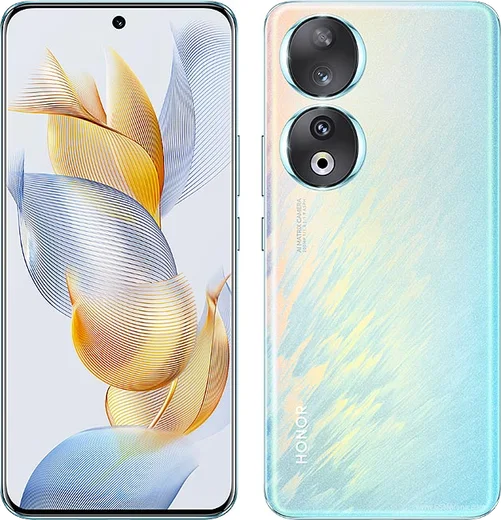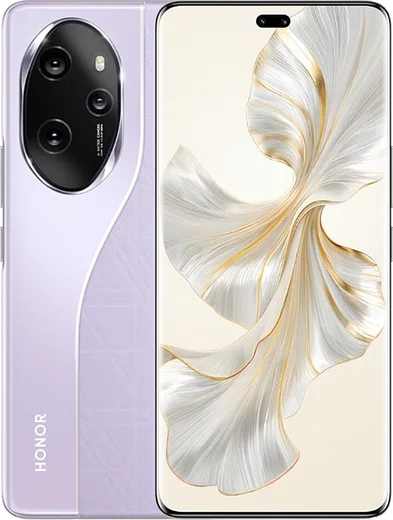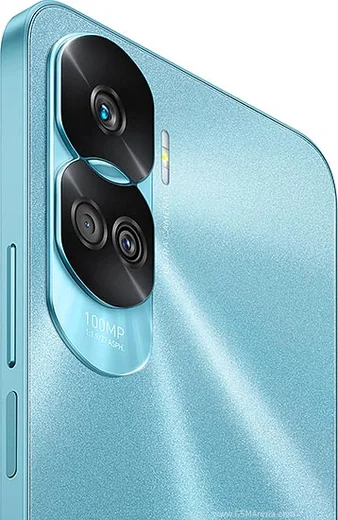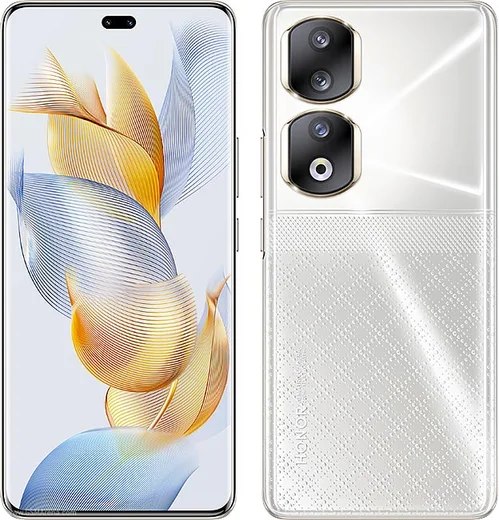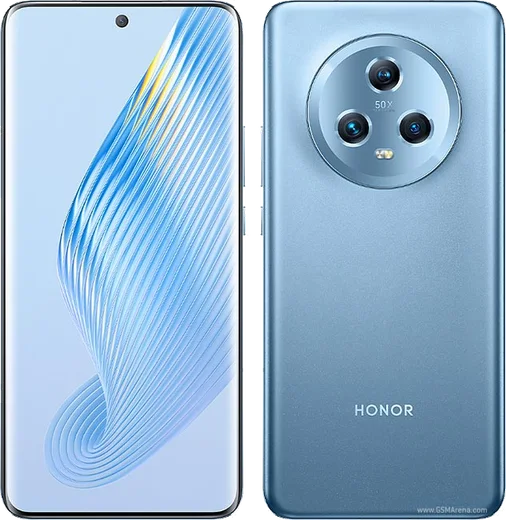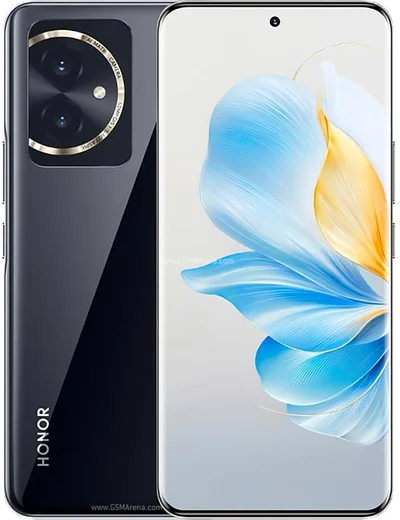
WhatsApp on Honor 90
Honor Android

WhatsApp for Honor 90

Snapdragon 7 Gen 1, 6.7-inch curved AMOLED, 200MP camera

WhatsApp Messenger 4.7 · 64.2M reviews Free · Android · ~40 MB · by WhatsApp LLC
Download WhatsApp

Ask a question / report a problem

You can ask any question about WhatsApp support on the Honor 90 — leave it below and we'll help.

Ask a question

Can the Honor 90 run WhatsApp?

Fully supported
  • Operating systemAndroid
  • ProcessorSnapdragon 7 Gen 1
  • WhatsApp versionLatest supported

Latest known WhatsApp problems on Honor 90

1

Why am I not getting WhatsApp notifications on my Honor 90?

MagicOS aggressively kills background apps, so go to Settings > Apps > WhatsApp > Battery (or App battery usage) and set it to "No restrictions" / "Unrestricted". Then open Settings > Battery > App launch, find WhatsApp, switch it from "Manage automatically" to "Manage manually", and enable Auto-launch, Secondary launch, and Run in background. Finally confirm notifications are allowed under Settings > Notifications > WhatsApp. See how others solved this on Reddit
2

WhatsApp notifications stopped working after I installed Huawei Health on my Honor 90

Huawei Health runs its own background service that can interfere with WhatsApp's push notifications on Android 13. Open Settings > Apps for both Huawei Health and WhatsApp and set each to "No restrictions" under Battery, then go to Settings > Battery > App launch and set WhatsApp to manual with Auto-launch, Secondary launch, and Run in background enabled. If notifications still fail, uninstalling Huawei Health (or signing out of it) and letting WhatsApp reconnect often restores them. See how others solved this on Reddit
3

WhatsApp keeps crashing on my Honor 90 after the MagicOS 9.0 update

First update WhatsApp to the latest version from the Play Store or AppGallery, since post-update crashes are usually fixed by a newer build matching the new OS. If it still crashes, clear the app cache via Settings > Apps > WhatsApp > Storage > Clear cache (clear cache only, not data, so your chats are kept), then restart the phone. As a last resort, back up your chats to Google Drive and reinstall WhatsApp. See how others solved this on Reddit
4

I can't send videos on WhatsApp from my Honor 90

This is usually a permissions or storage issue. Go to Settings > Apps > WhatsApp > Permissions and make sure "Photos and videos" (and Files/media) is set to Allow, not denied. Then clear WhatsApp's cache under Settings > Apps > WhatsApp > Storage > Clear cache and retry. If large videos still fail, check you have free internal storage and a stable connection, since WhatsApp re-compresses and uploads each video before sending. See how others solved this on Reddit
5

WhatsApp calls don't ring or show on the lock screen on my Honor 90

MagicOS blocks WhatsApp's wake-up service, so go to Settings > Battery > App launch, set WhatsApp to manual, and enable Auto-launch, Secondary launch, and Run in background. Then in Settings > Notifications > WhatsApp > Calls, make sure the call channel is on with sound and pop-up enabled, and grant WhatsApp "Display over other apps" under Settings > Apps > Special access (Special app access). This lets the full-screen incoming call appear even when the phone is locked. See how others solved this on Reddit
6

The WhatsApp notification icon and badge behave badly on my Honor 90

Open Settings > Notifications > WhatsApp, enable "Allow notifications", then turn on "App icon badges" so the unread count shows on the launcher. For each channel (Messages, Group notifications) make sure Banner/pop-up and Lock screen display are enabled. If the icon still misbehaves, toggling the badge off and back on and restarting the phone usually forces MagicOS to refresh it. See how others solved this on Reddit

Ask a question / report a problem

You can ask any question about WhatsApp support on the Honor 90 — leave it below and we'll help.

Ask a question

Watch: setting up WhatsApp

Prefer to watch? This short walkthrough shows the whole installation and number-verification flow.

How to install WhatsApp on Honor 90 — video walkthrough

How to install WhatsApp on Honor 90

1

Choose how to download

On your Honor 90 you can get the official app two ways: from the Google Play Store — the easiest option, since it keeps WhatsApp updated automatically — or directly from the official website. You can download an APK file, by clicking a link “Download WhatsApp directly”.

2

Open WhatsApp

Launch WhatsApp from your home screen or app drawer and accept the Terms of Service to start setup.

3

Verify your phone number

Enter your phone number. If your Honor 90 uses dual SIM, pick the line you want WhatsApp tied to, then enter the 6-digit code it sends by SMS — it usually fills in automatically.

4

Restore chats and finish setup

Restore your chat history from Google Drive (use the same Google account), add your name and photo, and tap Allow for notifications so messages and calls arrive reliably.

Stay safe: only ever install WhatsApp from the official Android source. The Download button above already points there — modified copies (GB/Plus/Aero WhatsApp) can get your number banned.

Comments (13)

No registration needed. No email required.
L
leo.qMay 19, 2026

anyone? no play store on my phone, will this work thanks

AppWhatsOfficialMay 25, 2026

Sure. Turn on unknown sources for your browser and grab the official APK, the guide explains how. Feel free to ask if you get stuck.

R
rob.eDec 14, 2025

anyone? is this legit and safe anyone

AppWhatsOfficialDec 16, 2025

Sure, yes, it is completely safe. The Download button takes you to the official app on the store, we never host modified versions. Glad to help.

G
greg.dAug 31, 2025

Instalado y funcionando en mi Honor 90

P
priya_ytJul 29, 2025

Guys great stuff, much appreciated 😍

I
im_tinaApr 7, 2025

couldnt install whatsapp on my honor 90 until i found this 👍

N
nourMar 11, 2025

والله تمام، واتساب يشتغل

L
lina_rosDec 28, 2024

got my Honor 90 sorted thanks to you 👌

L
luca99Dec 24, 2024

update two thumbs up

M
mr_louDec 12, 2024

so verified my number on the Honor 90 with no trouble thx

N
not_gabeNov 17, 2024

Hey how to add a profile photo

AppWhatsOfficialNov 20, 2024

Good question, head to Settings, tap your name, then the camera icon to choose your profile photo.

J
jess_zoeOct 26, 2024

so clear steps for the 90, cheers

AppWhatsOfficialOct 30, 2024

Glad we could help!

G
greg.uAug 25, 2024

Im so confused someone help meeee pls

AppWhatsOfficialAug 26, 2024

Breathe! Follow the steps above one by one, tap Download first, and you will be chatting in no time. You will be set up on your phone in no time.

R
ray_andJul 13, 2024

franchement tout fonctionne, merci beaucoup