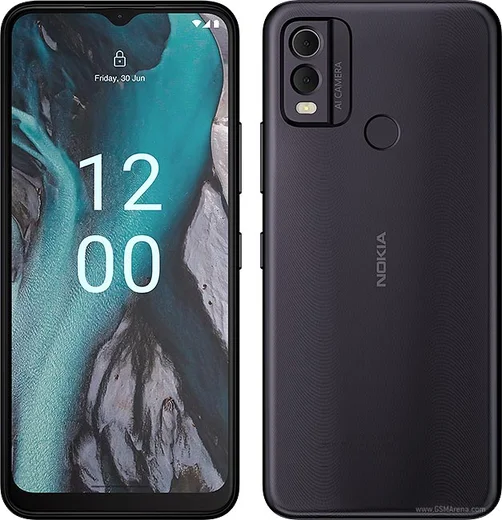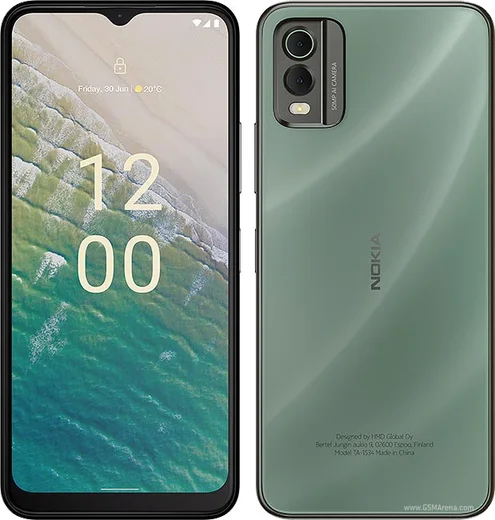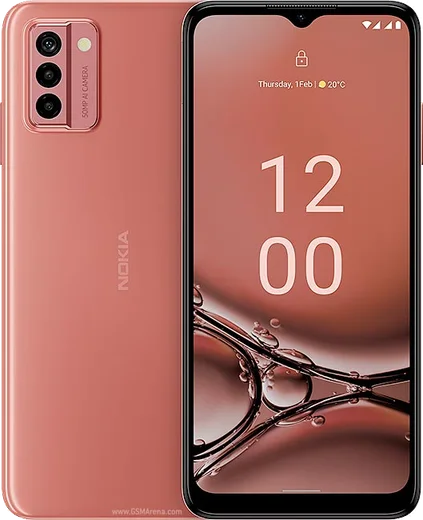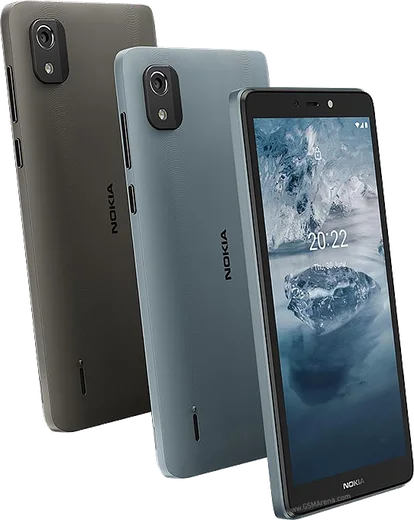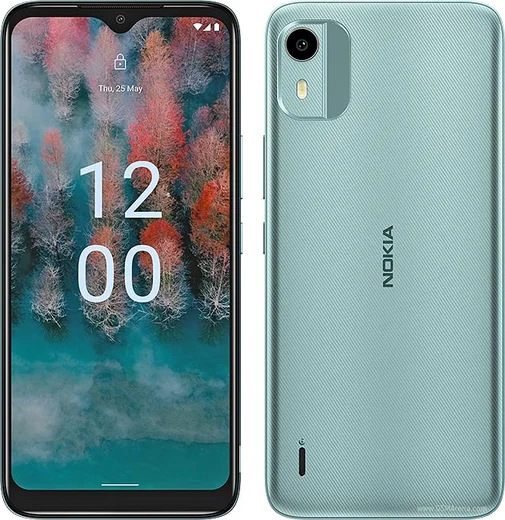
Nokia Android

WhatsApp for Nokia G42 5G

Snapdragon 480+, 6.56-inch 90Hz, repairable design

WhatsApp Messenger 4.7 · 64.2M reviews Free · Android · ~40 MB · by WhatsApp LLC
Download WhatsApp

Ask a question / report a problem

You can ask any question about WhatsApp support on the Nokia G42 5G — leave it below and we'll help.

Ask a question

Can the Nokia G42 5G run WhatsApp?

Fully supported
  • Operating systemAndroid
  • ProcessorSnapdragon 480+
  • WhatsApp versionLatest supported

Latest known WhatsApp problems on Nokia G42 5G

1

WhatsApp audio and calls won't play through my car when I connect the Nokia G42 5G to Android Auto

First update Android Auto from the Play Store, then toggle it off and on under Settings > Connected devices > Connection preferences > Android Auto. Unplug and reconnect using a known-good data USB-C cable, since many charge-only cables won't carry an Android Auto connection. If WhatsApp messages still won't read aloud, open the Android Auto settings, tap Notifications, and make sure WhatsApp is enabled, then grant WhatsApp microphone and notification access under Settings > Apps > WhatsApp > Permissions. See how others solved this on Reddit
2

Is the Nokia G42 5G fast enough to run WhatsApp smoothly, or will it lag?

The G42 5G runs on a Snapdragon 480+ and handles WhatsApp messaging, voice and video calls fine for everyday use, though heavy multitasking can feel sluggish. If WhatsApp stutters, go to Settings > Apps > WhatsApp > Storage & cache and tap Clear cache, then set Settings > Apps > WhatsApp > App battery usage to Unrestricted so background syncing stays responsive. See how others solved this on Reddit
3

After several months my Nokia G42 5G feels slow and WhatsApp takes ages to open

Slowdowns on the G42 over time usually come from low free storage and cached data piling up. Free space by backing up and clearing old WhatsApp media, then go to Settings > Apps > WhatsApp > Storage & cache > Clear cache and reboot the phone. Keeping a few GB of storage free and installing the latest WhatsApp update from the Play Store restores responsiveness. See how others solved this on Reddit
4

WhatsApp notifications arrive late on my Nokia G42 5G unless I open the app

This is almost always battery optimization killing WhatsApp in the background. Go to Settings > Apps > WhatsApp > App battery usage and set it to Unrestricted, then confirm notifications are turned on under Settings > Apps > WhatsApp > Notifications. Also make sure WhatsApp is allowed to run in the background and isn't being paused by Settings > Battery > Adaptive Battery so messages alert you in real time. See how others solved this on Reddit

Ask a question / report a problem

You can ask any question about WhatsApp support on the Nokia G42 5G — leave it below and we'll help.

Ask a question

Watch: setting up WhatsApp

Prefer to watch? This short walkthrough shows the whole installation and number-verification flow.

How to install WhatsApp on Nokia G42 5G — video walkthrough

How to install WhatsApp on Nokia G42 5G

1

Choose how to download

On your Nokia G42 5G you can get the official app two ways: from the Google Play Store — the easiest option, since it keeps WhatsApp updated automatically — or directly from the official website. You can download an APK file, by clicking a link “Download WhatsApp directly”.

2

Open WhatsApp

Launch WhatsApp from your home screen or app drawer and accept the Terms of Service to start setup.

3

Verify your phone number

Enter your phone number. If your Nokia G42 5G uses dual SIM, pick the line you want WhatsApp tied to, then enter the 6-digit code it sends by SMS — it usually fills in automatically.

4

Restore chats and finish setup

Restore your chat history from Google Drive (use the same Google account), add your name and photo, and tap Allow for notifications so messages and calls arrive reliably.

Stay safe: only ever install WhatsApp from the official Android source. The Download button above already points there — modified copies (GB/Plus/Aero WhatsApp) can get your number banned.

Comments (8)

No registration needed. No email required.
L
lou_xXJun 12, 2026

quick q how do i hide my last seen pls

AppWhatsOfficialJun 16, 2026

Sure, yes, go to Settings then Privacy and set Last Seen and Online to Nobody or My Contacts. Your activity stays private. Enjoy WhatsApp on your your phone!

J
just_jayApr 30, 2026

ok so saved me so much time

T
tan_finNov 26, 2025

So got it working on my nokia g42 5g first try 🎉

M
maxx21Oct 14, 2025

Honestly installed on my nokia g42 5g, super simple

C
chris_pabAug 16, 2025

sorry but is old android supported

AppWhatsOfficialAug 19, 2025

Sure, it depends. WhatsApp drops support for very old systems over time. If the store still offers you the app, your phone is supported. Glad to help.

O
oldschoolJun 16, 2025

Tbh best guide for the g425g by far 🔥

E
eeeeeemmmmmaaaaaJun 3, 2025

ohne probleme auf meinem G42 5G installiert 👍

A
andy.gAug 5, 2024

guys plz heeeelp me how to download on my nokia g42 5g :(

AppWhatsOfficialAug 6, 2024

Take a breath, we got you. Press Download above, then Install, then verify your number. That is all it takes. It is easier than it looks, promise.