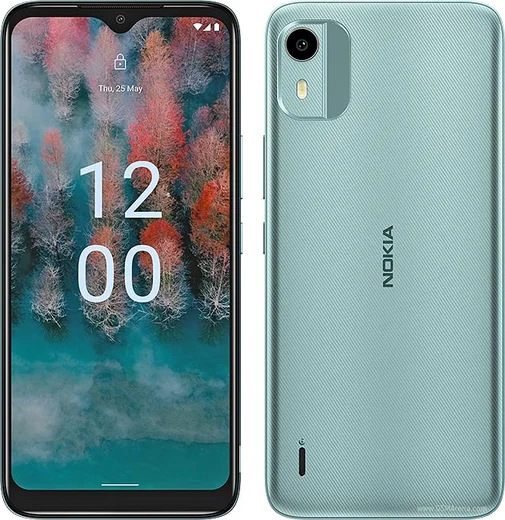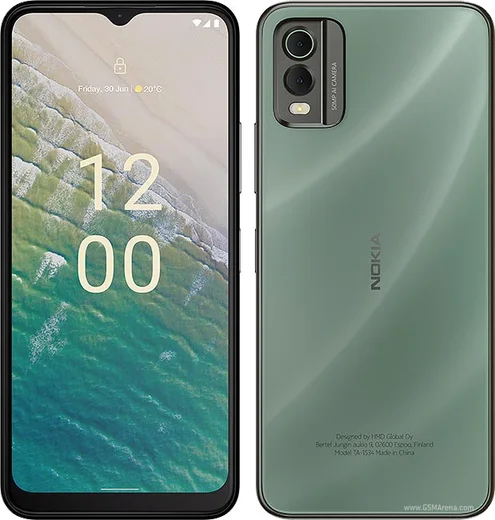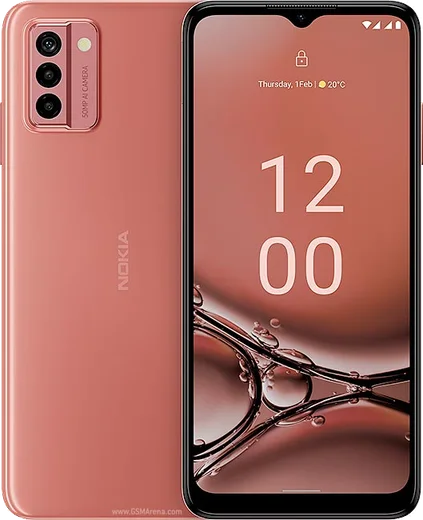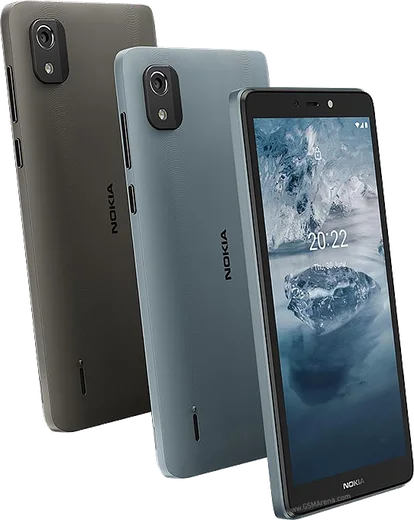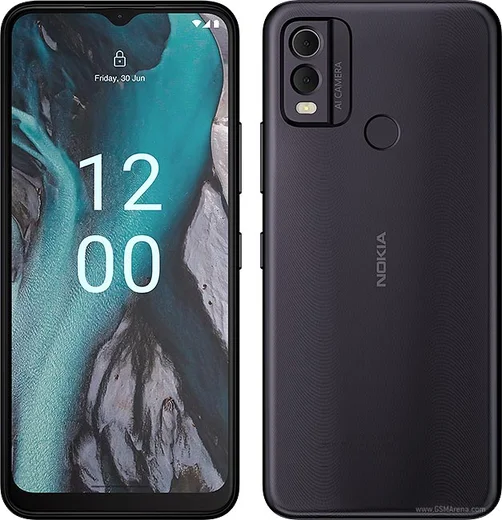
WhatsApp on Nokia C12
Nokia Android

WhatsApp for Nokia C12

Unisoc SC9863A1, 6.3-inch HD+, 4000mAh battery

WhatsApp Messenger 4.7 · 64.2M reviews Free · Android · ~40 MB · by WhatsApp LLC
Download WhatsApp

Ask a question / report a problem

You can ask any question about WhatsApp support on the Nokia C12 — leave it below and we'll help.

Ask a question

Can the Nokia C12 run WhatsApp?

Fully supported
  • Operating systemAndroid
  • ProcessorUnisoc SC9863A1
  • WhatsApp versionLatest supported

Latest known WhatsApp problems on Nokia C12

1

How do I move WhatsApp to my Nokia C12 when I no longer have my old phone?

Without the old device you can only restore from a backup, so it must have been backed up beforehand to the same Google account you sign in with on the C12. Install WhatsApp from the Play Store, verify the same phone number, and when prompted tap Restore to pull the chat history from Google Drive. If no Drive backup exists those older chats are gone, but as long as the SIM and number are the same you can still register fresh and receive new messages. See how others solved this on Reddit
2

WhatsApp voice messages won't play or record properly on my Nokia C12 - how do I fix it?

Playback and recording failures are usually a missing microphone or storage permission, so go to Settings > Apps > WhatsApp > Permissions and enable Microphone and Files and media. If recordings still cut out, force-stop WhatsApp, clear its cache under Settings > Apps > WhatsApp > Storage (clear cache, not data), then reboot. On the C12's limited RAM, closing background apps before recording also helps the audio not glitch. See how others solved this on Reddit
3

Why do my contacts keep getting duplicated in WhatsApp on the Nokia C12?

Duplicates appear when the same person is saved in more than one account on the phone, such as both Google and the SIM or device storage. Open Contacts, use the menu to Merge or Link duplicate contacts, then in the Contacts settings pick a single account (usually Google) to save new contacts to. After cleaning up, open WhatsApp, go to the new-chat screen and tap the three-dot menu > Refresh so it re-reads the deduplicated list. See how others solved this on Reddit
4

Is the Nokia C12 fast enough to run WhatsApp smoothly, or should I get a Moto e13 instead?

The C12 runs a basic Unisoc chip with 2-3GB RAM, so WhatsApp works but can feel sluggish with large groups, heavy media, or video calls; the Moto e13 is broadly comparable in this budget tier. To keep WhatsApp responsive, limit background apps and turn off auto-download of media under WhatsApp Settings > Storage and data. If you mainly text and make voice calls the C12 is adequate, but expect lag if you push it hard. See how others solved this on Reddit
5

Should I keep using my old Nokia C12 for WhatsApp or is it worth replacing?

An entry-level C12 can keep handling WhatsApp for years as long as it still receives the security and app updates needed to stay supported. Keep WhatsApp updated from the Play Store, back up chats to Google Drive under WhatsApp Settings > Chats > Chat backup, and clear the app cache occasionally to ease the limited RAM. Only upgrade if calls and media start lagging badly or WhatsApp drops support for the phone's Android version. See how others solved this on Reddit

Ask a question / report a problem

You can ask any question about WhatsApp support on the Nokia C12 — leave it below and we'll help.

Ask a question

Watch: setting up WhatsApp

Prefer to watch? This short walkthrough shows the whole installation and number-verification flow.

How to install WhatsApp on Nokia C12 — video walkthrough

How to install WhatsApp on Nokia C12

1

Choose how to download

On your Nokia C12 you can get the official app two ways: from the Google Play Store — the easiest option, since it keeps WhatsApp updated automatically — or directly from the official website. You can download an APK file, by clicking a link “Download WhatsApp directly”.

2

Open WhatsApp

Launch WhatsApp from your home screen or app drawer and accept the Terms of Service to start setup.

3

Verify your phone number

Enter your phone number. If your Nokia C12 uses dual SIM, pick the line you want WhatsApp tied to, then enter the 6-digit code it sends by SMS — it usually fills in automatically.

4

Restore chats and finish setup

Restore your chat history from Google Drive (use the same Google account), add your name and photo, and tap Allow for notifications so messages and calls arrive reliably.

Stay safe: only ever install WhatsApp from the official Android source. The Download button above already points there — modified copies (GB/Plus/Aero WhatsApp) can get your number banned.

Comments (8)

No registration needed. No email required.
D
dan_samMay 30, 2026

Guys had whatsapp on my C12 in no time 👌

M
mia.gNov 11, 2025

omg HELP it just wont work on my C12 😩

AppWhatsOfficialNov 12, 2025

Breathe! Follow the steps above one by one, tap Download first, and you will be chatting in no time. It is easier than it looks, promise.

D
droiduserJul 12, 2025

whatsapp finally on my c12 thanks again

M
marc21May 26, 2025

endlich installiert und läuft auf meinem c12

L
lil_lucaFeb 11, 2025

guys this worked great on my Nokia C12 💯

N
newbieNov 14, 2024

very clear steps cheers

S
sol.tOct 16, 2024

no contacts appear in the app ?

AppWhatsOfficialOct 18, 2024

Hey there, whatsApp reads contacts from your phone book, so save the number there with the country code, then pull down to refresh your chat list.

R
rob.eAug 11, 2024

Much better then the other sites