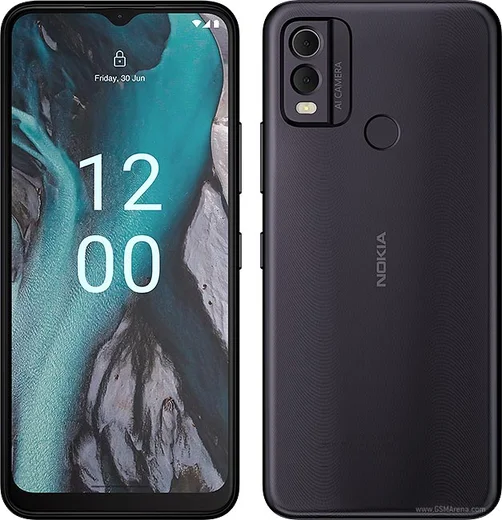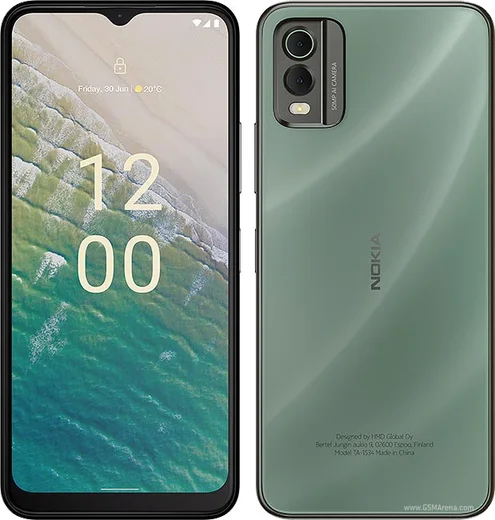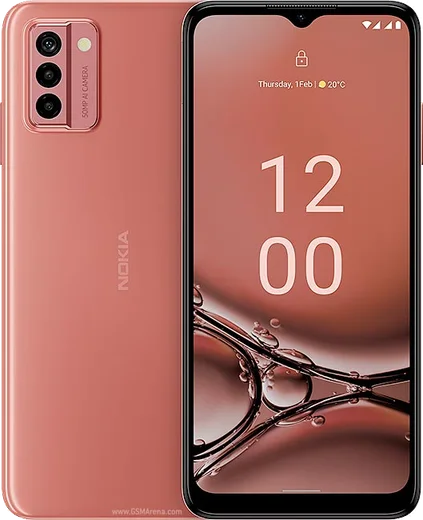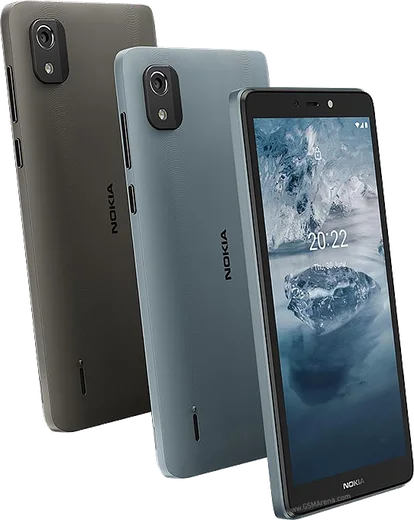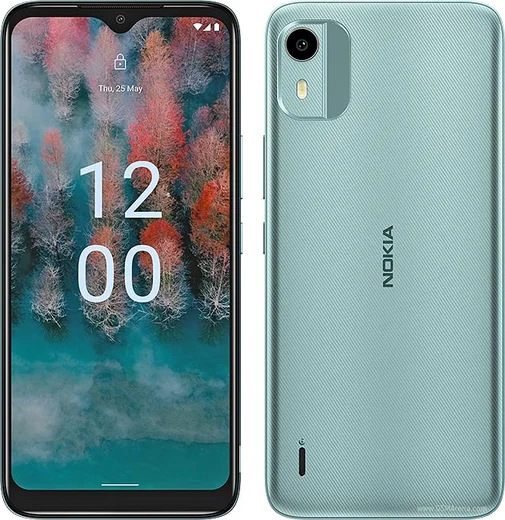
WhatsApp on Nokia C22
Nokia Android

WhatsApp for Nokia C22

Unisoc SC9863A1, 6.5-inch HD+, 5000mAh battery

WhatsApp Messenger 4.7 · 64.2M reviews Free · Android · ~40 MB · by WhatsApp LLC
Download WhatsApp

Ask a question / report a problem

You can ask any question about WhatsApp support on the Nokia C22 — leave it below and we'll help.

Ask a question

Can the Nokia C22 run WhatsApp?

Fully supported
  • Operating systemAndroid
  • ProcessorUnisoc SC9863A1
  • WhatsApp versionLatest supported

Latest known WhatsApp problems on Nokia C22

1

WhatsApp is slow and laggy on my Nokia C22 — how do I fix it?

The C22 is an entry-level Android (Go edition) phone with limited RAM, so close background apps before opening WhatsApp and clear its cache under Settings > Apps > WhatsApp > Storage > Clear cache (this clears temporary files only and won't delete chats). Also turn off media auto-download in WhatsApp > Settings > Storage and data > Media auto-download (uncheck photos/videos for mobile data, Wi-Fi, and roaming), since constant downloads fill the storage and slow scrolling. See how others solved this on Reddit
2

My contacts keep getting duplicated on the Nokia C22 and show twice in WhatsApp

This usually happens when the same person is saved in more than one account (for example both your Google account and the phone/SIM storage), so they appear twice. Open the Contacts app, then use Fix & manage > Merge duplicates (wording varies slightly by version) to combine them, and set Contacts > Settings > Default account for new contacts to Google so new numbers save to one place. WhatsApp re-reads your phone's address book automatically, so the duplicates clear once the contacts are merged. See how others solved this on Reddit
3

Can I restore my old WhatsApp chats on a new Nokia C22?

Yes — WhatsApp on Android backs up to Google Drive. First, on your old phone, make a fresh backup under WhatsApp > Settings > Chats > Chat backup. Then on the C22, sign in to the same Google account, install WhatsApp from the Play Store, verify the same phone number, and tap Restore when it detects the Drive backup. The phone number and Google account must both match the originals for the restore to appear. See how others solved this on Reddit
4

Is the Nokia C22 good enough to run WhatsApp as a simple everyday phone?

Yes — unlike basic feature phones running KaiOS, where WhatsApp support has been limited or dropped, the C22 runs full Android (Go edition) and installs the standard WhatsApp from the Google Play Store with all features. Just keep some internal storage free and avoid running many apps at once, since it's a budget device and can get sluggish when overloaded. See how others solved this on Reddit
5

WhatsApp won't install or keeps stopping on my Nokia C22 because of low storage

The C22 ships with limited internal storage, so free space before installing: go to Settings > Apps to uninstall apps you don't use, and Settings > Storage to clear cached files. Adding a microSD card helps — insert one, then move photos and downloads to it via Settings > Storage (or Files), and retry installing or updating WhatsApp from the Play Store. See how others solved this on Reddit

Ask a question / report a problem

You can ask any question about WhatsApp support on the Nokia C22 — leave it below and we'll help.

Ask a question

Watch: setting up WhatsApp

Prefer to watch? This short walkthrough shows the whole installation and number-verification flow.

How to install WhatsApp on Nokia C22 — video walkthrough

How to install WhatsApp on Nokia C22

1

Choose how to download

On your Nokia C22 you can get the official app two ways: from the Google Play Store — the easiest option, since it keeps WhatsApp updated automatically — or directly from the official website. You can download an APK file, by clicking a link “Download WhatsApp directly”.

2

Open WhatsApp

Launch WhatsApp from your home screen or app drawer and accept the Terms of Service to start setup.

3

Verify your phone number

Enter your phone number. If your Nokia C22 uses dual SIM, pick the line you want WhatsApp tied to, then enter the 6-digit code it sends by SMS — it usually fills in automatically.

4

Restore chats and finish setup

Restore your chat history from Google Drive (use the same Google account), add your name and photo, and tap Allow for notifications so messages and calls arrive reliably.

Stay safe: only ever install WhatsApp from the official Android source. The Download button above already points there — modified copies (GB/Plus/Aero WhatsApp) can get your number banned.

Comments (8)

No registration needed. No email required.
C
chris30Jun 6, 2026

clear steps for the C22, cheers

J
jess30Dec 20, 2025

honestly had whatsapp on my nokia c22 in no time lol

L
lucy2000Jul 7, 2025

ok so whatsapp is working on my nokia c22 now 🙏

W
whyyyyyApr 14, 2025

guys the app opens to a black screen pls

AppWhatsOfficialApr 20, 2025

Thanks for asking, a black screen usually clears after a restart. If not, reinstall the newest version and it should open fine. Glad to help.

Z
zoe_sarNov 27, 2024

well downloaded and installed on my c22 👍

B
budgetkingNov 2, 2024

yo i tried 3 other guides before this one cheers

A
alex15Jul 25, 2024

Guys my whole family is waiting pls help me install it

AppWhatsOfficialJul 28, 2024

You are almost there! Tap Download, allow the install, open WhatsApp and confirm your number.

M
marc.kJul 11, 2024

wow enfin whatsapp installé sur mon Nokia C22 👍