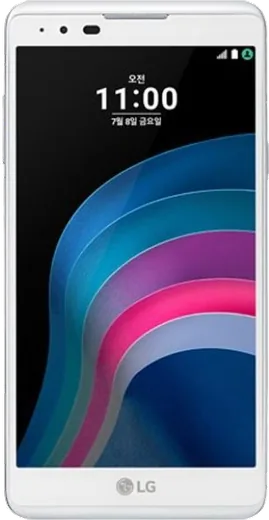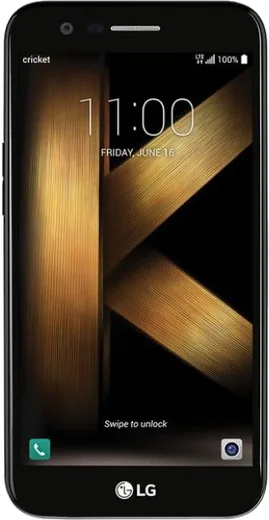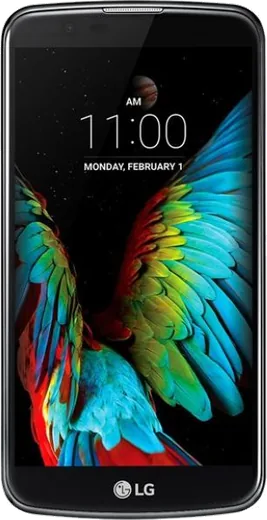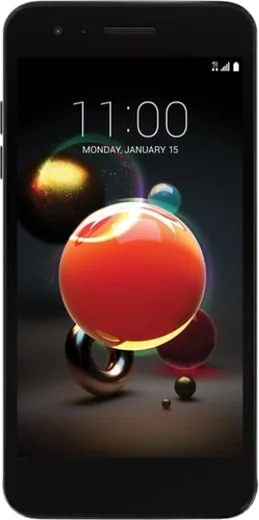
WhatsApp on LG X5
LG Android

WhatsApp for LG X5

Install the official WhatsApp on your LG X5 in a few simple steps.

WhatsApp Messenger 4.7 · 64.2M reviews Free · Android · ~40 MB · by WhatsApp LLC
Download WhatsApp

Ask a question / report a problem

You can ask any question about WhatsApp support on the LG X5 — leave it below and we'll help.

Ask a question

Can the LG X5 run WhatsApp?

Support ending soon
  • Operating systemAndroid
  • WhatsApp versionLatest supported

Latest known WhatsApp problems on LG X5

1

Why does WhatsApp jump back down to the latest message when I scroll up to read older chats on my LG X5?

This is usually a media or cache glitch where WhatsApp re-renders the chat as it loads older content, snapping you back to the bottom. On your LG X5, force-stop WhatsApp in Settings > Apps > WhatsApp > Force stop, then clear the cache (not the data) under Storage, and reopen the app to try scrolling again. Keeping WhatsApp updated through the Play Store fixes most scroll-position bugs, since they're typically resolved in app patches rather than device settings. See how others solved this on Reddit
2

WhatsApp photos aren't showing up in my LG X5 gallery, how do I fix it?

WhatsApp needs both storage permission and media visibility enabled to push received photos into your gallery. On the LG X5 go to Settings > Apps > WhatsApp > Permissions and make sure Photos/Media (Storage) is allowed, then inside WhatsApp open Settings > Chats and turn on Media visibility. You can also enable it per chat by opening the contact's info screen and turning on Media visibility there; after that, newly received images will appear in the LG Gallery app. See how others solved this on Reddit
3

How do I move my WhatsApp chats from my LG X5 to a new iPhone?

WhatsApp's official move tool transfers chats from Android to iOS, but it must be started during the iPhone's initial setup, not afterward. Make sure your LG X5 is on Android 5 or newer and the iPhone is freshly reset, then use Apple's Move to iOS app and follow the WhatsApp transfer prompt, keeping both phones plugged in and on the same Wi-Fi. Note that the LG X5's Google Drive WhatsApp backup cannot be restored on an iPhone, so this in-setup transfer is the only reliable path. See how others solved this on Reddit
4

My LG X5 is getting old and laggy for WhatsApp, what should I upgrade to?

If WhatsApp feels sluggish on the LG X5, first back up your chats to Google Drive (WhatsApp > Settings > Chats > Chat backup) so the move to any new phone is painless. When picking a replacement, any current mid-range Android with at least 4GB of RAM and a recent Android version will run WhatsApp smoothly, and restoring your backup just requires signing in with the same number and the same Google account. Stick with Android-to-Android if you want the easiest restore, since Google Drive backups don't transfer to iPhone. See how others solved this on Reddit

Ask a question / report a problem

You can ask any question about WhatsApp support on the LG X5 — leave it below and we'll help.

Ask a question

Watch: setting up WhatsApp

Prefer to watch? This short walkthrough shows the whole installation and number-verification flow.

How to install WhatsApp on LG X5 — video walkthrough

How to install WhatsApp on LG X5

1

Choose how to download

On your LG X5 you can get the official app two ways: from the Google Play Store — the easiest option, since it keeps WhatsApp updated automatically — or directly from the official website. You can download an APK file, by clicking a link “Download WhatsApp directly”.

2

Open WhatsApp

Launch WhatsApp from your home screen or app drawer and accept the Terms of Service to start setup.

3

Verify your phone number

Enter your phone number. If your LG X5 uses dual SIM, pick the line you want WhatsApp tied to, then enter the 6-digit code it sends by SMS — it usually fills in automatically.

4

Restore chats and finish setup

Restore your chat history from Google Drive (use the same Google account), add your name and photo, and tap Allow for notifications so messages and calls arrive reliably.

Stay safe: only ever install WhatsApp from the official Android source. The Download button above already points there — modified copies (GB/Plus/Aero WhatsApp) can get your number banned.

Comments (6)

No registration needed. No email required.
M
mia00Apr 13, 2026

guys is this the official whatsapp or a modded one anyone

AppWhatsOfficialApr 19, 2026

Hi! Only the official app here. Modified versions can get your account banned, so we never link to them. Enjoy WhatsApp on your your phone!

B
bea.kNov 2, 2025

hey pleaseee my x5 wont install whatsapp i give up pls

AppWhatsOfficialNov 6, 2025

You are almost there! Tap Download, allow the install, open WhatsApp and confirm your number. Reply here if you get stuck.

G
greg_robAug 16, 2025

Franchement merci, mon X5 a whatsapp maintenant merci

V
val00Aug 1, 2025

so it worked first try 🔥

Y
yuki2000Jan 9, 2025

so this worked great on my lg x5

AppWhatsOfficialJan 10, 2025

Thanks for sharing!

G
greg_chrOct 26, 2024

man installed whatsapp on my LG X5 with no issues