WhatsApp on iPhone 15 Pro
Apple iOS

WhatsApp for iPhone 15 Pro

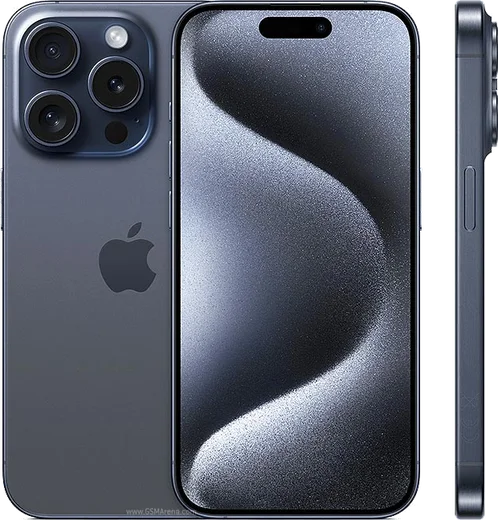
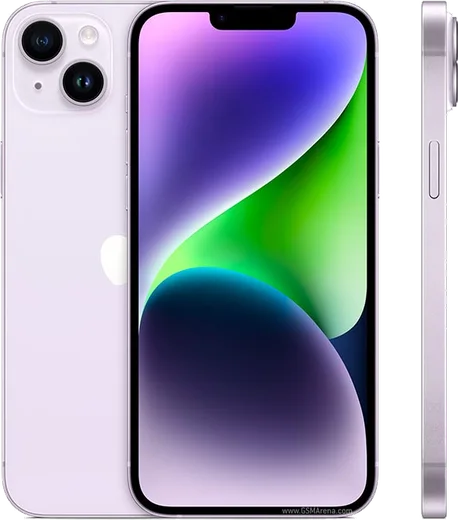
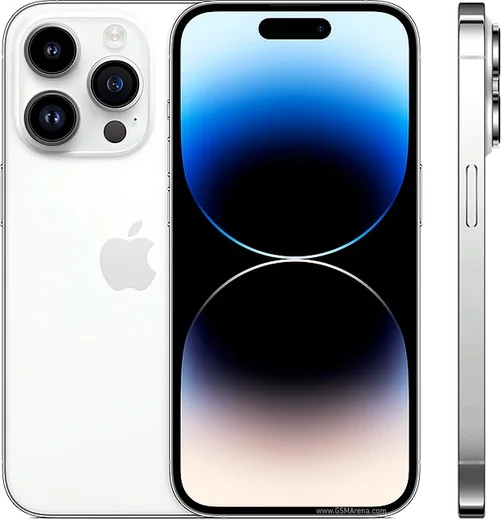
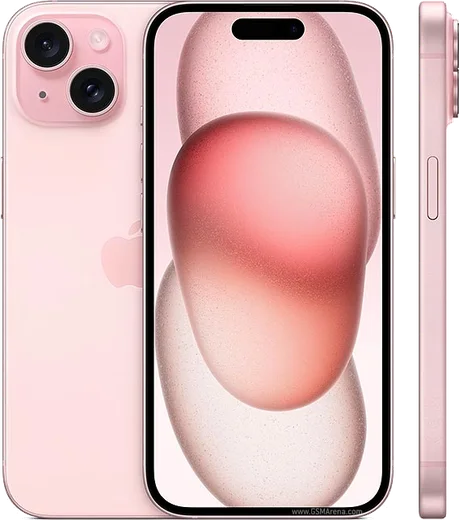
Apple A17 Pro, 6.1-inch ProMotion OLED, titanium

WhatsApp Messenger 4.7 · 64.2M reviews Free · iOS · ~40 MB · by WhatsApp LLC
Download WhatsApp

Ask a question / report a problem

You can ask any question about WhatsApp support on the iPhone 15 Pro — leave it below and we'll help.

Ask a question

Can the iPhone 15 Pro run WhatsApp?

Fully supported
  • Operating systemiOS
  • ProcessorApple A17 Pro
  • WhatsApp versionLatest supported

Latest known WhatsApp problems on iPhone 15 Pro

1

WhatsApp is laggy and slow to scroll on my iPhone 15 Pro - how do I fix it?

Lag is usually a bloated local database, so open WhatsApp Settings > Storage and Data > Manage Storage and clear large forwarded videos and media-heavy chats. Then force-close the app (swipe up from the bottom and flick WhatsApp away), make sure both iOS and WhatsApp are fully updated in the App Store, and reboot the phone. If a single chat scrolls slowly, clearing that chat's media or archiving it typically restores smooth performance. See how others solved this on Reddit
2

My old WhatsApp messages didn't transfer to my new iPhone 15 Pro - where did they go?

On a new iPhone, WhatsApp restores chats from an iCloud backup, so the backup must have been made on your old device with the same phone number before you signed in. Check Settings > [your name] > iCloud to confirm iCloud Drive is on, then reinstall WhatsApp and when prompted at setup choose Restore Chat History. If you switched from Android, you must use the official Move to iOS app during the initial iPhone setup, because Android backups live on Google Drive and cannot be restored on iPhone afterward. See how others solved this on Reddit
3

WhatsApp on my iPhone 15 keeps showing 'Connecting' and won't load messages - what's wrong?

A stuck 'Connecting' banner almost always points to a network or background-permission issue rather than the app itself. Toggle Airplane Mode on and off, then check Settings > WhatsApp and confirm Cellular Data, Local Network, and Background App Refresh are all enabled. If it persists, test on a different Wi-Fi network or restart your router, since some networks and VPNs block WhatsApp's connection servers. See how others solved this on Reddit
4

WhatsApp crashes within seconds of opening on my iPhone 15 Pro - how can I stop it?

Repeated instant crashes usually mean a corrupted app cache or an outdated build, so first delete and reinstall WhatsApp from the App Store (your chats stay safe in your iCloud backup). If it still crashes, update iOS under Settings > General > Software Update, restart the phone, and ensure you have free storage in Settings > General > iPhone Storage. A clean reinstall on the latest iOS clears the bad state for nearly all users. See how others solved this on Reddit
5

I'm not receiving WhatsApp messages or notifications on my new iPhone 15 Pro Max - why?

Missing messages is typically a notification or carrier-handoff issue after activating a new phone. Open Settings > Notifications > WhatsApp and turn on Allow Notifications, plus Sounds and Banners, then inside WhatsApp confirm In-App Notifications are enabled under Settings > Notifications. Also make sure a Focus or Do Not Disturb mode isn't silencing the app, and if your number was ported, verify your line is fully active with your carrier so WhatsApp can complete its verification and deliver messages. See how others solved this on Reddit
6

Will WhatsApp stop working on my iPhone 15 Pro if I don't update iOS?

WhatsApp is dropping support for older iOS 15.x versions in late 2026, but that only affects much older phones - your iPhone 15 Pro shipped on iOS 17 and can't even run iOS 15, so it stays well above the minimum requirement. Just keep it current via Settings > General > Software Update. Staying updated also fixes most of the lag, crash, and connection bugs people blame on the app itself. See how others solved this on Reddit

Ask a question / report a problem

You can ask any question about WhatsApp support on the iPhone 15 Pro — leave it below and we'll help.

Ask a question

Watch: setting up WhatsApp

Prefer to watch? This short walkthrough shows the whole installation and number-verification flow.

How to install WhatsApp on iPhone 15 Pro — video walkthrough

How to install WhatsApp on iPhone 15 Pro

1

Open the App Store

Unlock your iPhone 15 Pro and tap the blue App Store icon on the Home Screen. WhatsApp is not preinstalled on any iPhone, so you install it from here.

2

Search for WhatsApp Messenger

Tap the Search tab at the bottom right, type WhatsApp Messenger, and confirm the publisher shows as WhatsApp Inc. so you don't download a copycat app.

3

Download and install

Tap Get, then authenticate with Face ID or Touch ID (or your Apple Account password). The app downloads to your Home Screen in a few seconds.

4

Verify your phone number

Open WhatsApp, accept the terms, and enter your phone number. If your iPhone 15 Pro uses dual SIM, pick the line you want WhatsApp tied to, then enter the 6-digit code it sends by SMS — it usually fills in automatically.

5

Restore chats and finish setup

Sign in to iCloud with the same Apple Account to restore an existing chat backup, add your name and photo, and tap Allow for notifications so messages and calls arrive reliably.

Stay safe: only ever install WhatsApp from the official iOS source. The Download button above already points there — modified copies (GB/Plus/Aero WhatsApp) can get your number banned.

Comments (19)

No registration needed. No email required.
S
stuckkkMay 30, 2026

ngl worked like a charm :)

AppWhatsOfficialMay 31, 2026

Thanks for the feedback!

D
deni_theMay 13, 2026

honestly thank u so much 👌

A
alex.nMar 29, 2026

ey muy fácil, lo hice en 2 minutos

T
theo70Mar 8, 2026

hi how do i use whatsapp on a second phone

AppWhatsOfficialMar 12, 2026

Hey there, whatsApp supports linked devices now, so you can use your account on more than one phone. Open Linked Devices in Settings to add another.

N
needwhatsappNov 28, 2025

sorry but do i need to uninstall my old whatsapp first

AppWhatsOfficialNov 30, 2025

Sure, you can keep the old one. Installing the newest build simply updates it and your chats stay put. Let us know if you need anything else.

I
im_marcJul 27, 2025

sorry but how do i use whatsapp on a second phone anyone

AppWhatsOfficialJul 29, 2025

Good question, yes, use Linked Devices in Settings to add a second phone with the same account. Glad to help.

C
coolcatJul 17, 2025

ehi facilissimo, fatto in 2 minuti sul mio 15pro

K
kate_officialJul 1, 2025

Did this on my iphone 15 Pro and it just worked ✌️

M
moJun 26, 2025

أخيراً أفضل موقع، اشتغل من أول مرة 👍

L
lucy56May 9, 2025

tbh whatsapp running great on my iphone 15 pro

H
helpmeMay 8, 2025

Hi can i recover my chats pls

AppWhatsOfficialMay 9, 2025

Thanks for asking, if you made a backup before, sign in with the same number and tap Restore when asked. WhatsApp pulls your chats from the cloud backup. Glad to help.

T
tan_lucMay 3, 2025

wow smooth install on the iPhone 15 Pro

G
greg.hMar 20, 2025

Well clear and to the point

M
marc96Feb 23, 2025

Couldnt be easier

L
lina.hFeb 16, 2025

cant do this alone HELP how do i download pls

AppWhatsOfficialFeb 17, 2025

You are almost there! Tap Download, allow the install, open WhatsApp and confirm your number. Reply here if you get stuck.

S
sol_jayJan 17, 2025

por fin súper sencillo, ya está listo

L
lucy29Dec 30, 2024

so got my iPhone 15 Pro sorted thanks to you

P
pleaseeeDec 10, 2024

Omg couldnt be easier

H
helpmeJul 27, 2024

yo respect, this helped alot