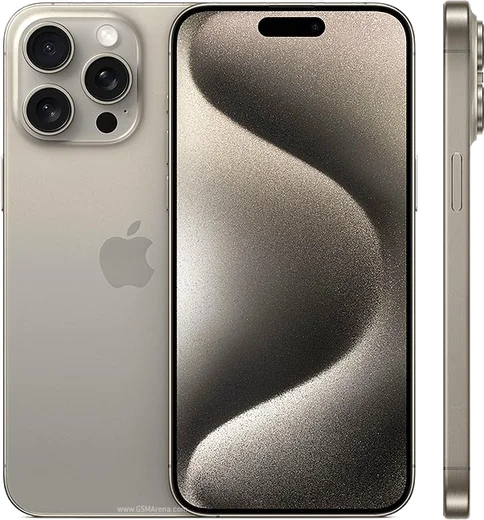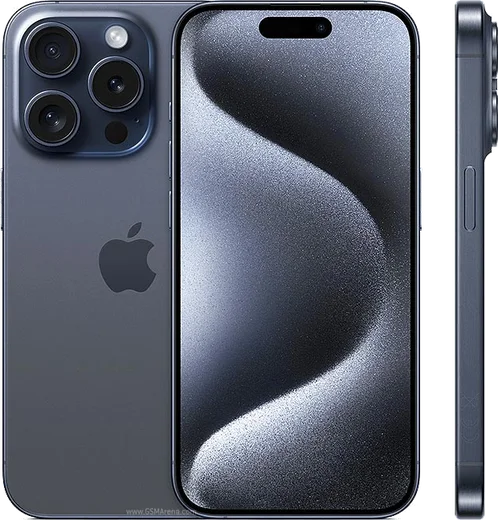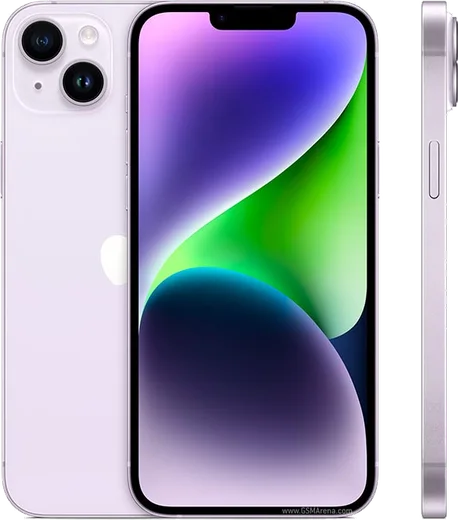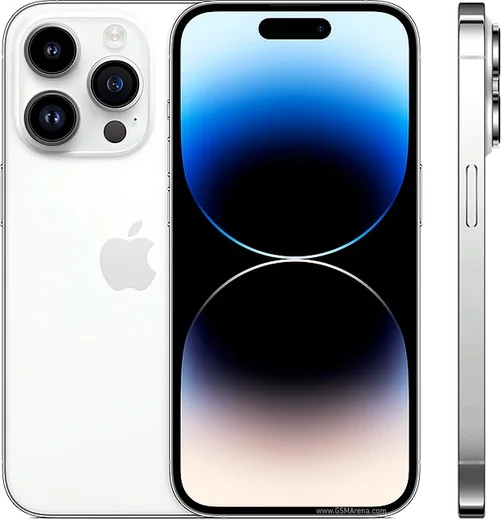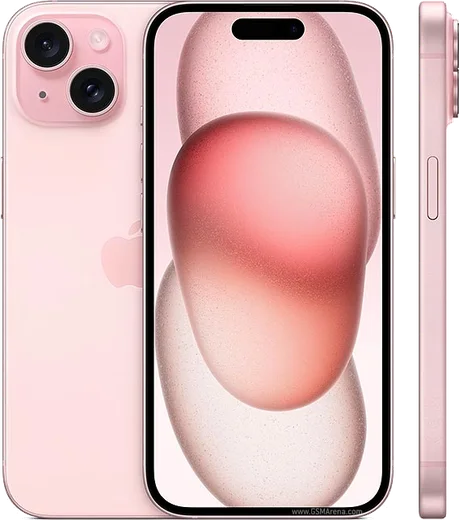
WhatsApp on iPhone 15 Pro Max
Apple iOS

WhatsApp for iPhone 15 Pro Max

Apple A17 Pro, 6.7-inch OLED, 5x tetraprism zoom

WhatsApp Messenger 4.7 · 64.2M reviews Free · iOS · ~40 MB · by WhatsApp LLC
Download WhatsApp

Ask a question / report a problem

You can ask any question about WhatsApp support on the iPhone 15 Pro Max — leave it below and we'll help.

Ask a question

Can the iPhone 15 Pro Max run WhatsApp?

Fully supported
  • Operating systemiOS
  • ProcessorApple A17 Pro
  • WhatsApp versionLatest supported

Latest known WhatsApp problems on iPhone 15 Pro Max

1

Why is WhatsApp so laggy and slow to scroll on my iPhone 15 Pro Max?

Lag is usually caused by an overloaded local database and cached media rather than the phone itself. Open WhatsApp > Settings > Storage and Data > Manage Storage and clear large videos, forwarded clips and oversized chats, then force-close the app (swipe up from the bottom and flick WhatsApp away) and reopen it. If it persists, update to the newest WhatsApp build in the App Store and restart the iPhone, since older builds had known stutter on the iPhone 15 Pro Max's 120Hz ProMotion display. See how others solved this on Reddit
2

How do I move my WhatsApp chats from Android to my new iPhone 15 Pro Max?

A normal iCloud or Google Drive backup will not cross platforms, so you must use Apple's 'Move to iOS' transfer, which only runs during the iPhone's initial setup. If your iPhone is already set up, go to Settings > General > Transfer or Reset iPhone > Erase All Content and Settings to start fresh. On the setup 'Apps & Data' screen choose 'Move Data from Android', install the Move to iOS app on the Android phone, enter the code shown on the iPhone, and select WhatsApp when it appears in the data list. Keep both phones on power and on the same Wi-Fi until it finishes, then install WhatsApp from the App Store and verify the same number to complete the transfer. See how others solved this on Reddit
3

WhatsApp crashes within seconds of opening on my iPhone 15 Pro — how do I fix it?

Immediate crashes on launch are almost always a corrupted install or an outdated build that is incompatible with your current iOS version. Update WhatsApp in the App Store first, and if that fails, delete the app, restart the iPhone, then reinstall and restore from your iCloud backup when prompted. Also make sure iOS itself is current under Settings > General > Software Update, since crash loops were tied to some early iOS builds. See how others solved this on Reddit
4

Why won't WhatsApp access my iPhone 15 Pro Max camera to take photos or video?

WhatsApp needs the camera permission granted explicitly, which often gets denied after a transfer or restore. Go to Settings > WhatsApp and toggle Camera on (also enable Microphone for calls and videos), then confirm Settings > Privacy & Security > Camera lists WhatsApp as enabled. If the in-app camera opens to a black screen, force-close WhatsApp and reopen it so iOS re-initializes the camera session. See how others solved this on Reddit
5

Why am I not receiving WhatsApp messages or notifications on my new iPhone 15 Pro Max?

Missing messages usually trace to notification permissions or an iCloud restore that left WhatsApp unverified. Check Settings > Notifications > WhatsApp and enable Allow Notifications plus Banners and Sounds, and turn off any Focus mode that might be silencing it. Then open WhatsApp, confirm your number is verified, and disable Low Power Mode (Settings > Battery), which can throttle background message delivery on iOS. See how others solved this on Reddit
6

I keep getting an error message every time I use WhatsApp on my iPhone 15 Pro — what's wrong?

A recurring error popup typically means a broken cache or a date/network mismatch rather than an account problem. Confirm Settings > General > Date & Time is set to 'Set Automatically', toggle Airplane mode off and on to reset the connection, then update WhatsApp in the App Store. If the error continues, reinstall the app and restore from iCloud, since a clean install clears the corrupted state triggering the message. See how others solved this on Reddit

Ask a question / report a problem

You can ask any question about WhatsApp support on the iPhone 15 Pro Max — leave it below and we'll help.

Ask a question

Watch: setting up WhatsApp

Prefer to watch? This short walkthrough shows the whole installation and number-verification flow.

How to install WhatsApp on iPhone 15 Pro Max — video walkthrough

How to install WhatsApp on iPhone 15 Pro Max

1

Open the App Store

Unlock your iPhone 15 Pro Max and tap the blue App Store icon on the Home Screen. WhatsApp is not preinstalled on any iPhone, so you install it from here.

2

Search for WhatsApp Messenger

Tap the Search tab at the bottom right, type WhatsApp Messenger, and confirm the publisher shows as WhatsApp Inc. so you don't download a copycat app.

3

Download and install

Tap Get, then authenticate with Face ID or Touch ID (or your Apple Account password). The app downloads to your Home Screen in a few seconds.

4

Verify your phone number

Open WhatsApp, accept the terms, and enter your phone number. If your iPhone 15 Pro Max uses dual SIM, pick the line you want WhatsApp tied to, then enter the 6-digit code it sends by SMS — it usually fills in automatically.

5

Restore chats and finish setup

Sign in to iCloud with the same Apple Account to restore an existing chat backup, add your name and photo, and tap Allow for notifications so messages and calls arrive reliably.

Stay safe: only ever install WhatsApp from the official iOS source. The Download button above already points there — modified copies (GB/Plus/Aero WhatsApp) can get your number banned.

Comments (15)

No registration needed. No email required.
L
lina_proMay 6, 2026

thank u, whatsapp installed on my 15promax 🎉

G
gamerxMar 12, 2026

Pls help the app crashes every time i open it

AppWhatsOfficialMar 13, 2026

Hey there, try clearing the cache and updating your phone software, then install the latest version again. That usually stops the crashing. Let us know if you need anything else.

J
joe21Mar 10, 2026

omg installed whatsapp on my iphone 15 pro max with no issues 😍

S
saif_22Mar 10, 2026

والله سهل جداً بدون مشاكل 👍

B
ben2000Jan 11, 2026

hi should i remove the old version before this ?

AppWhatsOfficialJan 15, 2026

Good question, no need. Installing the latest version updates the existing app and keeps your chats. Just follow the steps above.

L
lou00Oct 17, 2025

super easy, alles startklar

D
dan_officialOct 13, 2025

so thank u, whatsapp installed on my iphone 15promax cheers

AppWhatsOfficialOct 17, 2025

Thanks, enjoy the app!

I
its_tomAug 20, 2025

pls help the app opens to a black screen ?

AppWhatsOfficialAug 26, 2025

No worries, a black screen usually clears after a restart. If not, reinstall the newest version and it should open fine.

R
rob_solJul 16, 2025

Update clear steps for the iphone 15promax, cheers

H
helpmeApr 28, 2025

this fixed whatsapp on my iPhone 15 Pro Max

S
sara32Apr 24, 2025

so didnt work at first but second time was fine

Z
zoe_linApr 7, 2025

ohne probleme installiert

R
ray34Dec 31, 2024

Sorry but can i recover my chats ?

AppWhatsOfficialJan 6, 2025

No worries, if you made a backup before, sign in with the same number and tap Restore when asked. WhatsApp pulls your chats from the cloud backup. Reach out anytime.

N
newbieNov 17, 2024

Anyone? should i remove the old version before this thanks

AppWhatsOfficialNov 18, 2024

Hey there, no need. Installing the latest version updates the existing app and keeps your chats. Just follow the steps above. Enjoy WhatsApp on your your phone!

E
ella2000Aug 29, 2024

I NEED this app pleaseeee how do i do it

AppWhatsOfficialSep 2, 2024

Don't worry, you can do this! Use the Download button, install the app, and enter your number to verify. It is easier than it looks, promise.