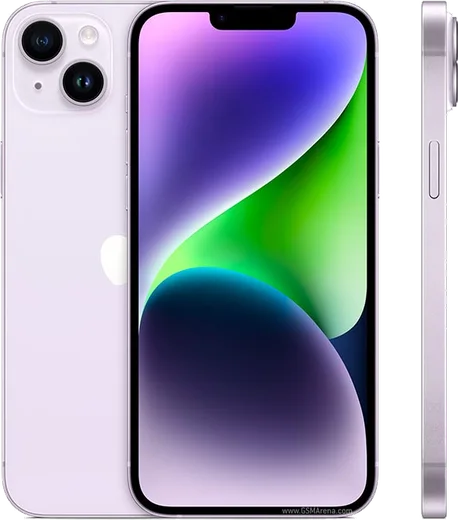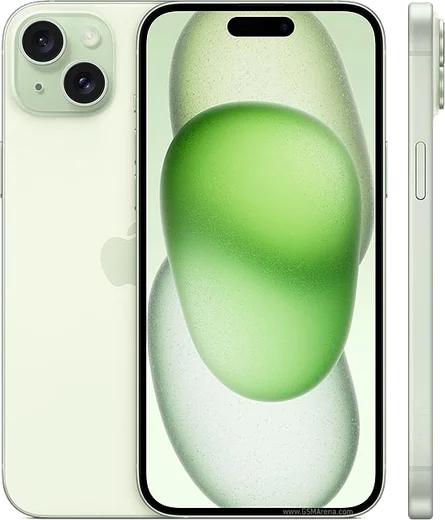
WhatsApp on iPhone 15
Apple iOS

WhatsApp for iPhone 15

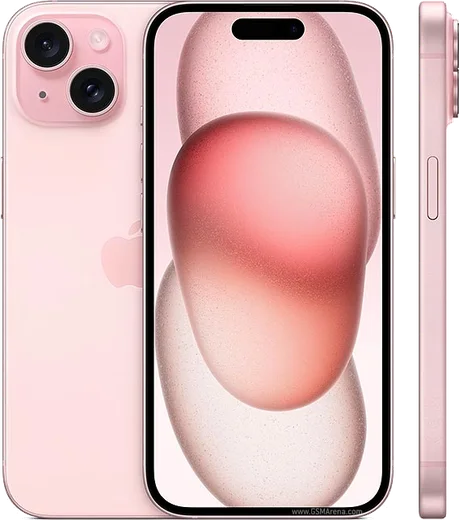
Apple A16 Bionic, 6.1-inch OLED, USB-C, Dynamic Island

WhatsApp Messenger 4.7 · 64.2M reviews Free · iOS · ~40 MB · by WhatsApp LLC
Download WhatsApp

Ask a question / report a problem

You can ask any question about WhatsApp support on the iPhone 15 — leave it below and we'll help.

Ask a question

Can the iPhone 15 run WhatsApp?

Fully supported
  • Operating systemiOS
  • ProcessorApple A16 Bionic
  • WhatsApp versionLatest supported

Latest known WhatsApp problems on iPhone 15

1

Why does WhatsApp keep saying "Connecting..." and won't load messages on my iPhone 15?

This is usually a network or carrier handoff issue. First go to Settings > WhatsApp and make sure Cellular Data is enabled, then toggle Airplane Mode on for about five seconds and off again to force a fresh connection. If it persists, go to Settings > General > Transfer or Reset iPhone > Reset > Reset Network Settings, which clears stuck carrier, DNS and VPN states without deleting your chats (you will need to re-enter Wi-Fi passwords afterward). See how others solved this on Reddit
2

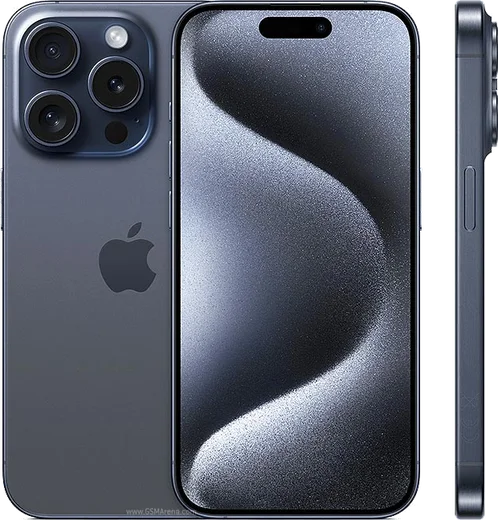
I'm not receiving WhatsApp messages or notifications on my new iPhone 15 Pro Max until I open the app, how do I fix it?

Delayed delivery is usually caused by notification or power settings. Go to Settings > Notifications > WhatsApp and confirm Allow Notifications is on with the Lock Screen, Notification Center and Banners styles enabled. Then turn off Low Power Mode (Settings > Battery), and check Settings > Focus to make sure no Focus or Do Not Disturb mode is silencing WhatsApp. Also enable Background App Refresh for WhatsApp under Settings > General > Background App Refresh so the app stays responsive. See how others solved this on Reddit
3

How do I move my WhatsApp chats from my old Android phone to my iPhone 15 Pro Max?

Use Apple's Move to iOS app. The iPhone 15 must be at the initial setup screen, so either set it up fresh or erase it via Settings > General > Transfer or Reset iPhone > Erase All Content and Settings. On the Android phone, install Move to iOS, then follow the prompts and select WhatsApp when the data list appears. Keep both phones plugged in and on the same Wi-Fi, and update WhatsApp on both devices first, since the chats transfer in encrypted form during this one-time process. See how others solved this on Reddit
4

WhatsApp is extremely laggy and slow to scroll on my iPhone 15 Pro Max, what's going on?

Lag is typically caused by a bloated local database or a stale app version. First update WhatsApp in the App Store, then force-close it by swiping up in the app switcher and reopen it. If it is still sluggish, free up space by going to WhatsApp > Settings > Storage and Data > Manage Storage and clearing large forwarded videos and media, then restart the iPhone to flush memory before testing again. See how others solved this on Reddit
5

I heard WhatsApp is dropping support for some iPhones in 2026, does my iPhone 15 still work?

Your iPhone 15 is safe. The upcoming cutoff only affects very old devices stuck on iOS 15.1 to 15.4.1 (such as iPhone 6s-era hardware), while the iPhone 15 ships with iOS 17 or later. Just keep it current via Settings > General > Software Update and WhatsApp will keep working normally. See how others solved this on Reddit
6

WhatsApp crashes or won't open after a recent update on my iPhone 15, how do I get it running again?

First go to Settings > General > Software Update and install any pending iOS update, since a mismatch between an outdated iOS version and the latest WhatsApp can cause crashes. If it still fails to launch, delete and reinstall WhatsApp from the App Store; your chats restore from your most recent backup during setup, so first confirm iCloud Drive is enabled under Settings > [your name] > iCloud and that a recent backup exists in WhatsApp > Settings > Chats > Chat Backup. See how others solved this on Reddit

Ask a question / report a problem

You can ask any question about WhatsApp support on the iPhone 15 — leave it below and we'll help.

Ask a question

Watch: setting up WhatsApp

Prefer to watch? This short walkthrough shows the whole installation and number-verification flow.

How to install WhatsApp on iPhone 15 — video walkthrough

How to install WhatsApp on iPhone 15

1

Open the App Store

Unlock your iPhone 15 and tap the blue App Store icon on the Home Screen. WhatsApp is not preinstalled on any iPhone, so you install it from here.

2

Search for WhatsApp Messenger

Tap the Search tab at the bottom right, type WhatsApp Messenger, and confirm the publisher shows as WhatsApp Inc. so you don't download a copycat app.

3

Download and install

Tap Get, then authenticate with Face ID or Touch ID (or your Apple Account password). The app downloads to your Home Screen in a few seconds.

4

Verify your phone number

Open WhatsApp, accept the terms, and enter your phone number. If your iPhone 15 uses dual SIM, pick the line you want WhatsApp tied to, then enter the 6-digit code it sends by SMS — it usually fills in automatically.

5

Restore chats and finish setup

Sign in to iCloud with the same Apple Account to restore an existing chat backup, add your name and photo, and tap Allow for notifications so messages and calls arrive reliably.

Stay safe: only ever install WhatsApp from the official iOS source. The Download button above already points there — modified copies (GB/Plus/Aero WhatsApp) can get your number banned.

Comments (17)

No registration needed. No email required.
P
pablo_kJun 1, 2026

Omg bookmarking this site for sure 🎉

D
dan.qMay 25, 2026

Well whatsapp works fine on my iPhone 15 thx

M
maxx_realMay 12, 2026

well installed whatsapp on my iPhone 15 with no issues 💯

T
the_real_chrisApr 24, 2026

Installato senza problemi grazie

Y
yuki58Feb 12, 2026

quick q i dont want people to see im online anyone

AppWhatsOfficialFeb 17, 2026

Of course, yes, go to Settings then Privacy and set Last Seen and Online to Nobody or My Contacts. Your activity stays private.

F
finn2000Sep 2, 2025

Tbh saved me so much time thx

N
nightowlJun 17, 2025

Is it safe to download from here ?

AppWhatsOfficialJun 18, 2025

Thanks for asking, yes, it is completely safe. The Download button takes you to the official app on the store, we never host modified versions. Reach out anytime.

F
finn45May 10, 2025

Guys thank u, whatsapp installed on my iphone 15 lol

M
mobilegeekMay 9, 2025

Someone my whole family is waiting pls help me install it 😭😭

AppWhatsOfficialMay 13, 2025

Breathe! Follow the steps above one by one, tap Download first, and you will be chatting in no time. Reply here if you get stuck.

P
priya_zoeJan 17, 2025

yo all good on my iPhone 15 now

A
amy_rajNov 25, 2024

Guys my phone has no google services, is it possible

AppWhatsOfficialNov 29, 2024

No problem. Without Play Store you can use the official APK, just allow installs from your browser first.

K
khaled41Oct 4, 2024

والله أخيراً ثبّت واتساب شكراً

A
amy.qSep 27, 2024

ngl i was scared it was a virus but its the real app

D
deni.tSep 26, 2024

wow facilissimo, fatto in 2 minuti

J
jay_marAug 30, 2024

guys worked even on my old phone

R
rosa89Aug 24, 2024

funcionó perfecto, gracias

S
sooo_confusedAug 4, 2024

Running whatsapp on my iPhone 15 like new