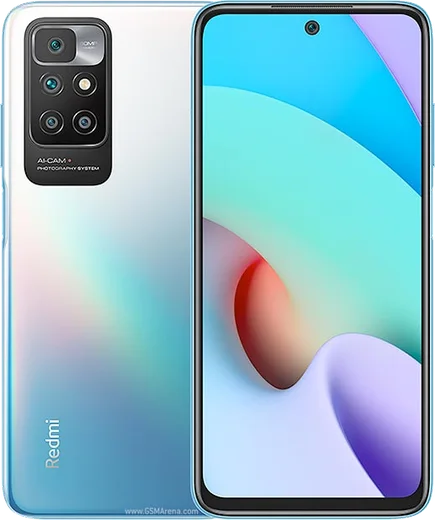
WhatsApp on Mi 11
Xiaomi Android

WhatsApp for Mi 11

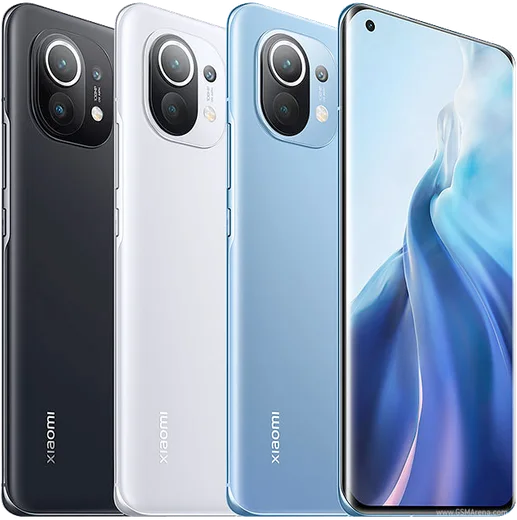
Snapdragon 888, 6.81-inch QHD+ 120Hz AMOLED, 108MP cam

WhatsApp Messenger 4.7 · 64.2M reviews Free · Android · ~40 MB · by WhatsApp LLC
Download WhatsApp

Ask a question / report a problem

You can ask any question about WhatsApp support on the Mi 11 — leave it below and we'll help.

Ask a question

Can the Mi 11 run WhatsApp?

Fully supported
  • Operating systemAndroid
  • ProcessorSnapdragon 888
  • WhatsApp versionLatest supported

Latest known WhatsApp problems on Mi 11

1

Why are my WhatsApp notifications delayed or missing on my Mi 11?

MIUI aggressively kills background apps to save battery, which delays WhatsApp pushes. Go to Settings > Apps > Manage apps > WhatsApp, open Battery saver and set it to No restrictions, then turn on Autostart on the same WhatsApp app page. This lets WhatsApp keep running in the background so notifications arrive on time. See how others solved this on Reddit
2

WhatsApp notifications only arrive when I unlock my Mi 11 Ultra. How do I fix it?

This is the classic MIUI memory-management issue where WhatsApp gets frozen until you wake the screen. Open the Recents (multitasking) view, swipe down on the WhatsApp card and tap the lock icon to keep it from being cleared, then turn on Autostart under Settings > Apps > Manage apps > WhatsApp. Finally set its Battery saver mode to No restrictions so it stays active while the screen is off. See how others solved this on Reddit
3

WhatsApp call notifications don't show up on my Mi 11 lock screen. What should I do?

Call alerts need lock-screen permission plus unrestricted background activity. Go to Settings > Apps > Manage apps > WhatsApp > Other permissions and enable Show on lock screen, then turn on Autostart and set Battery saver to No restrictions on the WhatsApp app page. In WhatsApp itself, open Settings > Notifications and confirm the Calls notification is enabled with a ringtone. See how others solved this on Reddit
4

After a MIUI update my Mi 11 can't send WhatsApp messages or media. How do I get it working again?

Updates can reset WhatsApp's permissions, blocking sending. Go to Settings > Apps > Manage apps > WhatsApp > App permissions and re-grant Storage/Files and Photos, and make sure WhatsApp isn't restricted from background data on the same app page. If it persists, clear the WhatsApp cache via Settings > Apps > Manage apps > WhatsApp > Clear data > Clear cache, reboot, and update WhatsApp from the Play Store. See how others solved this on Reddit
5

WhatsApp keeps crashing on my Mi 11. How can I stop it?

Crashes are usually caused by a corrupted cache or an outdated build after a system update. First clear the cache under Settings > Apps > Manage apps > WhatsApp > Clear data > Clear cache, then update WhatsApp from the Play Store. If it still closes, back up your chats in WhatsApp Settings > Chats > Chat backup, then uninstall and reinstall the app for a clean install. See how others solved this on Reddit

Ask a question / report a problem

You can ask any question about WhatsApp support on the Mi 11 — leave it below and we'll help.

Ask a question

Watch: setting up WhatsApp

Prefer to watch? This short walkthrough shows the whole installation and number-verification flow.

How to install WhatsApp on Mi 11 — video walkthrough

How to install WhatsApp on Mi 11

1

Choose how to download

On your Mi 11 you can get the official app two ways: from the Google Play Store — the easiest option, since it keeps WhatsApp updated automatically — or directly from the official website. You can download an APK file, by clicking a link “Download WhatsApp directly”.

2

Open WhatsApp

Launch WhatsApp from your home screen or app drawer and accept the Terms of Service to start setup.

3

Verify your phone number

Enter your phone number. If your Mi 11 uses dual SIM, pick the line you want WhatsApp tied to, then enter the 6-digit code it sends by SMS — it usually fills in automatically.

4

Restore chats and finish setup

Restore your chat history from Google Drive (use the same Google account), add your name and photo, and tap Allow for notifications so messages and calls arrive reliably.

Stay safe: only ever install WhatsApp from the official Android source. The Download button above already points there — modified copies (GB/Plus/Aero WhatsApp) can get your number banned.

Comments (7)

No registration needed. No email required.
L
leo.rApr 8, 2026

Ey por fin pude instalar whatsapp en mi mi 11 👍

F
finn.oMar 13, 2026

Wow smooth install on the Mi 11 :)

AppWhatsOfficialMar 16, 2026

Great to hear it worked out!

T
tom68Jun 25, 2025

guys why is it downloading so slowly thanks

AppWhatsOfficialJun 28, 2025

Hey there, it depends on your connection. Try switching to wifi if you can, and the download should finish in under a minute on most networks. Enjoy WhatsApp on your your phone!

R
rosa68Jun 17, 2025

how do i set my profile picture pls

AppWhatsOfficialJun 22, 2025

Hey there, in Settings tap your profile at the top, then the camera icon lets you pick or take a new picture. Let us know if you need anything else.

N
nick_petJun 1, 2025

Quick q the app opens to a black screen pls

AppWhatsOfficialJun 5, 2025

Hi! Restart the phone, and if the black screen stays, clear the app data and install the latest build again. Let us know if you need anything else.

I
im_finnDec 20, 2024

Guys PLEASE i need whatsapp on my mi 11 its urgent

AppWhatsOfficialDec 24, 2024

You are almost there! Tap Download, allow the install, open WhatsApp and confirm your number. You got this!

M
ms_danJul 13, 2024

ok so got it working on my 11 first try