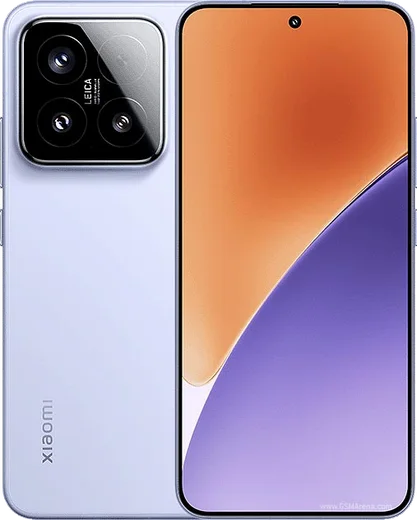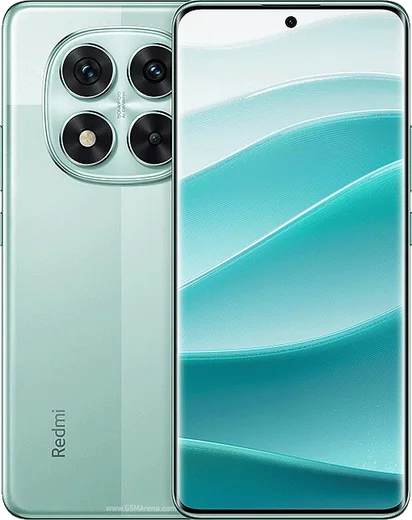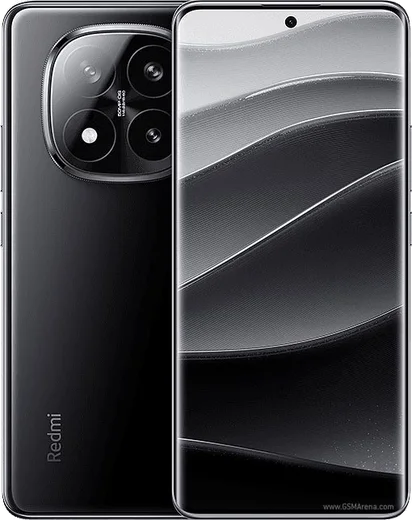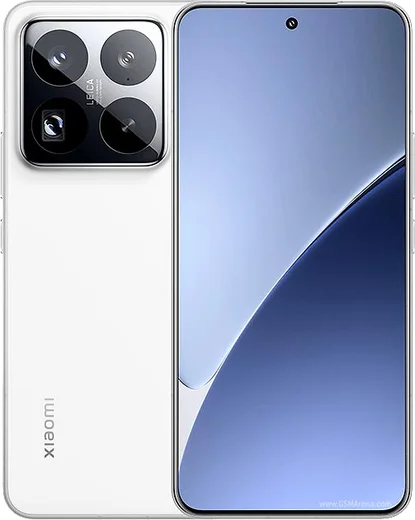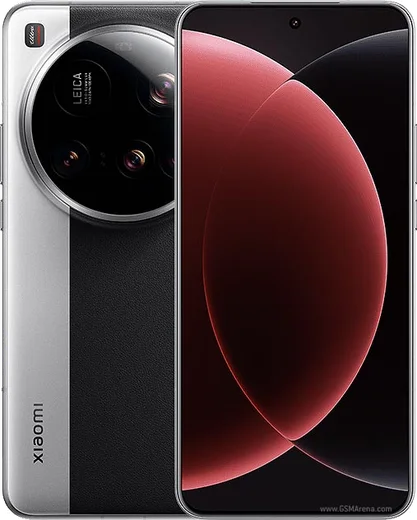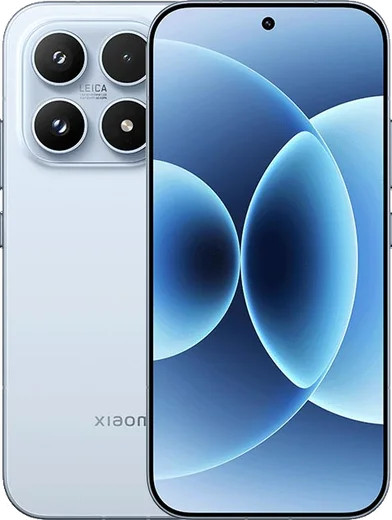
WhatsApp on Xiaomi 15
Xiaomi Android

WhatsApp for Xiaomi 15

Snapdragon 8 Elite, 6.36-inch 120Hz AMOLED

WhatsApp Messenger 4.7 · 64.2M reviews Free · Android · ~40 MB · by WhatsApp LLC
Download WhatsApp

Ask a question / report a problem

You can ask any question about WhatsApp support on the Xiaomi 15 — leave it below and we'll help.

Ask a question

Can the Xiaomi 15 run WhatsApp?

Fully supported
  • Operating systemAndroid
  • ProcessorSnapdragon 8 Elite
  • WhatsApp versionLatest supported

Latest known WhatsApp problems on Xiaomi 15

1

Why are my WhatsApp notifications delayed or silent on the Xiaomi 15?

HyperOS aggressively kills background apps to save battery, which holds back WhatsApp pushes. Go to Settings > Apps > Manage apps > WhatsApp > Battery saver and set it to No restrictions. Then enable Autostart for WhatsApp under Settings > Apps > Permissions > Autostart so it can wake on new messages, and confirm notifications are allowed under Settings > Notifications > App notifications > WhatsApp. See how others solved this on Reddit
2

WhatsApp messages aren't delivered on my Xiaomi 15 until I open the app

This is almost always HyperOS freezing WhatsApp in the background, so messages only sync when you launch it. Set WhatsApp to No restrictions under Settings > Apps > Manage apps > WhatsApp > Battery saver, enable Autostart under Settings > Apps > Permissions > Autostart, and lock WhatsApp in the Recents screen (open Recents, pull WhatsApp down and tap the lock icon) so HyperOS stops killing the connection. See how others solved this on Reddit
3

People can't hear me on WhatsApp calls on the Xiaomi 15

Confirm WhatsApp has microphone access under Settings > Apps > Manage apps > WhatsApp > Permissions > Microphone, and check that the Privacy quick toggle that mutes the mic globally is off. If the mic works in voice memos but not WhatsApp calls, clear the WhatsApp cache via Settings > Apps > Manage apps > WhatsApp > Storage, and test with any wired or Bluetooth headset disconnected, since HyperOS can route audio to the wrong device. See how others solved this on Reddit
4

How do I move my WhatsApp chats from an old iPhone to the Xiaomi 15?

Use WhatsApp's official Move to Android tool. On a factory-fresh or reset Xiaomi 15, during WhatsApp setup choose to transfer from iPhone and scan the QR code, with a USB-C to Lightning cable connecting both phones. iCloud backups can't be restored directly on Android, so this wired transfer is the only supported way to keep your chat history. See how others solved this on Reddit
5

Photos I receive in WhatsApp don't show up in the Xiaomi 15 Gallery

WhatsApp media won't appear if the app lacks file access or media visibility is disabled. Grant WhatsApp file access under Settings > Apps > Manage apps > WhatsApp > Permissions > Files and media, then in WhatsApp open Settings > Chats and enable Media visibility. If folders are still hidden, confirm Gallery itself has Photos/storage permission so it indexes the WhatsApp Images folder. See how others solved this on Reddit

Ask a question / report a problem

You can ask any question about WhatsApp support on the Xiaomi 15 — leave it below and we'll help.

Ask a question

Watch: setting up WhatsApp

Prefer to watch? This short walkthrough shows the whole installation and number-verification flow.

How to install WhatsApp on Xiaomi 15 — video walkthrough

How to install WhatsApp on Xiaomi 15

1

Choose how to download

On your Xiaomi 15 you can get the official app two ways: from the Google Play Store — the easiest option, since it keeps WhatsApp updated automatically — or directly from the official website. You can download an APK file, by clicking a link “Download WhatsApp directly”.

2

Open WhatsApp

Launch WhatsApp from your home screen or app drawer and accept the Terms of Service to start setup.

3

Verify your phone number

Enter your phone number. If your Xiaomi 15 uses dual SIM, pick the line you want WhatsApp tied to, then enter the 6-digit code it sends by SMS — it usually fills in automatically.

4

Restore chats and finish setup

Restore your chat history from Google Drive (use the same Google account), add your name and photo, and tap Allow for notifications so messages and calls arrive reliably.

Stay safe: only ever install WhatsApp from the official Android source. The Download button above already points there — modified copies (GB/Plus/Aero WhatsApp) can get your number banned.

Comments (11)

No registration needed. No email required.
B
bea_proMar 26, 2026

update easy install on my xiaomi 15 ✌️

N
nina20Feb 24, 2026

quick q is this the official whatsapp or a modded one

AppWhatsOfficialFeb 27, 2026

Hey there, only the official app here. Modified versions can get your account banned, so we never link to them. Happy chatting!

T
the_real_marcSep 9, 2025

verification keeps failing for me

AppWhatsOfficialSep 13, 2025

Thanks for asking, make sure the number and country code are correct, then ask for a new code. A quick restart of the phone often helps too.

S
sol_xXAug 3, 2025

Lo instalé en el 15 de mi madre sin lío 🎉

T
tan_amyJul 28, 2025

ugh my whole family is waiting pls help me install it :(

AppWhatsOfficialJul 31, 2025

You are almost there! Tap Download, allow the install, open WhatsApp and confirm your number. You will be set up on your phone in no time.

Z
zoe.sJan 16, 2025

Yo verified my number on the Xiaomi 15 with no trouble

F
finn.jDec 2, 2024

ngl did this on my 15 and it just worked ✌️

AppWhatsOfficialDec 3, 2024

That is great to hear!

V
val.iOct 8, 2024

excelente guía, gracias gracias

S
sara.uSep 28, 2024

Whatsapp finally on my Xiaomi 15

N
newphoneSep 20, 2024

10 out of 10 cheers

T
theuserSep 18, 2024

quick q no play store on my phone, will this work

AppWhatsOfficialSep 19, 2024

Hey there, no problem. Without Play Store you can use the official APK, just allow installs from your browser first. Happy chatting!