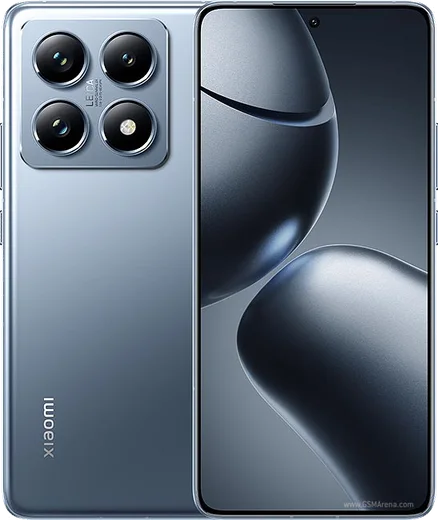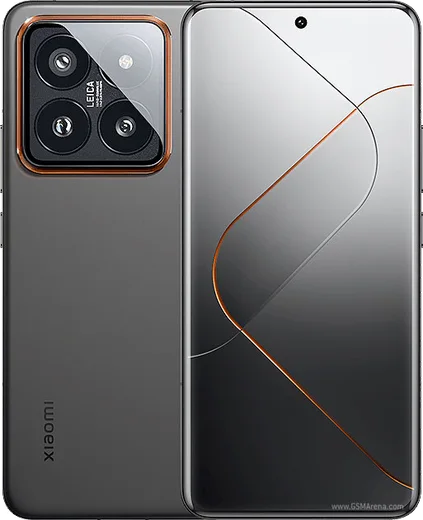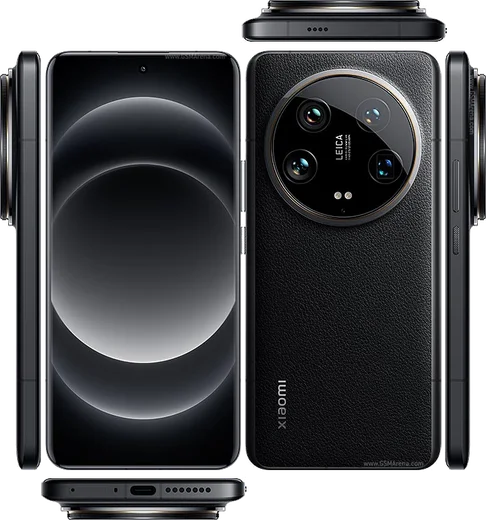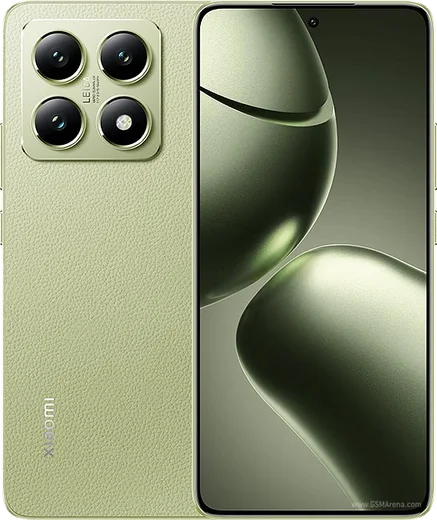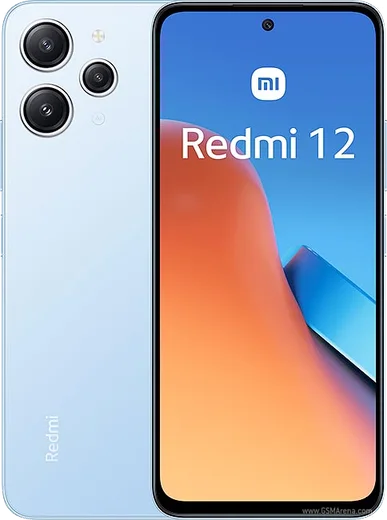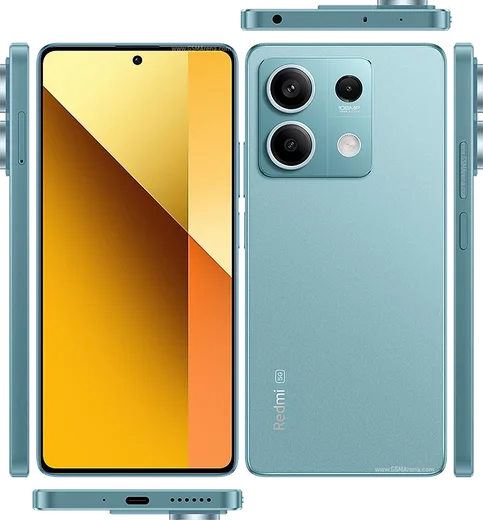
WhatsApp on Xiaomi 14T Pro
Xiaomi Android

WhatsApp for Xiaomi 14T Pro

Dimensity 9300+, 6.67-inch 144Hz AMOLED, Leica 50MP

WhatsApp Messenger 4.7 · 64.2M reviews Free · Android · ~40 MB · by WhatsApp LLC
Download WhatsApp

Ask a question / report a problem

You can ask any question about WhatsApp support on the Xiaomi 14T Pro — leave it below and we'll help.

Ask a question

Can the Xiaomi 14T Pro run WhatsApp?

Fully supported
  • Operating systemAndroid
  • ProcessorDimensity 9300+
  • WhatsApp versionLatest supported

Latest known WhatsApp problems on Xiaomi 14T Pro

1

Why are my WhatsApp call notifications not showing on my Xiaomi 14T Pro even though the phone still rings?

HyperOS aggressively restricts background activity, which can block WhatsApp's heads-up call banner while still letting the ringtone through. Go to Settings > Apps > Manage apps > WhatsApp > Battery saver and set it to No restrictions. Then open Settings > Apps > Manage apps > WhatsApp > Notifications and make sure the Calls channel is enabled with Floating notifications and Lock screen turned on. Finally, enable Autostart for WhatsApp under Settings > Apps > Permissions > Autostart so the call screen can wake the display. See how others solved this on Reddit
2

I have a Chinese ROM Xiaomi 14 and WhatsApp notifications are completely broken, how do I fix it?

The Chinese HyperOS build ships without Google Play Services, which WhatsApp relies on for push notifications, so messages often only arrive when you open the app. Install the Google services framework (Google Play Services and Play Store) manually, or flash the Global/EEA ROM. After installing, sign in with a Google account and reboot so push delivery registers. Then grant WhatsApp Autostart in Settings > Apps > Permissions > Autostart and set its Battery saver to No restrictions. See how others solved this on Reddit
3

My second WhatsApp account using Dual Apps on the Xiaomi 14T Pro won't connect, what's wrong?

HyperOS Dual Apps clones WhatsApp into a separate space that often loses background data and Autostart permission, so the clone can't reach WhatsApp's servers. Go to Settings > Apps > Dual apps and confirm WhatsApp is enabled, then for the cloned instance grant Autostart (Settings > Apps > Permissions > Autostart) and set its Battery saver to No restrictions. Also allow background mobile data and Wi-Fi for the dual app. Note that the cloned account must be registered with a different phone number than your primary WhatsApp. See how others solved this on Reddit
4

WhatsApp images aren't showing in my Xiaomi gallery after the latest update, how do I get them back?

A recent HyperOS Gallery update changed how it scans media folders and can stop indexing the WhatsApp media directory. First, in WhatsApp open Settings > Chats and turn on Media visibility so a .nomedia file isn't keeping the folder hidden. Then clear the Gallery app's cache under Settings > Apps > Manage apps > Gallery > Clear data > Clear cache and reopen it to force a fresh media rescan. If the folder still doesn't appear, rebooting the phone often triggers the media scanner to re-index it. See how others solved this on Reddit
5

My Xiaomi 14T Pro doesn't vibrate for incoming calls including WhatsApp, how do I fix it?

This is usually a HyperOS ring setting rather than hardware, as vibrate-on-ring can get disabled after an update. Go to Settings > Sound & vibration and turn on Vibrate on ring (and Vibrate in silent mode). Also check that Settings > Sound & vibration > Haptic feedback intensity isn't set to off. For WhatsApp calls specifically, confirm vibration is enabled in the app's own Settings > Notifications. If it still doesn't vibrate, reboot the phone, as a stuck haptics state often clears after a restart. See how others solved this on Reddit

Ask a question / report a problem

You can ask any question about WhatsApp support on the Xiaomi 14T Pro — leave it below and we'll help.

Ask a question

Watch: setting up WhatsApp

Prefer to watch? This short walkthrough shows the whole installation and number-verification flow.

How to install WhatsApp on Xiaomi 14T Pro — video walkthrough

How to install WhatsApp on Xiaomi 14T Pro

1

Choose how to download

On your Xiaomi 14T Pro you can get the official app two ways: from the Google Play Store — the easiest option, since it keeps WhatsApp updated automatically — or directly from the official website. You can download an APK file, by clicking a link “Download WhatsApp directly”.

2

Open WhatsApp

Launch WhatsApp from your home screen or app drawer and accept the Terms of Service to start setup.

3

Verify your phone number

Enter your phone number. If your Xiaomi 14T Pro uses dual SIM, pick the line you want WhatsApp tied to, then enter the 6-digit code it sends by SMS — it usually fills in automatically.

4

Restore chats and finish setup

Restore your chat history from Google Drive (use the same Google account), add your name and photo, and tap Allow for notifications so messages and calls arrive reliably.

Stay safe: only ever install WhatsApp from the official Android source. The Download button above already points there — modified copies (GB/Plus/Aero WhatsApp) can get your number banned.

Comments (14)

No registration needed. No email required.
L
lucy.qJan 10, 2026

guys no registration needed, love that

N
nick6Jan 10, 2026

so simple and fast

A
anonOct 24, 2025

super guide merci 🙏

M
marc.sAug 18, 2025

clear and to the point

M
mia99Jun 29, 2025

Got my 14tpro sorted thanks to you

R
ray_officialApr 22, 2025

Quick q stuck on a black screen after install anyone

AppWhatsOfficialApr 24, 2025

Hi! A black screen usually clears after a restart. If not, reinstall the newest version and it should open fine. Enjoy WhatsApp on your your phone!

R
ray_jayMar 23, 2025

omggg i cant install it someone heeelp pls

AppWhatsOfficialMar 27, 2025

No panic needed. The Download button takes you to the official app, then just install and verify your number.

S
speedyMar 22, 2025

restarted the phone and then it installed 💯

W
whatsappfanMar 1, 2025

anyone? does whatsapp support the 14t pro

AppWhatsOfficialMar 2, 2025

Happy to help, yes, WhatsApp supports the your phone. Just make sure your phone is on an up to date version of its operating system for the best experience. Hope that helps!

P
pablo75Jan 20, 2025

franchement a marché parfaitement, merci 💯

B
ben2Jan 11, 2025

omg no problems installing on my xiaomi 14t pro

S
sara_k71Dec 8, 2024

أفضل شرح

J
jess_ytSep 5, 2024

My new 14t pro is all set up now

C
coolcatAug 19, 2024

Ok so had whatsapp on my Xiaomi 14T Pro in no time