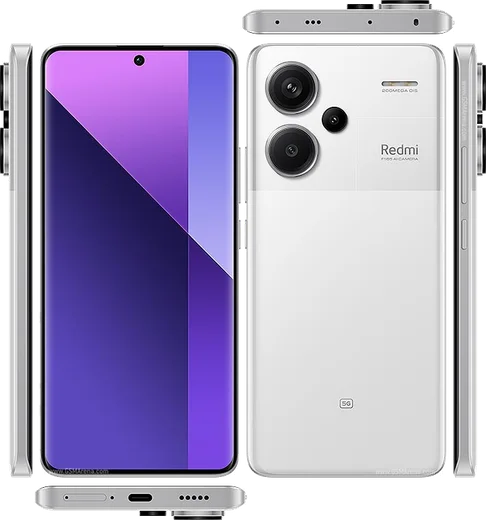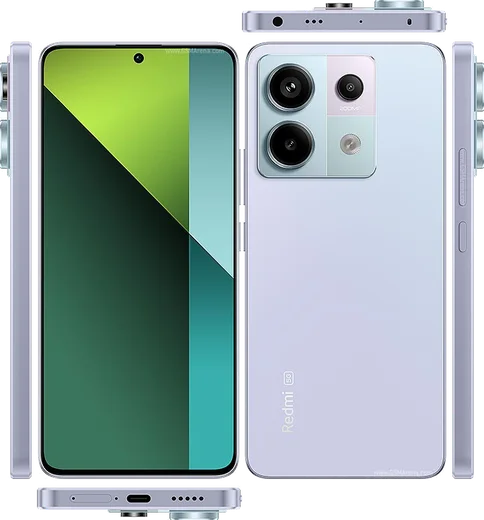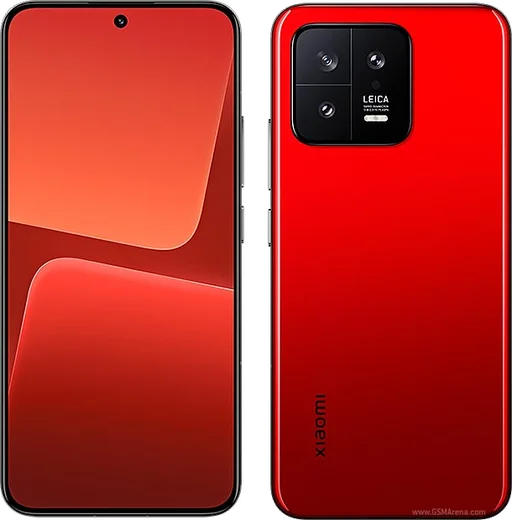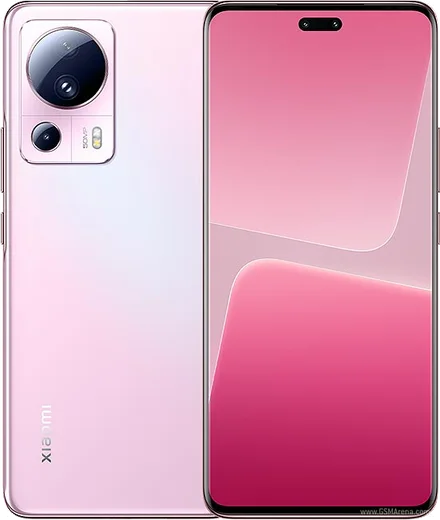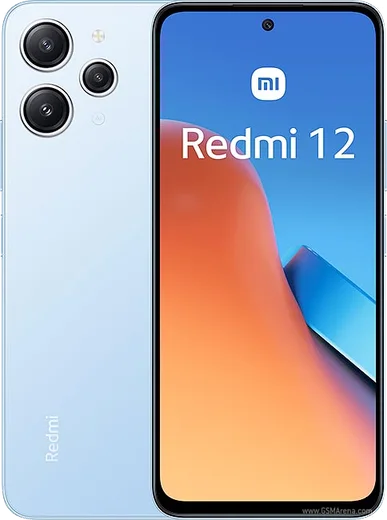
WhatsApp on Redmi Note 13 Pro+
Xiaomi Android

WhatsApp for Redmi Note 13 Pro+

Dimensity 7200 Ultra, 200MP OIS, 6.67-inch curved AMOLED

WhatsApp Messenger 4.7 · 64.2M reviews Free · Android · ~40 MB · by WhatsApp LLC
Download WhatsApp

Ask a question / report a problem

You can ask any question about WhatsApp support on the Redmi Note 13 Pro+ — leave it below and we'll help.

Ask a question

Can the Redmi Note 13 Pro+ run WhatsApp?

Fully supported
  • Operating systemAndroid
  • ProcessorDimensity 7200 Ultra
  • WhatsApp versionLatest supported

Latest known WhatsApp problems on Redmi Note 13 Pro+

1

Why does WhatsApp keep crashing on my Redmi Note 13 Pro+?

Crashes on HyperOS are usually caused by an outdated app build or corrupted cache, so first update WhatsApp from the Play Store, then go to Settings > Apps > Manage apps > WhatsApp > Clear data > Clear cache (this won't delete your chats). If it still force-closes, uninstall and reinstall WhatsApp and restore your chats from the Google Drive backup during setup. See how others solved this on Reddit
2

Why are my WhatsApp notifications delayed or not showing on the Redmi Note 13 Pro+?

HyperOS aggressively kills background apps to save battery, which is the main cause of late notifications. Go to Settings > Apps > Manage apps > WhatsApp > Battery saver and set it to No restrictions, then go to Settings > Apps > Manage apps > WhatsApp > Autostart and turn it on. Also lock WhatsApp in the Recents screen (open recent apps, hold the WhatsApp card and tap the padlock) so HyperOS stops clearing it from memory. See how others solved this on Reddit
3

WhatsApp call notifications aren't showing on my lock screen on the Redmi Note 13 Pro+ — how do I fix it?

Incoming-call banners need both system permission and lock-screen access on HyperOS. Go to Settings > Apps > Manage apps > WhatsApp > Other permissions and enable Show on lock screen and Display pop-up windows while running in the background. Then in WhatsApp itself, open Settings > Notifications and make sure call notifications are on, and set the app's Battery saver to No restrictions so incoming calls can wake the screen. See how others solved this on Reddit
4

Why are photos sent through WhatsApp blurry on my Redmi Note 13 Pro+?

WhatsApp compresses images heavily by default, which is especially noticeable on the Note 13 Pro+'s high-resolution camera shots. In WhatsApp go to Settings > Storage and data > Media upload quality and switch from Standard to HD, and tap the HD button when attaching each photo. For full original quality, send the image as a document via Attach > Document instead of the gallery picker. See how others solved this on Reddit
5

WhatsApp images don't show up in my Gallery on the Redmi Note 13 Pro+ after a HyperOS update — what's wrong?

A recent Gallery update can break the media scan so saved WhatsApp photos stay hidden. First confirm WhatsApp's Save to camera roll setting is on under WhatsApp Settings > Chats, then go to Settings > Apps > Manage apps > Gallery > Clear data to force a fresh media rescan. If the WhatsApp Images folder still doesn't appear, restart the phone so the system re-indexes storage, and update Gallery from the Mi Store when a fix is available. See how others solved this on Reddit

Ask a question / report a problem

You can ask any question about WhatsApp support on the Redmi Note 13 Pro+ — leave it below and we'll help.

Ask a question

Watch: setting up WhatsApp

Prefer to watch? This short walkthrough shows the whole installation and number-verification flow.

How to install WhatsApp on Redmi Note 13 Pro+ — video walkthrough

How to install WhatsApp on Redmi Note 13 Pro+

1

Choose how to download

On your Redmi Note 13 Pro+ you can get the official app two ways: from the Google Play Store — the easiest option, since it keeps WhatsApp updated automatically — or directly from the official website. You can download an APK file, by clicking a link “Download WhatsApp directly”.

2

Open WhatsApp

Launch WhatsApp from your home screen or app drawer and accept the Terms of Service to start setup.

3

Verify your phone number

Enter your phone number. If your Redmi Note 13 Pro+ uses dual SIM, pick the line you want WhatsApp tied to, then enter the 6-digit code it sends by SMS — it usually fills in automatically.

4

Restore chats and finish setup

Restore your chat history from Google Drive (use the same Google account), add your name and photo, and tap Allow for notifications so messages and calls arrive reliably.

Stay safe: only ever install WhatsApp from the official Android source. The Download button above already points there — modified copies (GB/Plus/Aero WhatsApp) can get your number banned.

Comments (19)

No registration needed. No email required.
K
kate_xMay 16, 2026

installed whatsapp on my redmi note 13 pro+ with no issues

K
kate77Apr 6, 2026

Honestly perfect steps for the note 13 pro+

N
noah.qFeb 25, 2026

Much better then the other sites

M
mmmaaaxxxJan 8, 2026

update great stuff, much appreciated 👍

P
pete52Oct 23, 2025

anyone? how to add a profile photo pls

AppWhatsOfficialOct 25, 2025

Hey there, head to Settings, tap your name, then the camera icon to choose your profile photo.

P
pablo89Oct 2, 2025

Man had whatsapp on my Redmi Note 13 Pro+ in no time 💯

C
chris43Sep 30, 2025

works like a charm on the Redmi Note 13 Pro+ 👌

A
anonSep 9, 2025

quick q how do i do it without play store anyone

AppWhatsOfficialSep 10, 2025

Thanks for asking, yes you can. Enable 'Install unknown apps' for your browser in Settings, then open the official APK. The steps above cover it. Reach out anytime.

S
sara_k76Aug 21, 2025

أخيراً اشتغل تمام شكراً

R
raj.pJul 25, 2025

my whole family is waiting pls help me install it :(

AppWhatsOfficialJul 27, 2025

Breathe! Follow the steps above one by one, tap Download first, and you will be chatting in no time. Reply here if you get stuck.

E
eeeeeemmmmmaaaaaJul 21, 2025

Davvero facilissimo, fatto in 2 minuti

V
val20Jul 4, 2025

Yo i had to enable unknown sources but then it was fine

P
phoneaddictApr 29, 2025

Tbh clear and to the point

K
kev28Feb 28, 2025

a marché parfaitement, merci

O
oldschoolFeb 13, 2025

Guys my phone has no google services, is it possible anyone

AppWhatsOfficialFeb 14, 2025

No worries, sure. Turn on unknown sources for your browser and grab the official APK, the guide explains how. Reach out anytime.

C
confuuusedDec 29, 2024

Omg this actually works unlike others

H
halppNov 21, 2024

anyone? no play store on my phone, will this work anyone

AppWhatsOfficialNov 27, 2024

Sure, no problem. Without Play Store you can use the official APK, just allow installs from your browser first.

N
nina.jNov 6, 2024

man had whatsapp on my Redmi Note 13 Pro+ in no time thanks again

S
sara.tNov 3, 2024

Enfin whatsapp installé