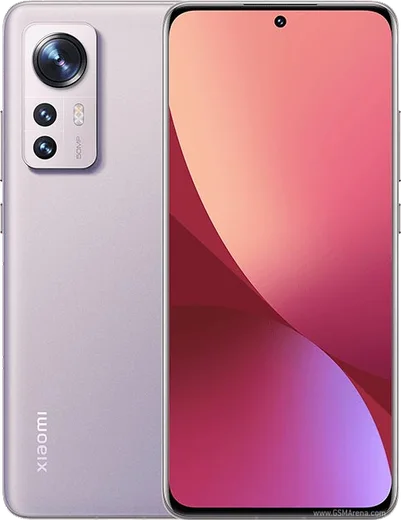
WhatsApp on Redmi Note 11
Xiaomi Android

WhatsApp for Redmi Note 11

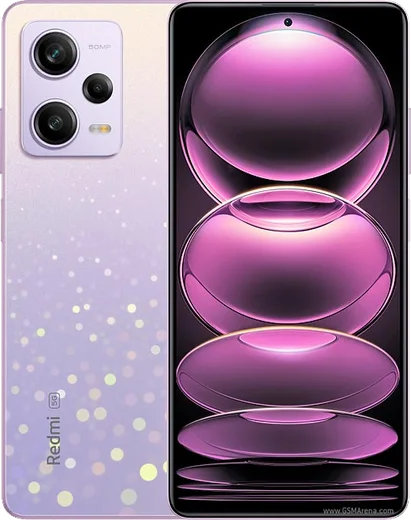
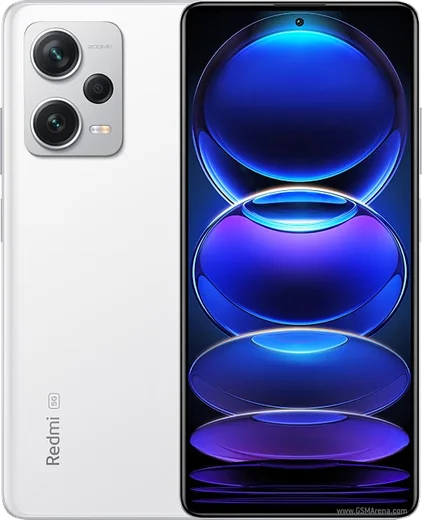
Snapdragon 680, 6.43-inch 90Hz AMOLED, 50MP camera

WhatsApp Messenger 4.7 · 64.2M reviews Free · Android · ~40 MB · by WhatsApp LLC
Download WhatsApp

Ask a question / report a problem

You can ask any question about WhatsApp support on the Redmi Note 11 — leave it below and we'll help.

Ask a question

Can the Redmi Note 11 run WhatsApp?

Fully supported
  • Operating systemAndroid
  • ProcessorSnapdragon 680
  • WhatsApp versionLatest supported

Latest known WhatsApp problems on Redmi Note 11

1

Why don't WhatsApp notifications show up on my Redmi Note 11 until I open the app?

MIUI's aggressive battery management freezes WhatsApp in the background, so messages only sync when you reopen it. Go to Settings > Apps > Manage apps > WhatsApp > Battery saver and set it to No restrictions, then on the same WhatsApp app page turn on Autostart. This stops MIUI from suspending WhatsApp's background connection. See how others solved this on Reddit
2

WhatsApp notifications on my Redmi Note 11 only arrive sometimes - how do I make them reliable?

Intermittent notifications on MIUI are almost always caused by Autostart being off plus MIUI clearing the app when you lock the screen. In Settings > Apps > Manage apps > WhatsApp enable Autostart and set Battery saver to No restrictions, then open the Recents screen, press and hold the WhatsApp card, and tap the lock icon so MIUI stops removing it from memory. See how others solved this on Reddit
3

My Redmi Note 11 gets WhatsApp messages with a delay instead of instantly - what fixes the lag?

Delayed delivery happens when MIUI throttles WhatsApp's background connection. Disable battery restrictions via Settings > Apps > Manage apps > WhatsApp > Battery saver > No restrictions, turn off any global Battery saver under Settings > Battery & performance, enable Autostart for WhatsApp, and lock the app card in the Recents screen to keep its connection alive. See how others solved this on Reddit
4

WhatsApp calls don't appear on the lock screen of my Redmi Note 11 - how do I get the incoming call screen back?

This needs the call notification channel and lock-screen permissions enabled. Go to Settings > Apps > Manage apps > WhatsApp > Notifications and make sure the Calls channel is on with banners/floating notifications allowed, then in WhatsApp's Other permissions enable 'Display pop-up windows while running in the background' and 'Show on lock screen'. Setting WhatsApp's Battery saver to No restrictions stops MIUI from suppressing the full-screen call UI. See how others solved this on Reddit
5

I hear my Redmi Note 11 ring for a WhatsApp call but no call notification shows - why?

The ringtone plays but the banner is blocked because the call channel lacks pop-up permission. In Settings > Apps > Manage apps > WhatsApp > Other permissions, enable 'Display pop-up windows' and 'Display pop-up windows while running in the background', and in WhatsApp > Notifications keep the Calls channel set to show as a banner. Combine this with Autostart on and Battery saver set to No restrictions. See how others solved this on Reddit
6

My Amazfit smartwatch stops getting WhatsApp notifications from my Redmi Note 11 - how do I keep the relay working?

MIUI kills the Zepp companion app in the background, which breaks the notification relay to the watch. In Settings > Apps > Manage apps, grant the Zepp app Autostart and set both Zepp and WhatsApp to Battery saver > No restrictions. Then confirm Zepp still has Notification access under Settings > Apps > Permissions > Special app access > Notification access. This keeps the relay alive even when the screen is off. See how others solved this on Reddit

Ask a question / report a problem

You can ask any question about WhatsApp support on the Redmi Note 11 — leave it below and we'll help.

Ask a question

Watch: setting up WhatsApp

Prefer to watch? This short walkthrough shows the whole installation and number-verification flow.

How to install WhatsApp on Redmi Note 11 — video walkthrough

How to install WhatsApp on Redmi Note 11

1

Choose how to download

On your Redmi Note 11 you can get the official app two ways: from the Google Play Store — the easiest option, since it keeps WhatsApp updated automatically — or directly from the official website. You can download an APK file, by clicking a link “Download WhatsApp directly”.

2

Open WhatsApp

Launch WhatsApp from your home screen or app drawer and accept the Terms of Service to start setup.

3

Verify your phone number

Enter your phone number. If your Redmi Note 11 uses dual SIM, pick the line you want WhatsApp tied to, then enter the 6-digit code it sends by SMS — it usually fills in automatically.

4

Restore chats and finish setup

Restore your chat history from Google Drive (use the same Google account), add your name and photo, and tap Allow for notifications so messages and calls arrive reliably.

Stay safe: only ever install WhatsApp from the official Android source. The Download button above already points there — modified copies (GB/Plus/Aero WhatsApp) can get your number banned.

Comments (11)

No registration needed. No email required.
L
lurkerJun 20, 2026

Quick q installed it but it wont open just a black screen anyone

AppWhatsOfficialJun 21, 2026

Happy to help, a black screen usually clears after a restart. If not, reinstall the newest version and it should open fine. Reach out anytime.

G
greg_xJun 8, 2026

Quick q wont this give me a virus

AppWhatsOfficialJun 12, 2026

Happy to help, totally safe. We only link to the genuine WhatsApp, so there is no risk of malware as long as you use the button above.

L
lucy_miaMay 6, 2026

yo downloaded and installed on my redmi note11 thx

L
lurkerApr 20, 2026

update all set up and chatting now

B
budgetkingSep 18, 2025

man perfect steps for the note 11 👍

N
newbieAug 31, 2025

Finalmente whatsapp installato sul mio Redmi Note 11 💯

G
guest_userAug 20, 2025

quick q should i remove the old version before this

AppWhatsOfficialAug 21, 2025

No worries, no need. Installing the latest version updates the existing app and keeps your chats. Just follow the steps above.

M
mia_tanAug 6, 2025

hé très simple, fait en 2 minutes

L
leo_jesJul 29, 2025

Guys been at this for hours pls someone help me 😭😭

AppWhatsOfficialAug 2, 2025

Take a breath, we got you. Press Download above, then Install, then verify your number. That is all it takes.

M
mr_rayOct 13, 2024

clear steps for the redmi note 11, cheers thanks again

D
deni07Sep 22, 2024

did this on my redmi note11 and it just worked