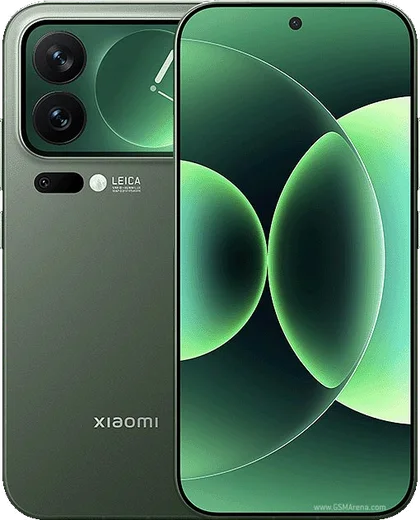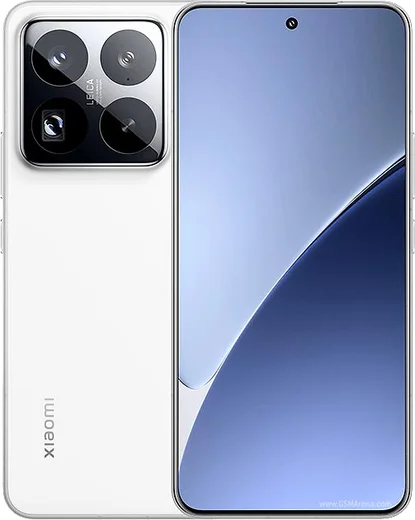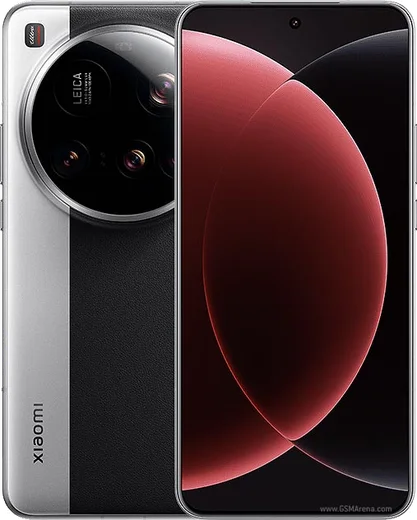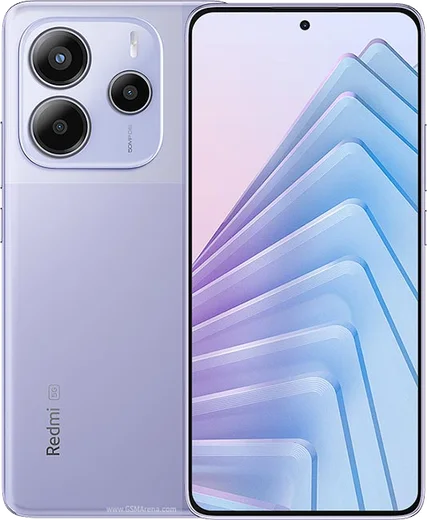
WhatsApp on Xiaomi 17 Pro
Xiaomi Android

WhatsApp for Xiaomi 17 Pro

Snapdragon 8 Elite Gen 5, 6.3-inch LTPO

WhatsApp Messenger 4.7 · 64.2M reviews Free · Android · ~40 MB · by WhatsApp LLC
Download WhatsApp

Ask a question / report a problem

You can ask any question about WhatsApp support on the Xiaomi 17 Pro — leave it below and we'll help.

Ask a question

Can the Xiaomi 17 Pro run WhatsApp?

Fully supported
  • Operating systemAndroid
  • ProcessorSnapdragon 8 Elite Gen 5
  • WhatsApp versionLatest supported

Latest known WhatsApp problems on Xiaomi 17 Pro

1

WhatsApp contacts on my Xiaomi 17 Pro show wrong names or are replaced with random numbers

This happens when HyperOS holds a duplicate or stale contact set, so WhatsApp matches numbers to the wrong names. Go to Settings > Apps > Manage apps > WhatsApp > Permissions and confirm Contacts is allowed, then open the Contacts app > menu > Settings and use Merge duplicate contacts to clean up duplicates. Also make sure only one account (Google or Mi) is set as the default for new contacts so there's one consistent source. After cleaning it up, force-stop WhatsApp (Settings > Apps > Manage apps > WhatsApp > Force stop) and reopen it so it re-reads the corrected address book. See how others solved this on Reddit
2

WhatsApp and banking apps won't work properly on my Xiaomi 17 Pro

HyperOS aggressive memory management often freezes these apps in the background. Open Settings > Apps > Manage apps > WhatsApp (and each banking app), tap Battery saver and set it to No restrictions, then go back and enable Autostart so the app can run on its own. If a banking app still refuses to open, make sure it's updated from the Play Store and that any VPN or screen-recording/overlay tool is turned off, since some banking apps block on those. Restart the phone after changing these settings. See how others solved this on Reddit
3

I don't get WhatsApp notifications on my Xiaomi 17 Pro when the screen is locked

HyperOS kills background activity on lock to save battery, which delays or silences notifications. Open Settings > Apps > Manage apps > WhatsApp, set Battery saver to No restrictions, and enable Autostart. Then under Settings > Notifications & Control center > App notifications > WhatsApp, confirm notifications and the Messages channel are turned on. Removing WhatsApp from battery optimization is the key step that restores locked-screen alerts. See how others solved this on Reddit
4

WhatsApp calls don't ring or come through on my Xiaomi 17 Pro

Missed call rings are almost always caused by the app being frozen in the background by HyperOS. Go to Settings > Apps > Manage apps > WhatsApp, set Battery saver to No restrictions, and turn on Autostart. Then under Settings > Notifications & Control center > App notifications > WhatsApp, make sure the Calls channel is enabled with sound. Also check that Do Not Disturb (Settings > Sound & vibration > Do Not Disturb) isn't on or scheduled, since it can mute incoming call alerts. See how others solved this on Reddit
5

Incoming calls from WhatsApp and other calling apps don't show a call screen on my Xiaomi 17 Pro

When the screen is off, HyperOS suspends the app so the full-screen incoming-call banner never fires. Fix it by setting Settings > Apps > Manage apps > WhatsApp > Battery saver to No restrictions and enabling Autostart, then turn on the Display pop-up windows while running in the background permission under Settings > Apps > Manage apps > WhatsApp > Other permissions. This lets the call screen appear over the lock screen instead of arriving later as a missed call. See how others solved this on Reddit
6

Contacts keep disappearing or showing incorrectly on my Xiaomi 17 Pro, which breaks WhatsApp

This is usually a sync conflict between your Google account and the local/Mi contacts on HyperOS. Go to Settings > Accounts & sync > Google and force a contacts sync, then in the Contacts app open menu > Settings > Contacts to display and set it to one consistent source (All, or just your Google account) so WhatsApp reads one list. Removing duplicate or empty accounts and re-syncing typically restores both the phonebook and WhatsApp name matching. See how others solved this on Reddit

Ask a question / report a problem

You can ask any question about WhatsApp support on the Xiaomi 17 Pro — leave it below and we'll help.

Ask a question

Watch: setting up WhatsApp

Prefer to watch? This short walkthrough shows the whole installation and number-verification flow.

How to install WhatsApp on Xiaomi 17 Pro — video walkthrough

How to install WhatsApp on Xiaomi 17 Pro

1

Choose how to download

On your Xiaomi 17 Pro you can get the official app two ways: from the Google Play Store — the easiest option, since it keeps WhatsApp updated automatically — or directly from the official website. You can download an APK file, by clicking a link “Download WhatsApp directly”.

2

Open WhatsApp

Launch WhatsApp from your home screen or app drawer and accept the Terms of Service to start setup.

3

Verify your phone number

Enter your phone number. If your Xiaomi 17 Pro uses dual SIM, pick the line you want WhatsApp tied to, then enter the 6-digit code it sends by SMS — it usually fills in automatically.

4

Restore chats and finish setup

Restore your chat history from Google Drive (use the same Google account), add your name and photo, and tap Allow for notifications so messages and calls arrive reliably.

Stay safe: only ever install WhatsApp from the official Android source. The Download button above already points there — modified copies (GB/Plus/Aero WhatsApp) can get your number banned.

Comments (17)

No registration needed. No email required.
S
saif_228Jun 8, 2026

أخيراً تمام، واتساب يشتغل شكراً

T
tina45May 19, 2026

Quick q safe to install or no anyone

AppWhatsOfficialMay 23, 2026

Totally safe. We only link to the genuine WhatsApp, so there is no risk of malware as long as you use the button above. Feel free to ask if you get stuck.

M
mia68May 3, 2026

anyone? can i hide when i was last online

AppWhatsOfficialMay 6, 2026

Open Settings, then Privacy, and adjust Last Seen and Online there to keep your activity hidden. Feel free to ask if you get stuck.

Y
yuki07Mar 31, 2026

all good on my Xiaomi 17 Pro now 👍

O
oldschoolMar 7, 2026

Well set up whatsapp on my dads 17 pro no problem

T
tan18Jan 3, 2026

Pls help does it work on older android versions thanks

AppWhatsOfficialJan 5, 2026

Happy to help, it depends. WhatsApp drops support for very old systems over time. If the store still offers you the app, your phone is supported. Hope that helps!

D
deni_ashDec 21, 2025

wow funcionó perfecto, gracias

S
sam_omaNov 11, 2025

wow took me 5 min total 👌

X
xX_amyAug 25, 2025

Worked even on my old phone 👍

T
theo38Jul 19, 2025

quick q is whatsapp free or do i have to pay pls

AppWhatsOfficialJul 25, 2025

No worries, it is completely free. There is no fee for the app, only your usual data or wifi is used.

E
ella65May 23, 2025

so did it on my 17pro in like 2 minutes

R
randomuserApr 5, 2025

tbh perfect, exactly what i needed lol

B
ben39Jan 21, 2025

tbh great stuff, much appreciated

T
the_real_yukiJan 19, 2025

por fin pasos clarísimos para el 17 Pro

K
kev61Dec 20, 2024

por fin gracias, mi xiaomi 17 pro ya tiene whatsapp gracias

W
whatsappfanNov 5, 2024

Anyone? official app or a mod anyone

AppWhatsOfficialNov 6, 2024

Good question, only the official app here. Modified versions can get your account banned, so we never link to them. Hope that helps!

S
sara82Oct 14, 2024

someone anyone pls i cant download it heeeelp me

AppWhatsOfficialOct 17, 2024

Hey, no need to stress! Tap the green Download button at the top, follow the steps, and you will have WhatsApp in a minute. Reply here if you get stuck.