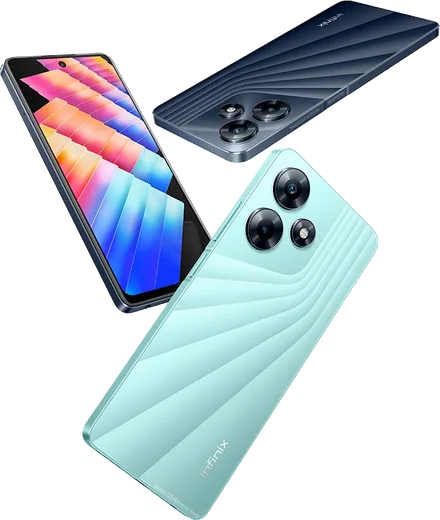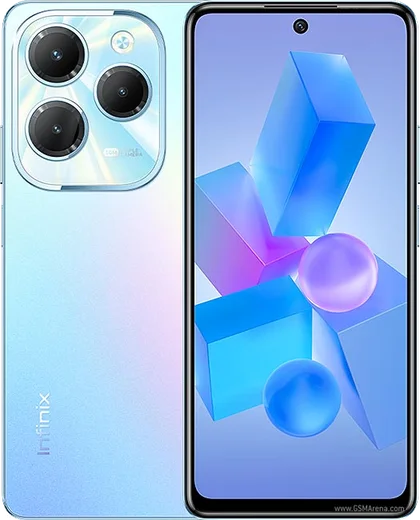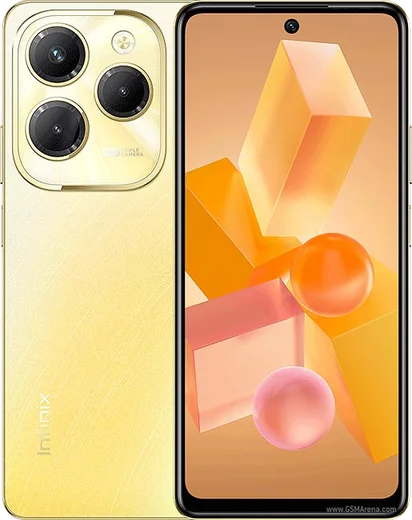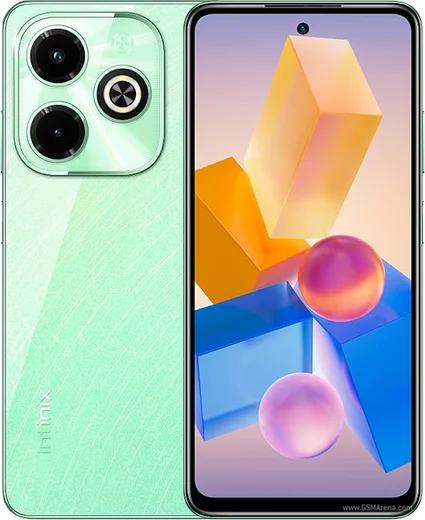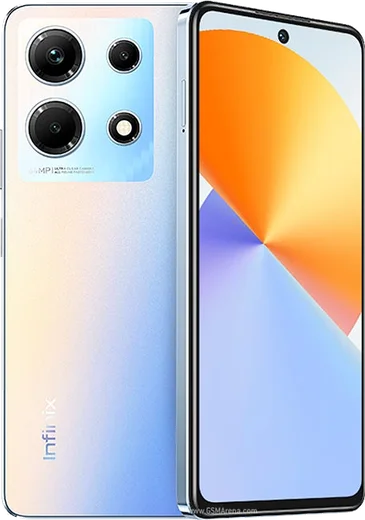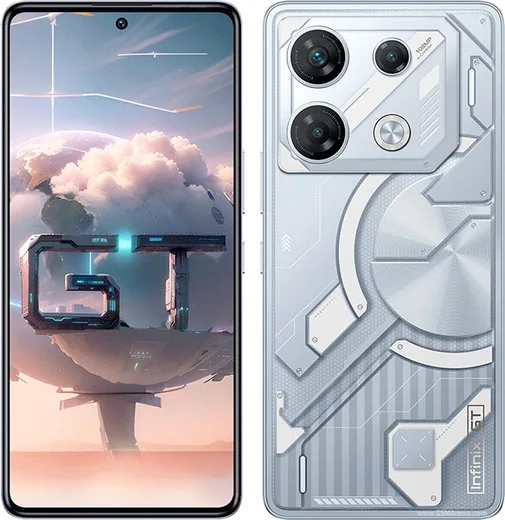
WhatsApp on Infinix Hot 30
Infinix Android

WhatsApp for Infinix Hot 30

Helio G88, 6.78-inch 90Hz display, 33W charging

WhatsApp Messenger 4.7 · 64.2M reviews Free · Android · ~40 MB · by WhatsApp LLC
Download WhatsApp

Ask a question / report a problem

You can ask any question about WhatsApp support on the Infinix Hot 30 — leave it below and we'll help.

Ask a question

Can the Infinix Hot 30 run WhatsApp?

Fully supported
  • Operating systemAndroid
  • ProcessorHelio G88
  • WhatsApp versionLatest supported

Latest known WhatsApp problems on Infinix Hot 30

1

Do Not Disturb isn't working on my Infinix Hot 30 — WhatsApp calls and notifications still come through. How do I fix it?

On XOS, Do Not Disturb keeps its own exceptions list, so open Settings > Notifications & status bar > Do Not Disturb and check the People and Apps sections — if WhatsApp or "Repeat callers" is allowed there, calls and alerts slip past. Confirm DND is actually turned on or scheduled (a silent profile is not the same thing). Then, inside WhatsApp, open Settings > Notifications and make sure it isn't set to override priority, so it respects the system DND. See how others solved this on Reddit
2

Is the Infinix Hot 30 a good, simple phone for my mom who isn't very tech-savvy, and how do I make WhatsApp easier for her?

It works fine as a basic WhatsApp and calls phone, but XOS comes with bloatware and promo notifications, so clean it up first. In Settings > Apps, disable or uninstall the promotional apps (such as Palmstore), then long-press WhatsApp and pin it to the home screen. Increase readability via Settings > Display & brightness > Font size, and inside the app turn up WhatsApp Settings > Chats > Font size so messages are easier for her to read. See how others solved this on Reddit
3

My Infinix Hot 30 keeps killing WhatsApp in the background, so messages arrive late or only when I open the app. How do I stop this?

XOS has aggressive battery management that closes background apps, which is the usual cause of delayed WhatsApp messages. Go to Settings > Battery > App power saving, find WhatsApp and set it to "No restrictions / Allow background activity." Then open the recent-apps screen and lock WhatsApp's card so it isn't cleared. Finally, in Settings > Apps > WhatsApp, enable Auto-start (where available) so it can wake on new messages. See how others solved this on Reddit
4

I bought an Infinix Hot 30 for my dad on a tight budget — how do I set up WhatsApp so it's reliable and low-maintenance for him?

Sign him in once, then make WhatsApp "set and forget." In Settings > Battery > App power saving, set WhatsApp to unrestricted so messages aren't delayed. Turn on WhatsApp Settings > Chats > Chat backup to Google Drive so nothing is lost if the phone is reset. To keep the limited storage from filling up, open WhatsApp Settings > Storage and data and turn off auto-download for media on mobile data. See how others solved this on Reddit
5

How do I move my WhatsApp chats from my old Android to a new Infinix Hot 30 without losing anything?

WhatsApp transfers between Android phones via Google Drive. On the old phone, open WhatsApp Settings > Chats > Chat backup and run a backup to the Google account you'll use on the Hot 30. Then install WhatsApp from the Play Store on the Hot 30, verify the same phone number, and when prompted tap Restore to pull back your chats and media. Both phones must use the identical Google account, or the restore option won't appear. See how others solved this on Reddit

Ask a question / report a problem

You can ask any question about WhatsApp support on the Infinix Hot 30 — leave it below and we'll help.

Ask a question

Watch: setting up WhatsApp

Prefer to watch? This short walkthrough shows the whole installation and number-verification flow.

How to install WhatsApp on Infinix Hot 30 — video walkthrough

How to install WhatsApp on Infinix Hot 30

1

Choose how to download

On your Infinix Hot 30 you can get the official app two ways: from the Google Play Store — the easiest option, since it keeps WhatsApp updated automatically — or directly from the official website. You can download an APK file, by clicking a link “Download WhatsApp directly”.

2

Open WhatsApp

Launch WhatsApp from your home screen or app drawer and accept the Terms of Service to start setup.

3

Verify your phone number

Enter your phone number. If your Infinix Hot 30 uses dual SIM, pick the line you want WhatsApp tied to, then enter the 6-digit code it sends by SMS — it usually fills in automatically.

4

Restore chats and finish setup

Restore your chat history from Google Drive (use the same Google account), add your name and photo, and tap Allow for notifications so messages and calls arrive reliably.

Stay safe: only ever install WhatsApp from the official Android source. The Download button above already points there — modified copies (GB/Plus/Aero WhatsApp) can get your number banned.

Comments (10)

No registration needed. No email required.
S
sooo_confusedFeb 20, 2026

Pls help how do i use whatsapp on a second phone

AppWhatsOfficialFeb 24, 2026

Hey there, whatsApp supports linked devices now, so you can use your account on more than one phone. Open Linked Devices in Settings to add another. Happy chatting!

S
sara45Feb 1, 2026

guys omggg i cant install it someone heeelp 😩

AppWhatsOfficialFeb 5, 2026

Relax, it is simpler than it looks. Press Download, install, then verify with the SMS code. You got this! It is easier than it looks, promise.

N
nina.gDec 24, 2025

Whatsapp is working on my infinix hot 30 now lol

J
jay_beaDec 18, 2025

Why is it downloading so slowly pls

AppWhatsOfficialDec 24, 2025

Sure, it depends on your connection. Try switching to wifi if you can, and the download should finish in under a minute on most networks. Let us know if you need anything else.

C
chris_realOct 21, 2025

Wow hat bei mir sofort geklappt auf dem hot30

N
newphoneAug 31, 2025

so didnt work at first but second time was fine

AppWhatsOfficialSep 4, 2025

Good to hear!

A
amy_theMay 12, 2025

man whatsapp finally on my infinix hot 30 👌

S
speedyMay 11, 2025

wow tutto funziona sul mio infinix hot 30, mille grazie

N
nick.jMar 19, 2025

Wow my Hot 30 was being difficult but this sorted it

K
kate43Mar 2, 2025

tbh did it without any help, very simple ✌️