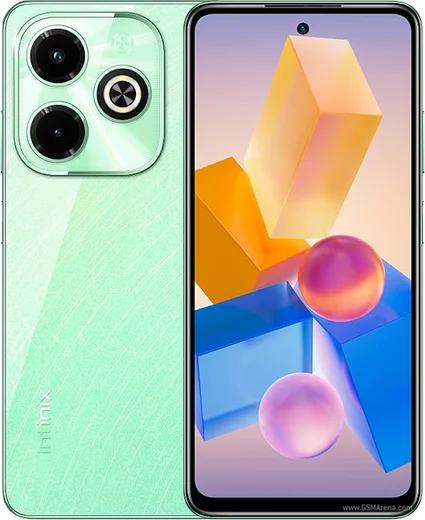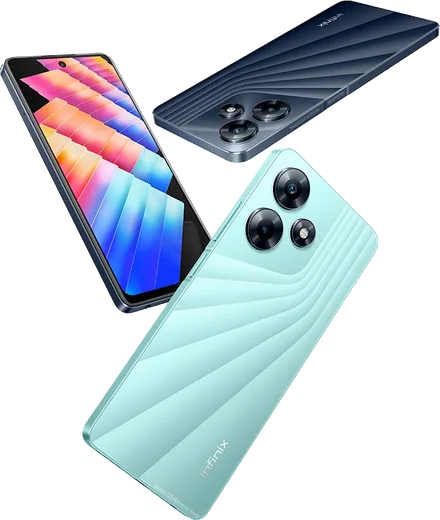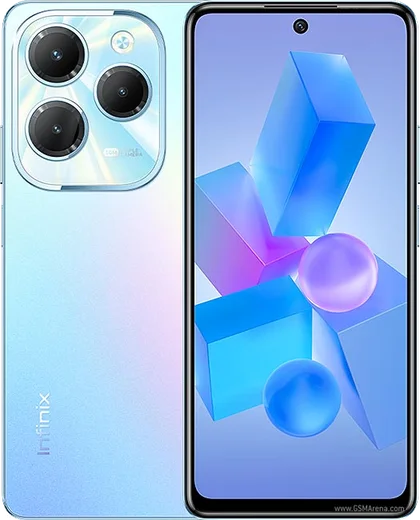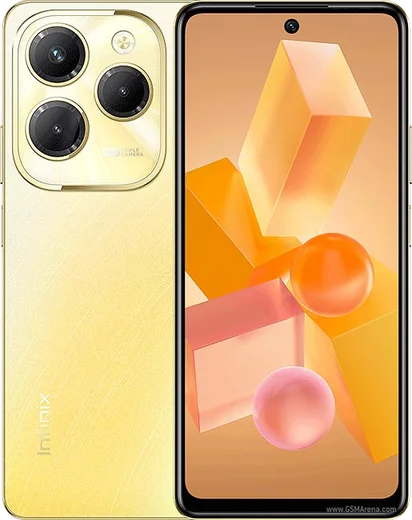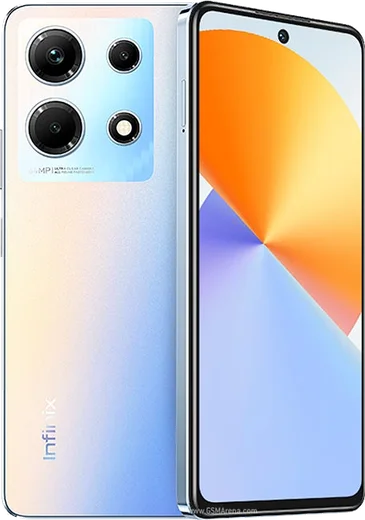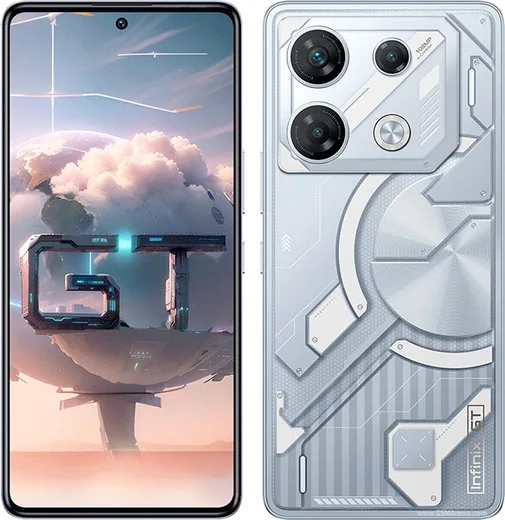
WhatsApp on Infinix Hot 40i
Infinix Android

WhatsApp for Infinix Hot 40i

Unisoc T606, 6.56-inch 90Hz display

WhatsApp Messenger 4.7 · 64.2M reviews Free · Android · ~40 MB · by WhatsApp LLC
Download WhatsApp

Ask a question / report a problem

You can ask any question about WhatsApp support on the Infinix Hot 40i — leave it below and we'll help.

Ask a question

Can the Infinix Hot 40i run WhatsApp?

Fully supported
  • Operating systemAndroid
  • ProcessorUnisoc T606
  • WhatsApp versionLatest supported

Latest known WhatsApp problems on Infinix Hot 40i

1

Why are my WhatsApp notifications delayed on the Infinix Hot 40i?

XOS aggressively kills background apps to save battery, which holds back alerts until you reopen the app. Go to Settings > Apps > App management > WhatsApp > Battery usage and set it to "No restrictions." Then open Phone Master (or Settings > Battery), find the auto-launch / app-launch manager, and lock WhatsApp so it can run in the background. Finally, disable any global power-saving/battery-saver mode, since that re-throttles apps even after you whitelist them. See how others solved this on Reddit
2

I get no WhatsApp notification sound or banner on my Hot 40i unless I open the app — how do I fix it?

First confirm notifications are allowed: Settings > Apps > App management > WhatsApp > Notifications, with the Messages channel set to make sound and show a banner/pop-up. The bigger cause on XOS is power management, so set WhatsApp's battery usage to "No restrictions" and lock it in the app-launch manager so XOS stops killing it. Also check the chat isn't muted and that Do Not Disturb (Settings > Sound & vibration) isn't silently filtering it. See how others solved this on Reddit
3

How do I stop the Palmstore and popup ads on my Infinix Hot 40i?

Most ads come from preinstalled XOS apps like Palmstore, Phone Master, and the file/cleaner apps. Open each one, look in its in-app Settings for "Recommendations" or "Content/news push" and turn those off. Then go to Settings > Apps > App management, open each offending app, tap Notifications, and disable notifications entirely. To cut targeted ads, go to Settings > Google > Ads and turn on "Delete advertising ID" (or opt out of ad personalization). See how others solved this on Reddit
4

How do I remove Palmstore popup and lock-screen ads on the Infinix Hot 40i?

Long-press the Palmstore icon, tap App info, open Notifications and toggle them all off, then set its battery usage to "No restrictions" reversed — actually restrict it so it can't run in the background and push ads. If you don't use it, disable or uninstall it via Settings > Apps > App management > Palmstore. For ads on the lock screen, open the wallpaper/magazine setting (Settings > Wallpaper & style, or the lock screen settings) and turn off any "magazine" or news/sponsored feed. See how others solved this on Reddit
5

After an XOS update my Infinix is buggy or missing features — what should I do?

Start by rebooting to clear stale system state, then clear the cache of any glitchy app via Settings > Apps > App management > (app) > Storage > Clear cache. Recheck Settings > System > System update, since early XOS builds often get quick follow-up patches. If problems persist, back up your data and do Settings > System > Reset options > Erase all data (factory reset) to clear leftover update conflicts. See how others solved this on Reddit
6

My Infinix was working fine and suddenly started lagging — how do I fix it?

Sudden slowdowns are usually a misbehaving background app or full storage. Check Settings > Storage and free up space, then restart in Safe mode (press and hold the power button, then long-press "Power off" and confirm) to see if a third-party app is the cause. If it runs smoothly in Safe mode, uninstall recently added apps one at a time. Otherwise clear caches of heavy apps; as a last resort, back up and factory reset via Settings > System > Reset options. See how others solved this on Reddit

Ask a question / report a problem

You can ask any question about WhatsApp support on the Infinix Hot 40i — leave it below and we'll help.

Ask a question

Watch: setting up WhatsApp

Prefer to watch? This short walkthrough shows the whole installation and number-verification flow.

How to install WhatsApp on Infinix Hot 40i — video walkthrough

How to install WhatsApp on Infinix Hot 40i

1

Choose how to download

On your Infinix Hot 40i you can get the official app two ways: from the Google Play Store — the easiest option, since it keeps WhatsApp updated automatically — or directly from the official website. You can download an APK file, by clicking a link “Download WhatsApp directly”.

2

Open WhatsApp

Launch WhatsApp from your home screen or app drawer and accept the Terms of Service to start setup.

3

Verify your phone number

Enter your phone number. If your Infinix Hot 40i uses dual SIM, pick the line you want WhatsApp tied to, then enter the 6-digit code it sends by SMS — it usually fills in automatically.

4

Restore chats and finish setup

Restore your chat history from Google Drive (use the same Google account), add your name and photo, and tap Allow for notifications so messages and calls arrive reliably.

Stay safe: only ever install WhatsApp from the official Android source. The Download button above already points there — modified copies (GB/Plus/Aero WhatsApp) can get your number banned.

Comments (10)

No registration needed. No email required.
L
lucy00Dec 21, 2025

hey whyyy is this so hard pls help me get whatsapp

AppWhatsOfficialDec 25, 2025

Breathe! Follow the steps above one by one, tap Download first, and you will be chatting in no time. You got this!

N
not_kateJun 9, 2025

guys where do i change my profile photo pls

AppWhatsOfficialJun 13, 2025

Sure, in Settings tap your profile at the top, then the camera icon lets you pick or take a new picture. Let us know if you need anything else.

M
maxx_kaiJun 6, 2025

man installed in 2 min 💯

M
mobilegeekApr 27, 2025

Im not techy and i still managed lol

K
kate92Apr 22, 2025

wow muy fácil, lo hice en 2 minutos en mi Hot 40i 🙏

N
not_pabloApr 19, 2025

set up whatsapp on my dads hot40i no problem 🙏

AppWhatsOfficialApr 23, 2025

Love to hear it!

N
not_joeDec 12, 2024

easy install on my Hot 40i

N
nightowlNov 6, 2024

Guys smooth install on the Infinix Hot 40i

B
ben_joeOct 15, 2024

Ok so my hot 40i was being difficult but this sorted it

R
rosa21Sep 15, 2024

Sehr einfach, in 2 minuten erledigt