WhatsApp on Realme C67
Realme Android

WhatsApp for Realme C67

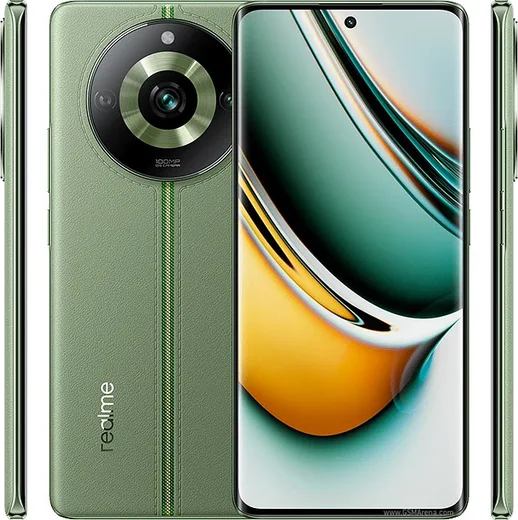
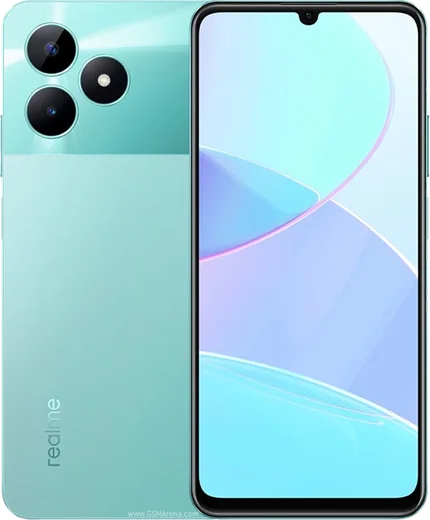
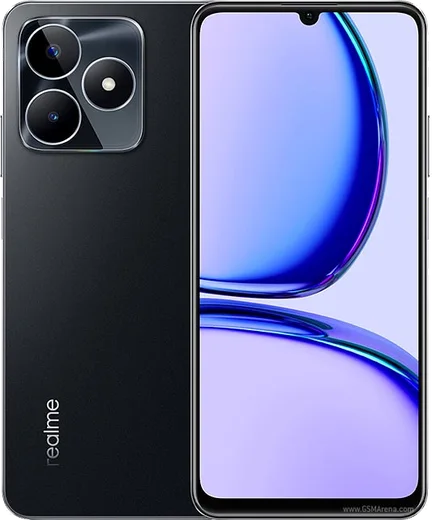
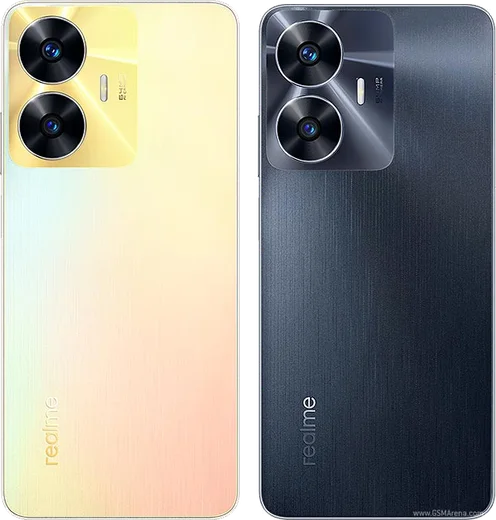
Snapdragon 685, 6.72-inch 90Hz LCD, 108MP camera

WhatsApp Messenger 4.7 · 64.2M reviews Free · Android · ~40 MB · by WhatsApp LLC
Download WhatsApp

Ask a question / report a problem

You can ask any question about WhatsApp support on the Realme C67 — leave it below and we'll help.

Ask a question

Can the Realme C67 run WhatsApp?

Fully supported
  • Operating systemAndroid
  • ProcessorSnapdragon 685
  • WhatsApp versionLatest supported

Latest known WhatsApp problems on Realme C67

1

Why is WhatsApp video call quality so bad and blurry on my Realme C67?

Poor video call quality usually comes from a weak or fluctuating connection or WhatsApp's data-saving limit, so first test on a stable Wi-Fi network and in WhatsApp open Settings > Storage and data and turn off 'Use less data for calls.' On the Realme C67, also go to Settings > Apps > App management > WhatsApp > Data usage and allow both mobile and Wi-Fi background data, since ColorOS data-saver restrictions can throttle the live video stream. Updating WhatsApp from the Play Store also helps, as older builds had call-quality bugs. See how others solved this on Reddit
2

WhatsApp is lagging and slowing down on my Realme C67 - how do I fix it?

Lag is often caused by a bloated cache and a large media library. Clear the cache via Settings > Apps > App management > WhatsApp > Storage usage > Clear cache (this does not delete your chats), then inside WhatsApp open Settings > Storage and data > Manage storage to delete large forwarded videos and files. Keeping the app updated from the Play Store and restarting the phone occasionally also smooths out the slowdowns. See how others solved this on Reddit
3

Why are my WhatsApp notifications delayed or not showing up on my Realme C67?

ColorOS aggressively limits background apps to save battery, which is the main cause of late WhatsApp alerts. Go to Settings > Apps > App management > WhatsApp > Battery usage (or Power consumption) and choose 'Allow background activity' / 'Don't optimize,' then open the recent-apps screen, swipe down on the WhatsApp card and tap the lock icon so it can't be cleared. Also confirm notifications are on under Settings > Notification & status bar > Manage notifications > WhatsApp. See how others solved this on Reddit
4

My Realme C67 screen goes black during WhatsApp calls and I can't hang up - how do I stop it?

The screen blacking out during calls is the proximity sensor thinking the phone is near your ear. Clean the top of the screen and remove any thick screen protector covering the sensor area, then dial *#899# (engineering mode) or use Settings > Additional settings to run a proximity sensor test. If it still misfires, restart the phone, and make sure WhatsApp has its permissions intact under Settings > Apps > App management > WhatsApp > Permissions. See how others solved this on Reddit
5

The other person can't hear me on WhatsApp calls on my Realme C67 even though the mic works in other apps - what's wrong?

When the mic works elsewhere but fails on calls, WhatsApp's microphone permission has usually been restricted. Go to Settings > Apps > App management > WhatsApp > Permissions > Microphone and set it to 'Allow,' then check Settings > Privacy > Permission manager > Microphone to confirm WhatsApp isn't blocked there. If it persists, clear the app cache and make sure no call-recording or noise-cancellation app is holding the mic input. See how others solved this on Reddit

Ask a question / report a problem

You can ask any question about WhatsApp support on the Realme C67 — leave it below and we'll help.

Ask a question

Watch: setting up WhatsApp

Prefer to watch? This short walkthrough shows the whole installation and number-verification flow.

How to install WhatsApp on Realme C67 — video walkthrough

How to install WhatsApp on Realme C67

1

Choose how to download

On your Realme C67 you can get the official app two ways: from the Google Play Store — the easiest option, since it keeps WhatsApp updated automatically — or directly from the official website. You can download an APK file, by clicking a link “Download WhatsApp directly”.

2

Open WhatsApp

Launch WhatsApp from your home screen or app drawer and accept the Terms of Service to start setup.

3

Verify your phone number

Enter your phone number. If your Realme C67 uses dual SIM, pick the line you want WhatsApp tied to, then enter the 6-digit code it sends by SMS — it usually fills in automatically.

4

Restore chats and finish setup

Restore your chat history from Google Drive (use the same Google account), add your name and photo, and tap Allow for notifications so messages and calls arrive reliably.

Stay safe: only ever install WhatsApp from the official Android source. The Download button above already points there — modified copies (GB/Plus/Aero WhatsApp) can get your number banned.

Comments (13)

No registration needed. No email required.
A
alex_xXMay 7, 2026

someone im so confused someone help meeee 🙏

AppWhatsOfficialMay 11, 2026

Breathe! Follow the steps above one by one, tap Download first, and you will be chatting in no time. Reply here if you get stuck.

X
xX_ashMar 6, 2026

Tbh thank u, whatsapp installed on my c67 🙏

J
just_joeOct 18, 2025

im not techy and i still managed 👍

R
raj_lucOct 4, 2025

Tout fonctionne, merci beaucoup

B
big_louSep 20, 2025

my new Realme C67 is all set up now

A
amy72Aug 28, 2025

quick q my contacts are not showing up in whatsapp

AppWhatsOfficialAug 31, 2025

Hi! Contacts come from your phone address book. Save them with the country code and refresh the app to see them. Enjoy WhatsApp on your your phone!

K
kai99Mar 30, 2025

very clear steps

M
mr_joeNov 23, 2024

Omg this fixed whatsapp on my C67

H
helpmeNov 8, 2024

uff por fin pude instalar whatsapp gracias

O
omar99Oct 12, 2024

The download is very slow is that normal pls

AppWhatsOfficialOct 17, 2024

Good question, speed comes down to your data or wifi. On a good connection it only takes a few seconds. Reach out anytime.

C
chris_realOct 11, 2024

Finally installed whatsapp on my C67 with no issues :)

A
aliSep 14, 2024

تمام، واتساب يشتغل

L
lil_rosaJul 17, 2024

Ok so best guide for the Realme C67 by far