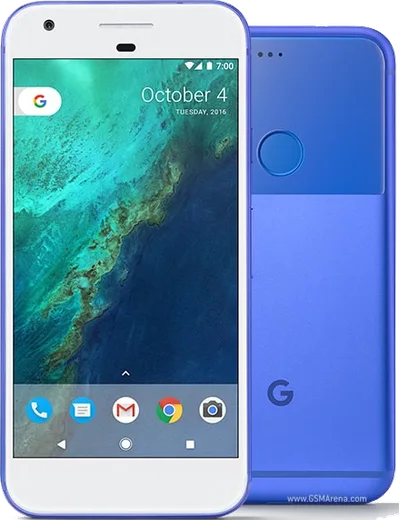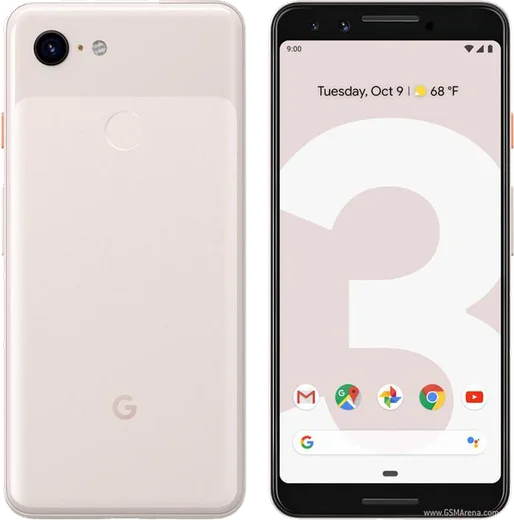
Google Pixel Android

WhatsApp for Pixel 2 XL

Snapdragon 835, 6.0-inch pOLED 18:9

WhatsApp Messenger 4.7 · 64.2M reviews Free · Android · ~40 MB · by WhatsApp LLC
Download WhatsApp

Ask a question / report a problem

You can ask any question about WhatsApp support on the Pixel 2 XL — leave it below and we'll help.

Ask a question

Can the Pixel 2 XL run WhatsApp?

Fully supported
  • Operating systemAndroid
  • ProcessorSnapdragon 835
  • WhatsApp versionLatest supported

Latest known WhatsApp problems on Pixel 2 XL

1

WhatsApp stopped working on my Pixel 2 XL and there's no update in the Play Store. How do I fix it?

WhatsApp has been dropping support for older Android versions, and the Pixel 2 XL is stuck on Android 11, so the Play Store eventually stops offering a compatible build. First check Play Store > tap your profile icon > Manage apps & device > Updates available, and confirm Android 11 is fully installed under Settings > System > System update. If no WhatsApp update appears at all, the only lasting fix is moving your account to a phone running a newer Android version, since WhatsApp will keep refusing to launch on unsupported builds. See how others solved this on Reddit
2

Why can't I run two WhatsApp accounts on my Pixel 2 XL?

Pixel phones run stock Android, which has no built-in app-cloning or Dual Messenger feature like Samsung One UI or Xiaomi HyperOS, so you can't duplicate the WhatsApp app at the system level. The supported way to use two numbers is WhatsApp's own multi-account feature: open WhatsApp, go to Settings, tap the arrow next to your name, and choose Add account to add a second number inside the same app. If you instead want a fully separate WhatsApp, install WhatsApp Business from the Play Store and register your second number there, since it runs as its own app alongside regular WhatsApp. See how others solved this on Reddit
3

Does the Pixel 2 XL support Dual Messenger for cloning WhatsApp?

No. Dual Messenger is a Samsung One UI feature and isn't part of the stock Android build on the Pixel 2 XL, so there's no Settings toggle to clone apps. To run a second WhatsApp number, use the built-in multi-account option inside WhatsApp (Settings > tap the arrow by your name > Add account), or install WhatsApp Business from the Play Store and register your second number in that separate app. Avoid third-party cloner apps for messaging accounts, as unofficial WhatsApp clients can get your number banned. See how others solved this on Reddit
4

How do I move my WhatsApp chats from an iPhone to my Pixel 2 XL?

This is the main catch on the Pixel 2 XL: WhatsApp's official iPhone-to-Android chat transfer requires the receiving Android phone to run Android 12 or newer, and the Pixel 2 XL is stuck on Android 11, so the in-app transfer won't run. Google's Move-during-setup tool (using a USB-C-to-Lightning cable) can copy apps, contacts and photos, but it does not migrate WhatsApp message history, which only the WhatsApp transfer tool handles. Realistic options are to keep your chats on the iPhone, move them to a newer Android phone that meets the Android 12+ requirement, or rely on third-party PC tools, since iCloud backups can't be restored directly into Android WhatsApp. See how others solved this on Reddit
5

How do I connect WhatsApp Web to my Pixel 2 XL?

Open WhatsApp on the Pixel 2 XL, tap the three-dot menu in the top right, choose Linked devices, then Link a device, and scan the QR code shown at web.whatsapp.com or in the desktop app. If the camera won't focus on the code, clean the lens and make sure WhatsApp has Camera permission under Settings > Apps > WhatsApp > Permissions. Linked sessions stay active even when your phone is offline, so you don't need the Pixel constantly connected to keep WhatsApp Web running. See how others solved this on Reddit
6

Is the Pixel 2 XL still usable for WhatsApp and daily basics in 2026?

It can still handle calls, browsing, and lighter apps, but the Pixel 2 XL is stuck on Android 11 with no further security patches, and WhatsApp has been dropping support for older Android versions, so messaging may stop working without much warning. If WhatsApp still opens for you, keep it updated via the Play Store and avoid factory resets, since a reset could leave you unable to reinstall a compatible version. For long-term WhatsApp use, plan to migrate your number to a newer phone before support fully lapses. See how others solved this on Reddit

Ask a question / report a problem

You can ask any question about WhatsApp support on the Pixel 2 XL — leave it below and we'll help.

Ask a question

Watch: setting up WhatsApp

Prefer to watch? This short walkthrough shows the whole installation and number-verification flow.

How to install WhatsApp on Pixel 2 XL — video walkthrough

How to install WhatsApp on Pixel 2 XL

1

Choose how to download

On your Pixel 2 XL you can get the official app two ways: from the Google Play Store — the easiest option, since it keeps WhatsApp updated automatically — or directly from the official website. You can download an APK file, by clicking a link “Download WhatsApp directly”.

2

Open WhatsApp

Launch WhatsApp from your home screen or app drawer and accept the Terms of Service to start setup.

3

Verify your phone number

Enter your phone number. If your Pixel 2 XL uses dual SIM, pick the line you want WhatsApp tied to, then enter the 6-digit code it sends by SMS — it usually fills in automatically.

4

Restore chats and finish setup

Restore your chat history from Google Drive (use the same Google account), add your name and photo, and tap Allow for notifications so messages and calls arrive reliably.

Stay safe: only ever install WhatsApp from the official Android source. The Download button above already points there — modified copies (GB/Plus/Aero WhatsApp) can get your number banned.

Comments (6)

No registration needed. No email required.
O
omar_proMar 17, 2026

omg i NEED this app pleaseeee how do i do it 😭😭

AppWhatsOfficialMar 21, 2026

Take a breath, we got you. Press Download above, then Install, then verify your number. That is all it takes. You got this!

F
finn_sarNov 22, 2025

worked like a charm

R
rosa_ytFeb 9, 2025

finally whatsapp running great on my pixel 2xl 👌

N
nina_kFeb 9, 2025

Hi i dont want people to see im online ?

AppWhatsOfficialFeb 15, 2025

No worries, in Privacy settings you can set Last Seen and Online to Nobody, so no one sees when you are active. Reach out anytime.

A
andy.vOct 7, 2024

Well easy install on my 2xl thx

I
its_joeJul 21, 2024

wow très simple, fait en 2 minutes sur mon 2 xl