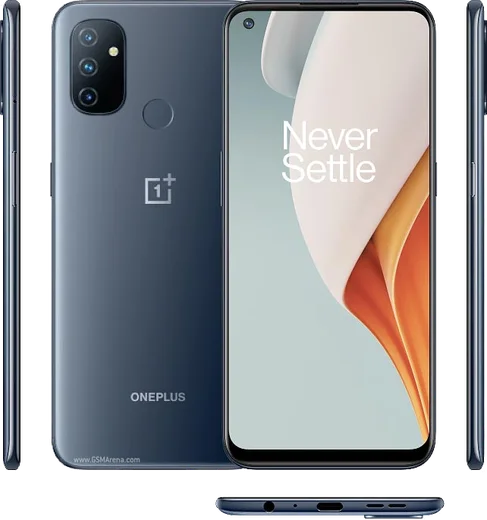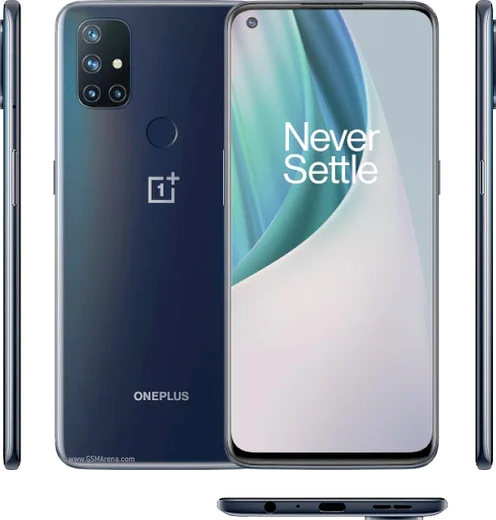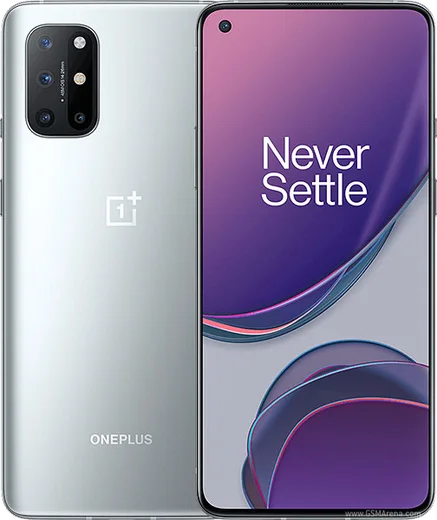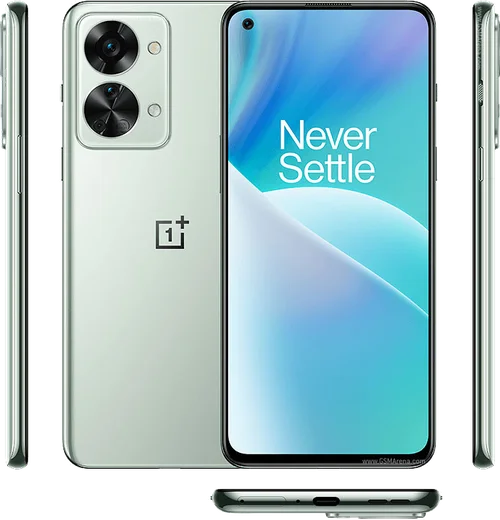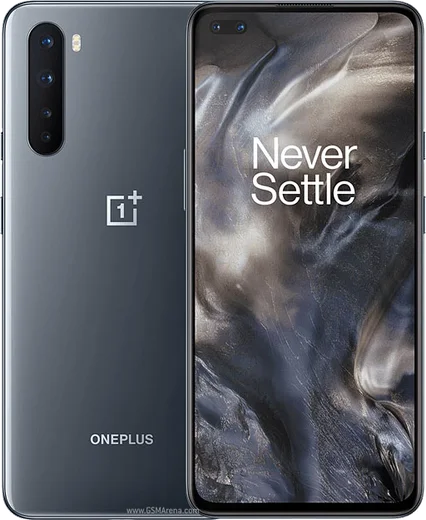
WhatsApp on Nord N100
OnePlus Android

WhatsApp for Nord N100

Snapdragon 460, 6.52-inch 90Hz LCD, 5000mAh

WhatsApp Messenger 4.7 · 64.2M reviews Free · Android · ~40 MB · by WhatsApp LLC
Download WhatsApp

Ask a question / report a problem

You can ask any question about WhatsApp support on the Nord N100 — leave it below and we'll help.

Ask a question

Can the Nord N100 run WhatsApp?

Fully supported
  • Operating systemAndroid
  • ProcessorSnapdragon 460
  • WhatsApp versionLatest supported

Latest known WhatsApp problems on Nord N100

1

WhatsApp notifications are delayed or don't show up on my OnePlus Nord N100 until I open the app

OxygenOS aggressively closes background apps to save battery, which silences WhatsApp until you open it. Go to Settings > Battery > tap WhatsApp (or Settings > Apps > WhatsApp > Battery) and set it to 'Don't optimize' / 'Allow background activity'. Then open Settings > Apps > WhatsApp > Notifications and confirm notifications are enabled. Finally, open the Recent Apps screen and lock WhatsApp so the system stops clearing it from memory. See how others solved this on Reddit
2

WhatsApp keeps crashing or freezing on my Nord N100 after a software update

This is usually a corrupted cache or an outdated app version conflicting with the system update. Open Settings > Apps > WhatsApp > Storage usage and tap Clear cache (not Clear data, which would delete chats), then update WhatsApp from the Play Store. If it still misbehaves, restart the phone and confirm OxygenOS itself is fully updated under Settings > System > System updates. See how others solved this on Reddit
3

My Nord N100 shows a black screen during incoming WhatsApp calls and I can't answer

This is typically a proximity-sensor issue: the phone thinks it's held to your ear and keeps the screen off. Clean the top of the screen near the earpiece, where the sensor sits, and remove any thick screen protector covering it. Make sure WhatsApp has the Phone/Calls and Microphone permissions under Settings > Apps > WhatsApp > Permissions so call screens load correctly, then restart the phone. If it persists after an update, clear the WhatsApp cache via Settings > Apps > WhatsApp > Storage usage. See how others solved this on Reddit
4

My OnePlus Nord N100 loses its network connection so WhatsApp won't send messages or download media

WhatsApp can't sync without a working data connection, and the N100 sometimes drops Wi-Fi or mobile data after a reboot. For Wi-Fi, go to Settings > Wi-Fi, tap your network and choose Forget, then reconnect with the password. If it keeps failing on either Wi-Fi or mobile data, open Settings > System > Reset options > Reset Wi-Fi, mobile & Bluetooth. Once you're back online, reopen WhatsApp and pending messages and media will go through automatically. See how others solved this on Reddit
5

I'm getting a WhatsApp chat history error and can't restore my old messages on the Nord N100

Restore only works when the backup, phone number, and Google account all match exactly. Make sure you're signed into the same Google account (Settings > Accounts) that holds the backup, then reinstall WhatsApp and verify the same number so the restore prompt appears from Google Drive. If the error continues, confirm WhatsApp has Storage/Files and Contacts permissions under Settings > Apps > WhatsApp > Permissions, and check that a recent backup exists in WhatsApp > Settings > Chats > Chat backup. See how others solved this on Reddit
6

Is the OnePlus Nord N100 reliable enough to keep using WhatsApp daily for years, or will software bugs ruin it?

The N100 is a budget device that received limited OxygenOS updates, so over time you may notice more background-app and notification quirks than on flagship OnePlus phones. To keep WhatsApp stable long-term, install the latest system update under Settings > System > System updates, keep WhatsApp current in the Play Store, and periodically clear its cache via Settings > Apps > WhatsApp > Storage usage. With those habits the phone handles WhatsApp fine for everyday messaging despite its age. See how others solved this on Reddit

Ask a question / report a problem

You can ask any question about WhatsApp support on the Nord N100 — leave it below and we'll help.

Ask a question

Watch: setting up WhatsApp

Prefer to watch? This short walkthrough shows the whole installation and number-verification flow.

How to install WhatsApp on Nord N100 — video walkthrough

How to install WhatsApp on Nord N100

1

Choose how to download

On your Nord N100 you can get the official app two ways: from the Google Play Store — the easiest option, since it keeps WhatsApp updated automatically — or directly from the official website. You can download an APK file, by clicking a link “Download WhatsApp directly”.

2

Open WhatsApp

Launch WhatsApp from your home screen or app drawer and accept the Terms of Service to start setup.

3

Verify your phone number

Enter your phone number. If your Nord N100 uses dual SIM, pick the line you want WhatsApp tied to, then enter the 6-digit code it sends by SMS — it usually fills in automatically.

4

Restore chats and finish setup

Restore your chat history from Google Drive (use the same Google account), add your name and photo, and tap Allow for notifications so messages and calls arrive reliably.

Stay safe: only ever install WhatsApp from the official Android source. The Download button above already points there — modified copies (GB/Plus/Aero WhatsApp) can get your number banned.

Comments (4)

No registration needed. No email required.
W
whatsappfanJun 16, 2026

does whatsapp support the nord n100 pls

AppWhatsOfficialJun 17, 2026

Good question, absolutely, the your phone is supported. Follow the steps above and you will be chatting in minutes. Reach out anytime.

I
im_rajSep 15, 2025

Omg im so confused someone help meeee 😭😭

AppWhatsOfficialSep 16, 2025

Relax, it is simpler than it looks. Press Download, install, then verify with the SMS code. You got this! Reply here if you get stuck.

W
whatsappfanJun 24, 2025

instalé whatsapp en mi nord n100 sin problemas

P
pete.aFeb 12, 2025

yo installed whatsapp on my nord n100 with no issues thanks again