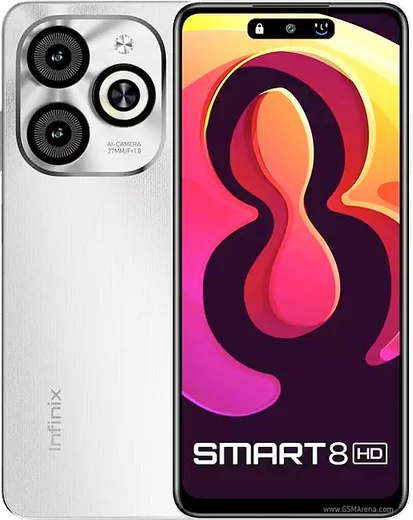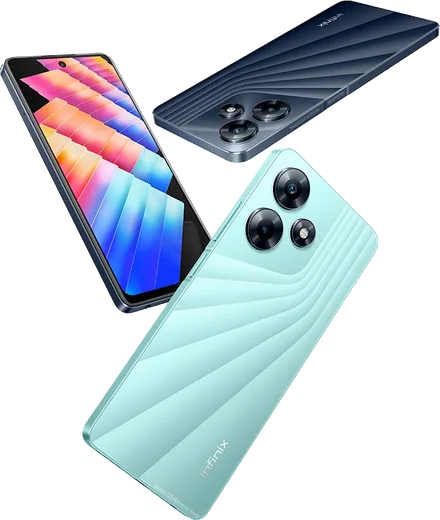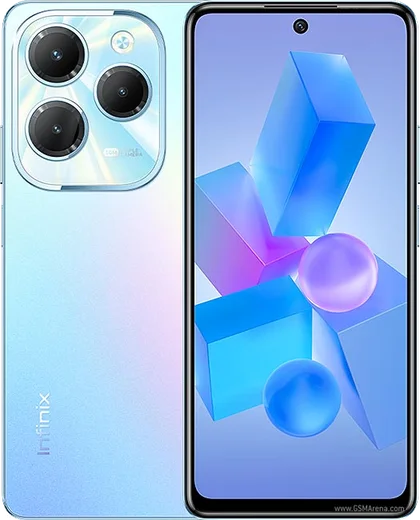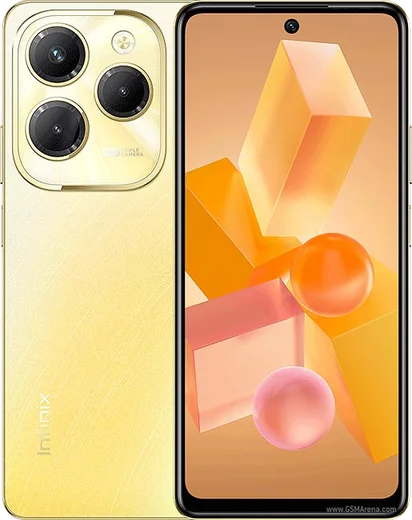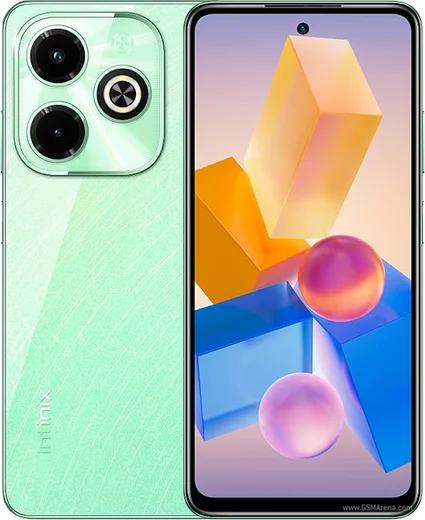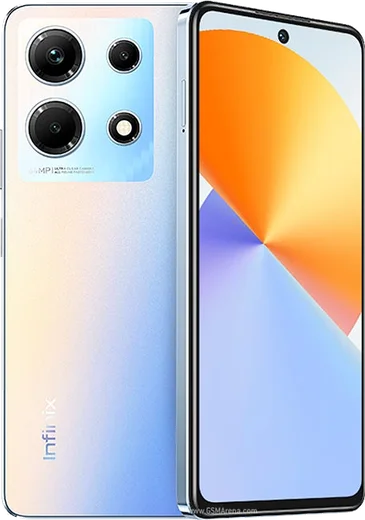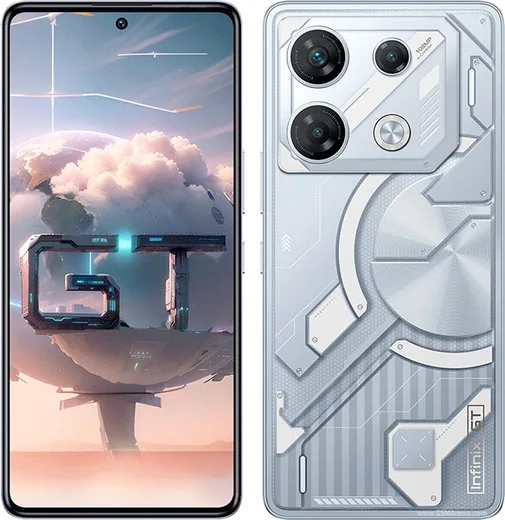
WhatsApp on Infinix Smart 8 HD
Infinix Android

WhatsApp for Infinix Smart 8 HD

Unisoc SC9863A1, 6.6-inch HD+ display

WhatsApp Messenger 4.7 · 64.2M reviews Free · Android · ~40 MB · by WhatsApp LLC
Download WhatsApp

Ask a question / report a problem

You can ask any question about WhatsApp support on the Infinix Smart 8 HD — leave it below and we'll help.

Ask a question

Can the Infinix Smart 8 HD run WhatsApp?

Fully supported
  • Operating systemAndroid
  • ProcessorUnisoc SC9863A1
  • WhatsApp versionLatest supported

Latest known WhatsApp problems on Infinix Smart 8 HD

1

How do I stop ads and pop-ups appearing on my Infinix Smart 8 HD?

Most ads come from preinstalled Infinix apps (Palm Store, Hi Browser, Phone Master, Boomplay) showing push notifications and recommendation content. Open Settings > Notifications & status bar > App notifications (or Settings > Apps > [app] > Notifications) and turn notifications off for each of those apps. In Palm Store and Phone Master, also open the app's own Settings and disable 'recommendations'/'message notifications'. To block full-screen overlay ads, go to Settings > Apps > Special app access > Display over other apps and deny it for those apps. Long-pressing any ad notification and choosing Turn off also stops that specific source. See how others solved this on Reddit
2

My Infinix Smart 8 suddenly has no mobile data and no calls, how do I fix it?

This is usually a SIM/network setting rather than a hardware fault. Go to Settings > Mobile network > SIM cards & mobile networks, confirm the correct SIM is enabled and set as default for Data and Calls, then toggle Airplane mode on and off (or restart). If it persists, open the SIM's Access Point Names (APN) and choose Reset to default, and try Settings > System > Reset options > Reset Wi-Fi, mobile & Bluetooth to clear saved network settings. If still dead, test the SIM in another phone to rule out a carrier or SIM issue. See how others solved this on Reddit
3

Why can't I use floating windows or display apps on top of each other on my Infinix?

Picture-in-picture and floating windows need an overlay/PiP permission that XOS often has off by default. Go to Settings > Apps > Special app access > Display over other apps and enable it for the app you want (and check Picture-in-picture in the same Special app access menu for apps like YouTube). Then disable battery optimization for that app via Settings > Apps > [app] > Battery > No restrictions (or Unrestricted), because aggressive XOS power saving closes background overlays. See how others solved this on Reddit
4

WhatsApp call and video call notifications don't show up on my Infinix Smart 8 HD, what do I do?

XOS battery saving freezes WhatsApp in the background so calls never ring. Open Settings > Apps > WhatsApp > Battery and set it to No restrictions / Unrestricted (allow background activity), and turn off any Power Saving / Smart power mode in Settings > Battery. Then check Settings > Apps > WhatsApp > Notifications and confirm the Calls channel is on with sound and set to pop on screen. Locking WhatsApp in the recent-apps tray so the system doesn't clear it also helps. See how others solved this on Reddit
5

My Infinix Smart 8 HD feels slow and runs out of memory, how can I speed it up?

The Smart 8 HD ships with only 3GB RAM, so heavy multitasking plus bloatware drags it down. Disable or uninstall preloaded extras (Boomplay, Palm Store, Phone Master) via Settings > Apps, enable the Memory Fusion / extended RAM feature if your build has it under Settings > Special features (or Settings > Memory Fusion), and keep storage from filling up. Limiting background apps and reducing animation scale in Developer options also gives a noticeable boost on this low-RAM model. See how others solved this on Reddit
6

Is it worth upgrading from my Infinix Smart 8 to the Smart 9, or are they basically the same?

They are close: both are entry-level phones with similar HD+ screens and modest RAM, so for everyday WhatsApp, calls and browsing you won't feel a big jump. The Smart 9 mainly brings a newer chipset and updated Android, but if your Smart 8 HD already runs your apps fine the upgrade isn't essential. If performance is your real concern, put the money toward a model with more RAM and storage instead. See how others solved this on Reddit

Ask a question / report a problem

You can ask any question about WhatsApp support on the Infinix Smart 8 HD — leave it below and we'll help.

Ask a question

Watch: setting up WhatsApp

Prefer to watch? This short walkthrough shows the whole installation and number-verification flow.

How to install WhatsApp on Infinix Smart 8 HD — video walkthrough

How to install WhatsApp on Infinix Smart 8 HD

1

Choose how to download

On your Infinix Smart 8 HD you can get the official app two ways: from the Google Play Store — the easiest option, since it keeps WhatsApp updated automatically — or directly from the official website. You can download an APK file, by clicking a link “Download WhatsApp directly”.

2

Open WhatsApp

Launch WhatsApp from your home screen or app drawer and accept the Terms of Service to start setup.

3

Verify your phone number

Enter your phone number. If your Infinix Smart 8 HD uses dual SIM, pick the line you want WhatsApp tied to, then enter the 6-digit code it sends by SMS — it usually fills in automatically.

4

Restore chats and finish setup

Restore your chat history from Google Drive (use the same Google account), add your name and photo, and tap Allow for notifications so messages and calls arrive reliably.

Stay safe: only ever install WhatsApp from the official Android source. The Download button above already points there — modified copies (GB/Plus/Aero WhatsApp) can get your number banned.

Comments (8)

No registration needed. No email required.
X
xX_leoMar 28, 2026

Ehi installato senza problemi sul mio smart8hd 😍

T
tom92Jan 13, 2026

respect, this helped alot lol

V
val_pabNov 18, 2025

Guys i was scared it was a virus but its the real app cheers

K
kev92Aug 19, 2025

Finally wasnt expecting it to be this easy 🔥

AppWhatsOfficialAug 21, 2025

Nice one, enjoy WhatsApp!

D
deni.eJan 2, 2025

PLEASE i need whatsapp on my infinix smart 8 hd its urgent 😩

AppWhatsOfficialJan 6, 2025

No panic needed. The Download button takes you to the official app, then just install and verify your number.

X
xX_pabloDec 29, 2024

update couldnt install whatsapp on my Smart 8 HD until i found this

C
coolcatDec 8, 2024

Ngl had whatsapp on my smart8hd in no time

J
joe1990Nov 13, 2024

why does it crash on opening thanks

AppWhatsOfficialNov 18, 2024

Sure, crashes are often an old version. Remove it, update your OS, and reinstall the newest build from the official source. Enjoy WhatsApp on your your phone!