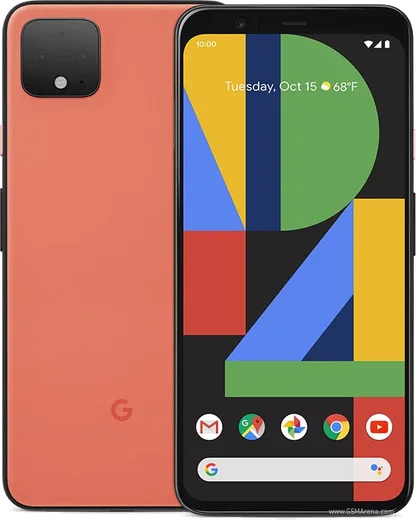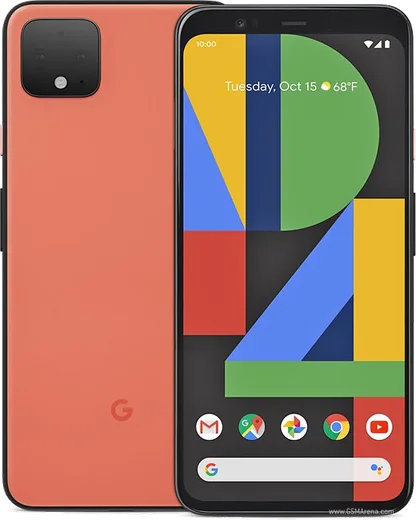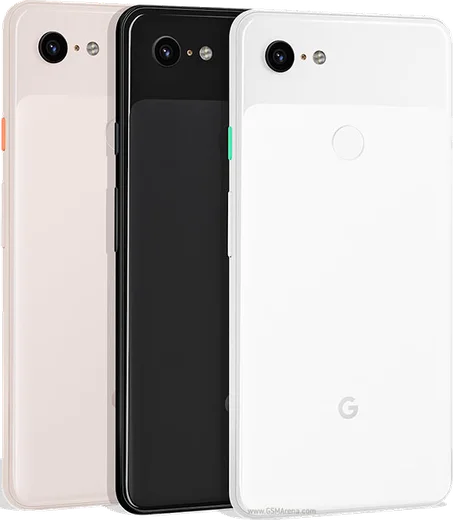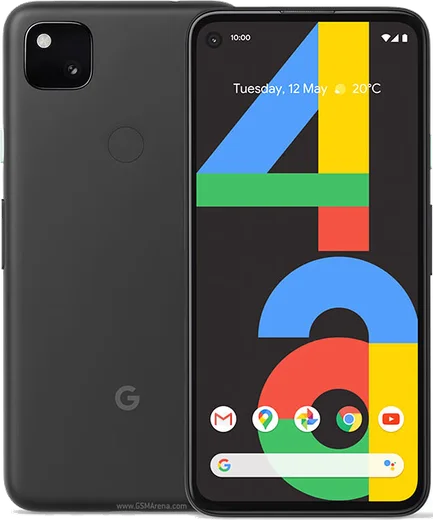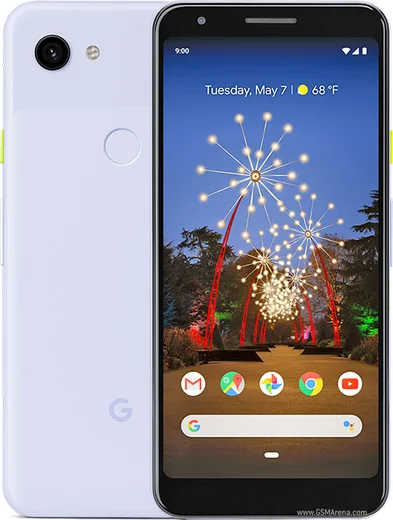
WhatsApp on Pixel 4 XL
Google Pixel Android

WhatsApp for Pixel 4 XL

Snapdragon 855, 6.3-inch 90Hz QHD+ OLED

WhatsApp Messenger 4.7 · 64.2M reviews Free · Android · ~40 MB · by WhatsApp LLC
Download WhatsApp

Ask a question / report a problem

You can ask any question about WhatsApp support on the Pixel 4 XL — leave it below and we'll help.

Ask a question

Can the Pixel 4 XL run WhatsApp?

Fully supported
  • Operating systemAndroid
  • ProcessorSnapdragon 855
  • WhatsApp versionLatest supported

Latest known WhatsApp problems on Pixel 4 XL

1

Why did WhatsApp stop working on my Pixel 4 XL after the Android 13 update?

The Pixel 4 XL's last official OS is Android 13, so as WhatsApp raises its minimum supported Android version your install can eventually stop opening or syncing messages. First update the app in the Play Store, then clear its cache under Settings > Apps > WhatsApp > Storage & cache > Clear cache (use Clear cache, not Clear storage, which wipes chats). If it still fails, back up your chats in WhatsApp > Settings > Chats > Chat backup (to Google Drive), then uninstall and reinstall the latest build from the Play Store. See how others solved this on Reddit
2

Why is the WhatsApp camera so laggy and slow to focus on my Pixel 4 XL?

WhatsApp uses its own in-app camera rather than the Pixel's optimized Google Camera, so it can drop frames and focus slowly on Pixel hardware. As a workaround, take the photo with the stock Google Camera first, then attach it in the chat via the gallery/paperclip icon instead of the in-app shutter. Clearing the WhatsApp cache under Settings > Apps > WhatsApp > Storage & cache and confirming the Camera permission is allowed under Settings > Apps > WhatsApp > Permissions can also reduce the freezing. See how others solved this on Reddit
3

Why does my mic cut out on WhatsApp video calls on the Pixel 4 XL?

On the Pixel 4 XL the microphone can drop during WhatsApp, Meet, or Zoom video calls when another app is holding the mic or a permission glitch occurs. Make sure no other call or recording app is running, then check Settings > Apps > WhatsApp > Permissions and confirm Microphone is set to Allow. If it persists, restart the phone to release the audio hardware, and boot into Safe Mode to rule out a third-party app grabbing the mic. See how others solved this on Reddit
4

Why do I get a 'WhatsApp keeps stopping' message when I close the app on my Pixel 4 XL?

This repeated stop message usually comes from a corrupted cache or a background-process conflict rather than a hardware fault. Go to Settings > Apps > WhatsApp > Storage & cache > Clear cache, then restart the device. If the message keeps appearing, update WhatsApp in the Play Store and set it to Unrestricted under Settings > Apps > WhatsApp > App battery usage so the system doesn't kill it abruptly. See how others solved this on Reddit
5

Is Google forcing me to upgrade from my Pixel 4 XL because WhatsApp will stop being supported?

It is WhatsApp's own OS cutoff, not Google, but the effect is the same once your Android version falls below WhatsApp's minimum requirement. While your Pixel 4 XL still runs its newest Android 13 security patch (check Settings > System > System update), keep WhatsApp current and back up chats to Google Drive regularly via WhatsApp > Settings > Chats > Chat backup. Before moving to a newer device, you can also export individual chats from WhatsApp > Settings > Chats > Chat history > Export chat. See how others solved this on Reddit
6

Why does WhatsApp drain battery and miss notifications on my Pixel 4 XL?

Aggressive battery management on Pixel can suspend WhatsApp in the background, causing delayed or missing notifications and odd wake-lock drain. Set it to Unrestricted under Settings > Apps > WhatsApp > App battery usage, and make sure notifications are enabled under Settings > Apps > WhatsApp > Notifications. Also confirm Do Not Disturb isn't silencing the chat; together these restore reliable real-time delivery. See how others solved this on Reddit

Ask a question / report a problem

You can ask any question about WhatsApp support on the Pixel 4 XL — leave it below and we'll help.

Ask a question

Watch: setting up WhatsApp

Prefer to watch? This short walkthrough shows the whole installation and number-verification flow.

How to install WhatsApp on Pixel 4 XL — video walkthrough

How to install WhatsApp on Pixel 4 XL

1

Choose how to download

On your Pixel 4 XL you can get the official app two ways: from the Google Play Store — the easiest option, since it keeps WhatsApp updated automatically — or directly from the official website. You can download an APK file, by clicking a link “Download WhatsApp directly”.

2

Open WhatsApp

Launch WhatsApp from your home screen or app drawer and accept the Terms of Service to start setup.

3

Verify your phone number

Enter your phone number. If your Pixel 4 XL uses dual SIM, pick the line you want WhatsApp tied to, then enter the 6-digit code it sends by SMS — it usually fills in automatically.

4

Restore chats and finish setup

Restore your chat history from Google Drive (use the same Google account), add your name and photo, and tap Allow for notifications so messages and calls arrive reliably.

Stay safe: only ever install WhatsApp from the official Android source. The Download button above already points there — modified copies (GB/Plus/Aero WhatsApp) can get your number banned.

Comments (10)

No registration needed. No email required.
L
lou_rosMay 27, 2026

Pls help i dont want people to see im online ?

AppWhatsOfficialMay 29, 2026

Sure, open Settings, then Privacy, and adjust Last Seen and Online there to keep your activity hidden. Enjoy WhatsApp on your your phone!

G
greg_proApr 28, 2026

wow works like a charm on the 4xl ❤️

N
needwhatsappJan 7, 2026

wow gracias, mi pixel 4xl ya tiene whatsapp 👍

N
nightowlDec 16, 2025

guys whyyy is this so hard pls help me get whatsapp 🙏

AppWhatsOfficialDec 19, 2025

You are almost there! Tap Download, allow the install, open WhatsApp and confirm your number. You got this!

P
pete_beaAug 15, 2025

Thank u so much cheers

T
the_real_rajApr 10, 2025

davvero ottima guida, ha funzionato sul mio pixel 4xl grazie

R
rosa_tomFeb 4, 2025

Well did this on my 4xl and it just worked

AppWhatsOfficialFeb 6, 2025

Love to hear it!

I
im_nickJan 20, 2025

great stuff, much appreciated lol

Z
zoe07Oct 6, 2024

wow this fixed whatsapp on my 4 xl lol

M
maxx_denJul 24, 2024

anyone? do i need to uninstall my old whatsapp first

AppWhatsOfficialJul 30, 2024

Of course, you can keep the old one. Installing the newest build simply updates it and your chats stay put. Glad to help.