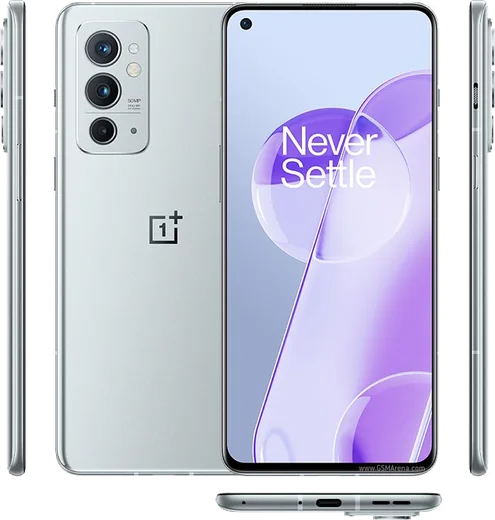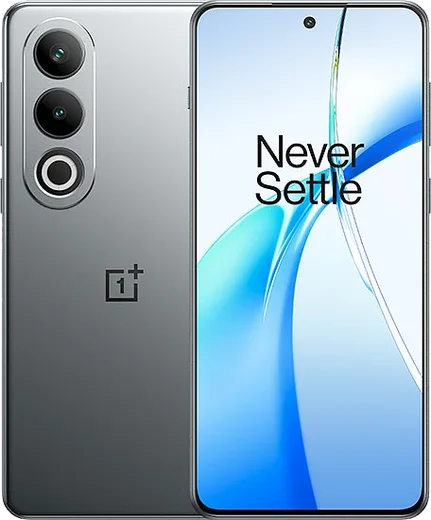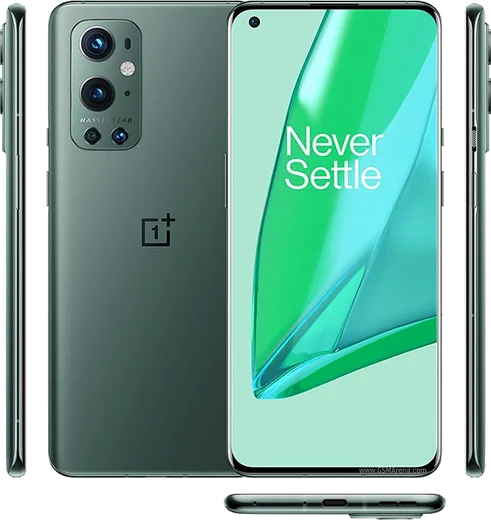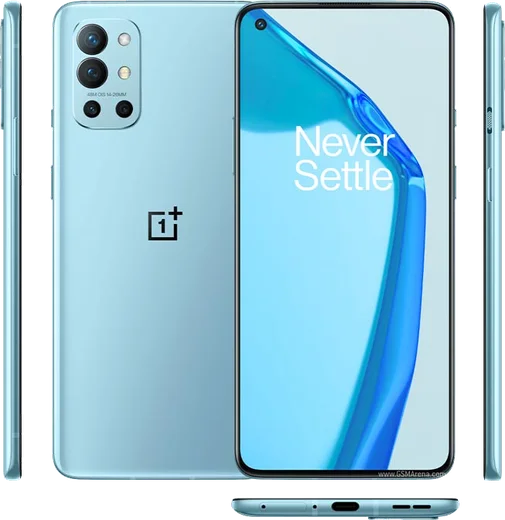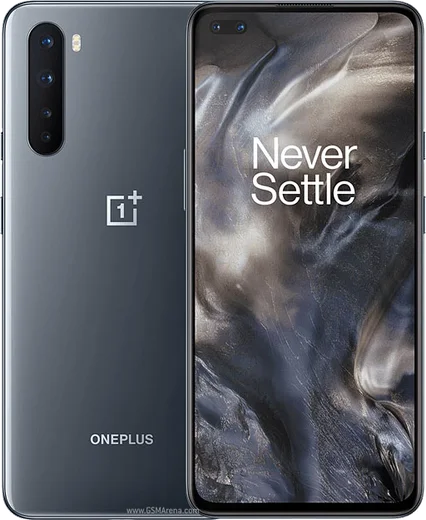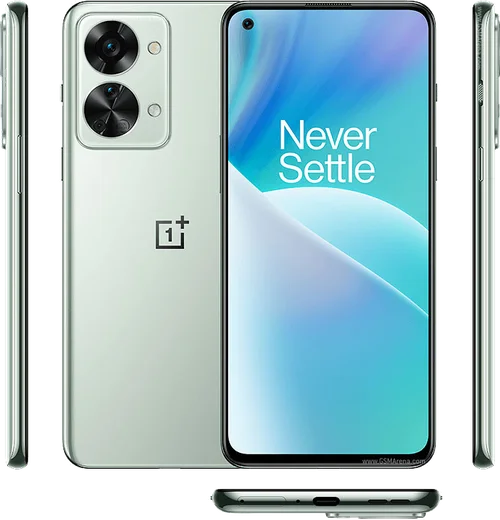
WhatsApp on OnePlus 9RT
OnePlus Android

WhatsApp for OnePlus 9RT

Snapdragon 888, 6.62-inch 120Hz, 65W charging

WhatsApp Messenger 4.7 · 64.2M reviews Free · Android · ~40 MB · by WhatsApp LLC
Download WhatsApp

Ask a question / report a problem

You can ask any question about WhatsApp support on the OnePlus 9RT — leave it below and we'll help.

Ask a question

Can the OnePlus 9RT run WhatsApp?

Fully supported
  • Operating systemAndroid
  • ProcessorSnapdragon 888
  • WhatsApp versionLatest supported

Latest known WhatsApp problems on OnePlus 9RT

1

My OnePlus 9RT is suddenly draining battery fast and getting really hot, is WhatsApp the cause?

WhatsApp's background sync and auto-backup can keep the CPU and radio busy and add to heat, but it's rarely the only cause. Check Settings > Battery > Battery usage to see which apps are draining the most, then for WhatsApp specifically open Settings > Apps > App management > WhatsApp > Battery and set it to Optimized. Inside WhatsApp, tap Settings > Chats > Chat backup and set Back up to Google Drive to Weekly or Monthly instead of Daily. If heat continues, reboot the phone and uninstall any recent app or beta update, since a misbehaving app or a bad OxygenOS build is a more common cause of sudden drain than WhatsApp alone. See how others solved this on Reddit
2

WhatsApp keeps crashing on my OnePlus 9RT after a software update, how do I stop it?

This is usually a corrupted cache or an incompatible beta build. Go to Settings > Apps > App management > WhatsApp > Storage usage and tap Clear cache (not Clear data, which deletes local chats), then reboot. If it still force-closes, update WhatsApp from the Play Store so you're on the current stable release. If you joined the beta program, open the Play Store > WhatsApp listing, scroll down and tap Leave under the beta section, then let it update to the stable version. See how others solved this on Reddit
3

My OnePlus 9RT shows a green line down the screen, can I fix it without losing WhatsApp?

The green vertical line is a known hardware fault on these AMOLED panels, not a WhatsApp or software bug, so a factory reset won't cure it and it normally needs a screen replacement through OnePlus service. Before handing the phone in, protect your chats by opening WhatsApp > Settings > Chats > Chat backup and running a manual Google Drive backup so everything restores cleanly onto the repaired or replacement device. See how others solved this on Reddit
4

My OnePlus 9RT suddenly died and won't turn on, how do I recover my WhatsApp chats?

First try a forced restart by holding Power and Volume Up together for about 15-20 seconds, and leave it on a known-good charger for 30 minutes in case it's a deep discharge rather than a dead board. If the phone stays unresponsive, your chats are recoverable only if WhatsApp was backing up to Google Drive. On a replacement Android device, install WhatsApp, sign in with the same phone number and Google account, and it will offer to restore the latest backup during setup. See how others solved this on Reddit
5

My OnePlus 9RT is out of warranty and repair quotes are huge, how do I keep WhatsApp safe before deciding?

Whether you repair or switch phones, back up everything first while the phone still works. Open WhatsApp > Settings > Chats > Chat backup, choose your Google account, and tap Back up now so chats and media land in Google Drive. For your most important conversations, also open the chat, tap the three-dot menu > More > Export chat as a separate safeguard, since an out-of-warranty hardware failure can make the phone inaccessible before you get a chance to back up later. See how others solved this on Reddit
6

WhatsApp restore on my OnePlus 9RT keeps hanging and failing near the end, what should I do?

A restore that stalls near 99% is almost always a weak or interrupted connection to Google Drive. Switch to a stable Wi-Fi network, make sure you're signed into the exact Google account that holds the backup, and leave the phone plugged in and unlocked. If it still hangs, clear the cache for Google Play Services via Settings > Apps > App management > Google Play services > Storage usage > Clear cache, then uninstall and reinstall WhatsApp and let it detect the backup during initial setup rather than skipping and trying later. See how others solved this on Reddit

Ask a question / report a problem

You can ask any question about WhatsApp support on the OnePlus 9RT — leave it below and we'll help.

Ask a question

Watch: setting up WhatsApp

Prefer to watch? This short walkthrough shows the whole installation and number-verification flow.

How to install WhatsApp on OnePlus 9RT — video walkthrough

How to install WhatsApp on OnePlus 9RT

1

Choose how to download

On your OnePlus 9RT you can get the official app two ways: from the Google Play Store — the easiest option, since it keeps WhatsApp updated automatically — or directly from the official website. You can download an APK file, by clicking a link “Download WhatsApp directly”.

2

Open WhatsApp

Launch WhatsApp from your home screen or app drawer and accept the Terms of Service to start setup.

3

Verify your phone number

Enter your phone number. If your OnePlus 9RT uses dual SIM, pick the line you want WhatsApp tied to, then enter the 6-digit code it sends by SMS — it usually fills in automatically.

4

Restore chats and finish setup

Restore your chat history from Google Drive (use the same Google account), add your name and photo, and tap Allow for notifications so messages and calls arrive reliably.

Stay safe: only ever install WhatsApp from the official Android source. The Download button above already points there — modified copies (GB/Plus/Aero WhatsApp) can get your number banned.

Comments (11)

No registration needed. No email required.
R
rob.rFeb 27, 2026

Uff por fin pude instalar whatsapp 🎉

P
plz help meeFeb 11, 2026

update did it on my OnePlus 9RT in like 2 minutes

P
pete39Feb 11, 2026

Someone been at this for hours pls someone help me 😩

AppWhatsOfficialFeb 14, 2026

Breathe! Follow the steps above one by one, tap Download first, and you will be chatting in no time. Reply here if you get stuck.

B
ben.yJun 25, 2025

Yo worked even on my old phone 🙏

I
im_kevMay 4, 2025

Hi the code never arrives, what do i do

AppWhatsOfficialMay 7, 2025

Good question, double check the country code and that you have signal, then request a fresh SMS code. If it still fails, wait a few minutes before trying again. Reach out anytime.

X
xX_amyApr 22, 2025

hey should i remove the old version before this thanks

AppWhatsOfficialApr 26, 2025

Hey there, you can keep the old one. Installing the newest build simply updates it and your chats stay put. Happy chatting!

K
kate_samFeb 24, 2025

Tbh verified my number on the 9RT with no trouble

A
alex_nicFeb 7, 2025

wow installed whatsapp on my oneplus 9rt with no issues

AppWhatsOfficialFeb 8, 2025

Perfect, enjoy chatting!

L
lucy90Feb 5, 2025

pls help is this legit and safe anyone

AppWhatsOfficialFeb 7, 2025

Thanks for asking, totally safe. We only link to the genuine WhatsApp, so there is no risk of malware as long as you use the button above.

P
pete39Dec 2, 2024

enfin mon OnePlus 9RT a enfin whatsapp, top

A
apploverNov 20, 2024

Best guide for the OnePlus 9RT by far