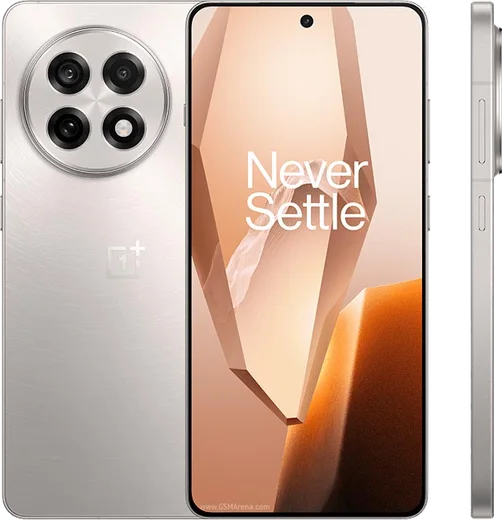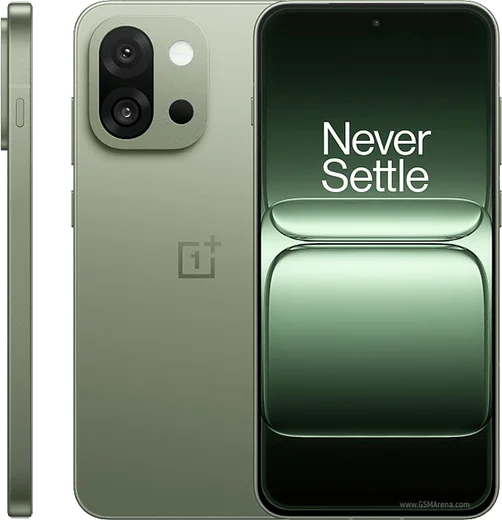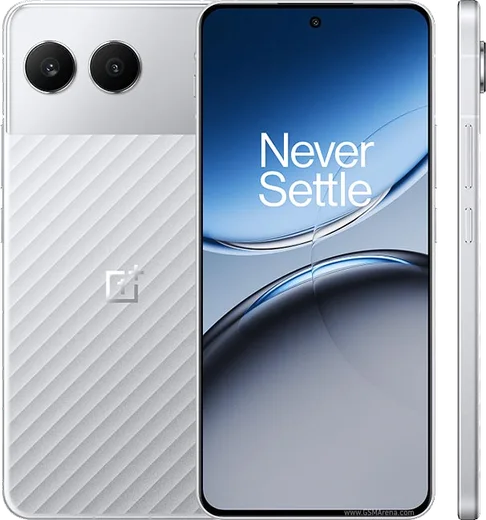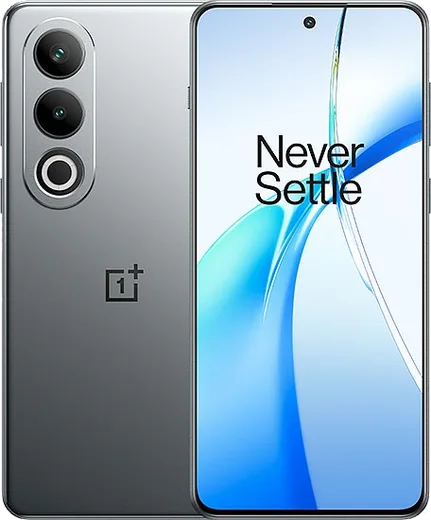
WhatsApp on OnePlus 13R
OnePlus Android

WhatsApp for OnePlus 13R

Snapdragon 8 Gen 3, 6.78-inch 120Hz, 6000mAh

WhatsApp Messenger 4.7 · 64.2M reviews Free · Android · ~40 MB · by WhatsApp LLC
Download WhatsApp

Ask a question / report a problem

You can ask any question about WhatsApp support on the OnePlus 13R — leave it below and we'll help.

Ask a question

Can the OnePlus 13R run WhatsApp?

Fully supported
  • Operating systemAndroid
  • ProcessorSnapdragon 8 Gen 3
  • WhatsApp versionLatest supported

Latest known WhatsApp problems on OnePlus 13R

1

Why does WhatsApp call quality drop and my network switch from 4G to 2G during calls on my OnePlus 13R?

This is usually a VoLTE/network handoff issue made worse by OxygenOS battery restrictions on WhatsApp. First, open Settings > Mobile network, tap your SIM, and make sure VoLTE (and VoNR if available) is turned on so voice/data calls stay on the 4G/5G layer instead of falling back to 2G. Then go to Settings > Apps > WhatsApp > Battery and set it to "Unrestricted" so the call isn't throttled in the background. See how others solved this on Reddit
2

WhatsApp video calls keep freezing or look poor on my OnePlus 13R

Choppy video calls are often caused by OxygenOS background restrictions starving WhatsApp of data and CPU. Open Settings > Apps > WhatsApp > Battery and choose "Unrestricted," then go to Settings > Apps > WhatsApp > Mobile data and enable both "Background data" and "Unrestricted data usage." Also confirm WhatsApp has Camera and Microphone access under Settings > Apps > WhatsApp > Permissions. See how others solved this on Reddit
3

I can't see the content of WhatsApp message notifications on my OnePlus 13R

OxygenOS hides notification previews when lock-screen privacy is restricted or WhatsApp's own preview is off. Go to Settings > Notification & status bar > Lock screen notifications and set it to "Show content," then in WhatsApp open Settings > Notifications and make sure "Show preview" is enabled. Finally, under Settings > Apps > WhatsApp > Notifications, confirm message notifications are on. See how others solved this on Reddit
4

WhatsApp notifications are delayed and only arrive when I open the app on my OnePlus 13R

OxygenOS puts apps into deep sleep, which delays push notifications until you unlock the phone. Set Settings > Apps > WhatsApp > Battery to "Unrestricted," then check Settings > Battery and remove WhatsApp from any "Sleeping apps"/deep-optimization list. Also enable Auto-launch for WhatsApp (Settings > Apps > Auto-launch) so it can run in the background and deliver messages in real time. See how others solved this on Reddit
5

My contacts won't sync and don't show up in WhatsApp on my new OnePlus 13R

WhatsApp only shows contacts it has permission to read, and on a new phone the Contacts permission is often denied. Go to Settings > Apps > WhatsApp > Permissions > Contacts and set it to "Allow," then open WhatsApp and pull down on the contacts list to refresh. If they still don't appear, make sure your numbers are saved to your Google account rather than only on the SIM (in the Contacts app, set the default save location to your Google account). See how others solved this on Reddit
6

I can't install WhatsApp on my new OnePlus 13R

Install failures on a fresh 13R are usually a corrupt Play Store cache or a leftover/region-mismatched WhatsApp version. Go to Settings > Apps > Google Play Store > Storage and tap Clear cache (then Clear storage if needed), reboot, and retry the install from the Play Store. If it still fails, uninstall any existing WhatsApp, then download the official APK from whatsapp.com/android and allow installs from that source when prompted. See how others solved this on Reddit

Ask a question / report a problem

You can ask any question about WhatsApp support on the OnePlus 13R — leave it below and we'll help.

Ask a question

Watch: setting up WhatsApp

Prefer to watch? This short walkthrough shows the whole installation and number-verification flow.

How to install WhatsApp on OnePlus 13R — video walkthrough

How to install WhatsApp on OnePlus 13R

1

Choose how to download

On your OnePlus 13R you can get the official app two ways: from the Google Play Store — the easiest option, since it keeps WhatsApp updated automatically — or directly from the official website. You can download an APK file, by clicking a link “Download WhatsApp directly”.

2

Open WhatsApp

Launch WhatsApp from your home screen or app drawer and accept the Terms of Service to start setup.

3

Verify your phone number

Enter your phone number. If your OnePlus 13R uses dual SIM, pick the line you want WhatsApp tied to, then enter the 6-digit code it sends by SMS — it usually fills in automatically.

4

Restore chats and finish setup

Restore your chat history from Google Drive (use the same Google account), add your name and photo, and tap Allow for notifications so messages and calls arrive reliably.

Stay safe: only ever install WhatsApp from the official Android source. The Download button above already points there — modified copies (GB/Plus/Aero WhatsApp) can get your number banned.

Comments (14)

No registration needed. No email required.
R
raj47Jun 7, 2026

Finally running whatsapp on my 13r like new 👌

AppWhatsOfficialJun 8, 2026

Thanks for sharing!

P
priya_ellJun 2, 2026

Wow excelente guía, gracias

S
sol2000Apr 29, 2026

guys do i need to uninstall my old whatsapp first

AppWhatsOfficialMay 3, 2026

Happy to help, no need. Installing the latest version updates the existing app and keeps your chats. Just follow the steps above.

K
kate93Apr 25, 2026

Echt sehr einfach, in 2 minuten erledigt

F
finn_samApr 21, 2026

Ngl wasnt expecting it to be this easy thanks again

A
anonApr 18, 2026

Update perfect, exactly what i needed cheers

A
ahmedMar 20, 2026

والله شكراً، صار عندي واتساب 😍

M
maxx.aFeb 1, 2026

Update whatsapp works fine on my OnePlus 13R

G
gabe_realDec 22, 2025

guys can i recover my chats pls

AppWhatsOfficialDec 27, 2025

Hi! Yes, as long as you had a backup. Use the same number and choose Restore during setup to bring your messages back. Let us know if you need anything else.

J
just_linaSep 27, 2025

ugh cant do this alone HELP how do i download

AppWhatsOfficialSep 29, 2025

Relax, it is simpler than it looks. Press Download, install, then verify with the SMS code. You got this! You will be set up on your phone in no time.

L
leo_aleMay 19, 2025

honestly running whatsapp on my OnePlus 13R like new

I
im_miaMar 1, 2025

anyone? the app crashes every time i open it pls

AppWhatsOfficialMar 4, 2025

Hey there, crashes are often an old version. Remove it, update your OS, and reinstall the newest build from the official source. Let us know if you need anything else.

J
jay92Feb 2, 2025

Guys worked perfect on my OnePlus 13R 🎉

E
eeeeeemmmmmaaaaaAug 18, 2024

did this on my 13R and it just worked