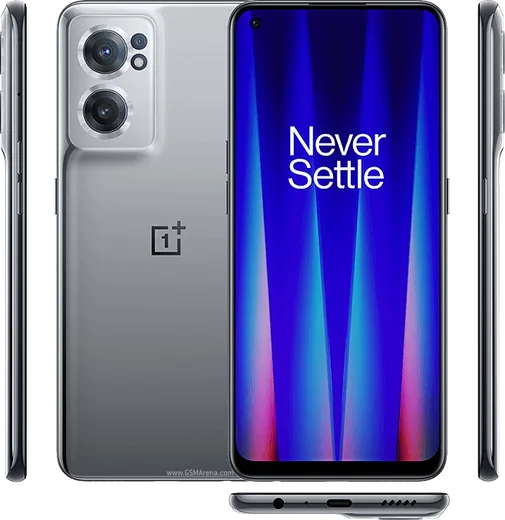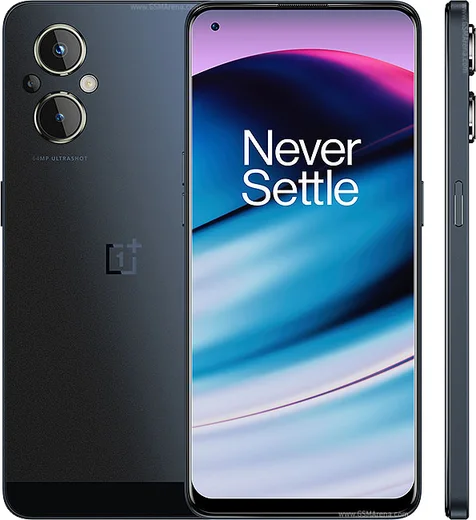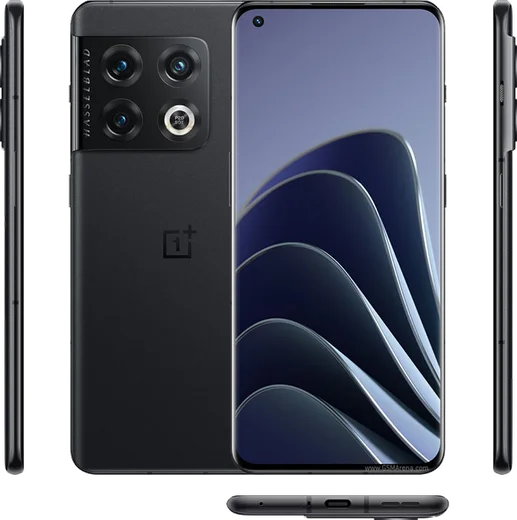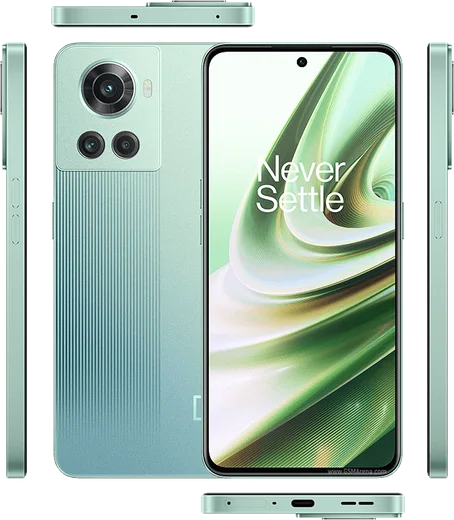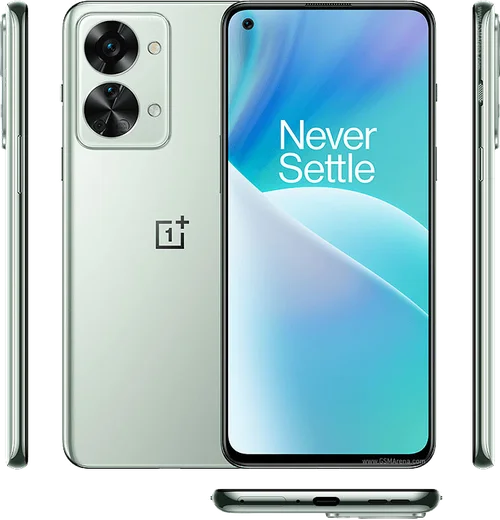
WhatsApp on OnePlus 10T
OnePlus Android

WhatsApp for OnePlus 10T

Snapdragon 8+ Gen 1, 6.7-inch 120Hz, 150W charge

WhatsApp Messenger 4.7 · 64.2M reviews Free · Android · ~40 MB · by WhatsApp LLC
Download WhatsApp

Ask a question / report a problem

You can ask any question about WhatsApp support on the OnePlus 10T — leave it below and we'll help.

Ask a question

Can the OnePlus 10T run WhatsApp?

Fully supported
  • Operating systemAndroid
  • ProcessorSnapdragon 8+ Gen 1
  • WhatsApp versionLatest supported

Latest known WhatsApp problems on OnePlus 10T

1

Why is there an audio delay during WhatsApp internet calls on my OnePlus 10T?

This lag usually comes from OxygenOS aggressively restricting WhatsApp in the background, plus Bluetooth codec handoff if you're on wireless earbuds. Go to Settings > Apps > App management > WhatsApp > Battery usage and set it to 'Don't restrict', then under Settings > Battery & device care > Battery, make sure WhatsApp isn't being optimized. If the delay only happens on Bluetooth, try changing the codec under Settings > Additional settings > Developer options > Bluetooth Audio Codec to SBC or AAC, since some codecs add latency. See how others solved this on Reddit
2

WhatsApp is draining my OnePlus 10T battery really fast, how do I fix it?

Heavy WhatsApp drain on OxygenOS is often caused by it constantly waking in the background to sync. First clear the app cache via Settings > Apps > App management > WhatsApp > Storage usage > Clear cache. Then check whether a stuck call or media sync is the culprit under WhatsApp > Settings > Storage and data > Manage storage. To cut background drain, reduce auto-download (WhatsApp > Settings > Storage and data) and, if the drain is severe, set WhatsApp to 'Optimized' under Settings > Apps > App management > WhatsApp > Battery usage. If it started after an update, reinstalling WhatsApp from the Play Store often clears it. See how others solved this on Reddit
3

Why are videos I send from my OnePlus 10T getting badly compressed and blurry on WhatsApp?

WhatsApp re-encodes every video you send to save data, and the 10T's high-res clips get hit hard by this compression. To keep quality, open WhatsApp > Settings > Storage and data > Media upload quality and switch it to 'HD', or send the clip as a file via the attachment (paperclip) > Document option, which skips compression entirely. For long or large videos, sharing a Google Drive link is the only way to fully preserve the original quality. See how others solved this on Reddit
4

My OnePlus 10T fails or hangs when sending videos through WhatsApp, what's wrong?

Stuck or failed video sends are usually a cache or storage permission issue on OxygenOS rather than a network fault. Go to Settings > Apps > App management > WhatsApp > Storage usage and tap Clear cache, then confirm Settings > Apps > App management > WhatsApp > Permissions has Files and media (or Photos and videos) set to allow. If it still hangs, update WhatsApp from the Play Store and restart the phone. See how others solved this on Reddit
5

WhatsApp calls won't pick up through my Bluetooth on the OnePlus 10T, how do I answer them?

This usually happens when WhatsApp lacks phone permission or the Bluetooth call-audio profile isn't enabled for your earbuds. Go to Settings > Apps > App management > WhatsApp > Permissions and enable Phone, then under Settings > Bluetooth, tap the gear icon next to your earbuds and make sure 'Call audio' is turned on. Re-pairing the device and keeping WhatsApp unrestricted in Battery usage usually restores answering from the earbuds. See how others solved this on Reddit
6

How do I transfer my WhatsApp chats from my OnePlus 10T to a new iPhone?

Android-to-iPhone WhatsApp transfer can't use a Google Drive backup, so you need the official 'Move to iOS' path. Install Move to iOS on the 10T, and during the new iPhone's setup choose 'Move Data from Android'; WhatsApp will appear as a transferable item that hands off to the iPhone. Both phones must stay plugged in and on the same Wi-Fi, and your 10T number must match the one you'll verify on the iPhone. See how others solved this on Reddit

Ask a question / report a problem

You can ask any question about WhatsApp support on the OnePlus 10T — leave it below and we'll help.

Ask a question

Watch: setting up WhatsApp

Prefer to watch? This short walkthrough shows the whole installation and number-verification flow.

How to install WhatsApp on OnePlus 10T — video walkthrough

How to install WhatsApp on OnePlus 10T

1

Choose how to download

On your OnePlus 10T you can get the official app two ways: from the Google Play Store — the easiest option, since it keeps WhatsApp updated automatically — or directly from the official website. You can download an APK file, by clicking a link “Download WhatsApp directly”.

2

Open WhatsApp

Launch WhatsApp from your home screen or app drawer and accept the Terms of Service to start setup.

3

Verify your phone number

Enter your phone number. If your OnePlus 10T uses dual SIM, pick the line you want WhatsApp tied to, then enter the 6-digit code it sends by SMS — it usually fills in automatically.

4

Restore chats and finish setup

Restore your chat history from Google Drive (use the same Google account), add your name and photo, and tap Allow for notifications so messages and calls arrive reliably.

Stay safe: only ever install WhatsApp from the official Android source. The Download button above already points there — modified copies (GB/Plus/Aero WhatsApp) can get your number banned.

Comments (8)

No registration needed. No email required.
J
jay71Mar 28, 2026

Is this legit and safe thanks

AppWhatsOfficialApr 1, 2026

Of course, yes, it is completely safe. The Download button takes you to the official app on the store, we never host modified versions. Enjoy WhatsApp on your your phone!

L
lou_pabMar 18, 2026

saved me so much time :)

K
kai.hFeb 19, 2026

omg did it on my 10t in like 2 minutes

O
oldschoolJan 2, 2026

Guys i was scared it was a virus but its the real app thanks again

S
sara.wNov 16, 2025

Well whatsapp finally on my OnePlus 10T thx

S
sol92Aug 31, 2025

tbh cheers for the clear instructions 🎉

N
noobmasterJul 25, 2025

ugh stuck and so stressed how do i get whatsapp on oneplus 10t 😭

AppWhatsOfficialJul 28, 2025

Take a breath, we got you. Press Download above, then Install, then verify your number. That is all it takes. You got this!

Z
zoe_jayDec 11, 2024

installiert und läuft auf meinem OnePlus 10T 👍