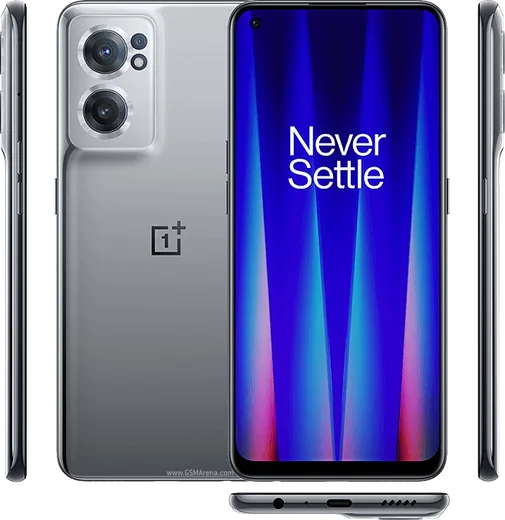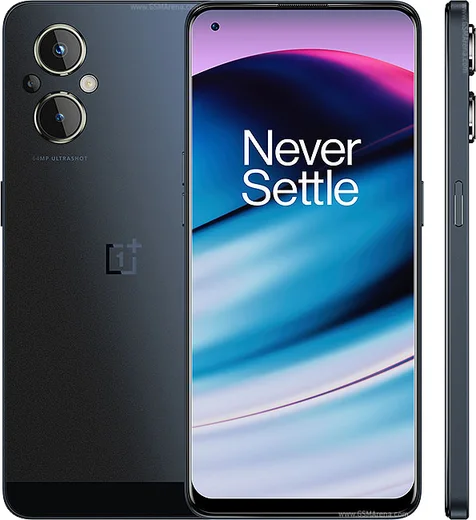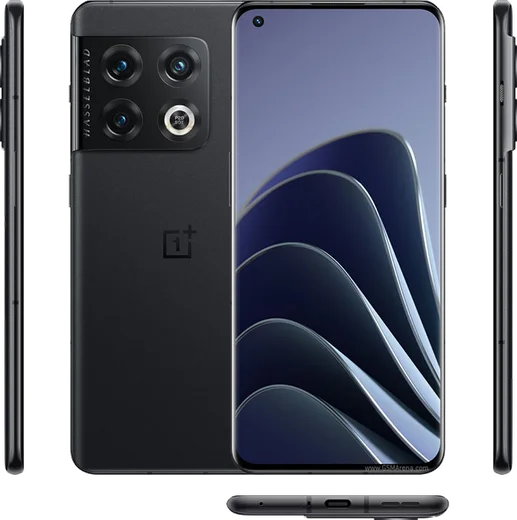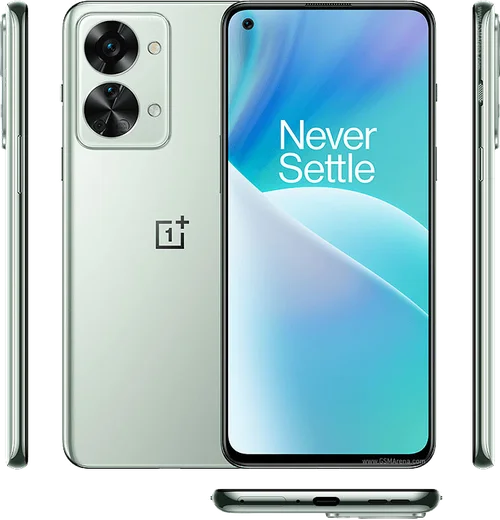
WhatsApp on OnePlus 10R
OnePlus Android

WhatsApp for OnePlus 10R

Dimensity 8100-Max, 6.7-inch 120Hz, 150W charge

WhatsApp Messenger 4.7 · 64.2M reviews Free · Android · ~40 MB · by WhatsApp LLC
Download WhatsApp

Ask a question / report a problem

You can ask any question about WhatsApp support on the OnePlus 10R — leave it below and we'll help.

Ask a question

Can the OnePlus 10R run WhatsApp?

Fully supported
  • Operating systemAndroid
  • ProcessorDimensity 8100-Max
  • WhatsApp versionLatest supported

Latest known WhatsApp problems on OnePlus 10R

1

Why is WhatsApp automatically deleting media on my OnePlus 10R?

OxygenOS's aggressive background management and any built-in or third-party storage cleaner can wipe WhatsApp media in the background. First, set WhatsApp to unrestricted background use: Settings > Apps > App management > WhatsApp > Battery usage > and choose Don't optimize (or Unrestricted). Then open WhatsApp > Settings > Chats and turn on Media visibility so media stays saved to your gallery. Finally, confirm WhatsApp has full Files and media permission under Settings > Apps > App management > WhatsApp > Permissions, and uninstall or disable any cleaner apps that may be purging the WhatsApp folder. See how others solved this on Reddit
2

WhatsApp video calls are laggy or freezing on my OnePlus 10R

Lag during WhatsApp video calls is usually the system throttling the app plus background processes using RAM. Set WhatsApp to unrestricted battery use via Settings > Apps > App management > WhatsApp > Battery usage > Don't optimize (or Unrestricted), close other background apps, and update WhatsApp from the Play Store. If it stutters mainly on cellular, a weak 5G signal can cause it, so try switching the preferred network type under Settings > Mobile network to test 4G/LTE versus 5G. See how others solved this on Reddit
3

I'm not getting WhatsApp notifications on my OnePlus 10R until I open the app

Delayed or missing WhatsApp notifications are almost always OxygenOS killing the app in the background. Set WhatsApp to unrestricted battery use under Settings > Apps > App management > WhatsApp > Battery usage > Don't optimize, then lock WhatsApp in the recent-apps tray (open recents, tap the app's icon or menu, choose Lock) so it isn't cleared from memory. Also confirm notifications are enabled under Settings > Apps > App management > WhatsApp > Notifications, and that Do Not Disturb isn't silencing them. See how others solved this on Reddit
4

Why do WhatsApp calls ring through during a regular phone call on my OnePlus 10R?

WhatsApp calls use VoIP over data while normal calls use the cellular line, and the two are handled separately, so an incoming WhatsApp call can ring (or interrupt) during a regular phone call. There's no full fix from WhatsApp's side, but during important calls you can enable Do Not Disturb under Settings > Sound & vibration > Do Not Disturb to suppress the extra ring, or simply decline the incoming WhatsApp call. Keeping both WhatsApp and OxygenOS updated helps reduce audio glitches when the two overlap. See how others solved this on Reddit
5

WhatsApp keeps stopping or crashing on my OnePlus 10R

"WhatsApp keeps stopping" usually comes from a corrupted cache or an outdated build after an OxygenOS update. Go to Settings > Apps > App management > WhatsApp > Storage usage > Clear cache (not Clear data, which would wipe local chats), then update WhatsApp from the Play Store and restart the phone. If it still crashes, back up your chats via WhatsApp > Settings > Chats > Chat backup, then reinstall WhatsApp. See how others solved this on Reddit
6

WhatsApp call audio cuts out when I switch to another app on my OnePlus 10R

When you open another app mid-call, OxygenOS can suspend WhatsApp in the background, muting your audio. Set WhatsApp to unrestricted background activity under Settings > Apps > App management > WhatsApp > Battery usage > Don't optimize, and lock the app in the recent-apps view so the system won't pause it. Also confirm the Microphone permission is allowed under Settings > Apps > App management > WhatsApp > Permissions. See how others solved this on Reddit

Ask a question / report a problem

You can ask any question about WhatsApp support on the OnePlus 10R — leave it below and we'll help.

Ask a question

Watch: setting up WhatsApp

Prefer to watch? This short walkthrough shows the whole installation and number-verification flow.

How to install WhatsApp on OnePlus 10R — video walkthrough

How to install WhatsApp on OnePlus 10R

1

Choose how to download

On your OnePlus 10R you can get the official app two ways: from the Google Play Store — the easiest option, since it keeps WhatsApp updated automatically — or directly from the official website. You can download an APK file, by clicking a link “Download WhatsApp directly”.

2

Open WhatsApp

Launch WhatsApp from your home screen or app drawer and accept the Terms of Service to start setup.

3

Verify your phone number

Enter your phone number. If your OnePlus 10R uses dual SIM, pick the line you want WhatsApp tied to, then enter the 6-digit code it sends by SMS — it usually fills in automatically.

4

Restore chats and finish setup

Restore your chat history from Google Drive (use the same Google account), add your name and photo, and tap Allow for notifications so messages and calls arrive reliably.

Stay safe: only ever install WhatsApp from the official Android source. The Download button above already points there — modified copies (GB/Plus/Aero WhatsApp) can get your number banned.

Comments (13)

No registration needed. No email required.
I
its_priyaJun 9, 2026

Ngl best site for this honestly

L
lucy.fMar 26, 2026

finally got whatsapp running on my OnePlus 10R thanks again

L
lucy.tMar 16, 2026

Hey is the oneplus 10r compatible with whatsapp ?

AppWhatsOfficialMar 21, 2026

Thanks for asking, absolutely, the your phone is supported. Follow the steps above and you will be chatting in minutes.

A
apploverFeb 23, 2026

wow couldnt install whatsapp on my OnePlus 10R until i found this :)

A
aliSep 8, 2025

سهل جداً بدون مشاكل 👍

M
maxx.mAug 9, 2025

davvero ha funzionato benissimo, grazie

U
ugh_helpJul 3, 2025

Why does it crash on opening pls

AppWhatsOfficialJul 7, 2025

Thanks for asking, sorry to hear that. Please clear the app cache in Settings, make sure your system software is updated, then reinstall the latest version. Hope that helps!

E
eeeeeemmmmmaaaaaJun 24, 2025

set up whatsapp on my dads oneplus 10r no problem

AppWhatsOfficialJun 28, 2025

Great to hear it worked out!

S
sol_greJun 4, 2025

ngl my oneplus 10r was being difficult but this sorted it

K
kev34Jan 1, 2025

finally saved me so much time 💯

L
luca_sarDec 11, 2024

wont this give me a virus pls

AppWhatsOfficialDec 17, 2024

Hi! Yes, this is safe. Stick to the official download we link to and avoid modified copies and you will be fine. Happy chatting!

P
pete_sarSep 16, 2024

ugh omggg i cant install it someone heeelp :(

AppWhatsOfficialSep 18, 2024

Breathe! Follow the steps above one by one, tap Download first, and you will be chatting in no time.

T
theuserSep 9, 2024

echt super easy, alles startklar