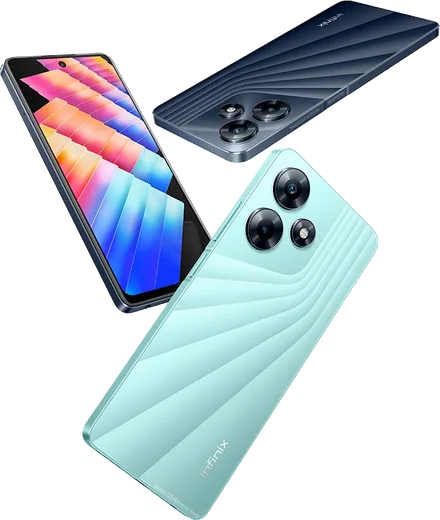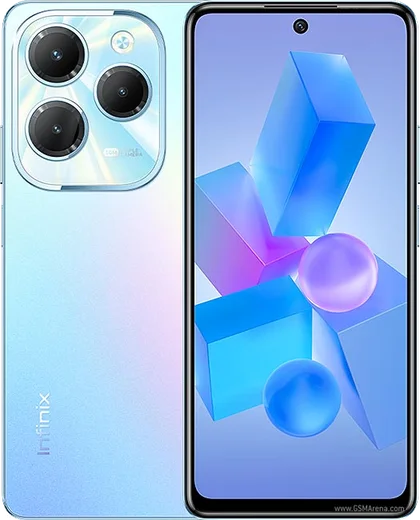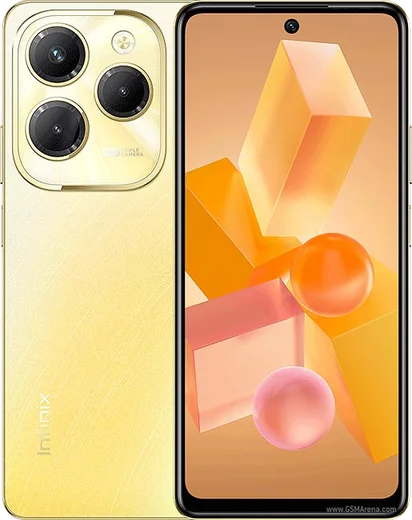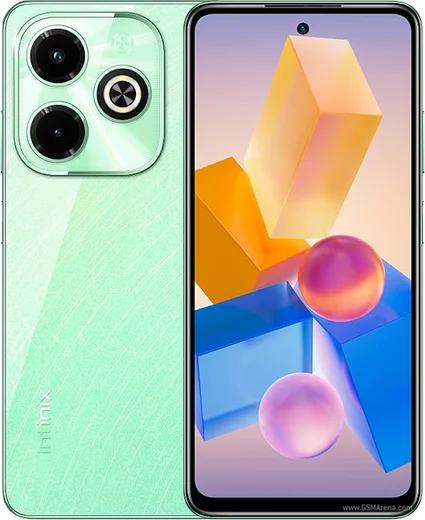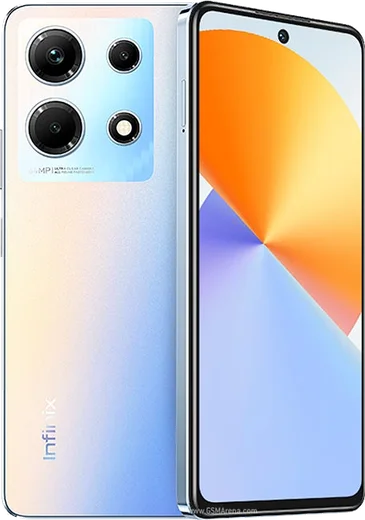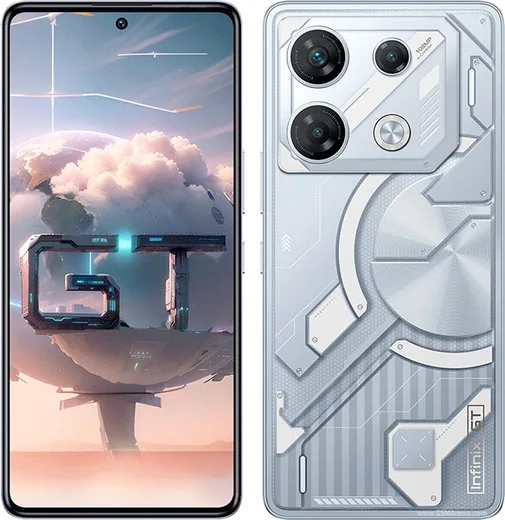
Infinix Android

WhatsApp for Infinix Zero 30 5G

Dimensity 8020, 6.78-inch 144Hz curved AMOLED, 4K selfie

WhatsApp Messenger 4.7 · 64.2M reviews Free · Android · ~40 MB · by WhatsApp LLC
Download WhatsApp

Ask a question / report a problem

You can ask any question about WhatsApp support on the Infinix Zero 30 5G — leave it below and we'll help.

Ask a question

Can the Infinix Zero 30 5G run WhatsApp?

Fully supported
  • Operating systemAndroid
  • ProcessorDimensity 8020
  • WhatsApp versionLatest supported

Latest known WhatsApp problems on Infinix Zero 30 5G

1

How do I remove bloatware and stop the spammy ads and notifications on the Infinix Zero 30 5G?

The most common XOS complaint is preinstalled apps (Palm Store, Phoenix Browser, and various game shortcuts) that push ads and notifications. Long-press each unwanted app and choose Uninstall where it's allowed. For ones you can't remove, open Settings > Apps > App management > [app] > Notifications and turn them off. Then go to Settings > Connection & sharing (or Special features) and disable any 'app recommendations' toggles, and turn off ad personalization under Settings > Google > Ads > Opt out of Ads Personalization. See how others solved this on Reddit
2

My Infinix Zero 30 5G feels laggy and apps keep getting killed in the background after a while

XOS is aggressive about closing background apps to save battery, which causes reloads and missed notifications. Go to Settings > Battery > App battery management and set your important apps to 'No restrictions' (Infinix also markets this as Power Marathon), then open Recent apps, pull down on a card and tap the lock so it isn't cleared automatically. Keeping at least 15-20% of storage free and reducing animation scales under Developer options also smooths things out. See how others solved this on Reddit
3

Should I install the XOS 15 update on my Infinix Zero 30 5G, or will it break features?

Several Infinix owners reported that major XOS updates removed or hid familiar features and introduced new bugs, so don't rush a fresh release. Back up your data first to Google (Settings > Google > Backup) and locally, then wait a week or two and check Infinix community feedback before tapping Settings > System > System update. If an update misbehaves, a factory reset afterward often clears leftover glitches, since XOS generally doesn't support rolling back. See how others solved this on Reddit
4

How long will my Infinix Zero 30 5G get software and security updates?

A common regret with Infinix is short update support, typically only a couple of OS upgrades and infrequent security patches compared with Samsung or Xiaomi. Check your current build under Settings > About phone (look at Android version and the security patch level), and install patches as soon as they appear since they may be irregular. If long-term security matters to you, keep your key apps updated through the Play Store directly, which patches independently of XOS. See how others solved this on Reddit
5

Battery drains fast and the Infinix Zero 30 5G gets warm during gaming and charging

Heat and drain usually come from the bright AMOLED running at 120Hz plus background sync. Set the refresh rate to Auto under Settings > Display > Refresh rate, turn on a battery saver mode under Settings > Battery, and switch to LTE when you don't need 5G via Settings > Mobile network > [SIM] > Preferred network type. For heavy gaming, use the built-in performance/game mode and avoid using the phone while it fast-charges, which is what generates most of the warmth. See how others solved this on Reddit
6

Is the Infinix Zero 30 5G actually reliable, or will it slow down and have issues over time?

Infinix gets criticized for longevity, but most slowdowns are software rather than hardware. Keep at least 15-20% of storage free, do a clean Settings > System > Reset options > Erase all data (factory reset) roughly once a year, and avoid sideloading random APKs that spawn the constant background processes people complain about. Using a case and screen protector plus disabling the worst preloaded apps keeps a Zero 30 5G feeling solid well past the first year. See how others solved this on Reddit

Ask a question / report a problem

You can ask any question about WhatsApp support on the Infinix Zero 30 5G — leave it below and we'll help.

Ask a question

Watch: setting up WhatsApp

Prefer to watch? This short walkthrough shows the whole installation and number-verification flow.

How to install WhatsApp on Infinix Zero 30 5G — video walkthrough

How to install WhatsApp on Infinix Zero 30 5G

1

Choose how to download

On your Infinix Zero 30 5G you can get the official app two ways: from the Google Play Store — the easiest option, since it keeps WhatsApp updated automatically — or directly from the official website. You can download an APK file, by clicking a link “Download WhatsApp directly”.

2

Open WhatsApp

Launch WhatsApp from your home screen or app drawer and accept the Terms of Service to start setup.

3

Verify your phone number

Enter your phone number. If your Infinix Zero 30 5G uses dual SIM, pick the line you want WhatsApp tied to, then enter the 6-digit code it sends by SMS — it usually fills in automatically.

4

Restore chats and finish setup

Restore your chat history from Google Drive (use the same Google account), add your name and photo, and tap Allow for notifications so messages and calls arrive reliably.

Stay safe: only ever install WhatsApp from the official Android source. The Download button above already points there — modified copies (GB/Plus/Aero WhatsApp) can get your number banned.

Comments (10)

No registration needed. No email required.
N
newphoneJun 18, 2026

Très simple, fait en 2 minutes 🎉

N
nick_kJun 5, 2026

Ngl worked perfect on my Zero 30 5G

L
luca55Apr 14, 2026

downloaded and installed on my infinix zero 30 5g :)

X
xX_yukiDec 10, 2025

sorry but does this cost money thanks

AppWhatsOfficialDec 14, 2025

No payment needed at all. WhatsApp is free, you just need an internet connection. Happy chatting!

G
gabe39Dec 6, 2025

the download is very slow is that normal anyone

AppWhatsOfficialDec 9, 2025

Good question, it depends on your connection. Try switching to wifi if you can, and the download should finish in under a minute on most networks. Reach out anytime.

M
maxx.uNov 14, 2025

got my Zero 30 5G sorted thanks to you

B
ben.qApr 21, 2025

Someone my whole family is waiting pls help me install it

AppWhatsOfficialApr 24, 2025

Take a breath, we got you. Press Download above, then Install, then verify your number. That is all it takes. You will be set up on your phone in no time.

T
techguyDec 14, 2024

wow facilissimo, fatto in 2 minuti 🙏

J
just_ivanOct 21, 2024

wow clear steps for the zero305g, cheers 👌

E
ella_kaiSep 27, 2024

honestly did this on my Zero 30 5G and it just worked

AppWhatsOfficialSep 30, 2024

Happy it helped you!