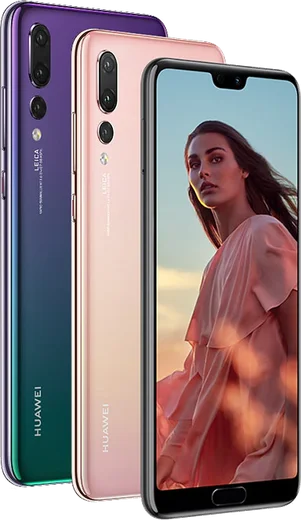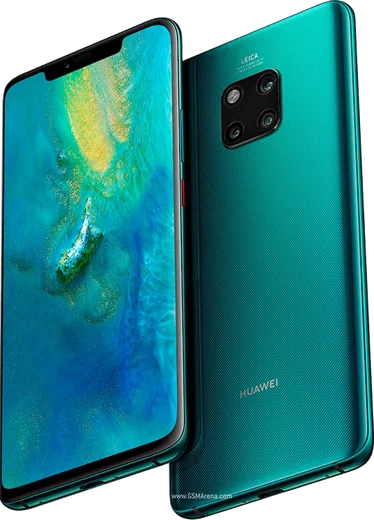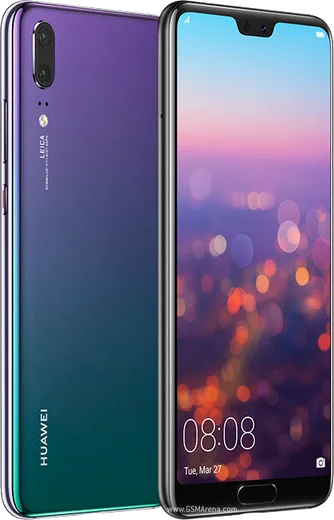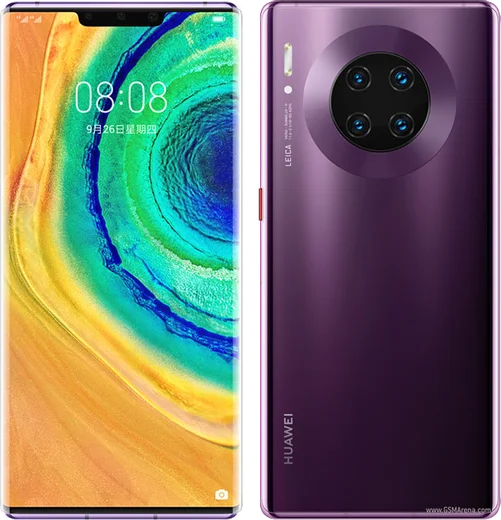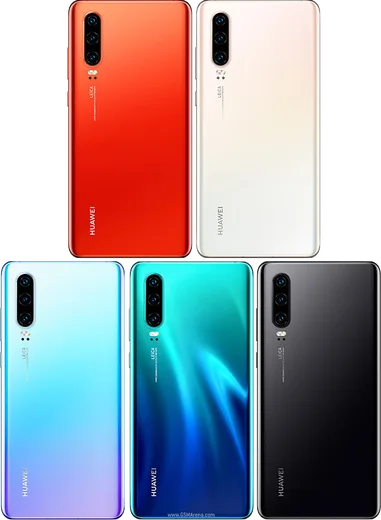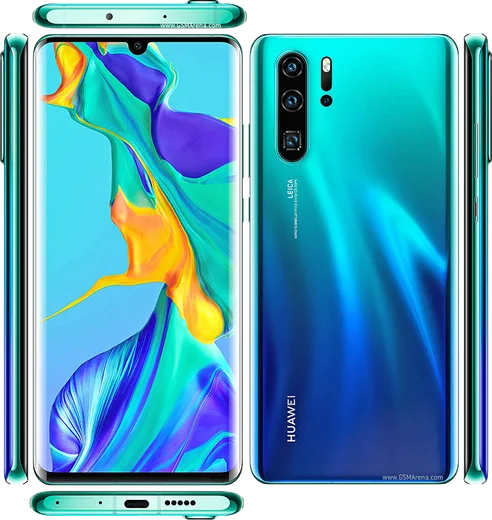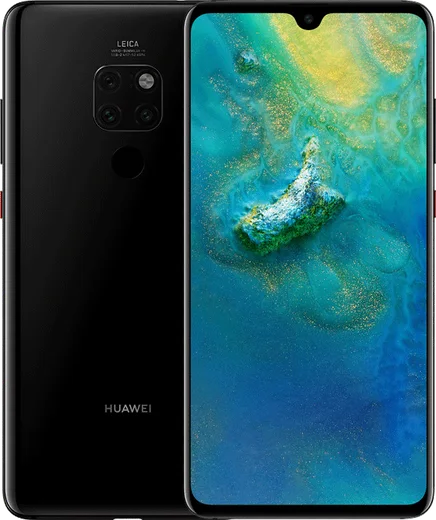
WhatsApp on Huawei P20 Pro
Huawei HarmonyOS

WhatsApp for Huawei P20 Pro

Kirin 970, 6.1-inch OLED, Leica triple 40MP camera

WhatsApp Messenger 4.7 · 64.2M reviews Free · HarmonyOS · ~40 MB · by WhatsApp LLC
Download WhatsApp

Ask a question / report a problem

You can ask any question about WhatsApp support on the Huawei P20 Pro — leave it below and we'll help.

Ask a question

Can the Huawei P20 Pro run WhatsApp?

Fully supported
  • Operating systemHarmonyOS
  • ProcessorKirin 970
  • WhatsApp versionLatest supported

Latest known WhatsApp problems on Huawei P20 Pro

1

WhatsApp stopped working on my Huawei P20 Pro after an update

WhatsApp periodically drops support for very old app versions and older Android releases, so an outdated build on the P20 Pro can suddenly stop launching or connecting. First update WhatsApp: if the Play Store is present and working, update there; otherwise download the latest APK directly from whatsapp.com/android and install over the existing app (this keeps your chats). Before any reinstall, open WhatsApp > Settings > Chats > Chat backup to save a local backup, then update or reinstall the current version. See how others solved this on Reddit
2

WhatsApp no longer works on my Huawei after switching to EMUI 13 / HarmonyOS

On EMUI 13 and HarmonyOS, devices without Google Play Services can hit verification or connection errors with WhatsApp. Uninstall the current copy and sideload the latest build straight from whatsapp.com/android, which handles core messaging without Play Services. Then open Settings > Apps > WhatsApp, allow unrestricted background activity, and turn off battery optimization for WhatsApp so it stays connected and receives notifications. See how others solved this on Reddit
3

Voice calls sound muffled on WhatsApp but the voice recorder is clear on my P20 Pro

Clear local recordings but muffled call audio points to software noise-suppression or permissions rather than a broken mic. Open Settings > Apps > WhatsApp > Permissions and confirm the Microphone is allowed, then restart the phone to reset audio routing. If it persists, clear WhatsApp's cache via Settings > Apps > WhatsApp > Storage and test a call. Dust in the bottom mic port can also muffle audio, so gently clean it. See how others solved this on Reddit
4

WhatsApp voice notes don't show any waveform on my Huawei P20 Pro

A missing waveform on voice notes is usually a WhatsApp rendering glitch after an update or a corrupted cache. Go to Settings > Apps > WhatsApp > Storage and clear the cache (not data), then force stop and reopen the app. If it continues, reinstall the latest version from whatsapp.com/android, since outdated sideloaded builds can drop UI elements like the waveform. See how others solved this on Reddit
5

How do I move my WhatsApp chat history from my Huawei P20 Pro to an iPhone?

WhatsApp's official Android-to-iPhone transfer relies on Apple's Move to iOS app and Google Play Services, which can be unreliable or missing on the P20 Pro. The dependable workaround is a paid third-party tool such as Wutsapper or iCareFone Transfer over USB, which copies the WhatsApp database directly to the iPhone. Before starting, open WhatsApp > Settings > Chats > Chat backup so a fresh local backup exists on the phone. See how others solved this on Reddit
6

How can I copy or back up my WhatsApp chats on the Huawei P20 Pro without Google Drive?

If Google Drive backup is unavailable, use WhatsApp's local backup instead. Open WhatsApp > Settings > Chats > Chat backup to write a local backup to internal storage, then copy the WhatsApp folder (Internal storage > Android/media/com.whatsapp/WhatsApp) to a PC or card. To restore on another phone, place that folder in the same path before installing WhatsApp and it will detect the local backup. See how others solved this on Reddit

Ask a question / report a problem

You can ask any question about WhatsApp support on the Huawei P20 Pro — leave it below and we'll help.

Ask a question

Watch: setting up WhatsApp

Prefer to watch? This short walkthrough shows the whole installation and number-verification flow.

How to install WhatsApp on Huawei P20 Pro — video walkthrough

How to install WhatsApp on Huawei P20 Pro

1

Open Huawei AppGallery

On your Huawei P20 Pro, tap the AppGallery icon — Huawei's own app store. Newer Huawei phones ship without Google Play, so AppGallery is where you get WhatsApp.

2

Search for WhatsApp

Search WhatsApp Messenger in AppGallery and confirm it's published by WhatsApp LLC. If it isn't offered in your region, use Petal Search to download the official app.

3

Install the app

Tap Install. AppGallery downloads and installs WhatsApp; if prompted, allow installing the app so it can finish.

4

Verify your phone number

Open WhatsApp, accept the terms, and enter your phone number. On a dual-SIM Huawei P20 Pro, pick the line you want WhatsApp tied to, then enter the 6-digit code it sends by SMS.

5

Allow notifications and background activity

Add your name and photo, tap Allow for notifications, then open Settings > Battery and let WhatsApp auto-launch and run in the background so messages arrive on time on HarmonyOS.

Stay safe: only ever install WhatsApp from the official HarmonyOS source. The Download button above already points there — modified copies (GB/Plus/Aero WhatsApp) can get your number banned.

Comments (6)

No registration needed. No email required.
H
helpmeMay 13, 2026

so 10 out of 10 thx

T
tan_officialSep 7, 2025

update finally got whatsapp running on my Huawei P20 Pro ✌️

L
lou13Aug 18, 2025

ugh pleaseee my Huawei P20 Pro wont install whatsapp i give up 😭

AppWhatsOfficialAug 20, 2025

Relax, it is simpler than it looks. Press Download, install, then verify with the SMS code. You got this! Reply here if you get stuck.

I
im_ellaJun 15, 2025

Ok so running whatsapp on my P20 Pro like new thanks again

N
needwhatsappDec 12, 2024

hé trop facile, mon P20 Pro est prêt 👍

T
the_real_tinaOct 4, 2024

Wow thank u so much lol