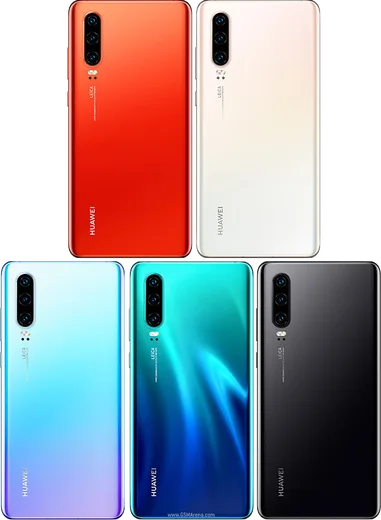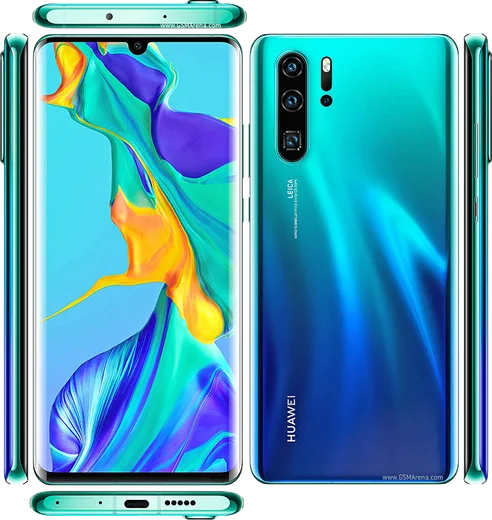
WhatsApp on Huawei P30
Huawei HarmonyOS

WhatsApp for Huawei P30

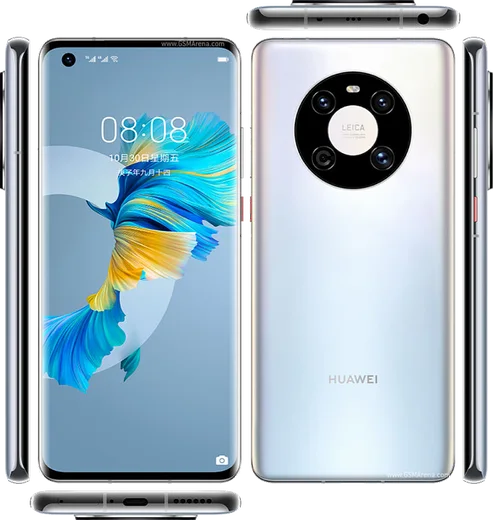
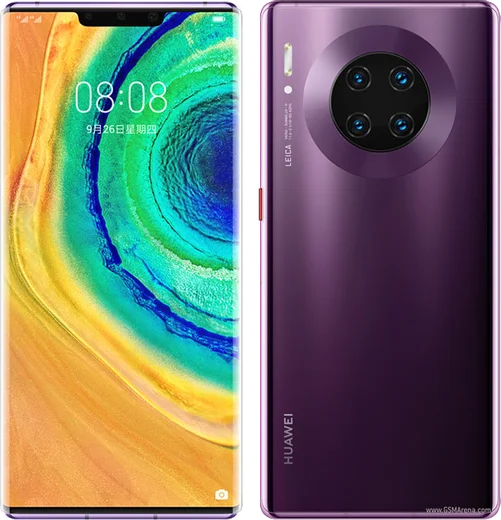
Kirin 980, 6.1-inch OLED, Leica triple camera

WhatsApp Messenger 4.7 · 64.2M reviews Free · HarmonyOS · ~40 MB · by WhatsApp LLC
Download WhatsApp

Ask a question / report a problem

You can ask any question about WhatsApp support on the Huawei P30 — leave it below and we'll help.

Ask a question

Can the Huawei P30 run WhatsApp?

Fully supported
  • Operating systemHarmonyOS
  • ProcessorKirin 980
  • WhatsApp versionLatest supported

Latest known WhatsApp problems on Huawei P30

1

Where do I download WhatsApp on my Huawei P30 without Google Play?

The Huawei P30 ships without Google Mobile Services, so there's no Play Store. Open AppGallery and search for WhatsApp, which Huawei now distributes there, or download the official APK from whatsapp.com/android and tap the file to install (you'll need to allow installs from that source when prompted). Avoid third-party APK mirrors, which can carry tampered builds that get your number banned. See how others solved this on Reddit
2

WhatsApp notifications don't arrive until I open the app on my P30 - how do I fix it?

This is the P30's aggressive battery management killing WhatsApp in the background. Go to Settings > Battery > App launch, find WhatsApp, switch it from Automatic to Manage manually, and enable Auto-launch, Secondary launch, and Run in background. It also helps to long-press WhatsApp's notification card and keep it allowed. With those set, messages and calls arrive in real time even with the screen off. See how others solved this on Reddit
3

What's the best way to move my WhatsApp chats from my P30 to a new Huawei phone?

Huawei phones have no Google Drive backup, so restore from a local backup instead. On the P30 open WhatsApp > Settings > Chats > Chat backup and create a fresh local backup, then copy the WhatsApp folder (Internal storage > Android > media > com.whatsapp) to the new phone using Huawei Phone Clone or a cable before installing WhatsApp. When you set up WhatsApp on the new device with the same number, it will detect the local backup and offer to restore. See how others solved this on Reddit
4

I transferred to my Huawei P30 and now I'm not receiving WhatsApp messages - what went wrong?

After a transfer this is almost always a verification or background-restriction issue rather than lost data. Reinstall WhatsApp from AppGallery or the official APK, re-verify your number by SMS so the account is bound to this device, then whitelist it under Settings > Battery > App launch (set WhatsApp to Manage manually with all three toggles on). If messages still stall, confirm background data is allowed under Settings > Apps > WhatsApp > Data usage. See how others solved this on Reddit
5

WhatsApp keeps crashing and closing on my Huawei P30 - how do I stop it?

Crashing usually points to a stale install or a corrupted cache after a system update. Go to Settings > Apps > WhatsApp > Storage and tap Clear cache (not Clear data, which deletes chats), then reboot the phone. If it still closes, uninstall and reinstall the latest version from AppGallery or whatsapp.com so you're not running an outdated APK that's incompatible with your current system version. See how others solved this on Reddit

Ask a question / report a problem

You can ask any question about WhatsApp support on the Huawei P30 — leave it below and we'll help.

Ask a question

Watch: setting up WhatsApp

Prefer to watch? This short walkthrough shows the whole installation and number-verification flow.

How to install WhatsApp on Huawei P30 — video walkthrough

How to install WhatsApp on Huawei P30

1

Open Huawei AppGallery

On your Huawei P30, tap the AppGallery icon — Huawei's own app store. Newer Huawei phones ship without Google Play, so AppGallery is where you get WhatsApp.

2

Search for WhatsApp

Search WhatsApp Messenger in AppGallery and confirm it's published by WhatsApp LLC. If it isn't offered in your region, use Petal Search to download the official app.

3

Install the app

Tap Install. AppGallery downloads and installs WhatsApp; if prompted, allow installing the app so it can finish.

4

Verify your phone number

Open WhatsApp, accept the terms, and enter your phone number. On a dual-SIM Huawei P30, pick the line you want WhatsApp tied to, then enter the 6-digit code it sends by SMS.

5

Allow notifications and background activity

Add your name and photo, tap Allow for notifications, then open Settings > Battery and let WhatsApp auto-launch and run in the background so messages arrive on time on HarmonyOS.

Stay safe: only ever install WhatsApp from the official HarmonyOS source. The Download button above already points there — modified copies (GB/Plus/Aero WhatsApp) can get your number banned.

Comments (4)

No registration needed. No email required.
N
nick_xNov 27, 2024

Enfin des étapes super claires pour le P30 🙏

T
tom.zNov 1, 2024

Quick q can i install without google play thanks

AppWhatsOfficialNov 4, 2024

Yes you can. Enable 'Install unknown apps' for your browser in Settings, then open the official APK. The steps above cover it. Happy chatting!

B
big_joeSep 17, 2024

hey i been trying since morning pleaseee how to install on p30

AppWhatsOfficialSep 21, 2024

We are here to help. Hit Download, follow the steps on this page, and if the code is slow just request it again. It is easier than it looks, promise.

B
budgetkingJul 14, 2024

So respect, this helped alot cheers