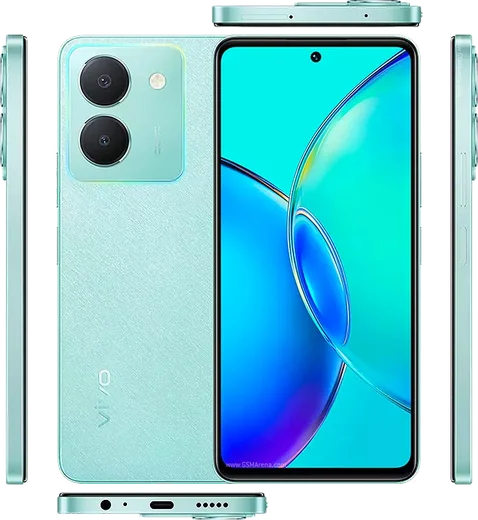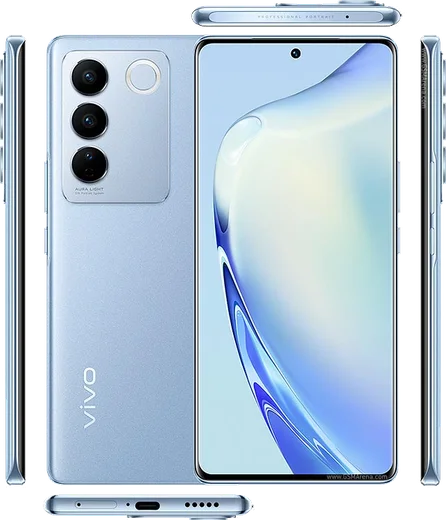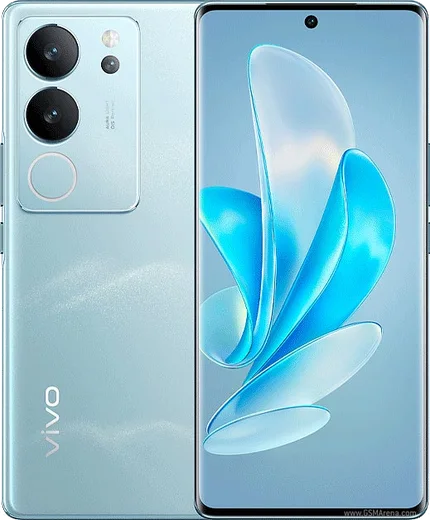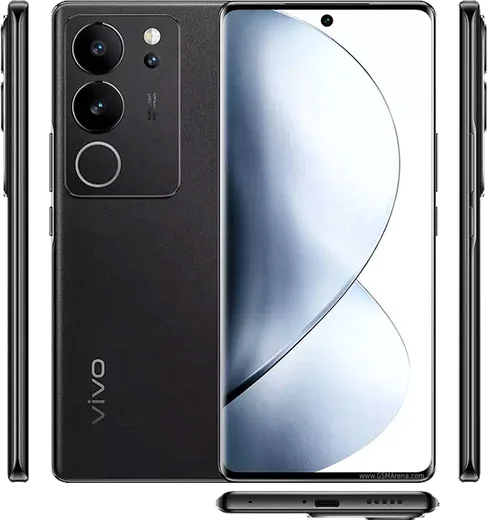
WhatsApp on Vivo Y36
Vivo Android

WhatsApp for Vivo Y36

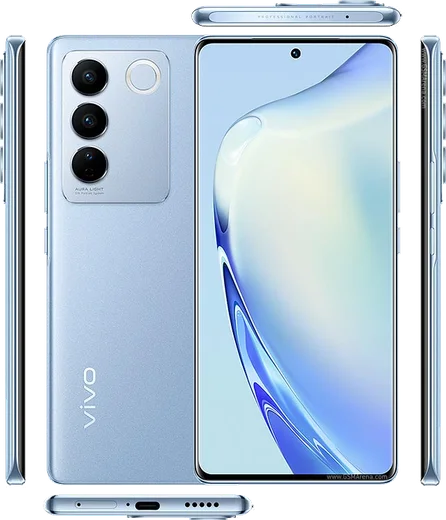
Snapdragon 680, 6.64-inch LCD, 5000mAh, 50MP main camera

WhatsApp Messenger 4.7 · 64.2M reviews Free · Android · ~40 MB · by WhatsApp LLC
Download WhatsApp

Ask a question / report a problem

You can ask any question about WhatsApp support on the Vivo Y36 — leave it below and we'll help.

Ask a question

Can the Vivo Y36 run WhatsApp?

Fully supported
  • Operating systemAndroid
  • ProcessorSnapdragon 680
  • WhatsApp versionLatest supported

Latest known WhatsApp problems on Vivo Y36

1

Why am I not getting WhatsApp notifications on my Vivo Y36 unless I open the app?

OriginOS/Funtouch OS aggressively kills background apps to save battery, which silences WhatsApp pushes. Go to Settings > Battery > High background power consumption and set WhatsApp to 'Allow', then open Settings > Apps > Manage apps > WhatsApp > Battery and choose 'Allow background activity' / 'No restrictions'. Also lock WhatsApp in the Recent apps screen by swiping down on its card (or long-pressing it) and tapping the lock icon so the system doesn't clear it. See how others solved this on Reddit
2

Photos I receive on WhatsApp aren't showing up in my Vivo Y36 Gallery, how do I fix it?

This happens when WhatsApp's media folder is hidden from the Gallery or 'Media visibility' is turned off. Open WhatsApp > Settings > Chats and enable 'Media visibility', then check the specific chat (tap the contact name > Media visibility > On). If they still don't appear, go to Settings > Apps > Manage apps > WhatsApp > Permissions and make sure Photos and media / Storage access is allowed, then restart the phone so the Gallery re-scans the WhatsApp Images folder. See how others solved this on Reddit
3

The text input box disappeared in WhatsApp on my Vivo Y36 and I can't type a message, what now?

This is usually a temporary rendering glitch tied to the keyboard or a stale WhatsApp build. First force-stop the app via Settings > Apps > Manage apps > WhatsApp > Force stop, then reopen it; if the bar is still gone, clear the cache from the same screen (Storage usage > Clear cache, not Clear data). Updating WhatsApp from the Play Store fixes most cases. If it persists, try a different keyboard app and set it as default under Settings > More settings > Languages & input > Default keyboard. See how others solved this on Reddit
4

The Play Store isn't working on my Vivo Y36 so I can't download or update WhatsApp, how do I fix it?

When the Play Store stalls or errors, reset its data and the underlying Google services. Go to Settings > Apps > Manage apps > Google Play Store > Storage usage > Clear cache and Clear data, then do the same for 'Google Play Services'. Afterward check Settings > Accounts and confirm your Google account is signed in. Make sure the date and time are set to automatic and you have a stable connection, then reopen the store and the WhatsApp update should go through. See how others solved this on Reddit
5

Should I update my Vivo Y36 to Origin OS 5 / Funtouch OS 15, and will it affect WhatsApp notifications?

Newer Funtouch OS 15 / Origin OS 5 builds tighten background-power rules, so after any update WhatsApp's battery and notification permissions often need to be re-granted. After updating via Settings > System update, re-enable WhatsApp under Settings > Battery > High background power consumption, and confirm Settings > Notification & status bar > Manage notifications > WhatsApp is allowed to show banners and play sound. Either OS works fine for WhatsApp as long as you whitelist it from battery optimization. See how others solved this on Reddit
6

I got a WhatsApp video call from an unknown foreign number on my Vivo Y36, is it a scam and how do I stop it?

Yes, unsolicited video or voice calls from unknown international numbers are a common scam, so don't answer or call back. Open the call log, tap the number, and choose Block / Report so WhatsApp removes the chat and flags the account. To cut down on these, go to WhatsApp > Settings > Privacy > Calls and enable 'Silence unknown callers', and under Settings > Privacy > Groups set who can add you to groups to 'My contacts'. See how others solved this on Reddit

Ask a question / report a problem

You can ask any question about WhatsApp support on the Vivo Y36 — leave it below and we'll help.

Ask a question

Watch: setting up WhatsApp

Prefer to watch? This short walkthrough shows the whole installation and number-verification flow.

How to install WhatsApp on Vivo Y36 — video walkthrough

How to install WhatsApp on Vivo Y36

1

Choose how to download

On your Vivo Y36 you can get the official app two ways: from the Google Play Store — the easiest option, since it keeps WhatsApp updated automatically — or directly from the official website. You can download an APK file, by clicking a link “Download WhatsApp directly”.

2

Open WhatsApp

Launch WhatsApp from your home screen or app drawer and accept the Terms of Service to start setup.

3

Verify your phone number

Enter your phone number. If your Vivo Y36 uses dual SIM, pick the line you want WhatsApp tied to, then enter the 6-digit code it sends by SMS — it usually fills in automatically.

4

Restore chats and finish setup

Restore your chat history from Google Drive (use the same Google account), add your name and photo, and tap Allow for notifications so messages and calls arrive reliably.

Stay safe: only ever install WhatsApp from the official Android source. The Download button above already points there — modified copies (GB/Plus/Aero WhatsApp) can get your number banned.

Comments (10)

No registration needed. No email required.
A
andy66Dec 29, 2025

guys installed in 2 min 🔥

S
speedyDec 28, 2025

Ok so running whatsapp on my Y36 like new thanks again

N
nooooSep 21, 2025

Same account on two devices possible anyone

AppWhatsOfficialSep 22, 2025

Good question, whatsApp supports linked devices now, so you can use your account on more than one phone. Open Linked Devices in Settings to add another. Glad to help.

D
dan_theJul 19, 2025

finally easy install on my Y36 🔥

G
greg91May 20, 2025

Quick q is whatsapp free or do i have to pay anyone

AppWhatsOfficialMay 22, 2025

Good question, no payment needed at all. WhatsApp is free, you just need an internet connection. Reach out anytime.

V
val.iDec 9, 2024

finally saved me so much time ✌️

B
big_andyNov 17, 2024

Hey cant do this alone HELP how do i download

AppWhatsOfficialNov 21, 2024

Don't worry, you can do this! Use the Download button, install the app, and enter your number to verify.

S
sam23Oct 24, 2024

Installé et opérationnel sur mon Y36

Q
quickfixSep 29, 2024

Omg whatsapp running great on my Y36 thanks again

G
gabe65Aug 8, 2024

por fin pude instalar whatsapp en mi Vivo Y36